Hotels & restaurants
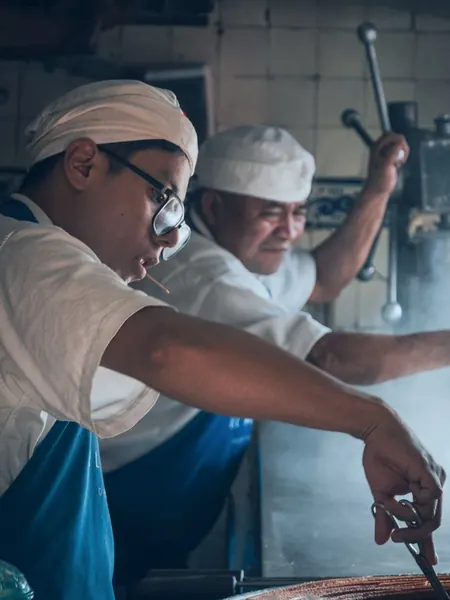
— Get guests to book what they have already toured, with no surprises on arrival.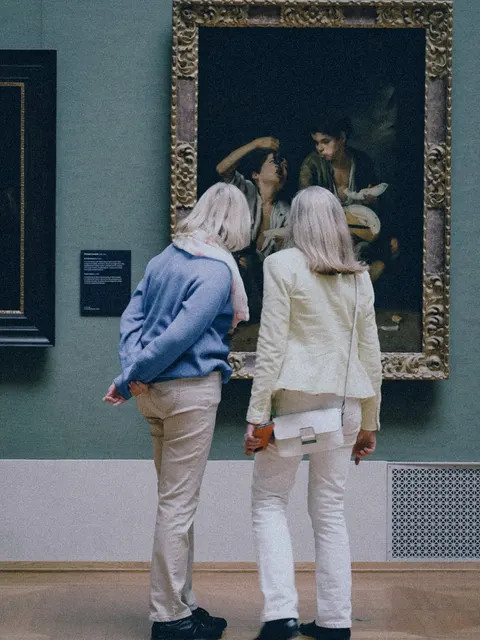
Tourism
— Stay on the shortlist of organisers who compare venues online.
Property
— Pre-qualify your viewers. Buyers explore the property before asking for a viewing.Retail and services
— Open your door to people who are hesitating, even after closing time.Culture & heritage
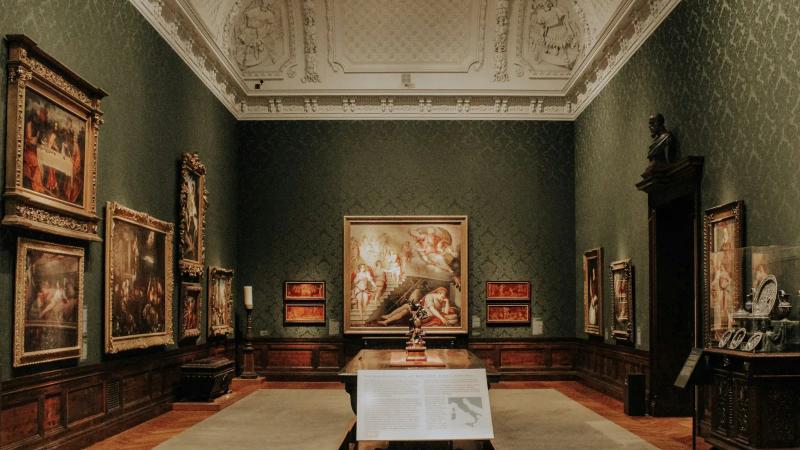
— Make people want to come and see the real thing, and reach far beyond your walls.Education
— Open days that last all year, not just one day.Health & wellbeing
— Reassure families before their first visit, from a distance.Offices & businesses
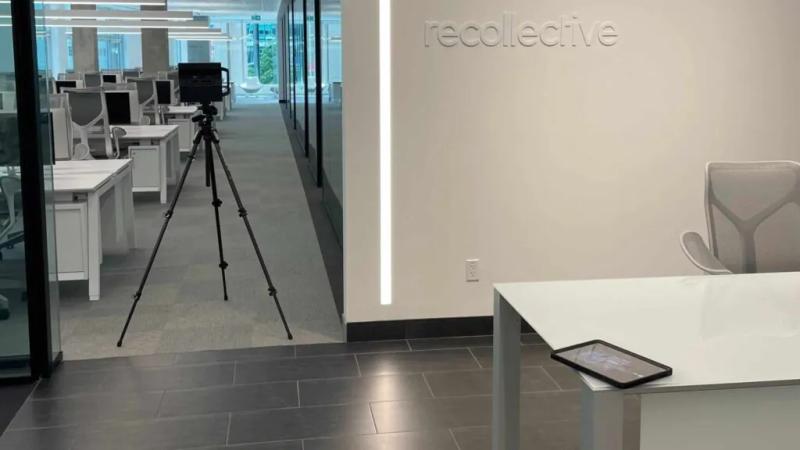
— Be chosen from the online search onwards, by prospects and candidates alike.Renovation
— Survey the existing building before the works, then keep a record of it.Local authorities
— Open the town hall and public facilities to every resident, before they even set foot inside.
Lead generation
— Enquiries from people who have seen it all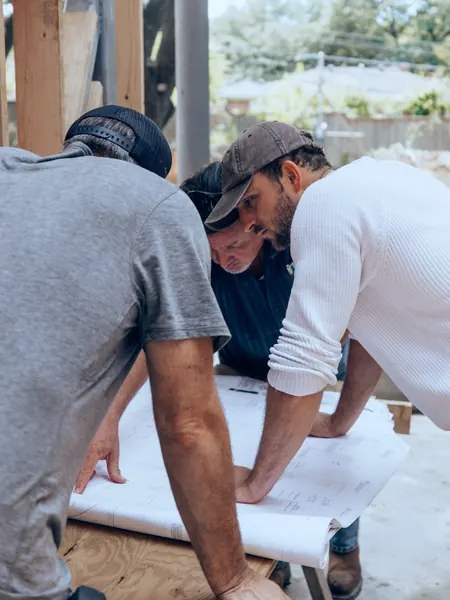
Building renovation
— Survey of the existing building before works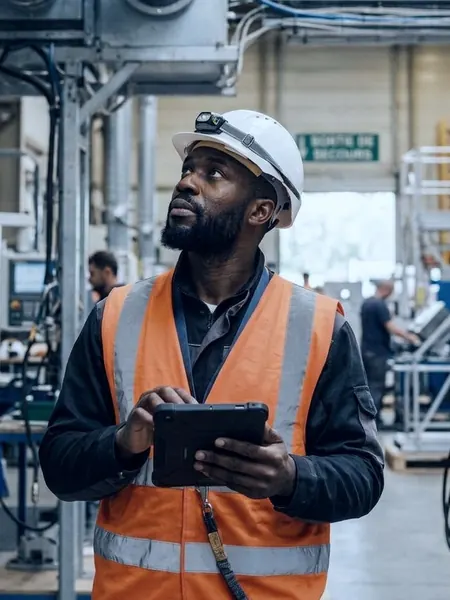
Building management
— 3D survey, BIM model and estate dataFewer wasted viewings
— Only show properties to serious prospectsEmployer branding
— Show candidates your workplaceCSR and accessibility
— Fewer journeys, access for everyoneTraining
— Train people without tying up the siteFire safety
— Exits, shut-offs and evacuation routes mapped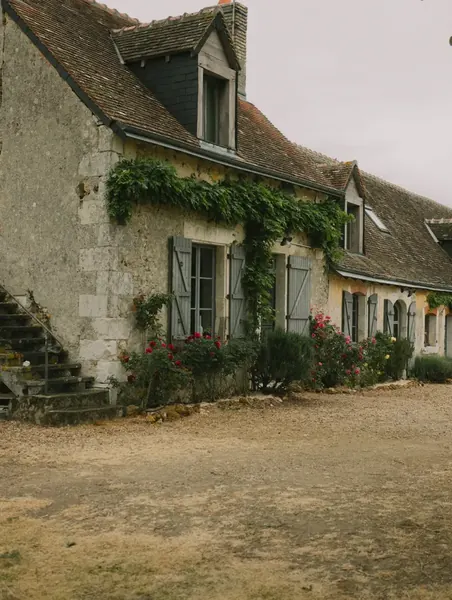

How an IAD agent sold a house stuck for 9 months in under three months
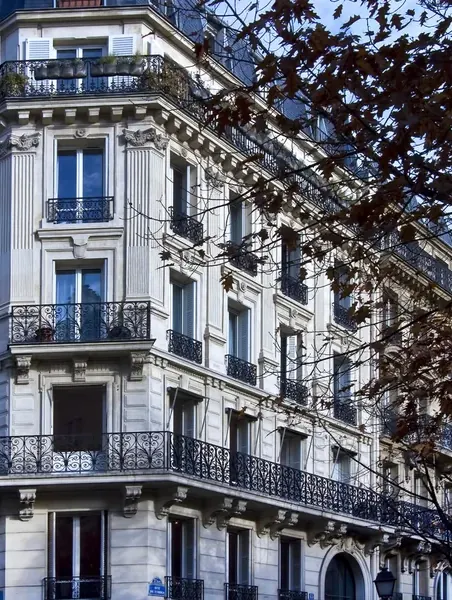

How Office notarial 1661 made its sales smoother and safer with a tour of every property
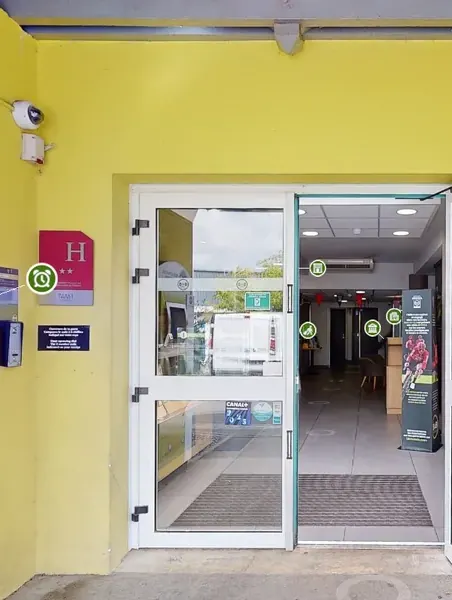

How three B&B hotels made transparency their strongest reason to book
 How an all-you-can-eat buffet won 76 booking intentions from its virtual tour
 How Pigier Dijon built a recruitment channel viewed more than 79,000 times in three months
 How the Ville de Labège catalogued more than 80% of its estate in one year
 How Groupe Fournier cut the design of a store from 10 to 4 days
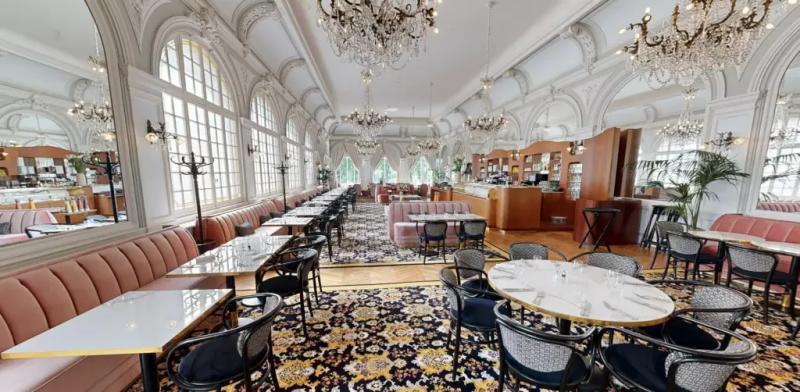 Hôtel Les LumièresHotels & restaurants
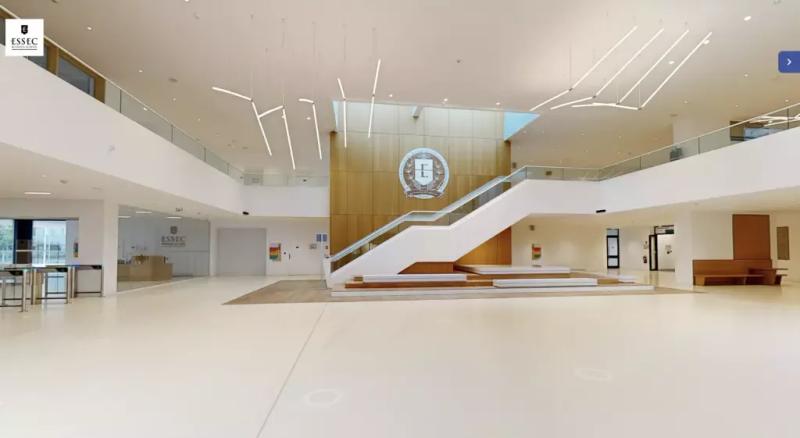 ESSECEducation
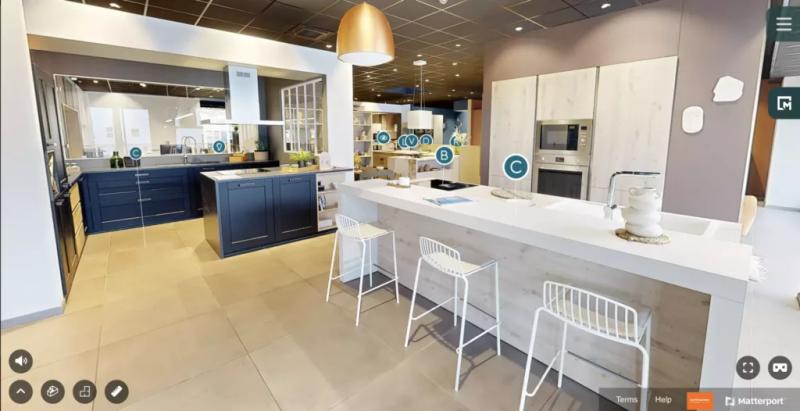 MobalpaRetail and services
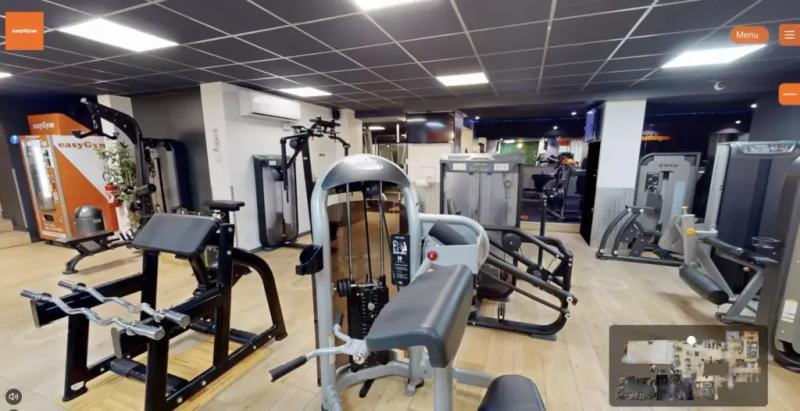 easyGymHealth & wellbeing
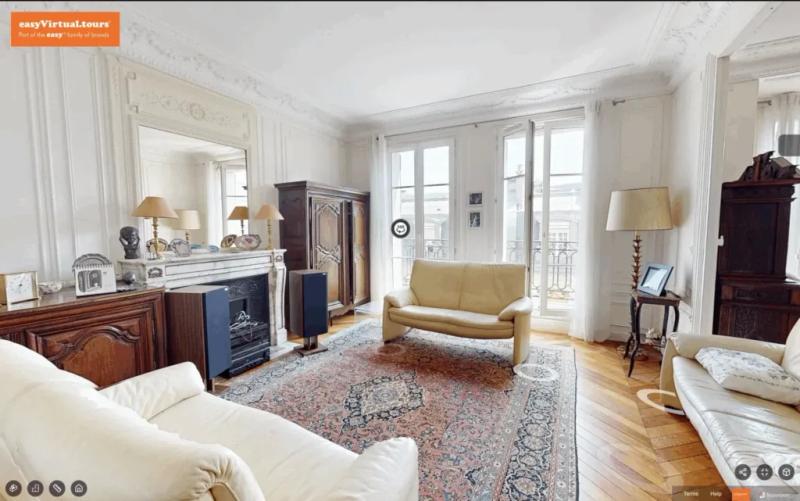 Haussmann-style apartmentProperty



Like them, 1,000+ clients have put their trust in us.
4.9/5 · 188 reviews
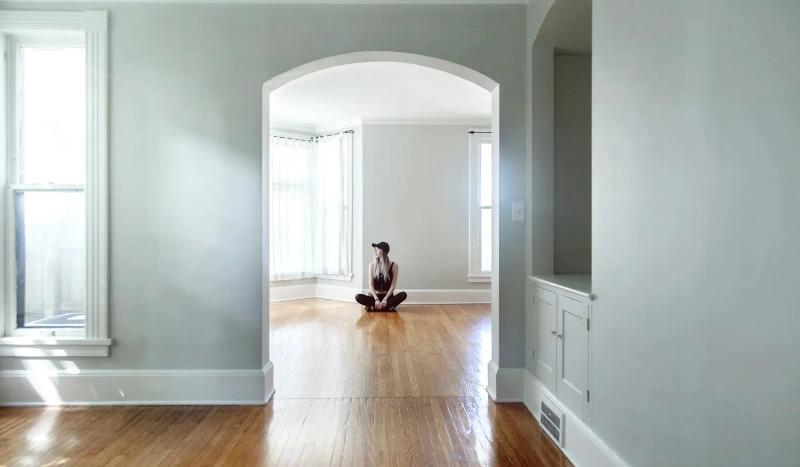
Make your virtual tour a practical lever for your CSR policy.
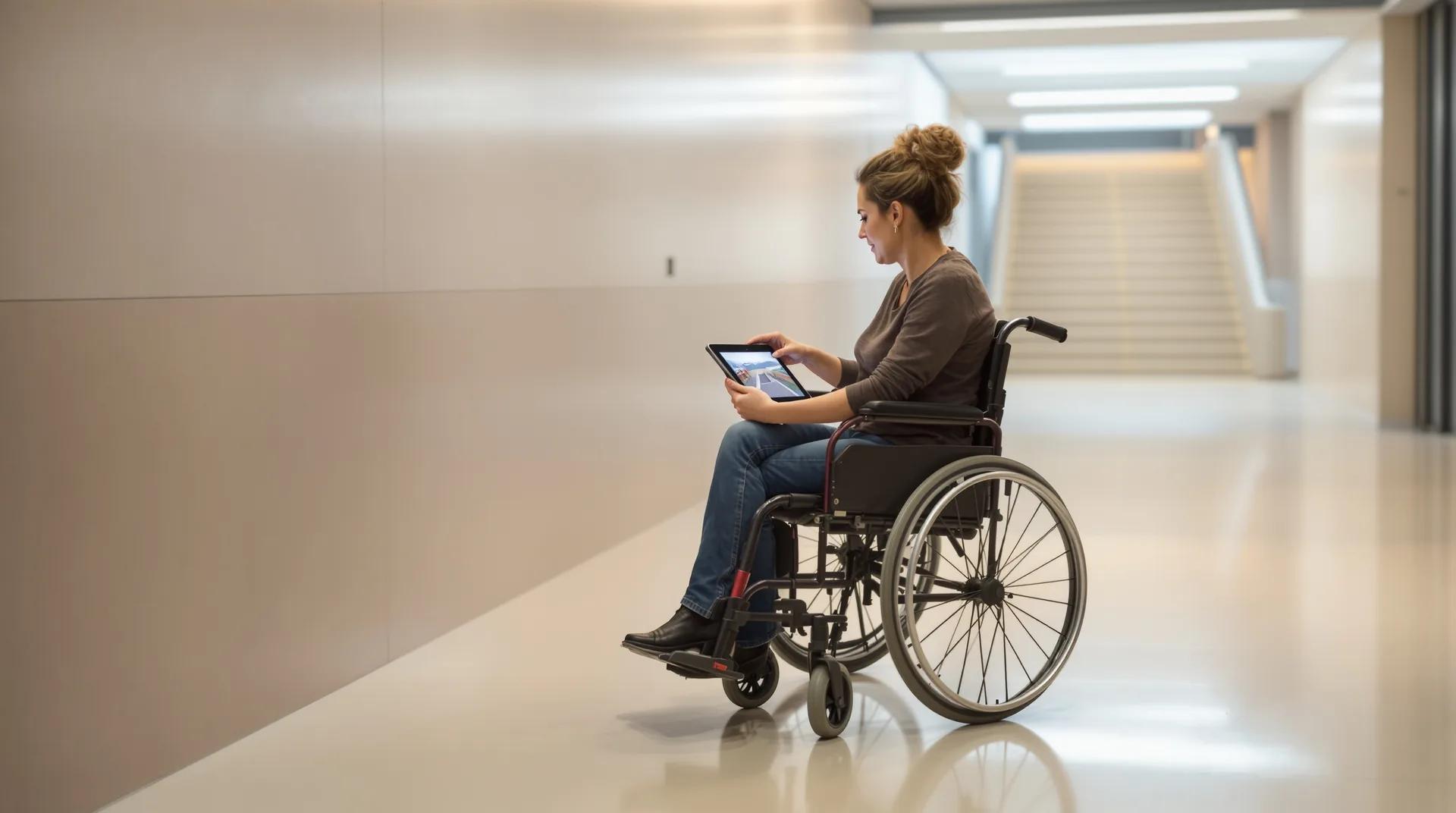
Your spaces can be visited remotely, at any time. People who live far away or have reduced mobility plan their visit, and you cut unnecessary journeys.
- No app needed
- Available remotely, at any time
- One reusable link for all your channels
What if everyone could discover the place before they arrive?
Open the tour and choose how you want to discover the site: explore it entirely from a distance, plan a visit or follow an information route. In a few clicks, everyone finds the spaces that matter to them and the practical information they need.
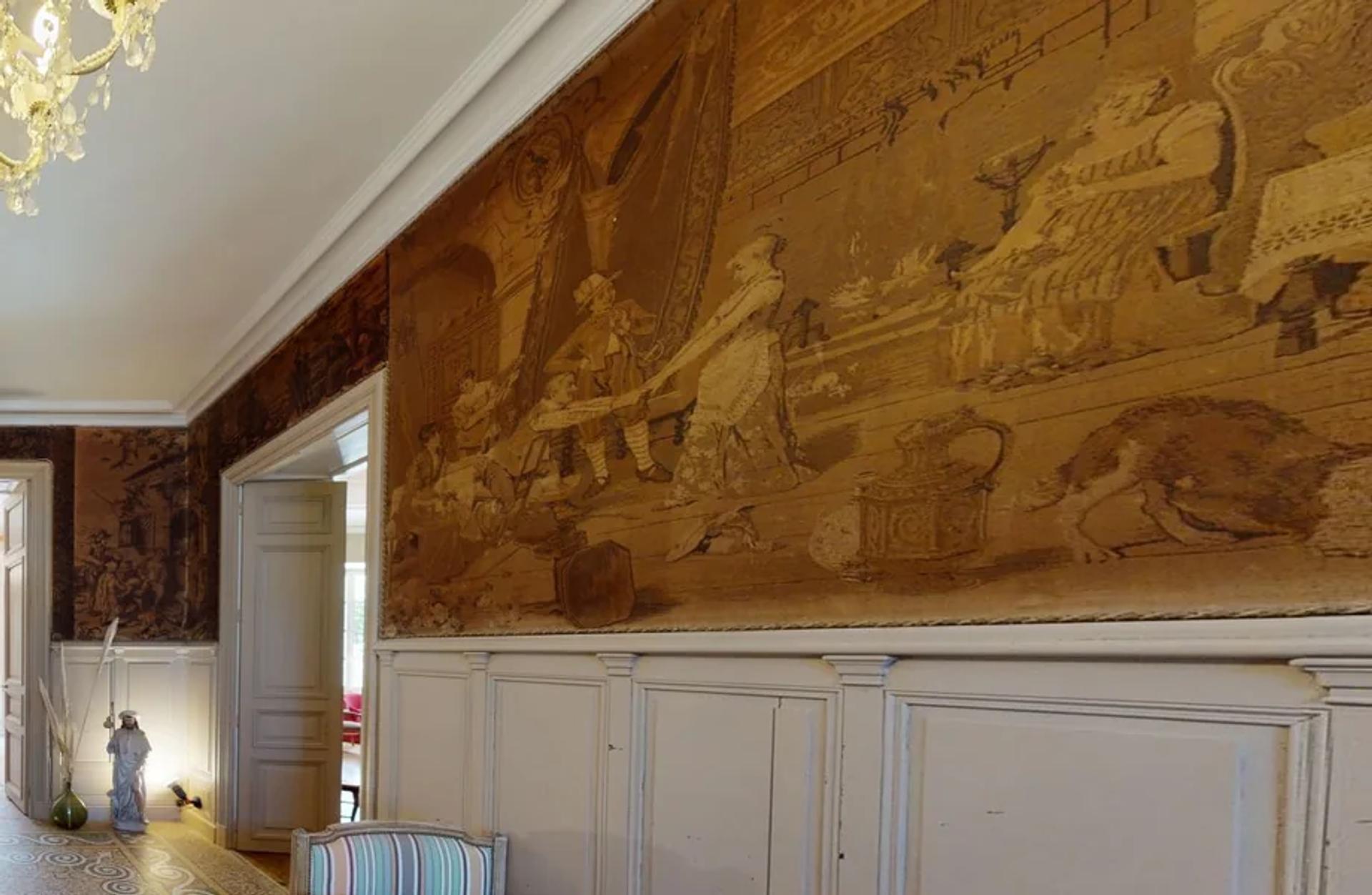 Château Saint-Joseph · Aude
 Tap to open the tour full screen.
Entrances, corridors, lifts, facilities, reception points or training areas: each stop gives visitors something concrete to go on. They know what to expect, can anticipate their needs and find it easier to decide whether they need to come in person.
Read the Château Saint-Joseph case studyTurn your spaces into routes that are useful, inclusive and measurable.
Each tour can be scripted around your audience and your goal: discovering a place that is hard to reach, preparing a visit, delivering training or documenting what remote viewing changes.
- 01
Create inclusive routes
Guide each audience to the spaces and information that concern them. You can flag access points, corridors, available facilities, assistance points and any limitations people should know about before they come.
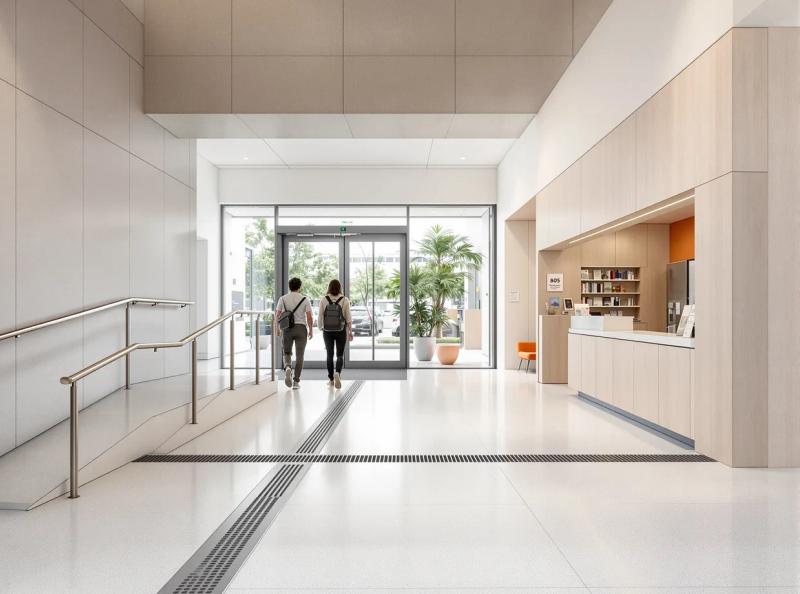 ACCESS · MAIN ENTRANCE What you will find on siteAccess rampAutomatic doorAccessible toilets
 -
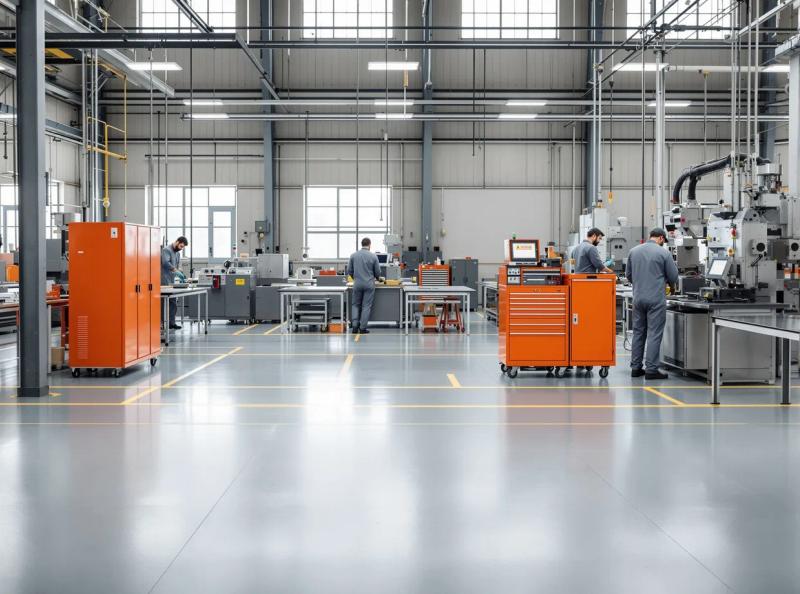 STEP 3 / 8 · NARRATED TOUR The production area1:3802
Train and inform people remotely
Turn the tour into a teaching aid: narrated stops, videos, instructions, documents and visual cues let you present a site to a group without always bringing everyone together on site.
-
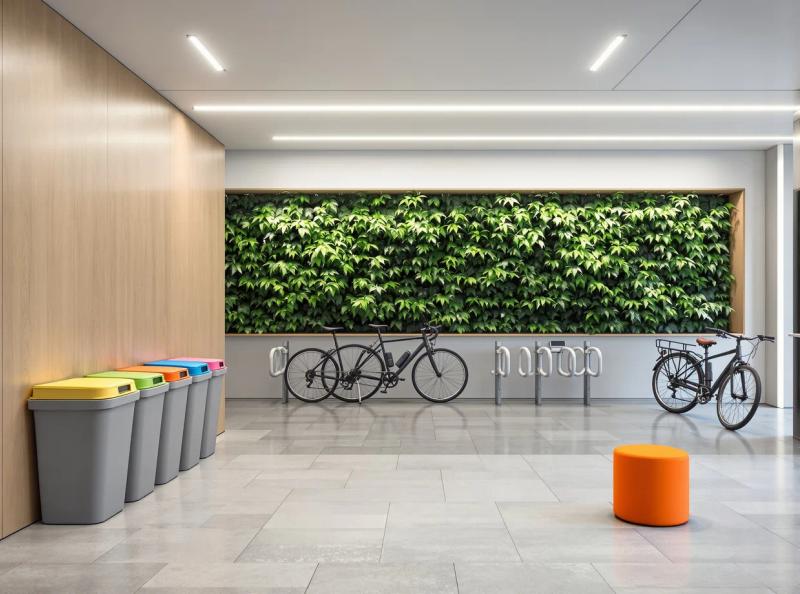 OUR COMMITMENTS What we do hereAccessibility charterOn-site recycling guidelines03
Add your content and your CSR commitments
Place your accessibility information, instructions, environmental actions, evidence, charters or useful contacts in the right spot. Your commitments become visible in the real setting where they apply.
- 04
Measure use and estimate the journeys avoided
Depending on the options you choose, track how often the tour is opened, how long people stay and which spaces they view. Combined with your own data on sessions, audiences, distances and modes of transport, this information can support a documented estimate of the journeys avoided.
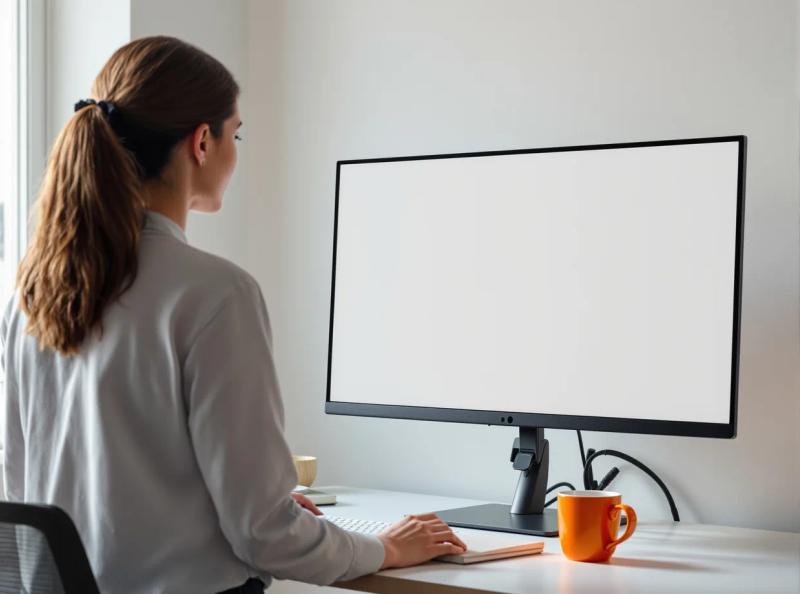 VIEWING STATISTICS · 30 DAYS312 tours viewed remotelyAverage distance you enter 48 km returnDeclared share of solo car trips 72%SAMPLE DATA · THE ESTIMATE REMAINS YOURS
The features that open the place to everyone
What your agency adds to the tour so everyone can discover the place without travelling.
-
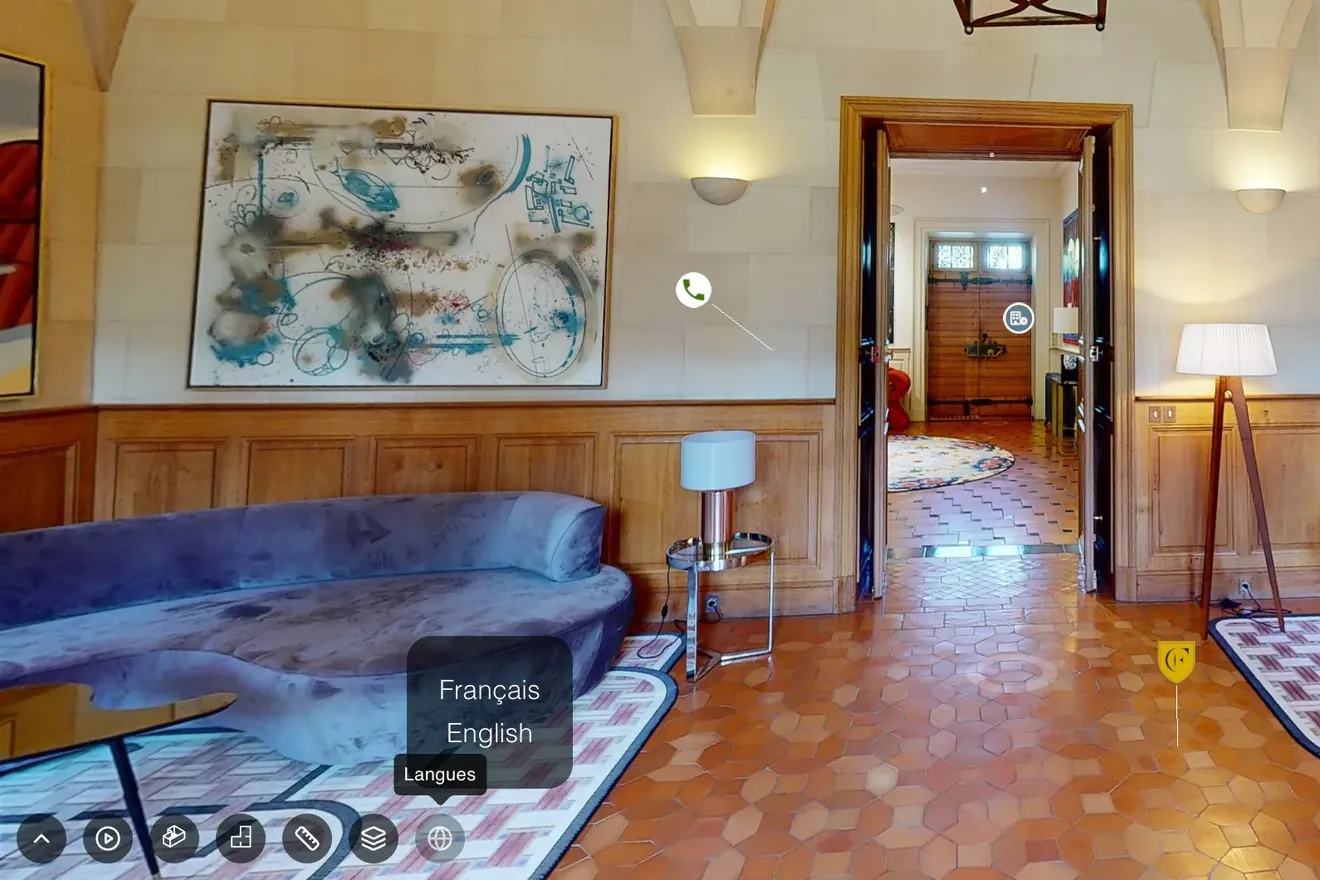
Narrated tour
À la carte optionA tour narrated by your team, in every room
- Your voice guides the visitor
- They discover your roles and your teams
- In several languages if you wish
-
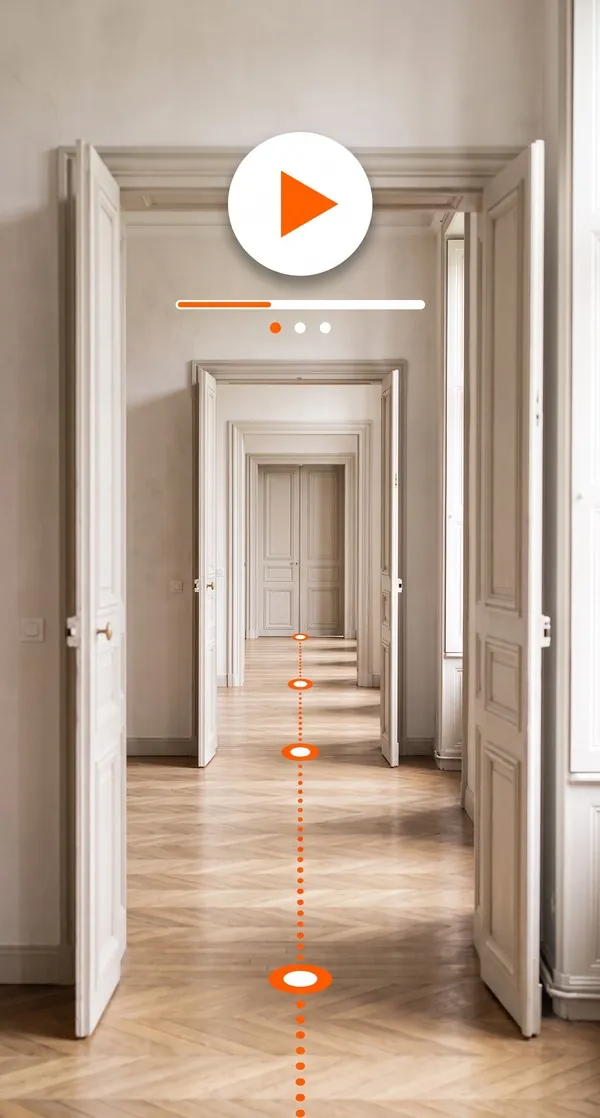
Automatic guided tour
Set your own tour route with guided tours
- Set the order, angles and speed of the route
- Let visitors take back control at any time
- Play it on a loop on a reception screen or a stand
-
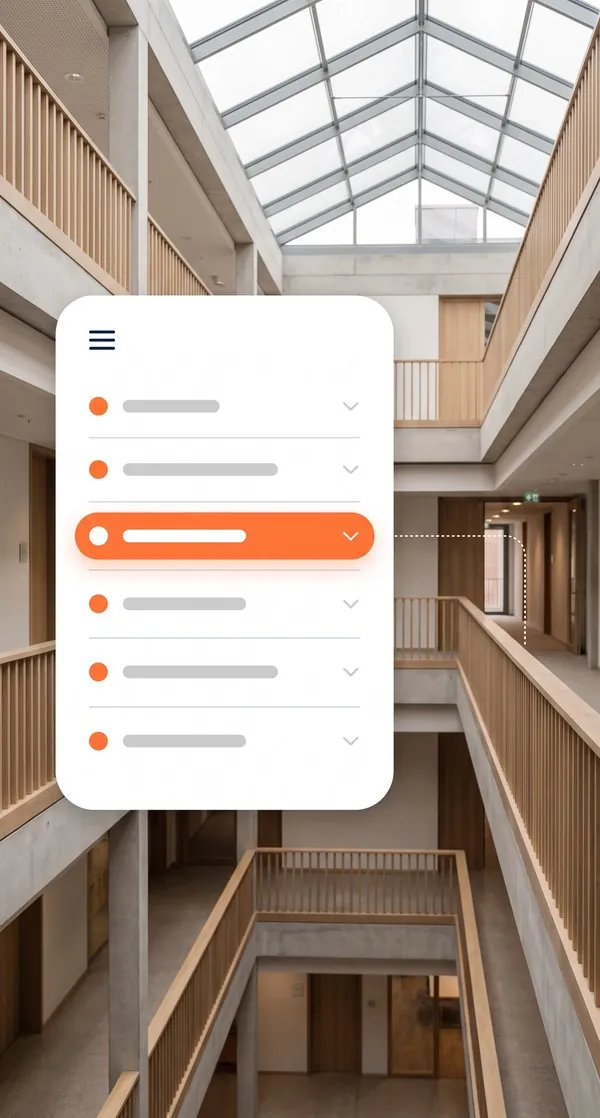
Navigation menu
-
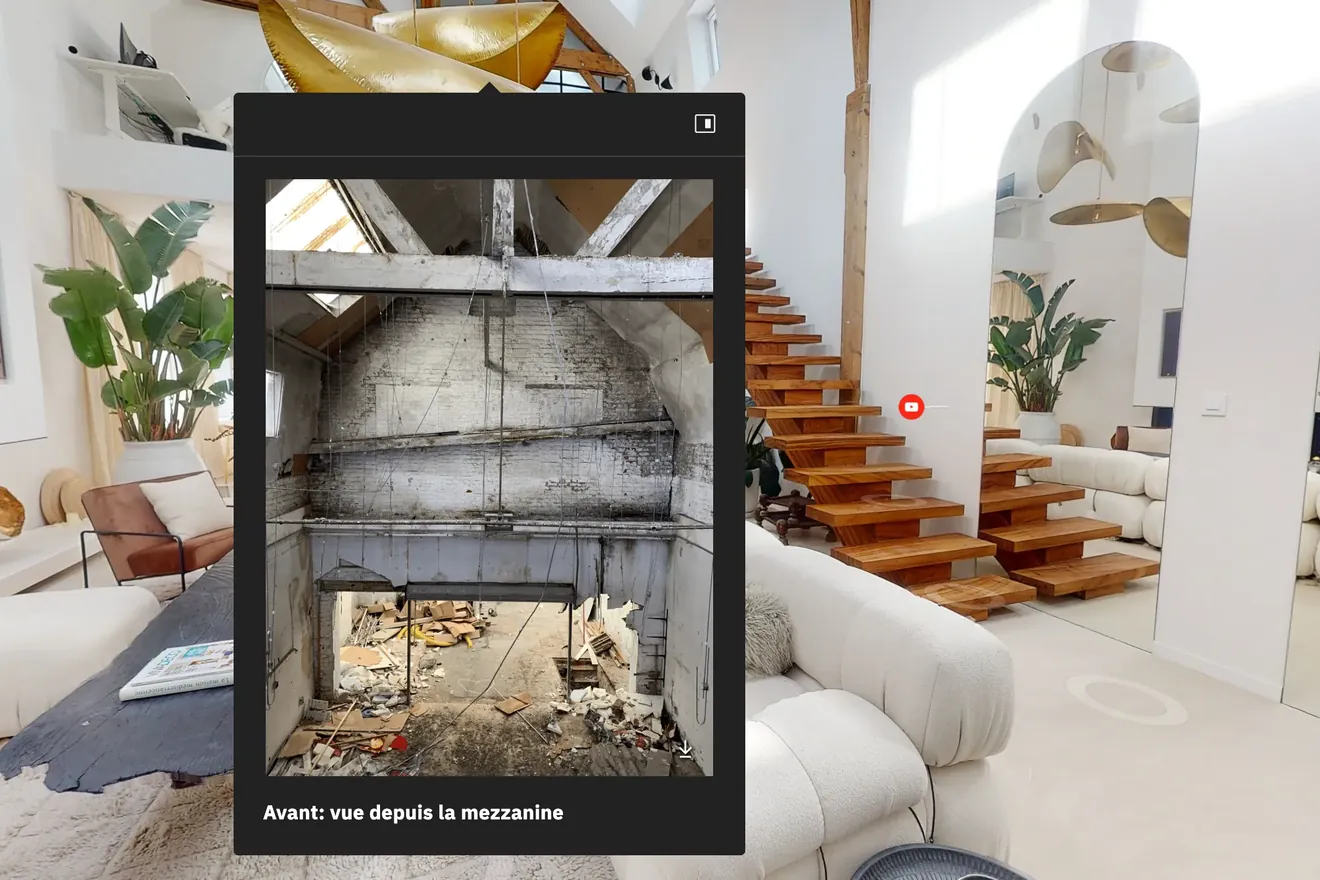
Points of interest
Enrich your virtual tour with points of interest
- Add your photos, videos, text and PDFs
- Place each answer where the question comes up
- Insert call-to-action buttons to get in touch, book or discover an offer
-
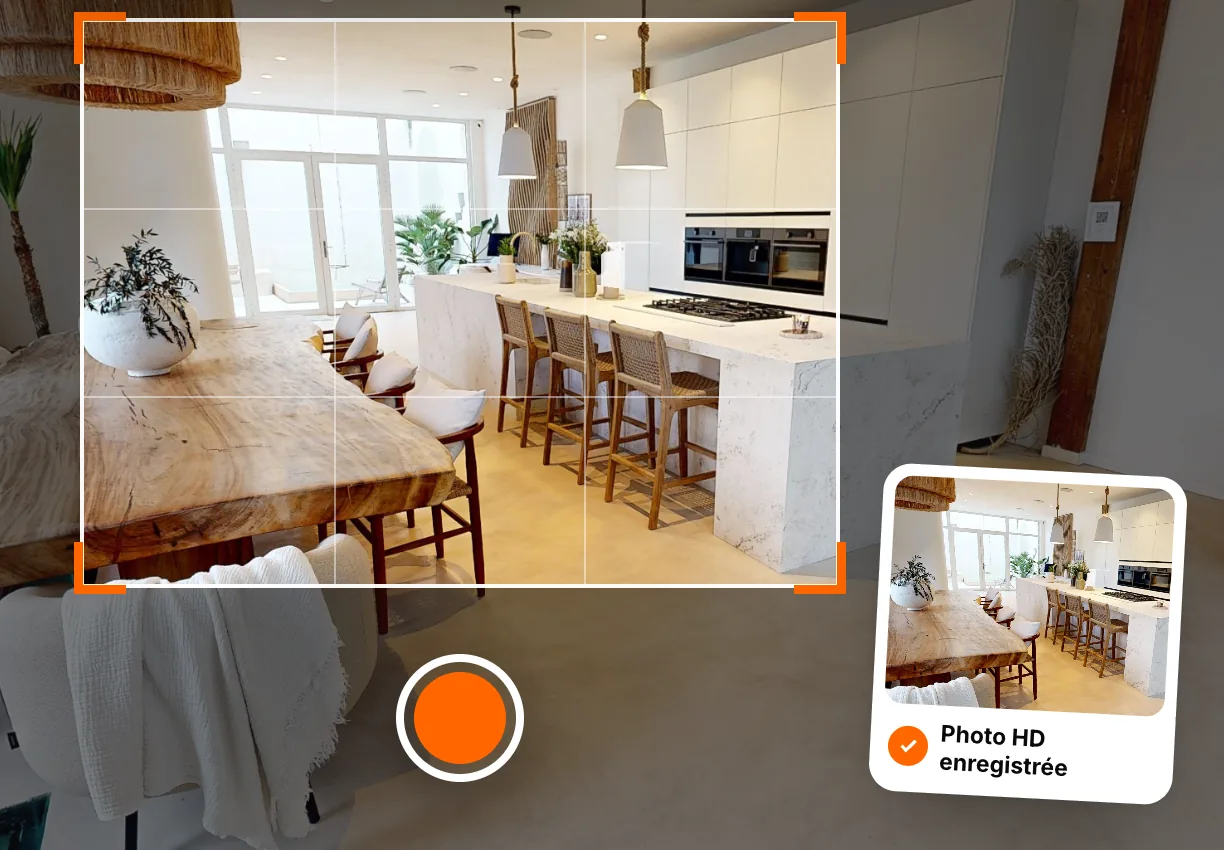
HD photos
Illustrate your listings and website with HD photos from your virtual tour
- Get HD photos of every space captured
- Choose your own framing in the 360° tour
- Add the dollhouse view to your images
Adapt your virtual tour to the challenges of your industry.
Accessibility and travel raise different questions from one place to another. A virtual tour adapts to each setting to inform people remotely, prepare visits and avoid pointless exploratory trips.
-
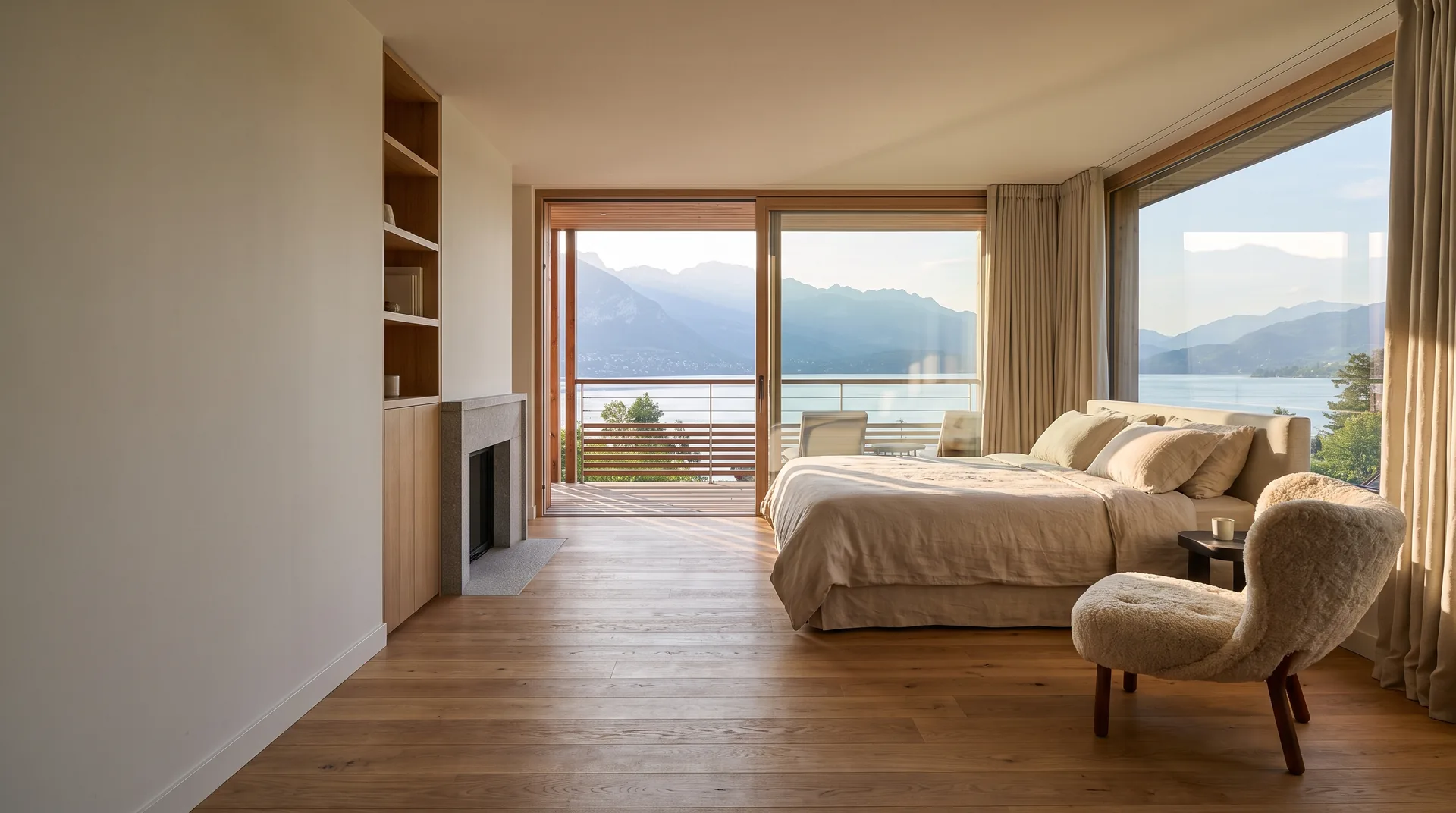 Hotels & restaurants Show the access, rooms, facilities and shared areas so every guest can plan their stay before booking or arriving.
 -
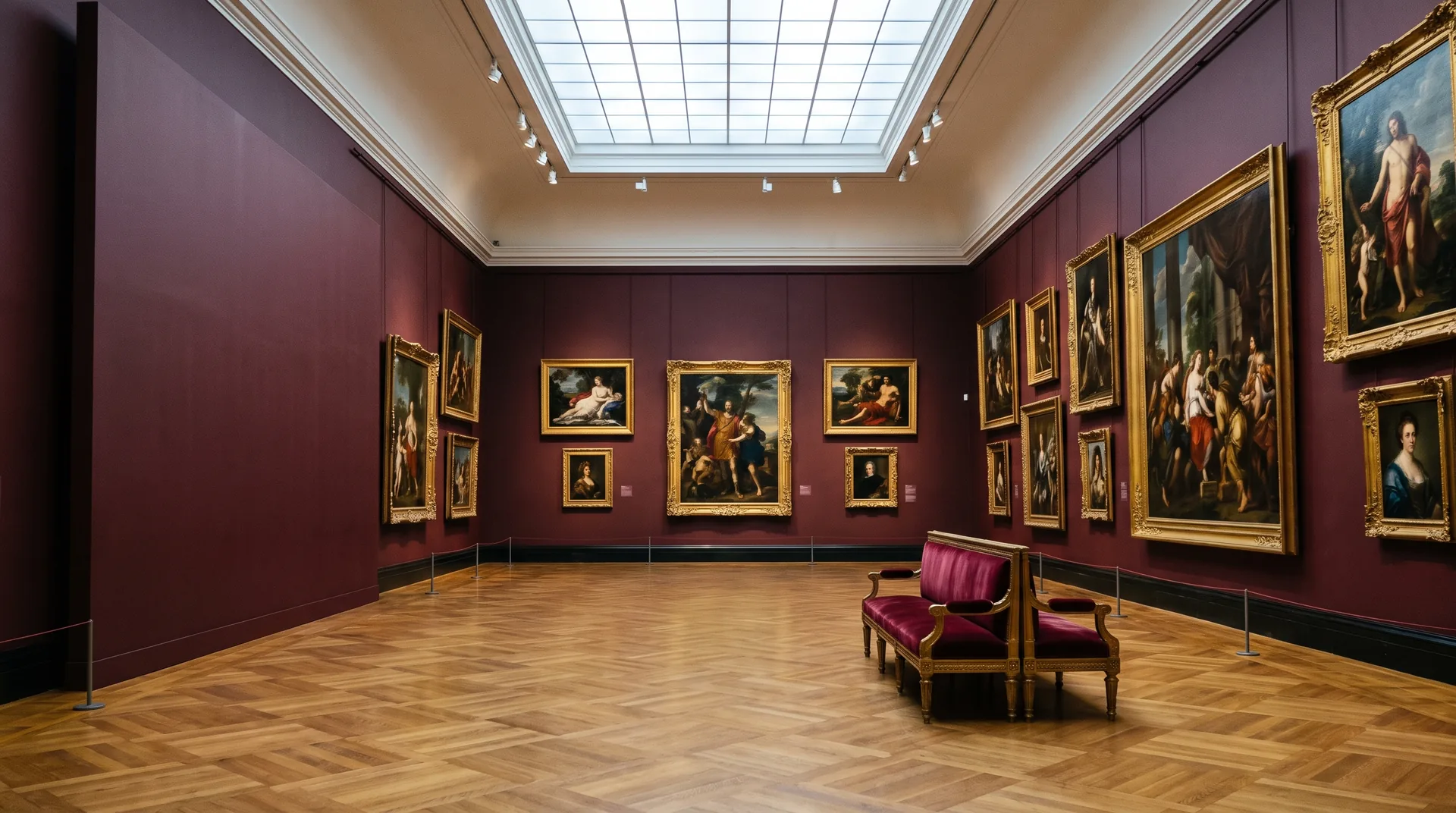 Culture & heritage Open up spaces that are hard to reach, fragile or closed to the public, while preparing an on-site route when a visit is possible.
 -
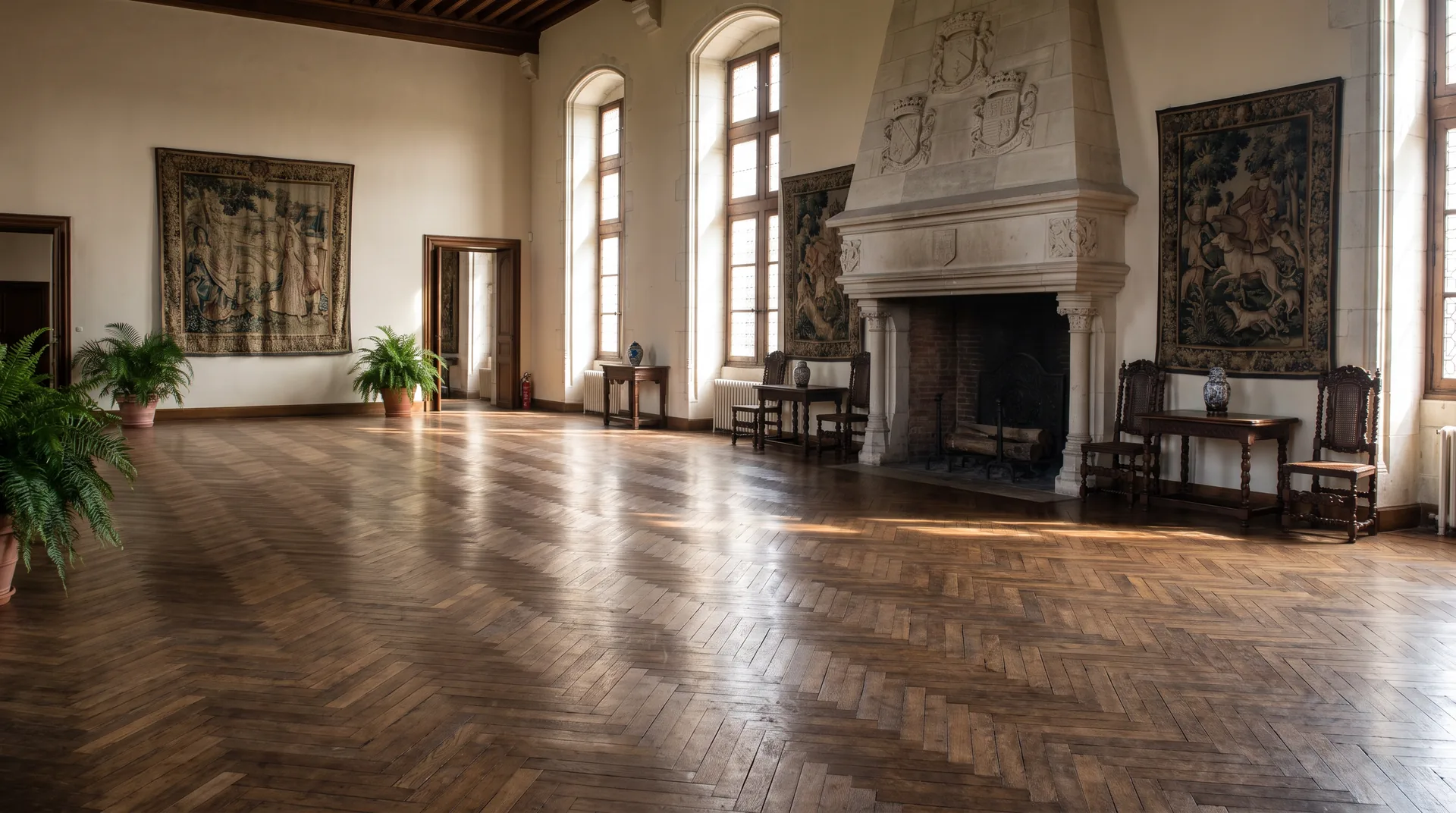 Tourism Help visitors assess how accessible a site is, plan their route and choose the experiences that suit their needs.
 -
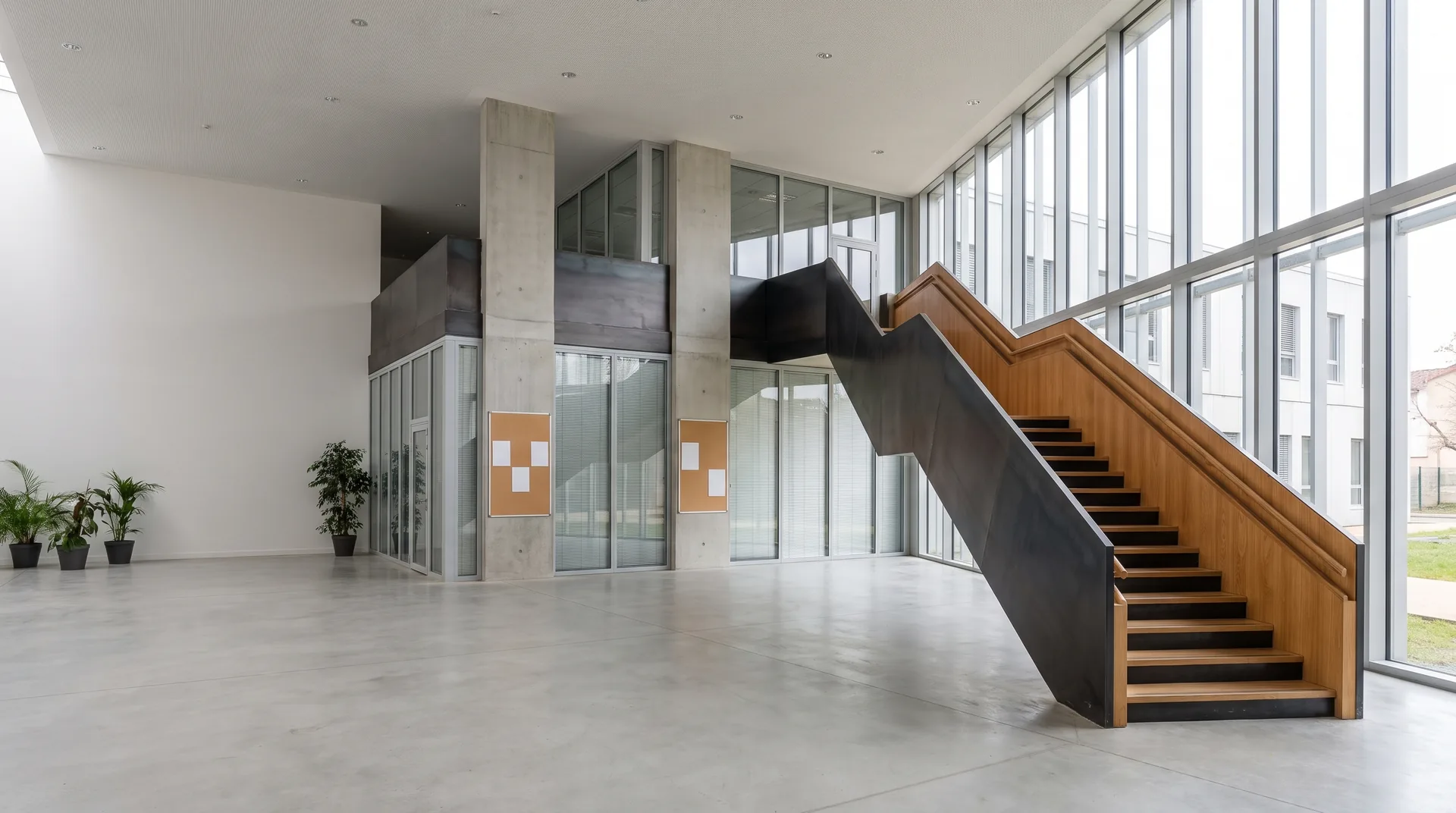 Education Introduce a campus, a workshop or a technical site to groups spread across the country, without extra preparatory trips.
 -
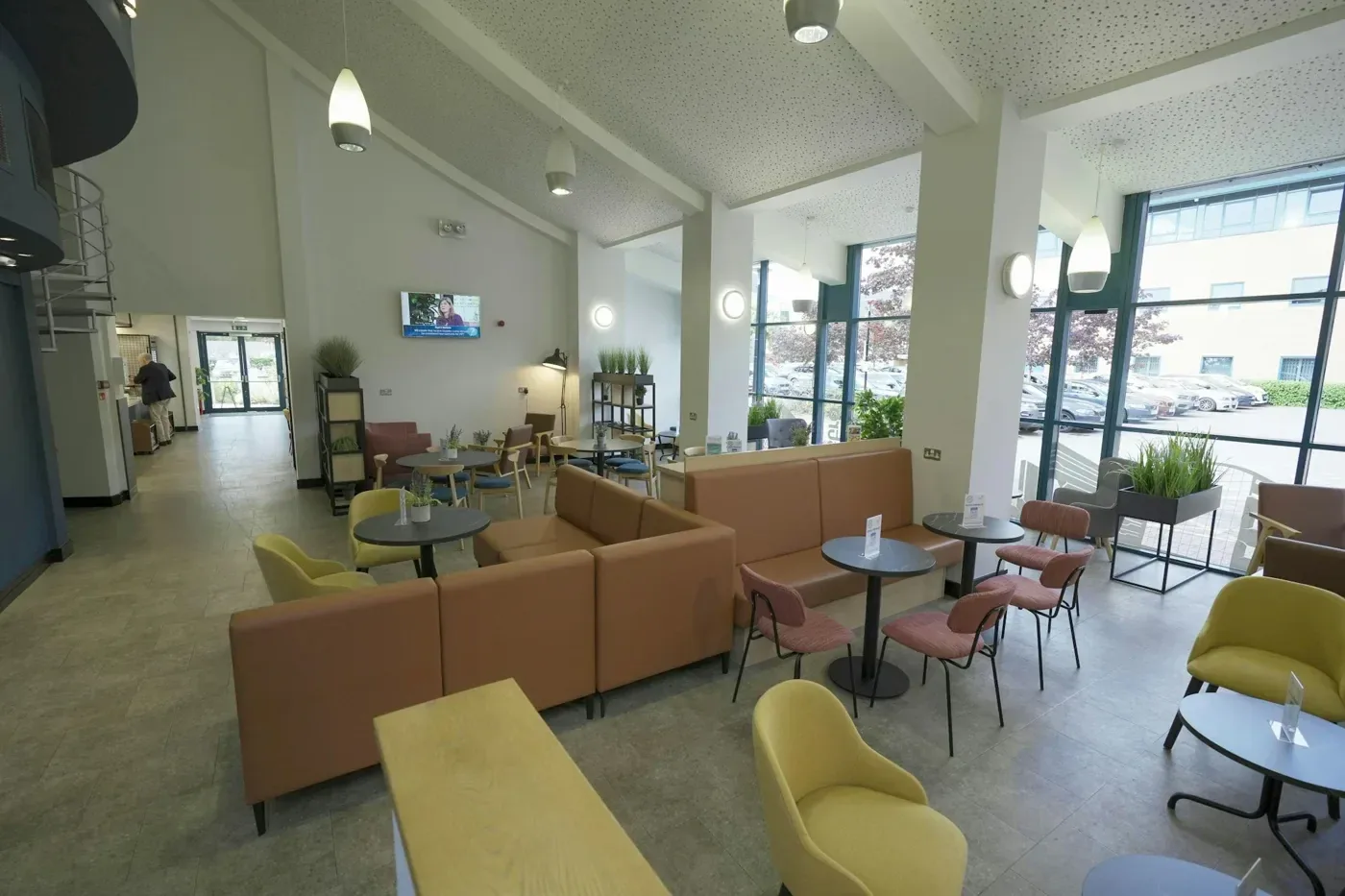 Health & wellbeing Give people their bearings on reception, corridors and treatment areas to ease uncertainty before an appointment or admission.
 -
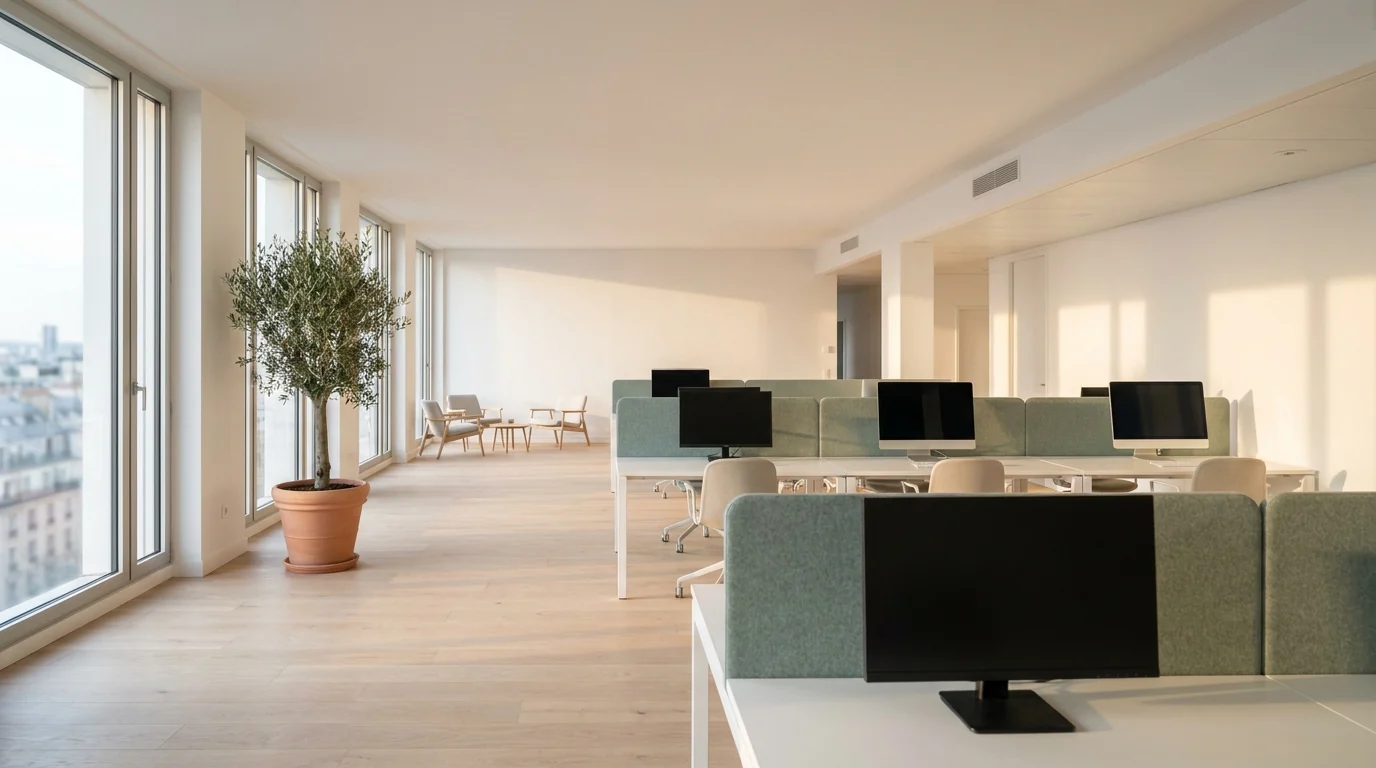 Offices & businesses Present a site, train teams across several locations and prepare the arrival of visitors, partners or colleagues remotely.
8 Industries covered by the network, all over France
Explore uses by industryYour CSR tour, ready to use within 48 business hours.
We work out the audience, the goal and the information to highlight with you. After the capture, you receive a link ready to drop into your training, your communications and your visit preparation routes.
- 01
A route planned before the capture
You identify the useful areas, the accessibility information, the CSR content and the journeys the tour should help people prepare for or avoid.
- 02
Your easyVirtual.tours agency comes to your site
The capture is organised with your teams to keep disruption to a minimum. The easyVirtual.tours team guides you to produce a tour that is clear, consistent and suited to your goal.
- 03
A tool that grows like your website
Online within 48 business hours. You can then add to your tour just as you would a website. Add a room that has been made accessible, a new route or reception information.

Other use cases
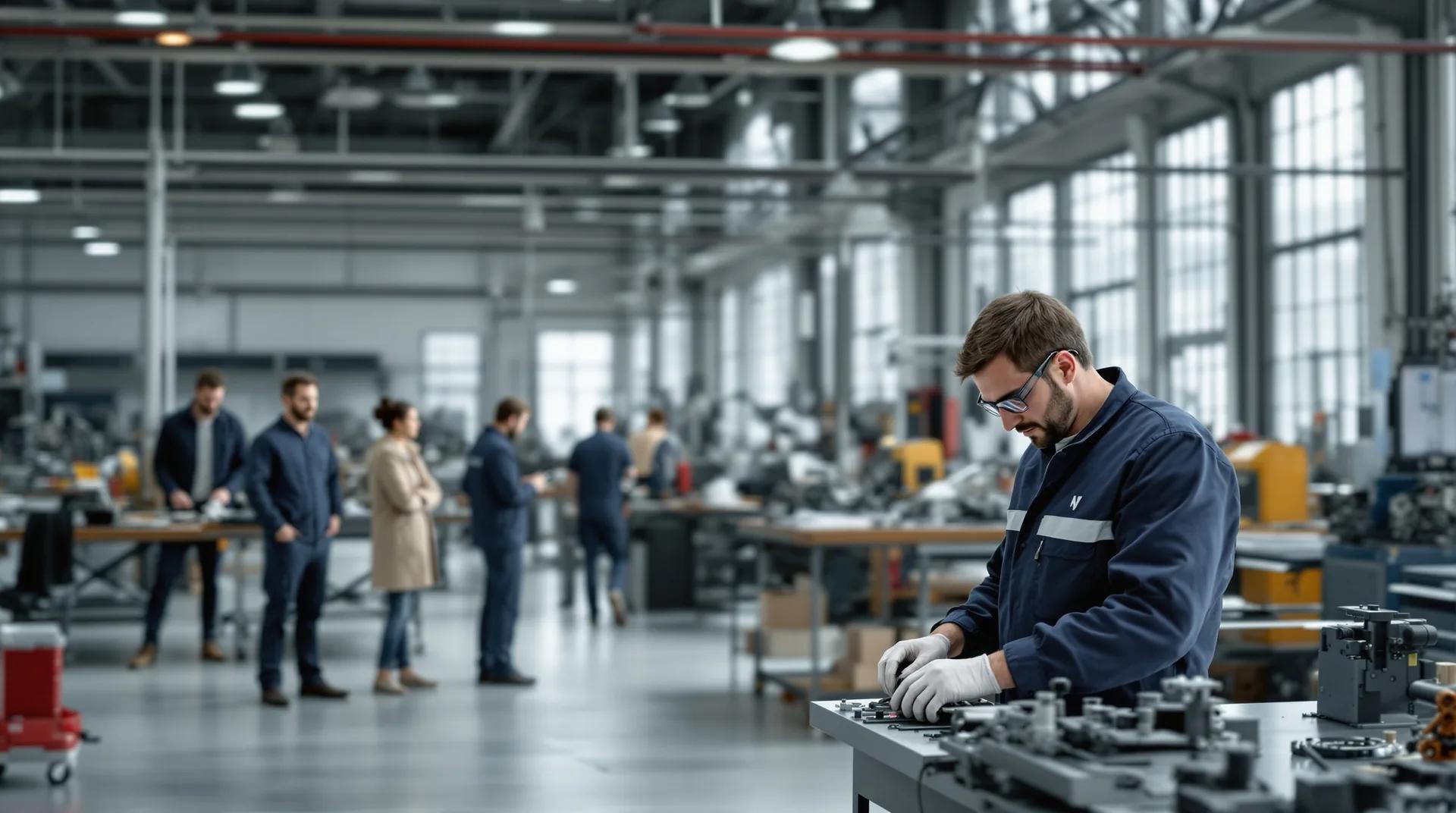
Turn your virtual tour into a real asset for your employer brand.
- No app to install
- One link for every channel
- Viewing statistics as an option
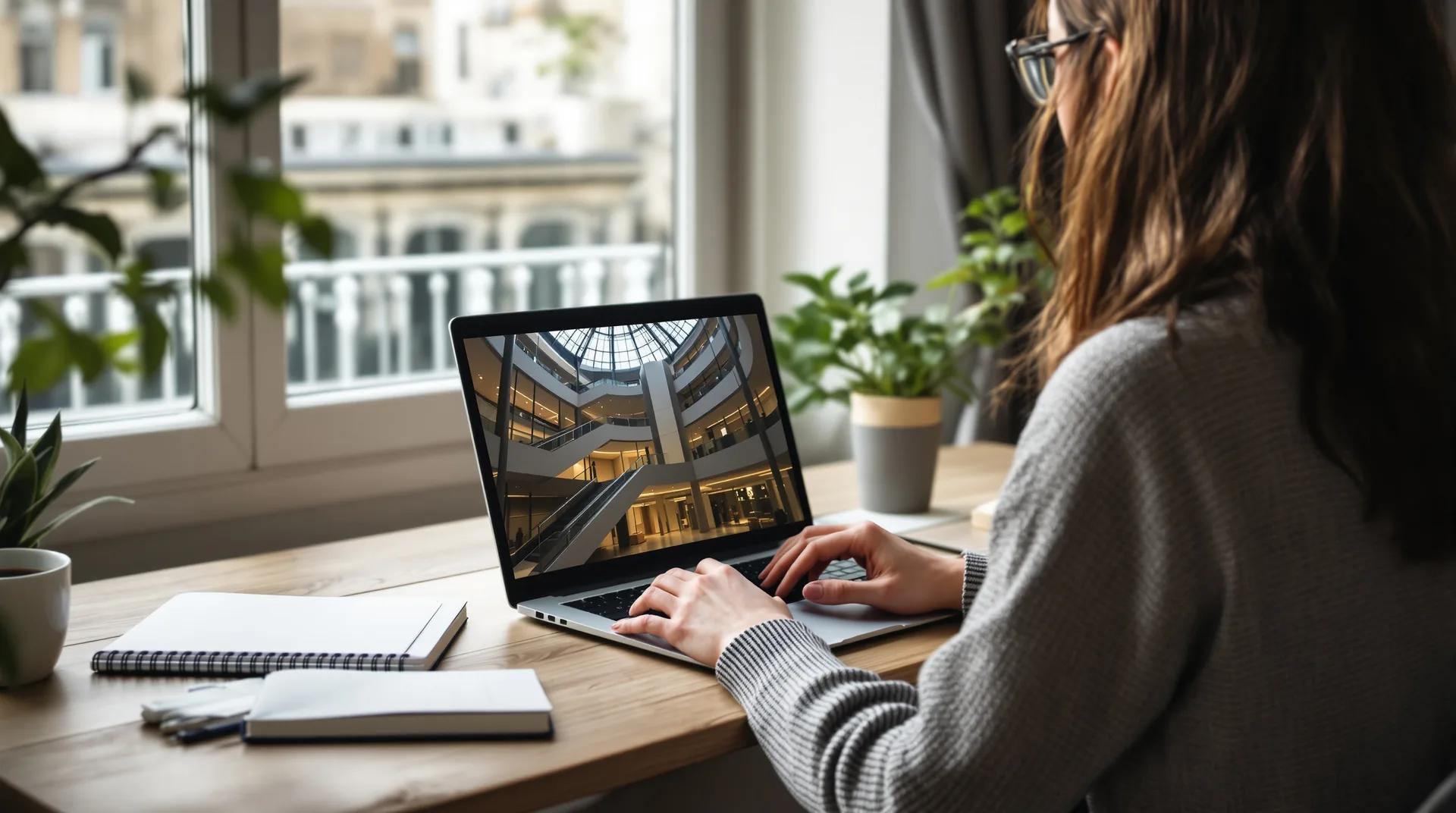
Make your virtual tour the filter that comes before the on-site viewing.
- Dimensioned 2D floor plan as an option
- Open 24/7
- Statistics as an option
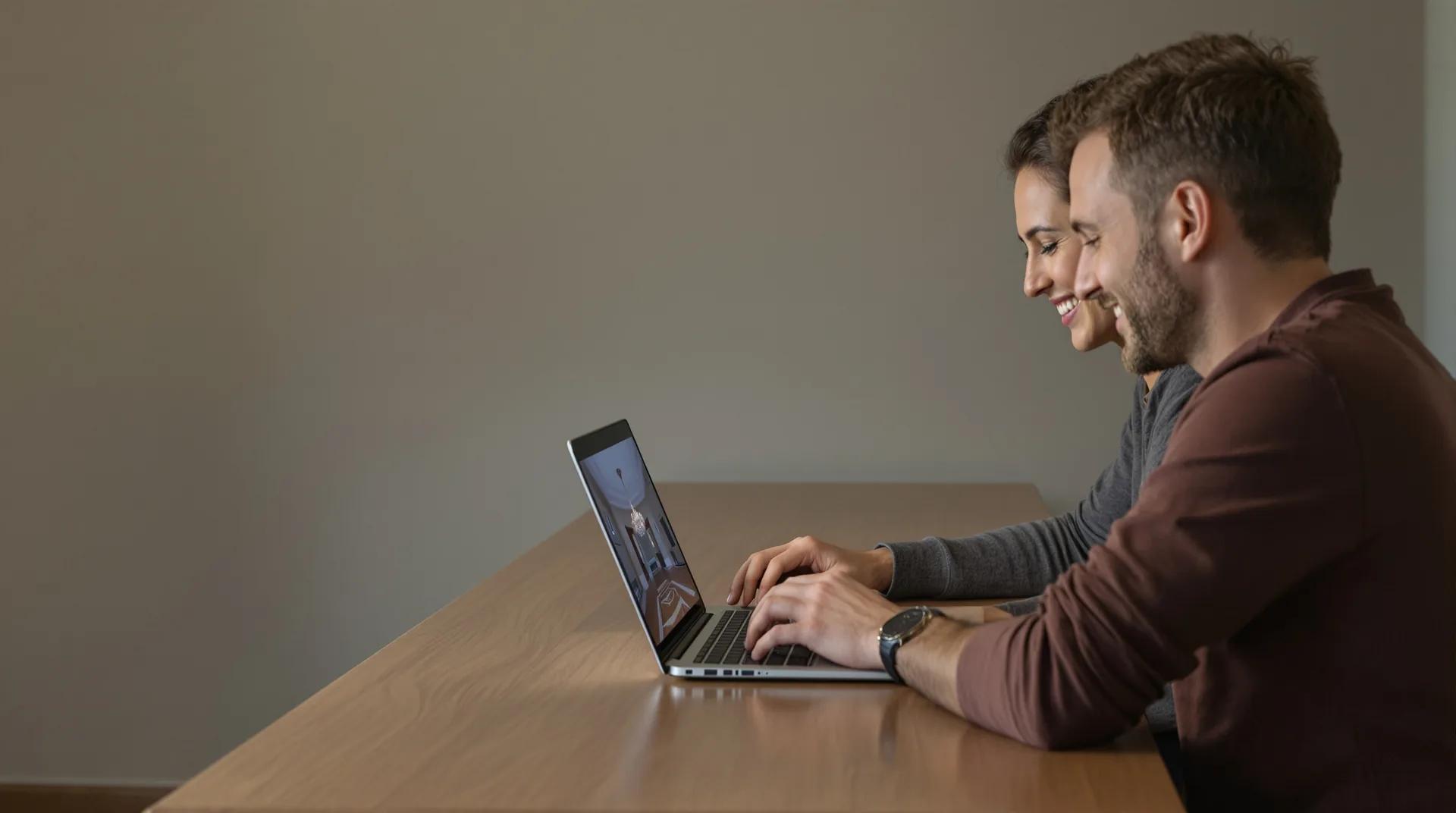
Get enquiries from people who have already made up their minds.
- Open around the clock
- Documents attached
- Contact form
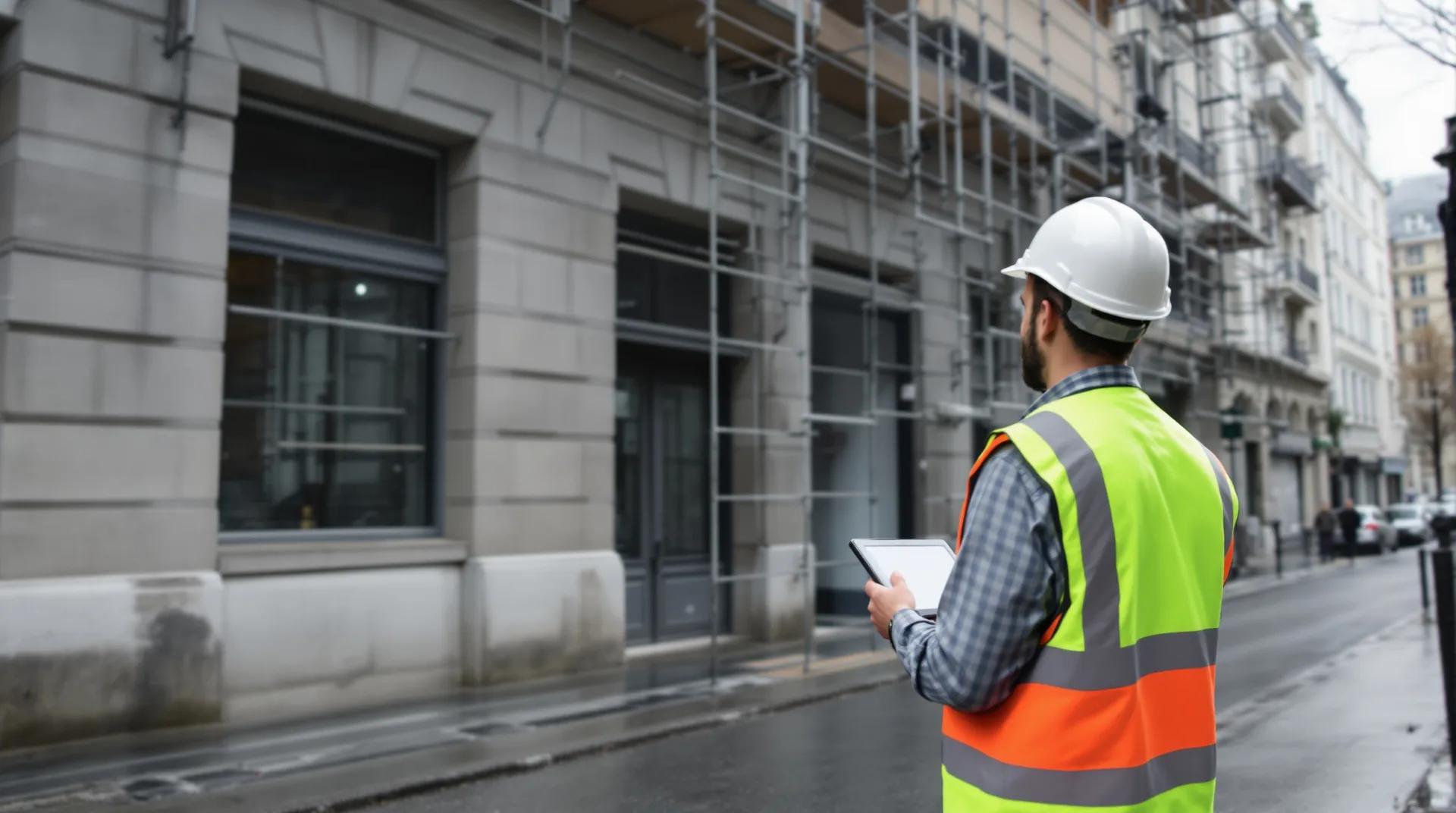
Run every building with precision using a digital twin
- Centimetre-level survey
- BIM model LOD 200 to 350
- Building health record (subscription)
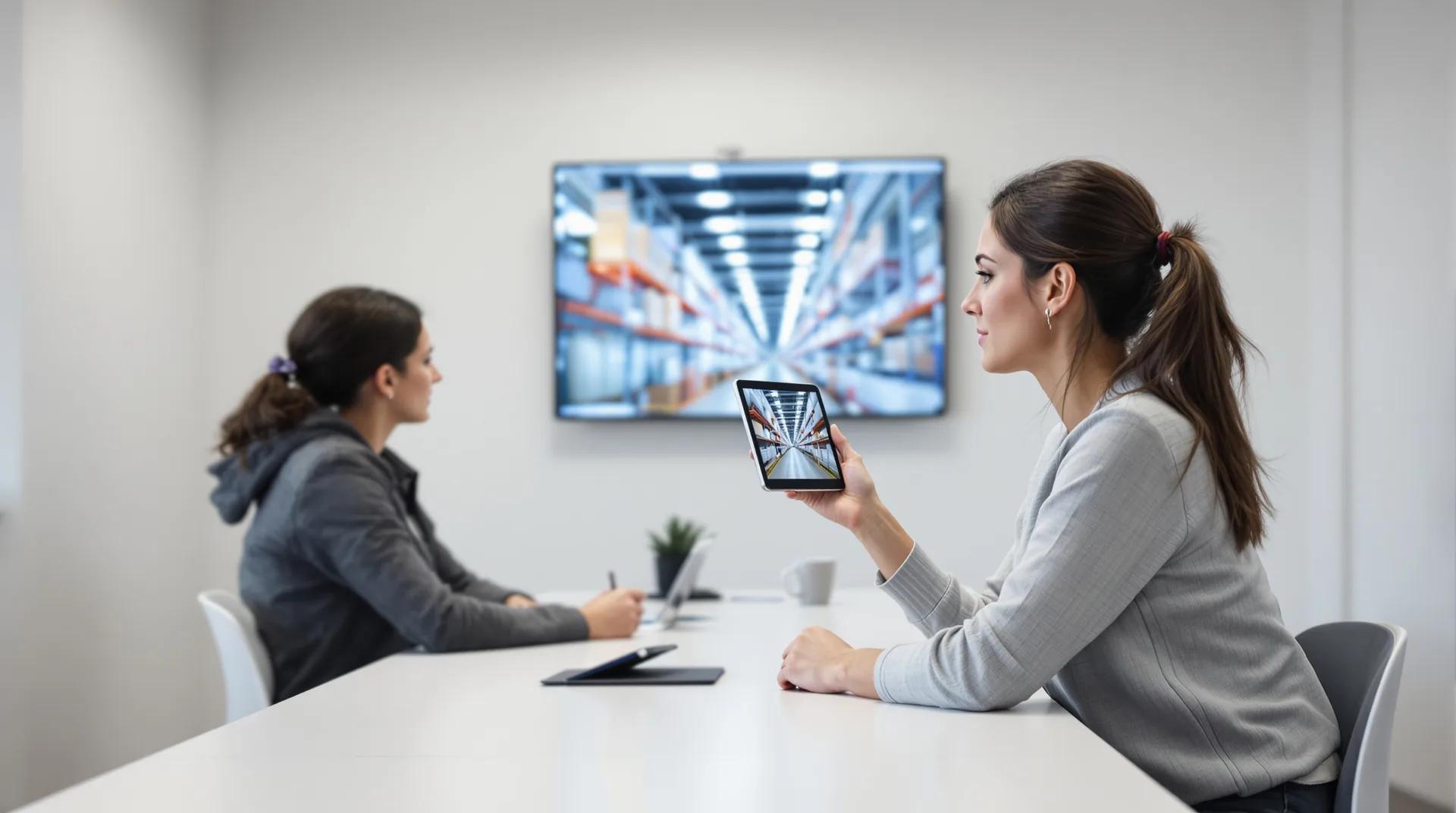
Train people on site before their first day.
- Same version for everyone
- Password access
- Unlimited revision
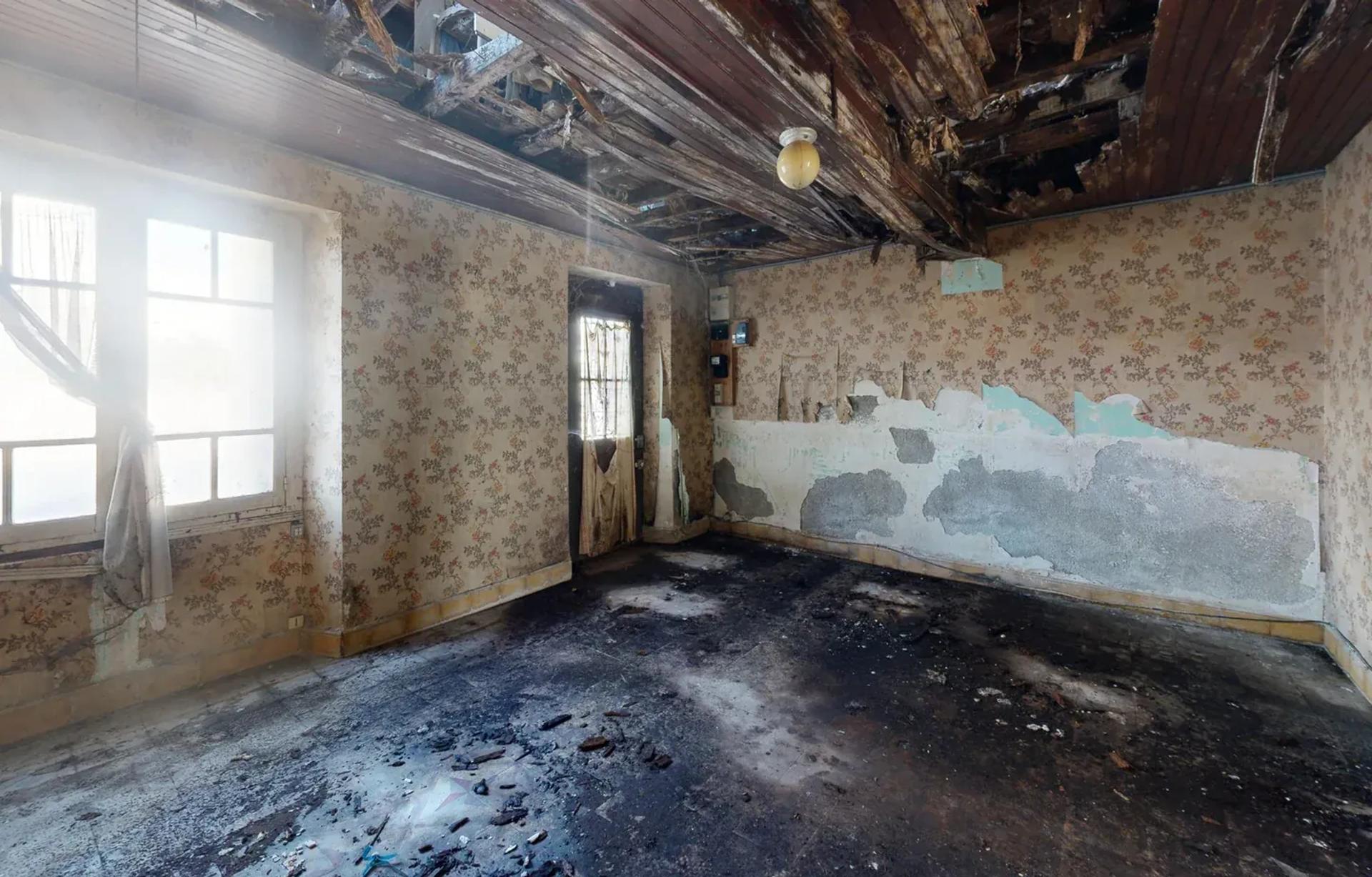
Cost your works on the building as it really is.
- Centimetre-level survey
- DWG and PDF plans
- IFC and RVT model
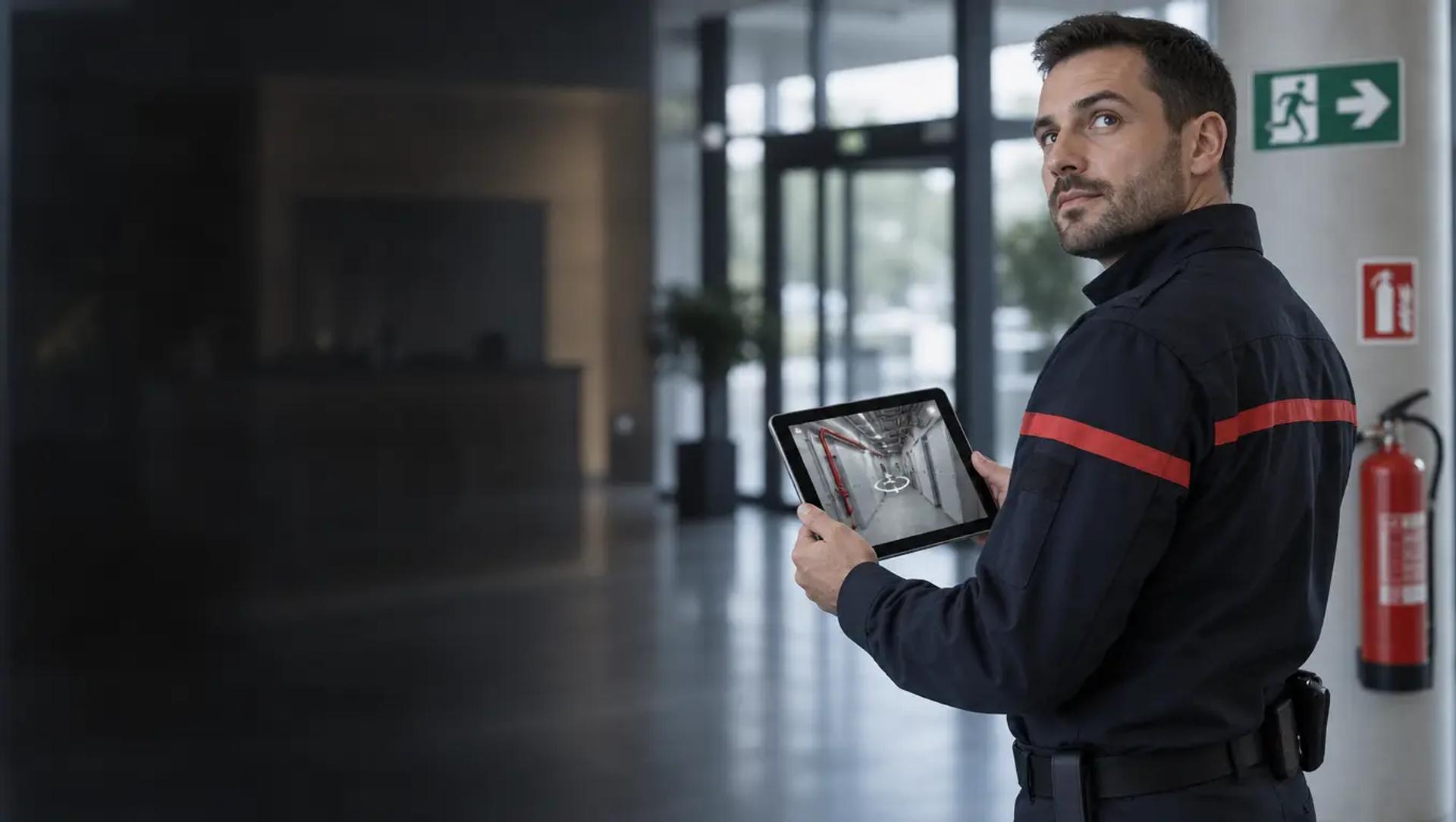
Prepare your response and your evacuations before the alarm goes off.
- Protected access included
- No app needed
- Within 48 business hours
Your tour can also serve your other goals.
Other use cases
See allTurn your virtual tour into a real asset for your employer brand.
- No app to install
- One link for every channel
- Viewing statistics as an option
Make your virtual tour the filter that comes before the on-site viewing.
- Dimensioned 2D floor plan as an option
- Open 24/7
- Statistics as an option
Get enquiries from people who have already made up their minds.
- Open around the clock
- Documents attached
- Contact form
Run every building with precision using a digital twin
- Centimetre-level survey
- BIM model LOD 200 to 350
- Building health record (subscription)
Train people on site before their first day.
- Same version for everyone
- Password access
- Unlimited revision
Cost your works on the building as it really is.
- Centimetre-level survey
- DWG and PDF plans
- IFC and RVT model
Prepare your response and your evacuations before the alarm goes off.
- Protected access included
- No app needed
- Within 48 business hours
Your questions before you get started.
What people ask us most often when the tour is used to widen access and cut travel.
-
Does a virtual tour really reduce CO₂ emissions?
Yes, when it genuinely replaces a preliminary visit, a presentation or a training session. The saving depends on the journeys, the distances and the modes of transport. As a digital tour also has a footprint, talk about a measured contribution.
-
How can I estimate the journeys and emissions avoided?
Compare your baseline with the visits the tour actually replaced, recording return distances, modes of transport and the period covered. To publish an estimate of emissions avoided, use recognised emission factors and keep a record of your assumptions.
-
Does a virtual tour replace the physical accessibility of a site?
No. It complements the site's accessibility features and obligations; it never stands in for them. It offers a way to discover the site remotely and helps visitors plan their route, identify the facilities available and anticipate their needs.
-
How does it help someone with reduced mobility plan their visit?
The tour can show entrances, corridors, lifts, toilets, rest points, reception desks and useful contacts. It can also clearly flag known limitations or obstacles, so the person can decide and organise their visit more independently.
-
Can I train several people without bringing them together on site?
Yes, for any part of the training that works remotely: discovering the site, presenting a process, instructions, locating equipment or preparing a practical exercise. Hands-on skills and requirements that call for physical presence should still be organised on site.
-
What is the benefit for an estate agency?
The tour lets prospective buyers discover the property before travelling, share the decision with others and check the main criteria. The agency can then focus in-person viewings on the properties that attract genuine interest.
-
What data can I collect?
Depending on the options you choose, you can track how many times the tour is opened, how long people spend in it and which spaces they view. To estimate the journeys avoided, these statistics need to be combined with your own data: registrations, remote sessions, in-person visits cancelled or replaced and mobility profiles.
-
Can I restrict access to certain audiences?
Yes. A password lets you share a training course, a technical tour or an internal route only with authorised people, without making the content public.
-
How soon is the tour online?
The link is usually delivered within 48 business hours of the capture. The exact timeframe is stated in the agency's proposal.
Do you have another question?
Talk to an expertReady to open up your sites in a new way?
Tell us about your spaces, your audiences and the journeys you would like to prepare better or avoid. An easyVirtual.tours agency near you will help you create a useful tour, true to your site and in line with your CSR commitments.
- Your CSR goal scoped with you
- Free quote, no obligation
- Tour delivered within 48 business hours
Your quote in 2 minutes
Describe your site (type, floor area and town) along with your audience and your goal: remote access, visit preparation, training or fewer journeys. You receive a priced proposal within 24 business hours.
Contact usEach agency in the network sets its own prices freely and sends you a tailored proposal.
Ready to open up your sites in a new way?
Tell us about your spaces, your audiences and the journeys you would like to prepare better or avoid. An easyVirtual.tours agency near you will help you create a useful tour, true to your site and in line with your CSR commitments.
- Your CSR goal scoped with you
- Free quote, no obligation
- Tour delivered within 48 business hours
Each agency in the network sets its own prices freely and sends you a tailored proposal.