

Hotels & restaurants
— Get guests to book what they have already toured, with no surprises on arrival.
Tourism
— Stay on the shortlist of organisers who compare venues online.
Property
— Pre-qualify your viewers. Buyers explore the property before asking for a viewing.Retail and services
— Open your door to people who are hesitating, even after closing time.Culture & heritage
— Make people want to come and see the real thing, and reach far beyond your walls.Education
— Open days that last all year, not just one day.Health & wellbeing
— Reassure families before their first visit, from a distance.Offices & businesses
— Be chosen from the online search onwards, by prospects and candidates alike.Renovation
— Survey the existing building before the works, then keep a record of it.Local authorities
— Open the town hall and public facilities to every resident, before they even set foot inside.
Lead generation
— Enquiries from people who have seen it all
Building renovation
— Survey of the existing building before works
Building management
— 3D survey, BIM model and estate dataFewer wasted viewings
— Only show properties to serious prospectsEmployer branding
— Show candidates your workplaceCSR and accessibility
— Fewer journeys, access for everyoneTraining
— Train people without tying up the siteFire safety
— Exits, shut-offs and evacuation routes mapped

How an IAD agent sold a house stuck for 9 months in under three months

How Office notarial 1661 made its sales smoother and safer with a tour of every property
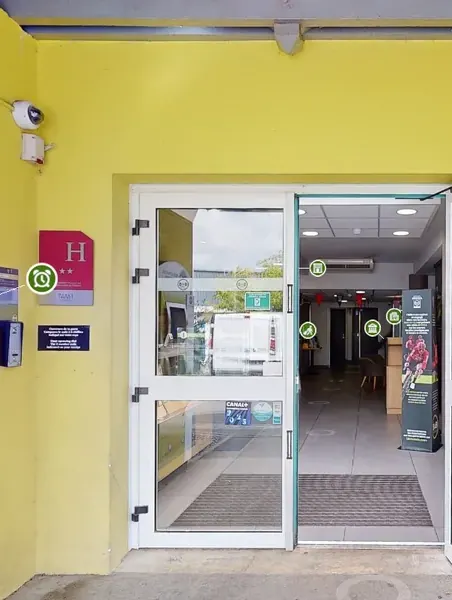

How three B&B hotels made transparency their strongest reason to book
 How an all-you-can-eat buffet won 76 booking intentions from its virtual tour
 How Pigier Dijon built a recruitment channel viewed more than 79,000 times in three months
 How the Ville de Labège catalogued more than 80% of its estate in one year
 How Groupe Fournier cut the design of a store from 10 to 4 days
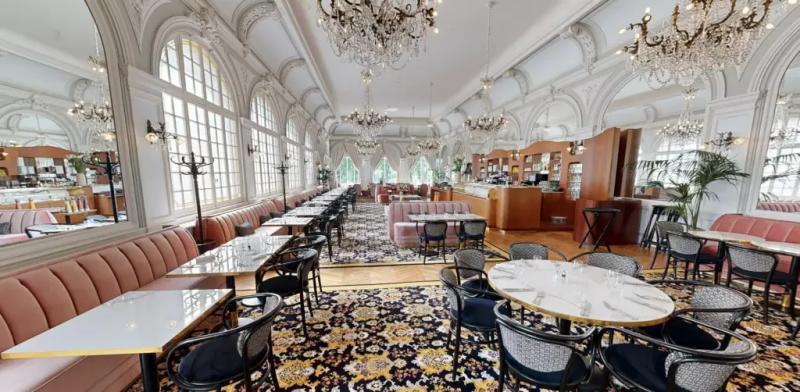 Hôtel Les LumièresHotels & restaurants
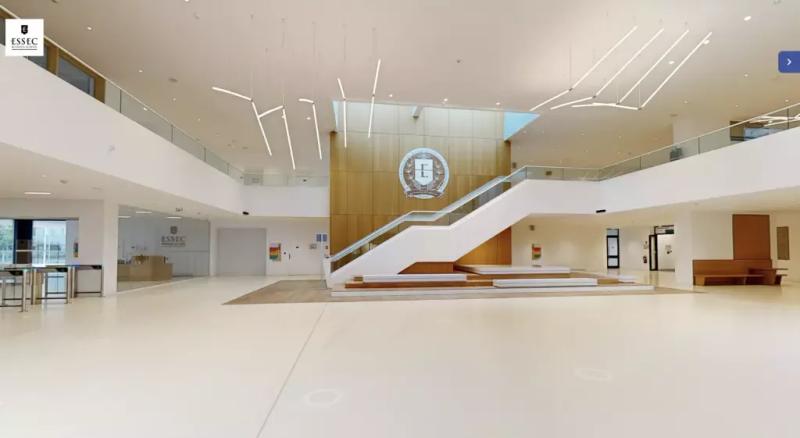 ESSECEducation
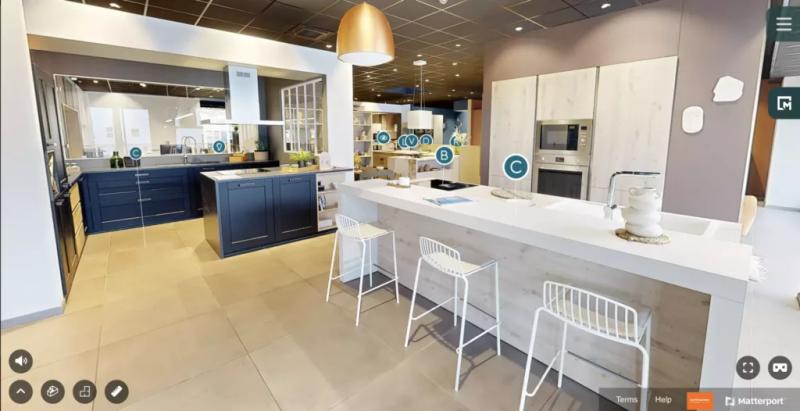 MobalpaRetail and services
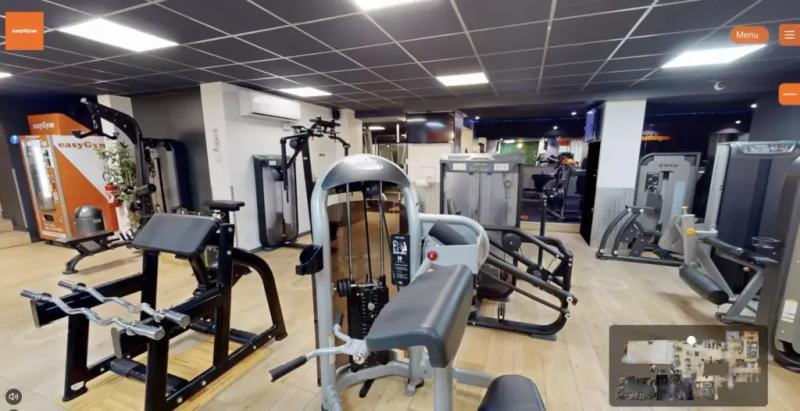 easyGymHealth & wellbeing
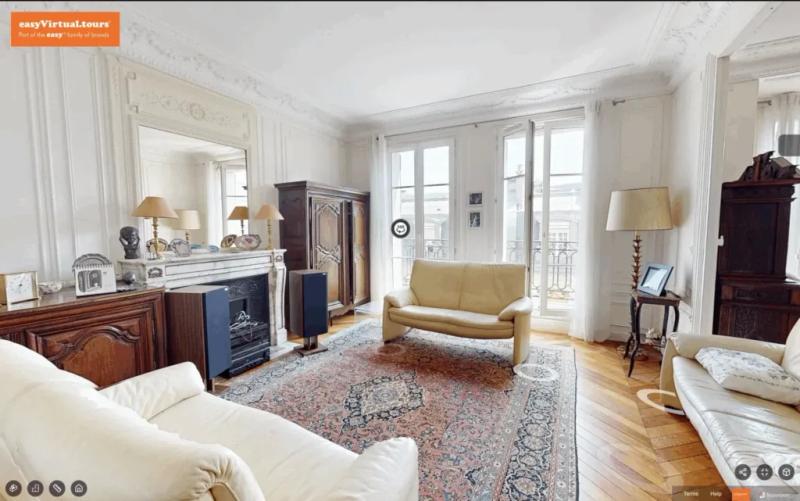 Haussmann-style apartmentProperty



Like them, 1,000+ clients have put their trust in us.
4.9/5 · 188 reviews

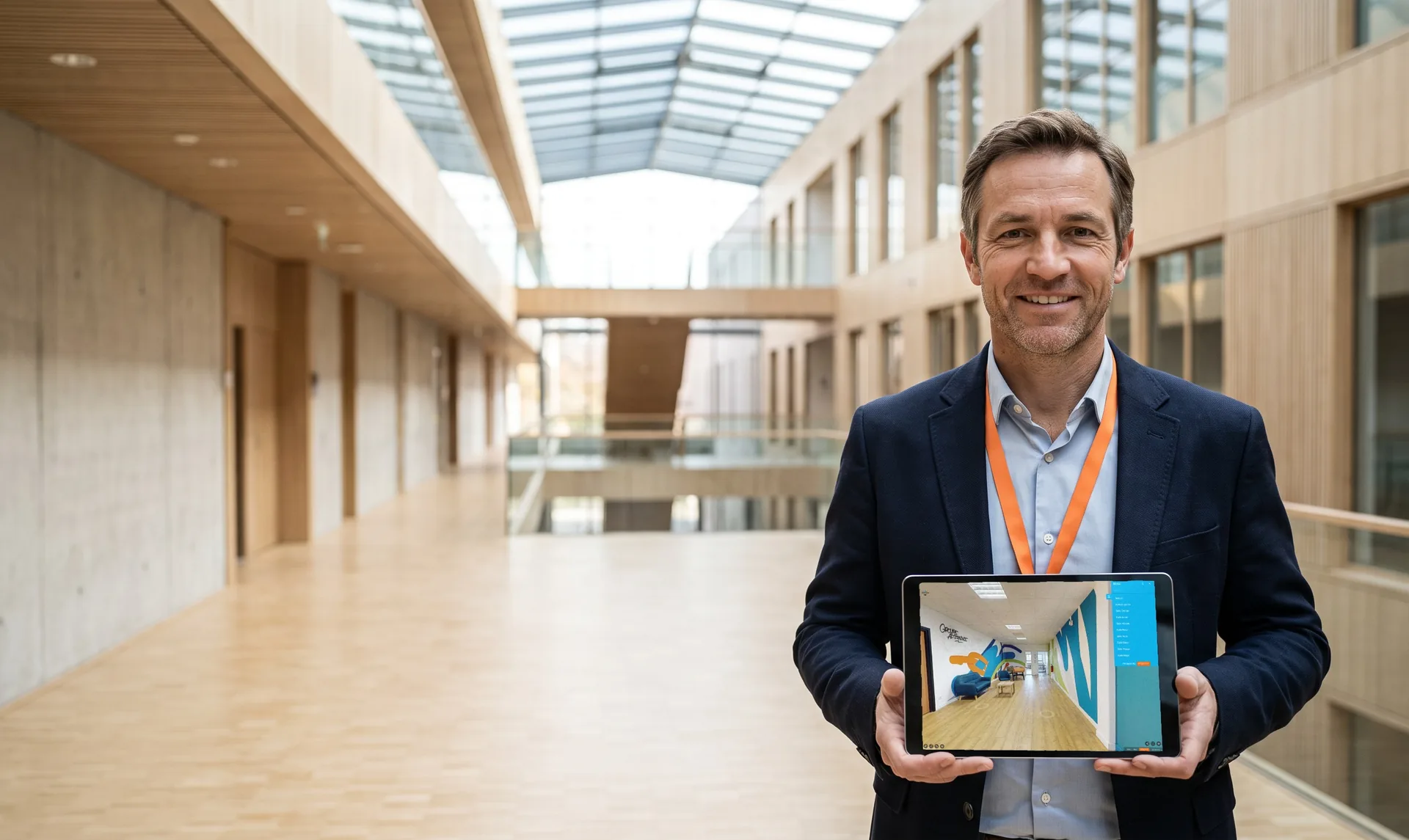
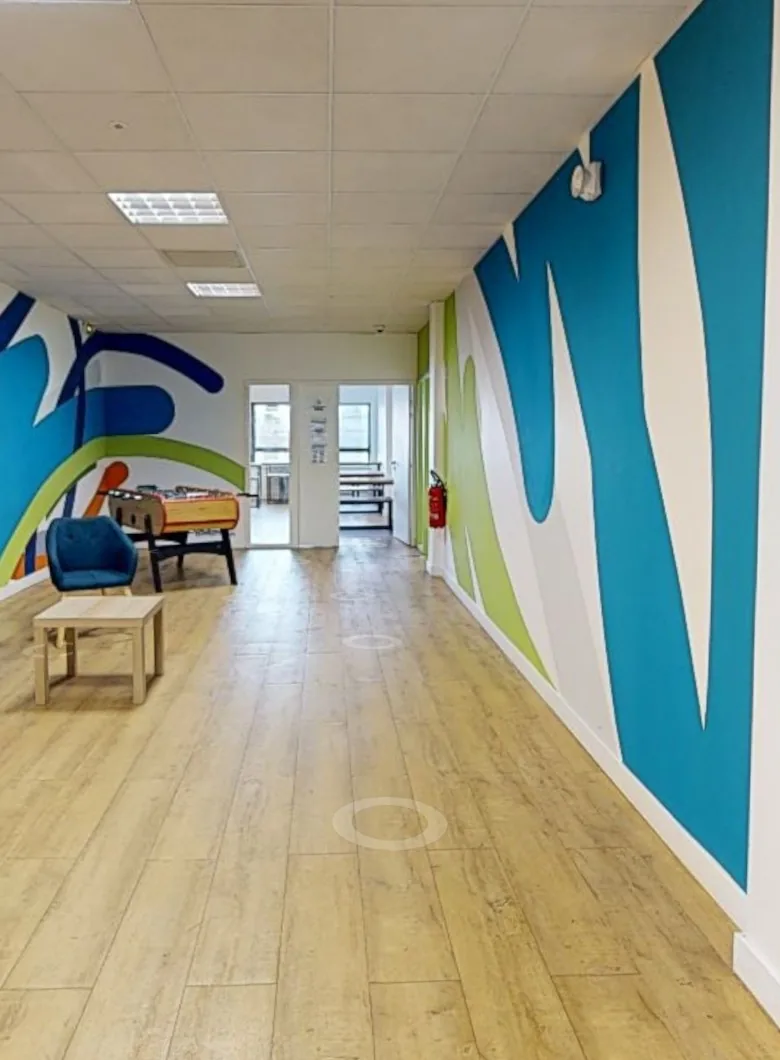
Guide visitors to the right place with built-in navigation menus
- Name your spaces in your own words
- Group them into multi-level sections
- Keep your contact button visible throughout the tour
What if you could make it easier for visitors to find their way around your venue?
Adding a navigation menu to your virtual tour helps guide visitors from one space to the next, lets them discover every corner of your venue and keeps your contact button in view. Here's how.
Menu
Search for a spaceGround floor
Reception
Break room
Orange Room
Yellow Room
Purple Room
1st floor
Pink Room
Green Room
Blue Room
Red Room
2nd floor
Restaurant
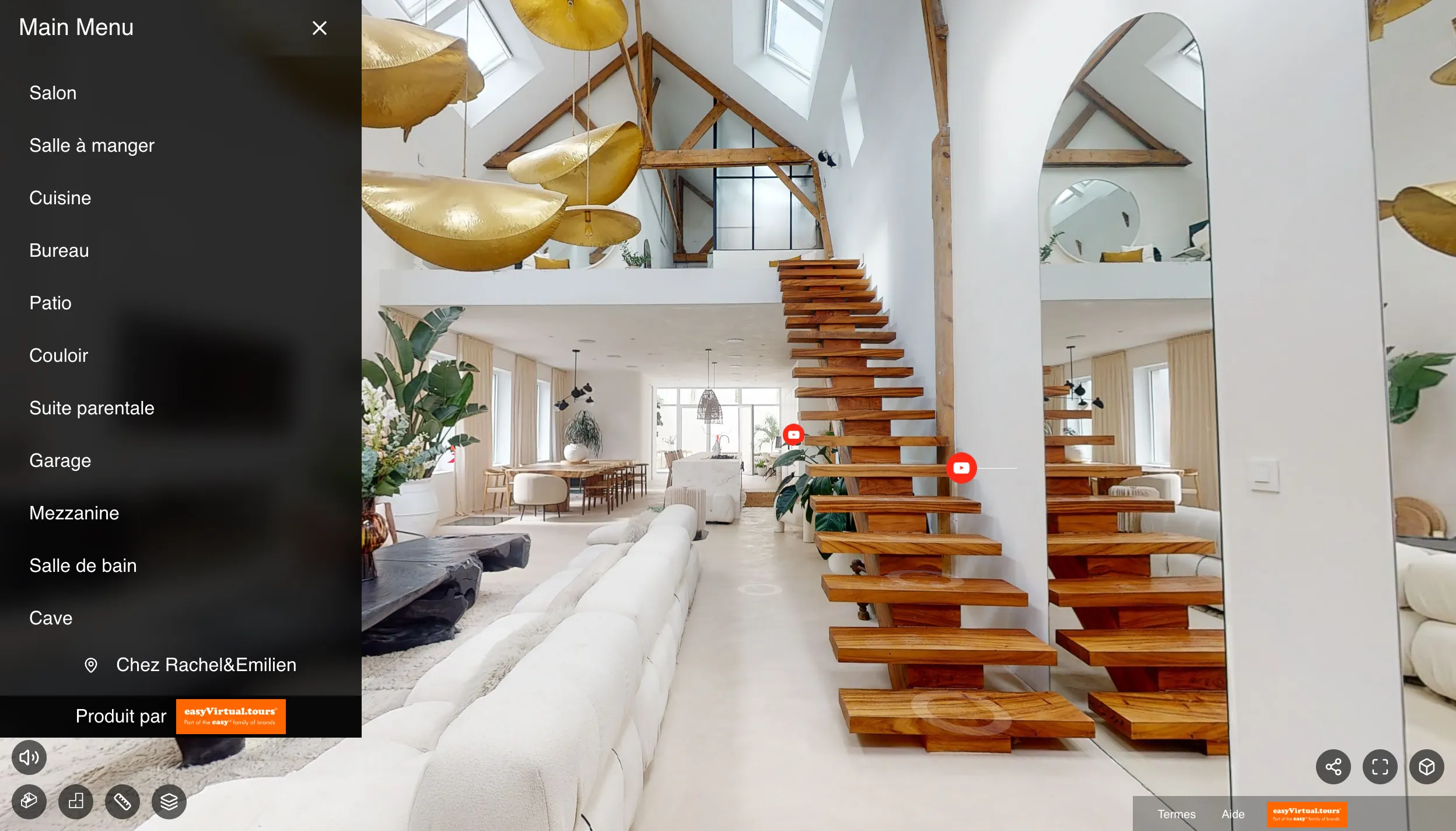
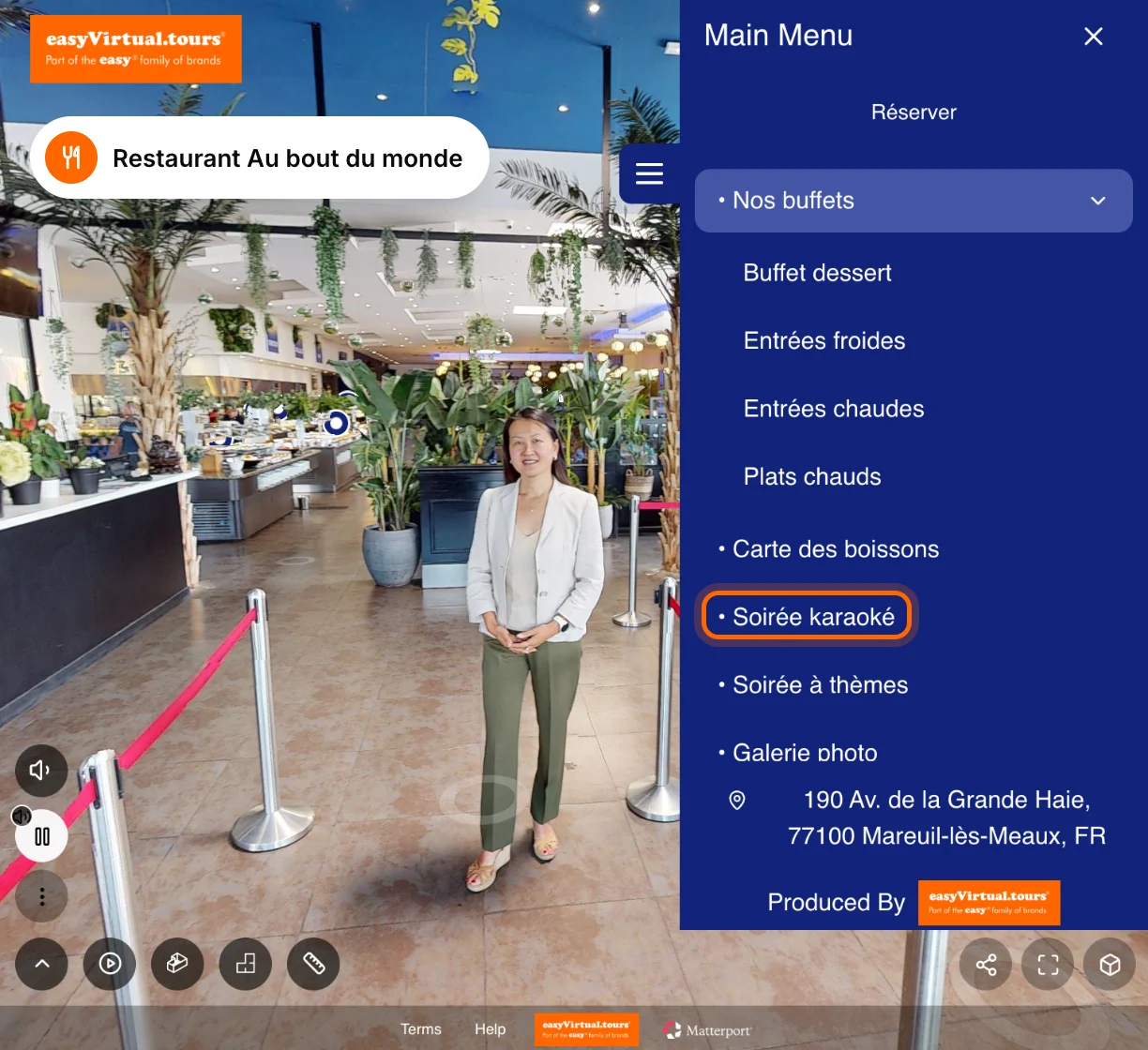
Write your menu labels in your own words
Rooms, Meetings, Karaoke night: each section carries the name you give it. Visitors find the words used at your front desk and know straight away where to click.
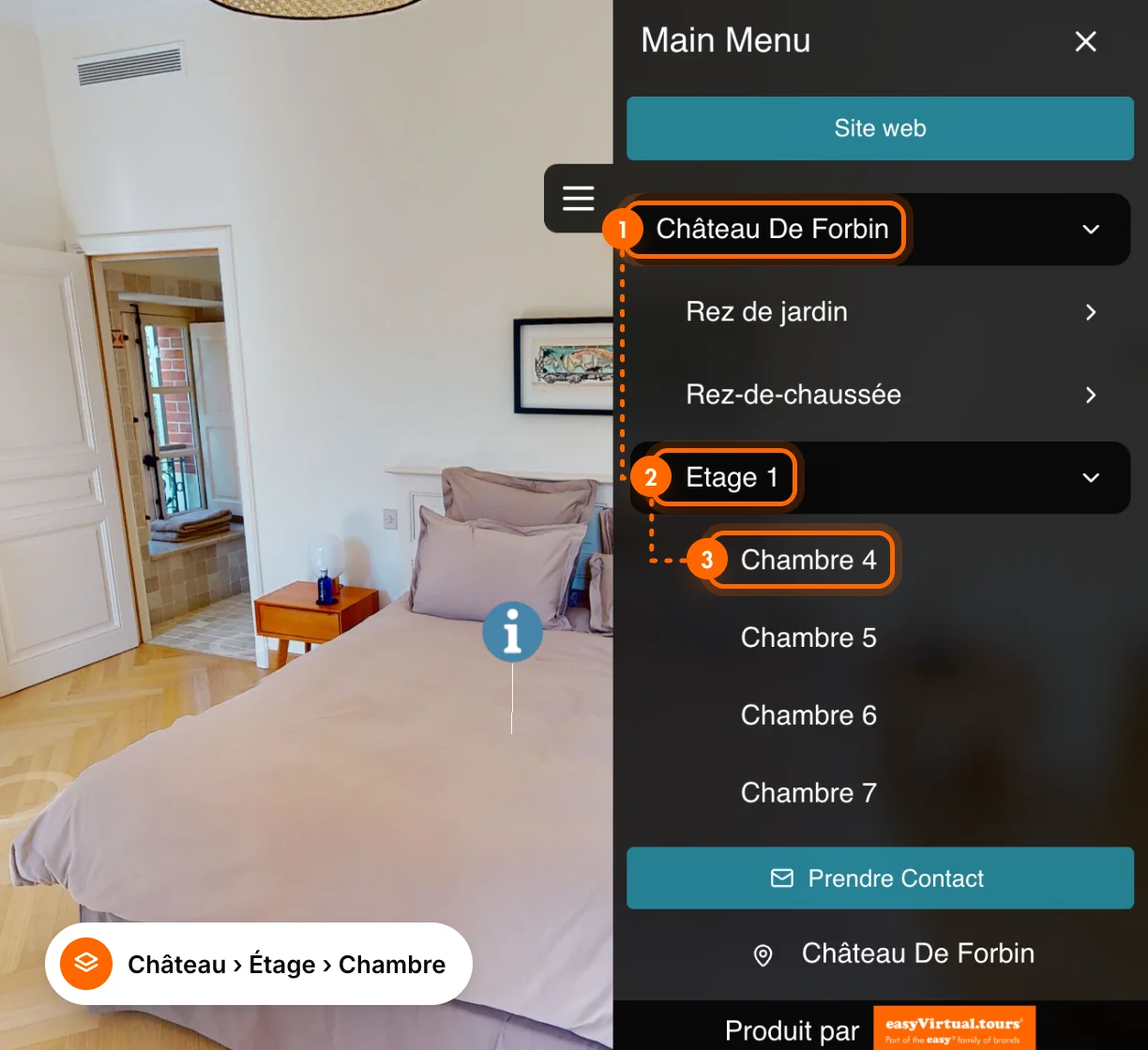
Organise your spaces into multi-level sections
Building, floor, room: your sections fit together like your venue. Even with dozens of spaces, the menu stays short and everyone goes straight down to the room they are looking for.
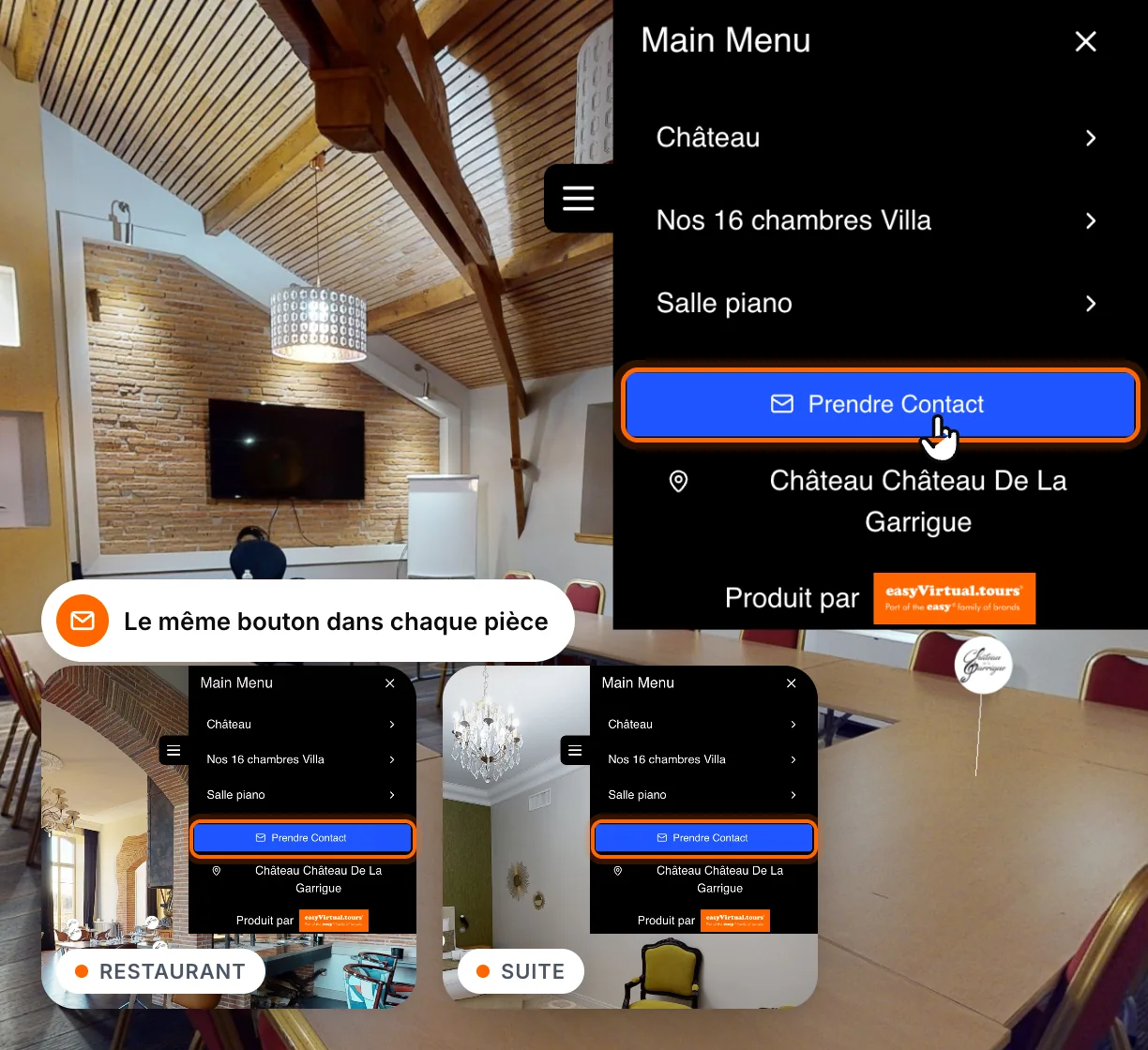
Show your contact button throughout the tour
A visitor who has just found their ideal room doesn't have to look for a way to reach you. The contact button is in the menu, in the same place from the start of the tour.
Property
Buyers go straight to their future flat.
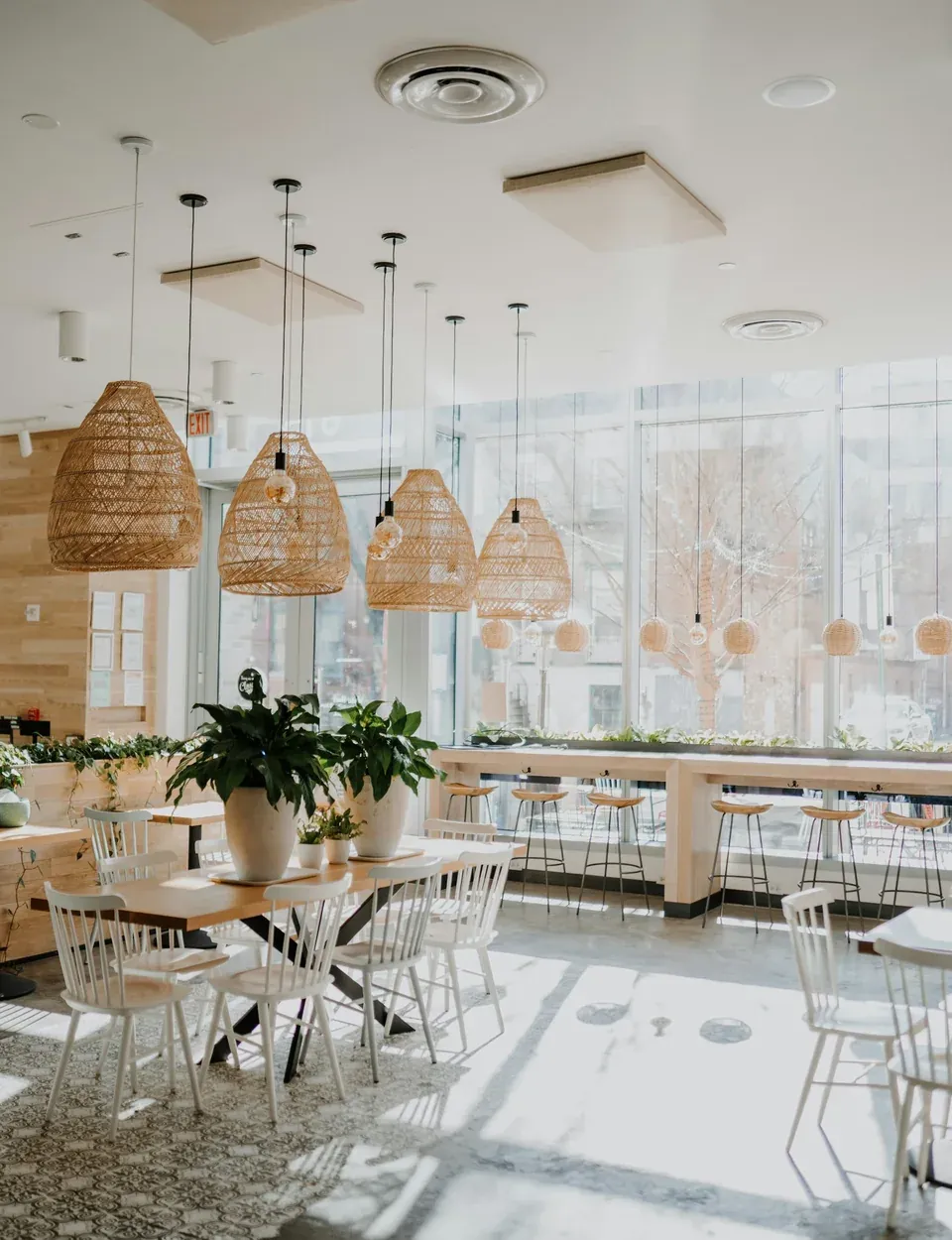
Hotels & restaurants
Every guest comes in through the door that concerns them.
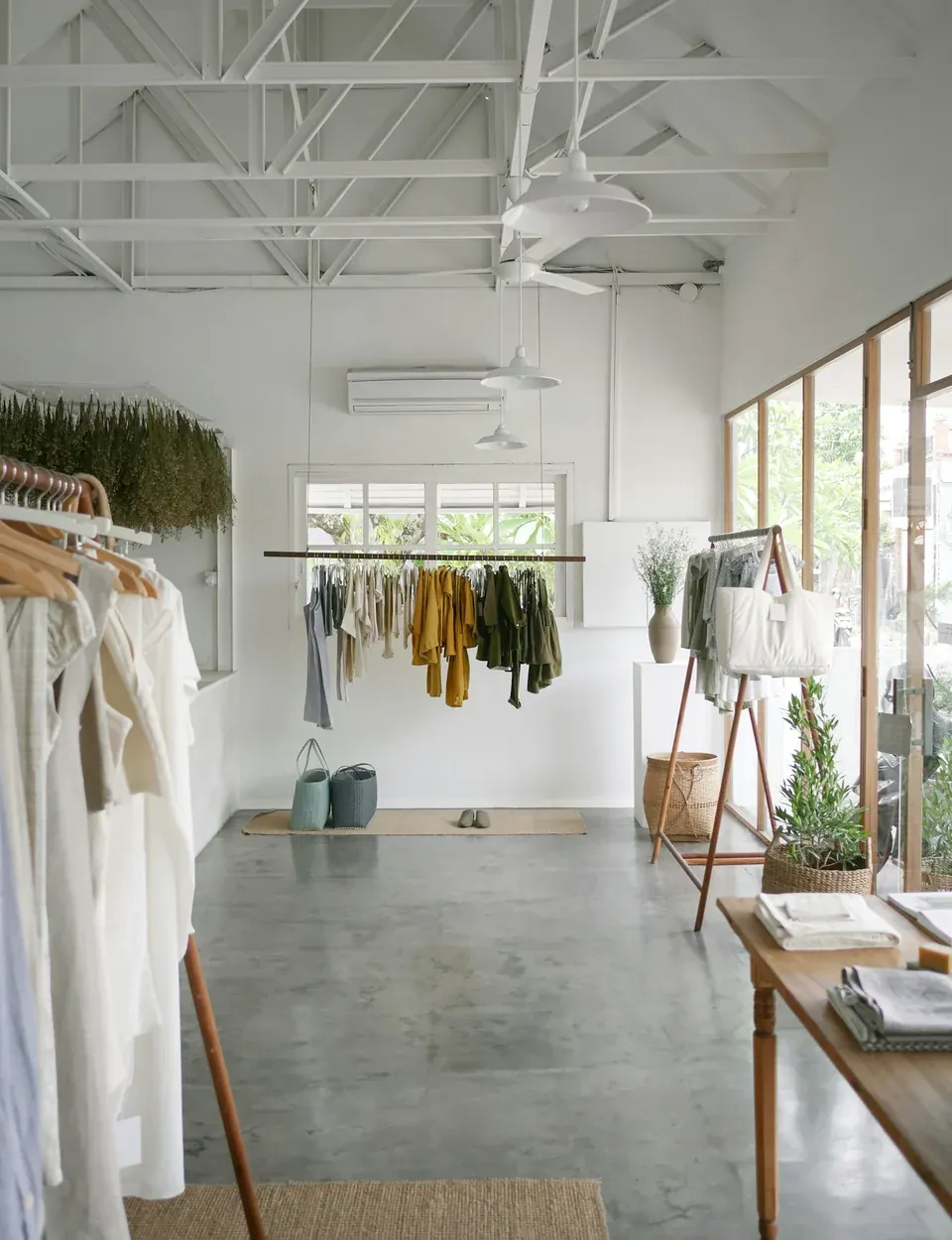
Retail and services
The right aisle, without crossing the whole shop.
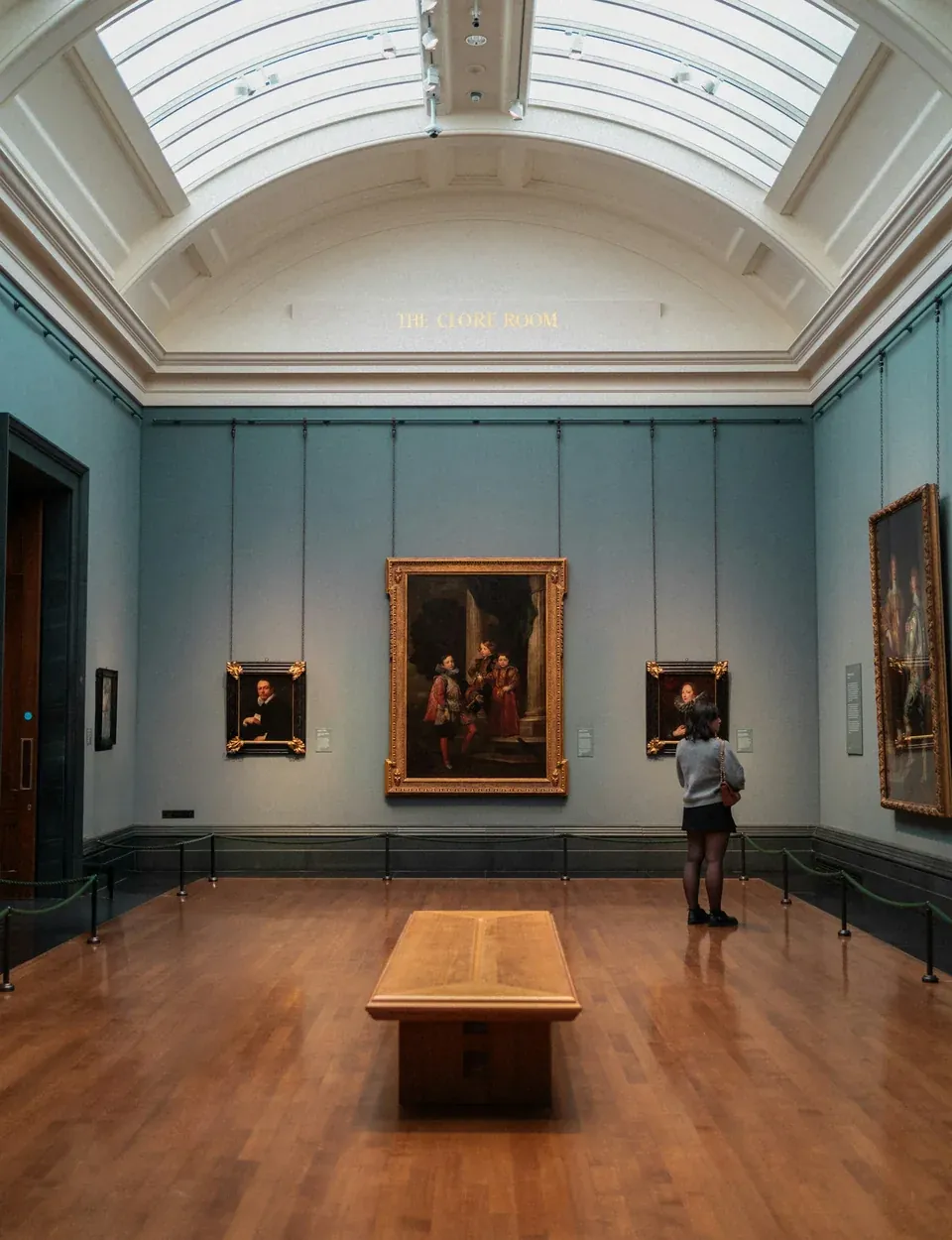
Culture & heritage
The museum is explored collection by collection.
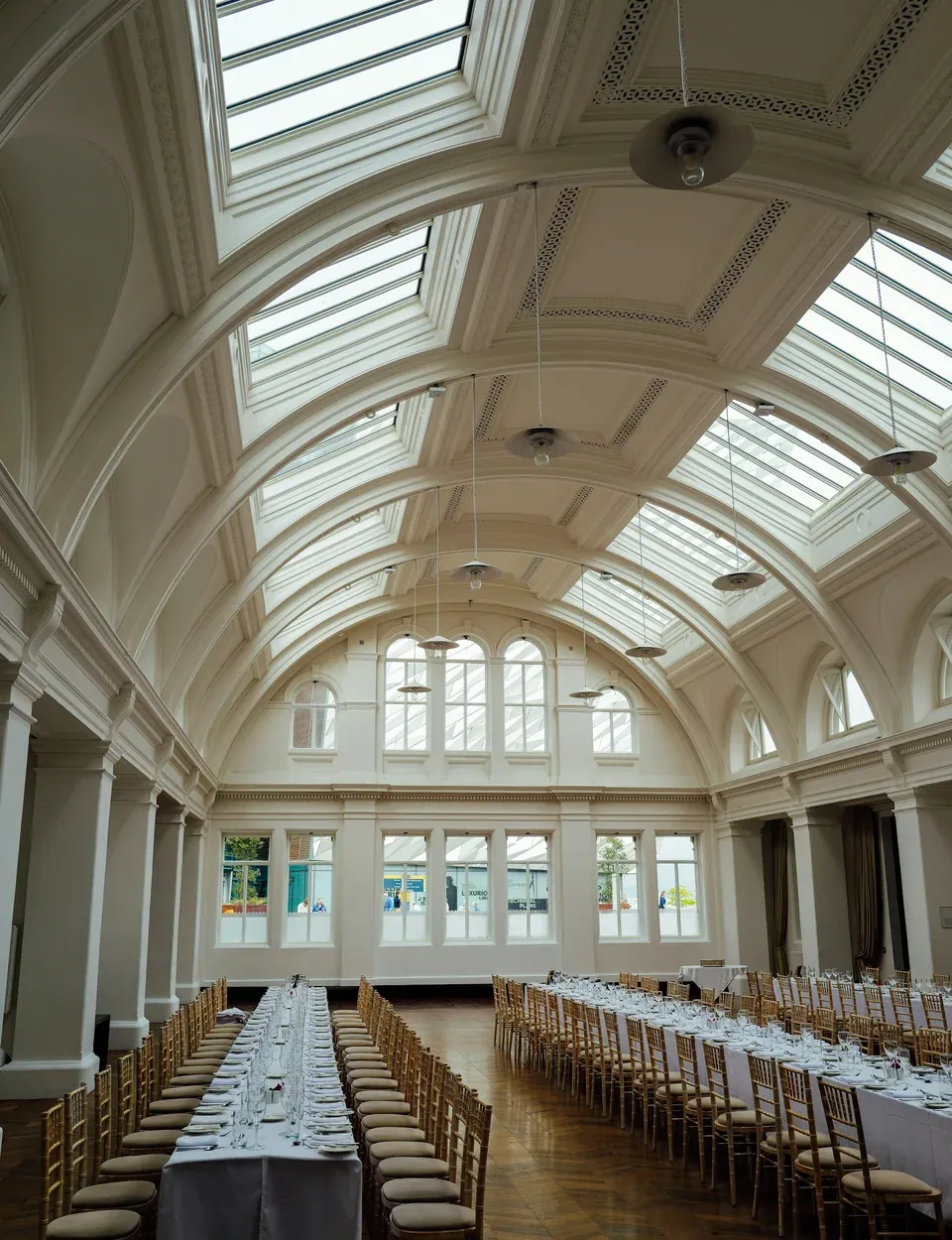
Tourism
From the cottage to the pool in one click.
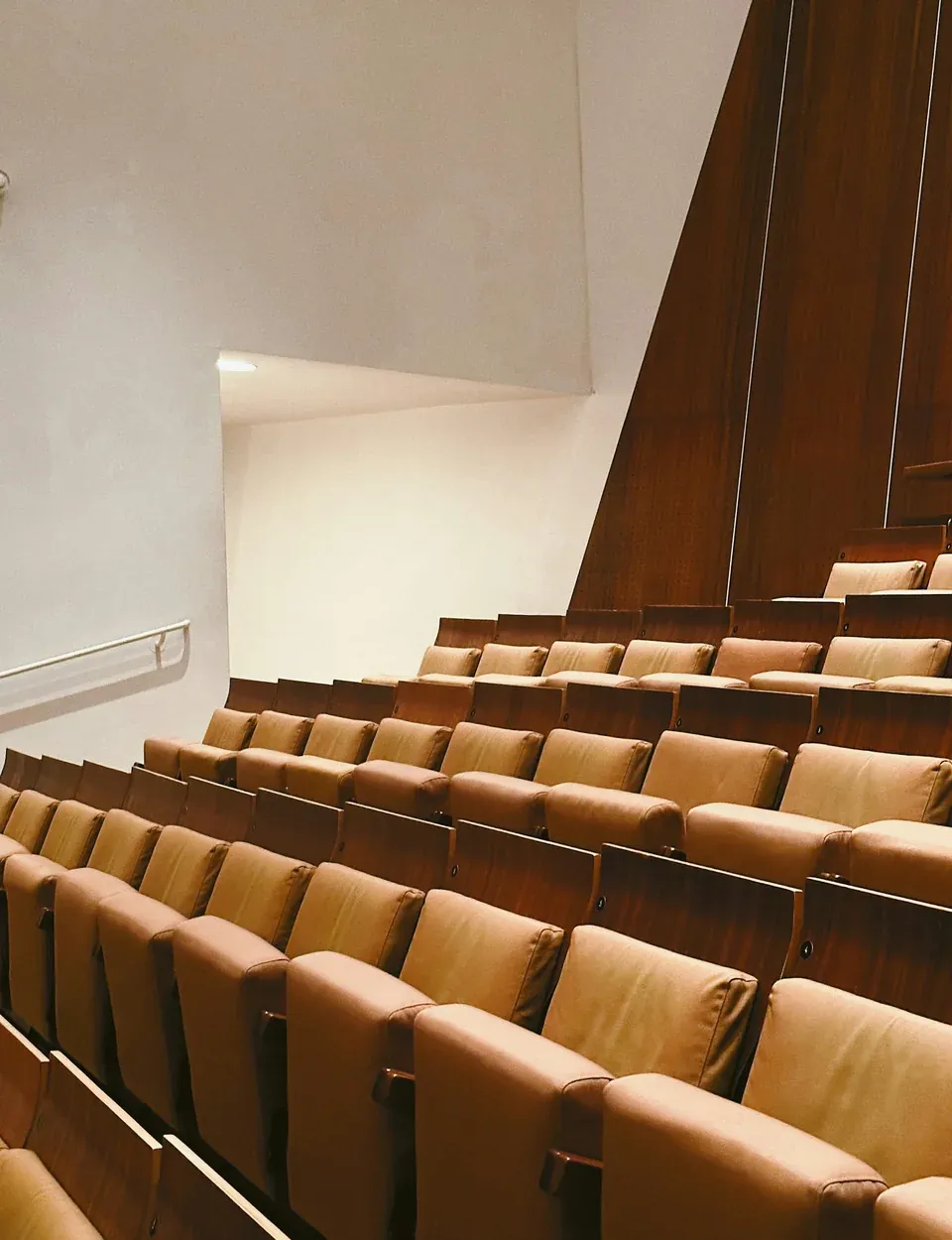
Education
Each family explores the campus that concerns them.
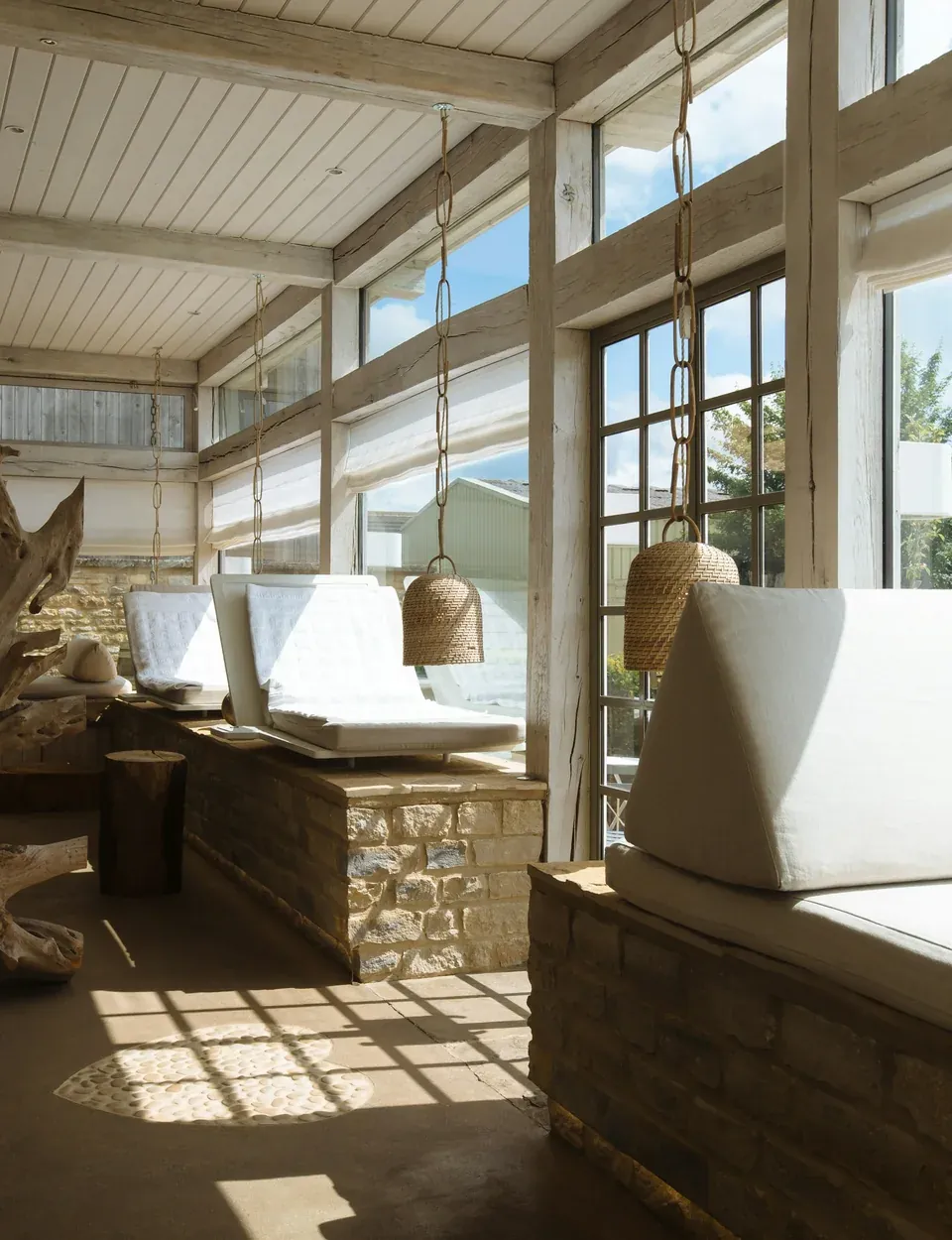
Health & wellbeing
Patients find their department before they come.
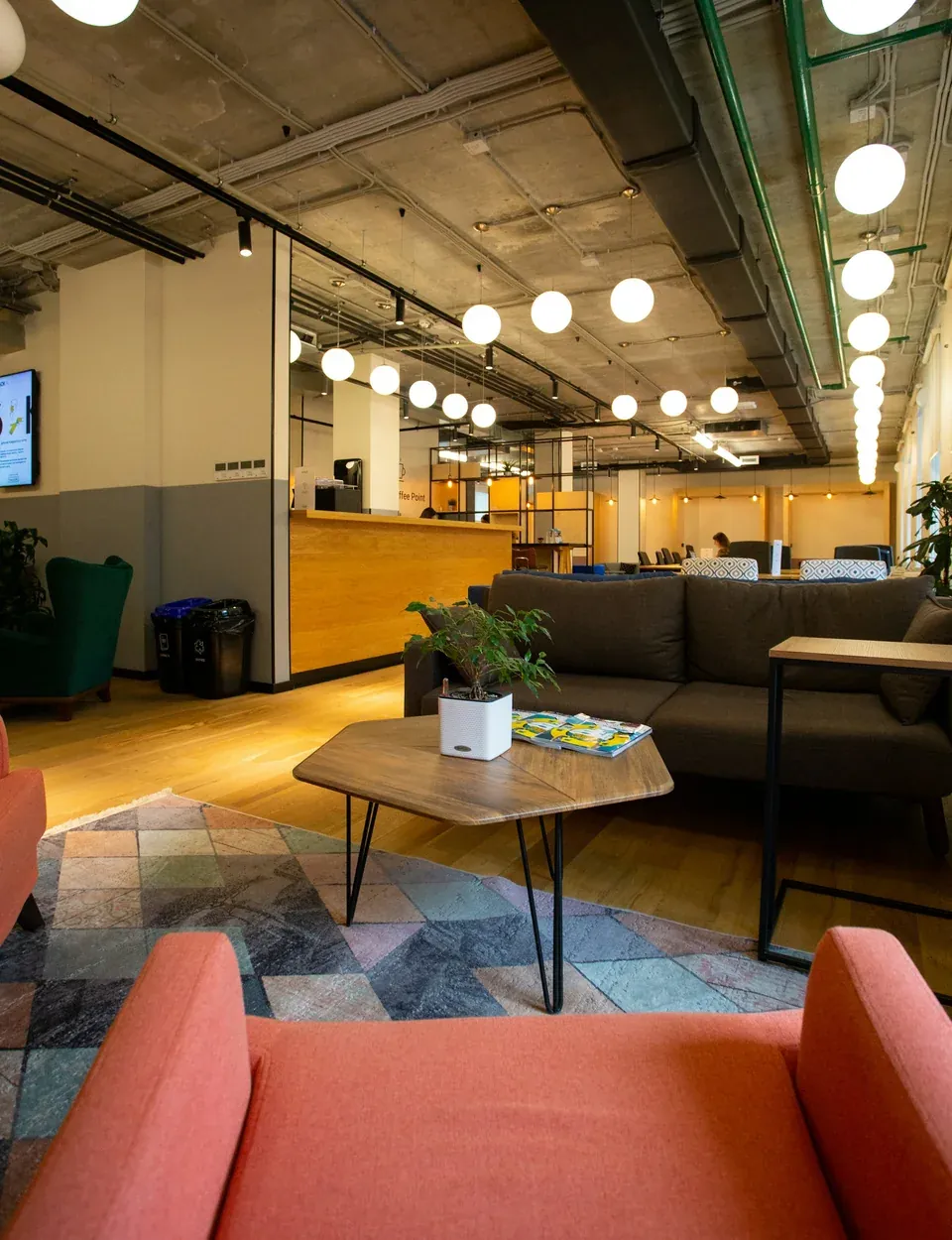
Offices & businesses
The premises can be explored without a guide.







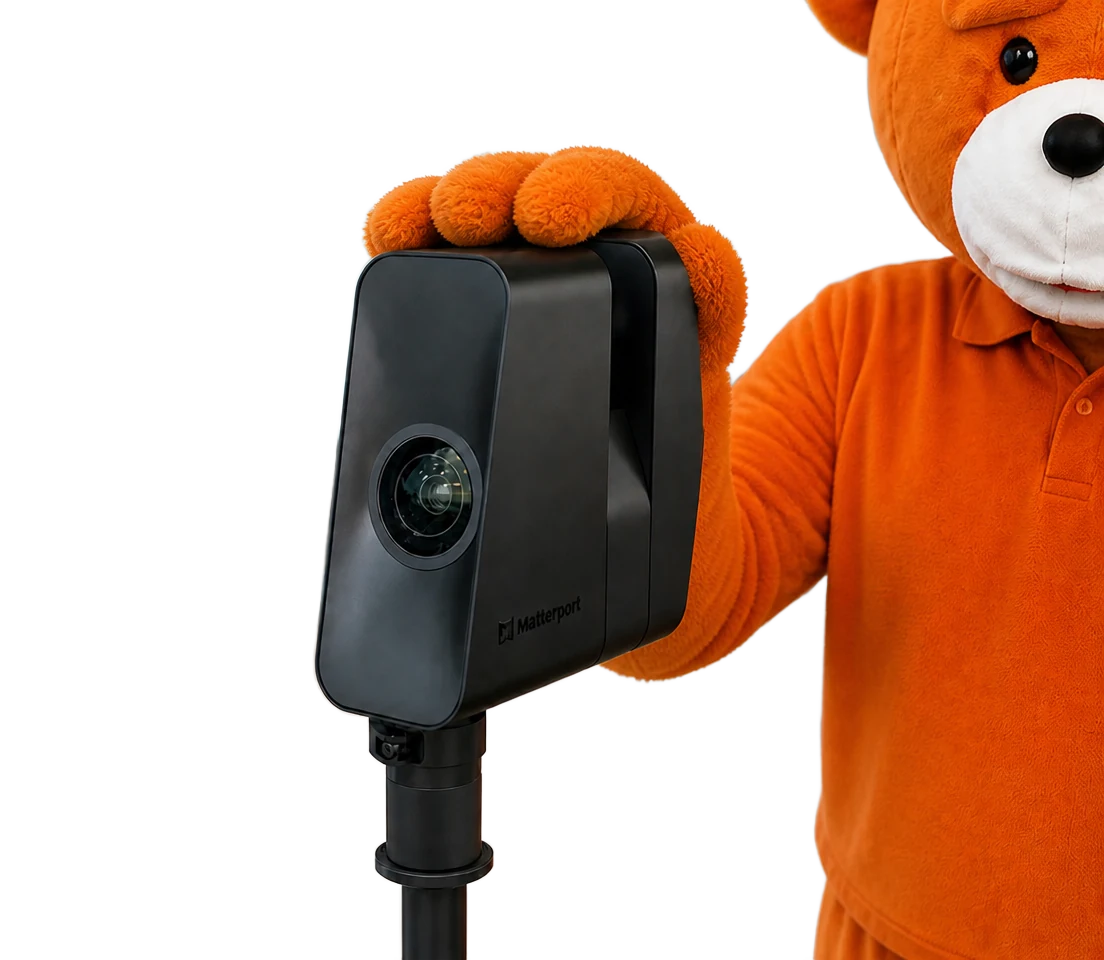
easyVirtual.tours helps you build your navigation menu!
-
We build the menu in your words
Rooms, Meetings, Wellness area: each entry carries the label you choose. Together we define which spaces to include and their order, depending on the audience you are targeting.
-
We adapt the structure to your venue
A single level for a small venue, sub-sections for a large one: the depth of the menu is decided with you, depending on the size of your venue. Everyone goes down to the room they are looking for.
-
We keep the menu up to date with your venue
A renovated room, a new offer? Entries, labels and destinations evolve with your venue. The lead time and any cost depend on the scale of the change.
Discover theuse cases where you get the most out of the navigation menu.
The difference the navigation menu can make in practice, use case by use case.



Other features
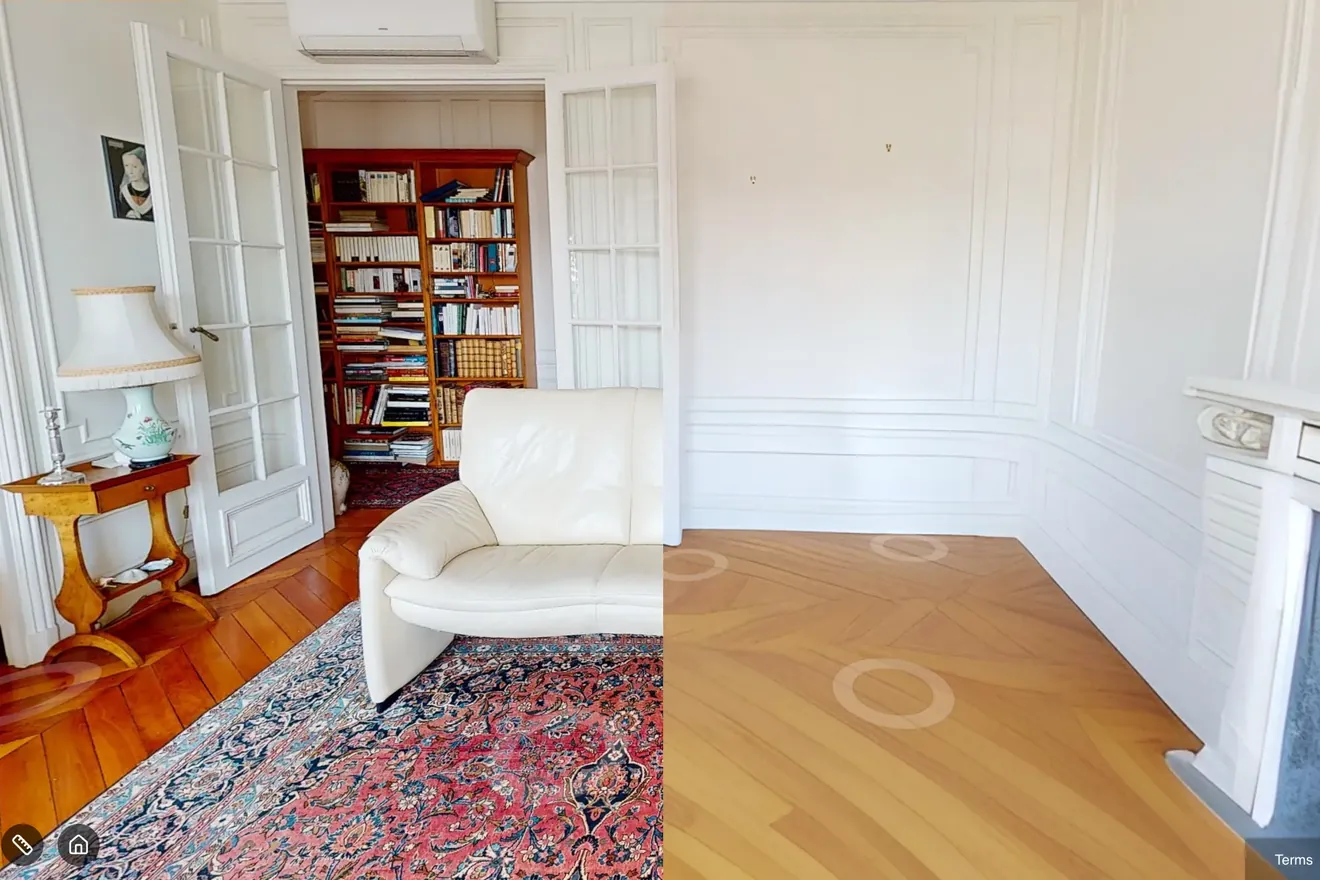
Empty your properties in one click with AI decluttering
- Clear the rooms without moving anything on site
- Go from furnished to empty in one click
- Get decluttered photos for your listings
01 / 05
All features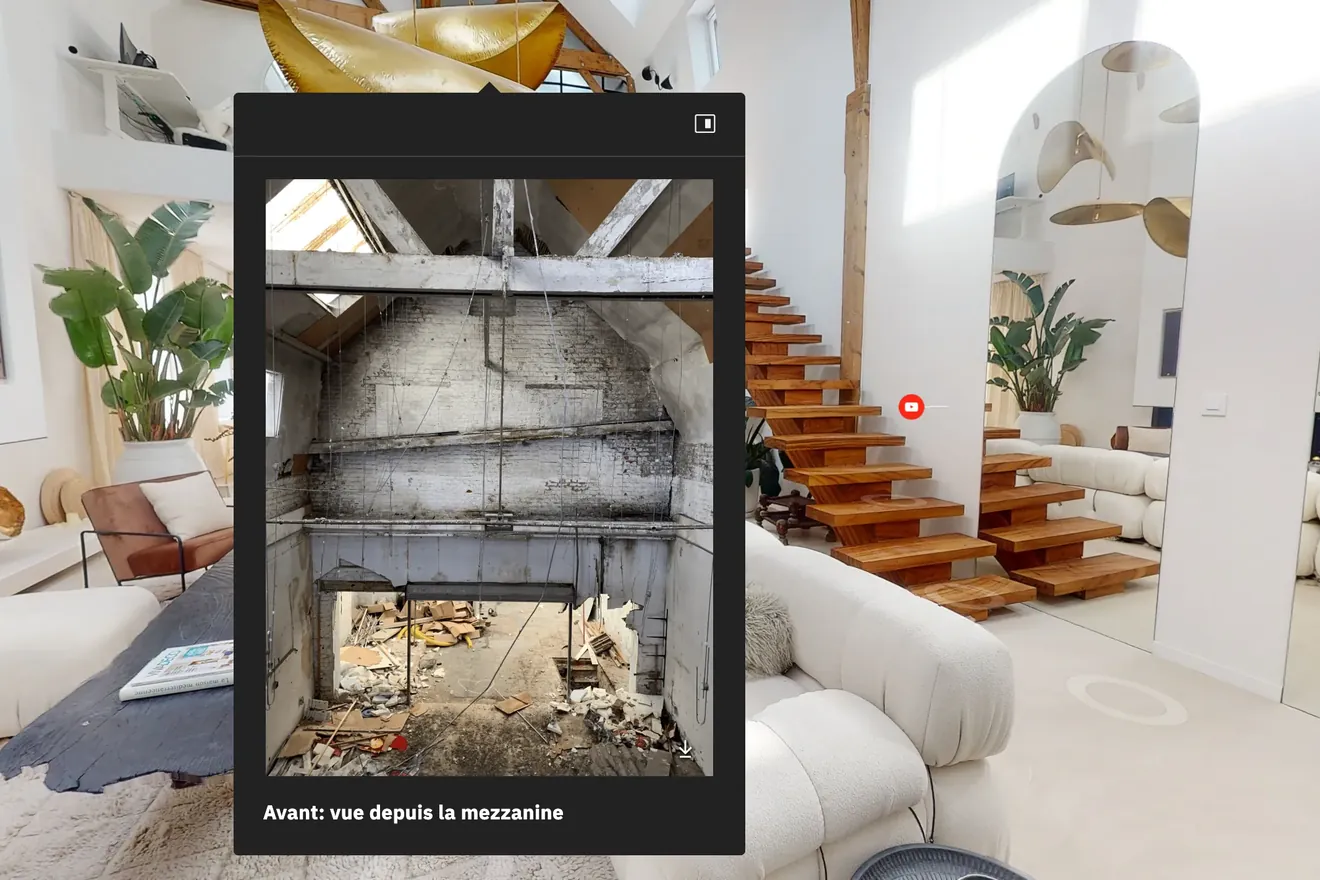
Enrich your virtual tour with points of interest
- Add your photos, videos, text and PDFs
- Place each answer where the question comes up
- Insert call-to-action buttons to get in touch, book or discover an offer
02 / 05
All features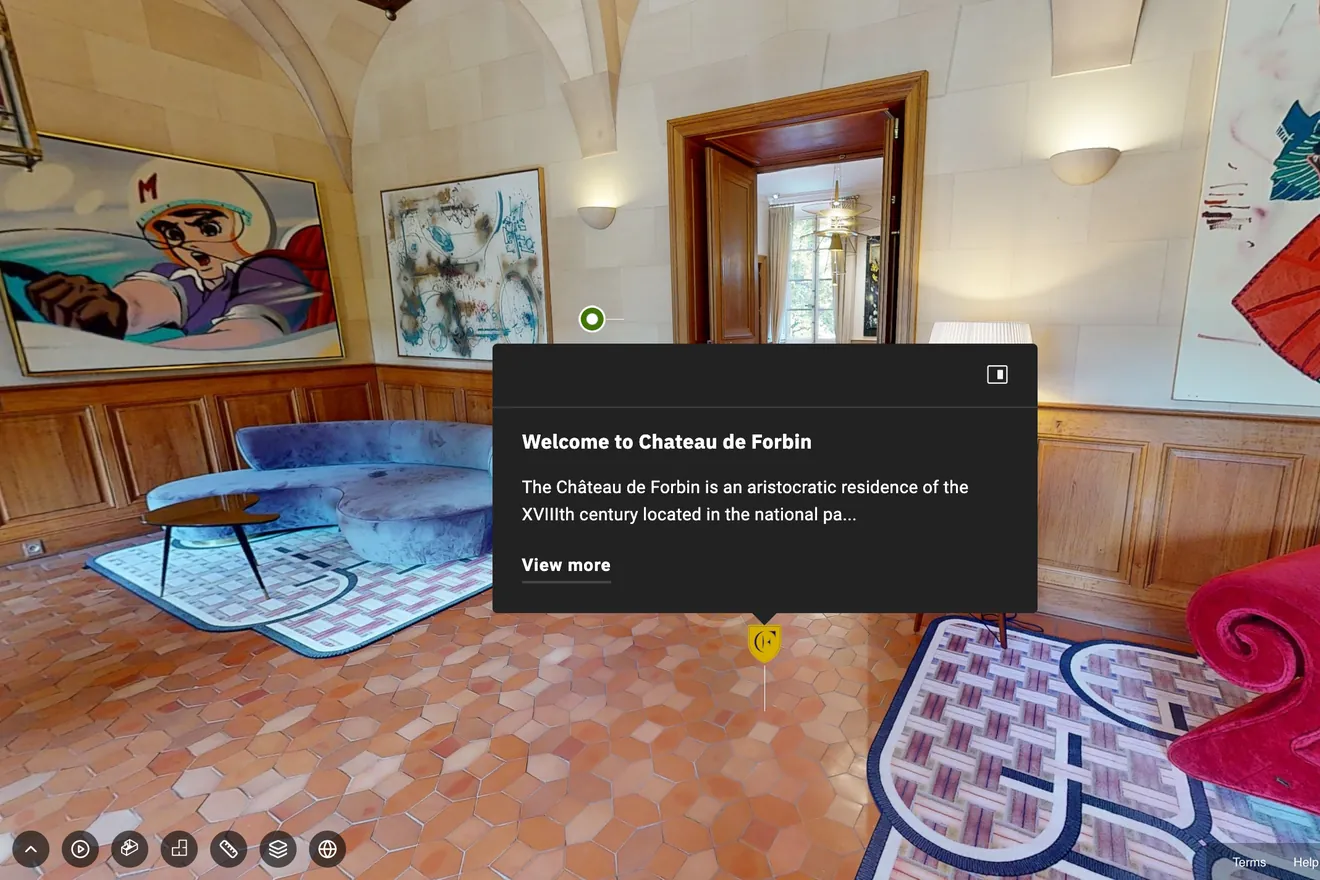
Open your venue to the world with a narrated tour in several languages
- Create a story that follows the visitor through each space
- Add as many languages as you like
- Generate the voices with AI or upload your own
03 / 05
All features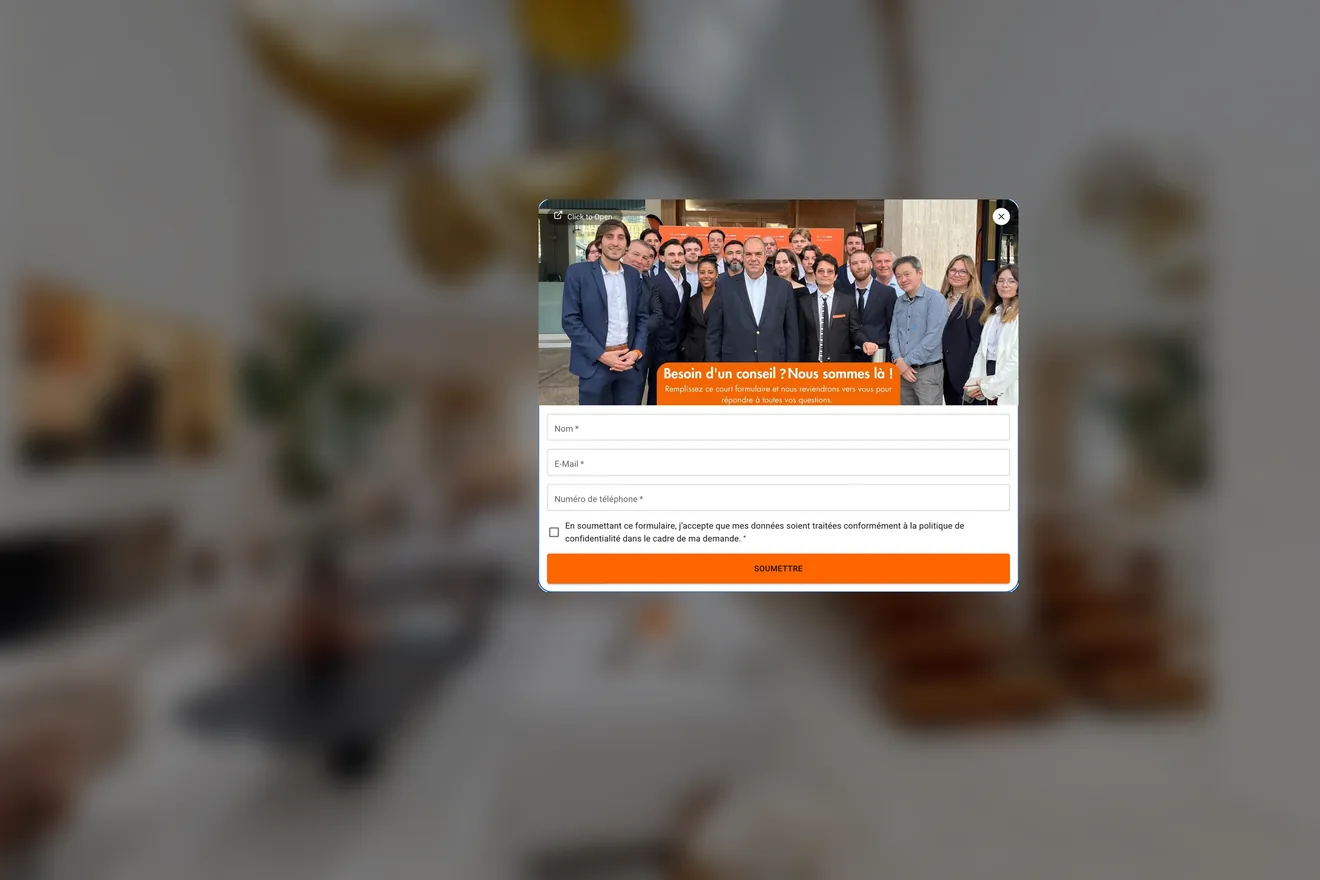
Collect your prospects' details with built-in forms
- Collect contact requests during the tour
- Choose when the form appears
- Ask for details before the tour opens
04 / 05
All features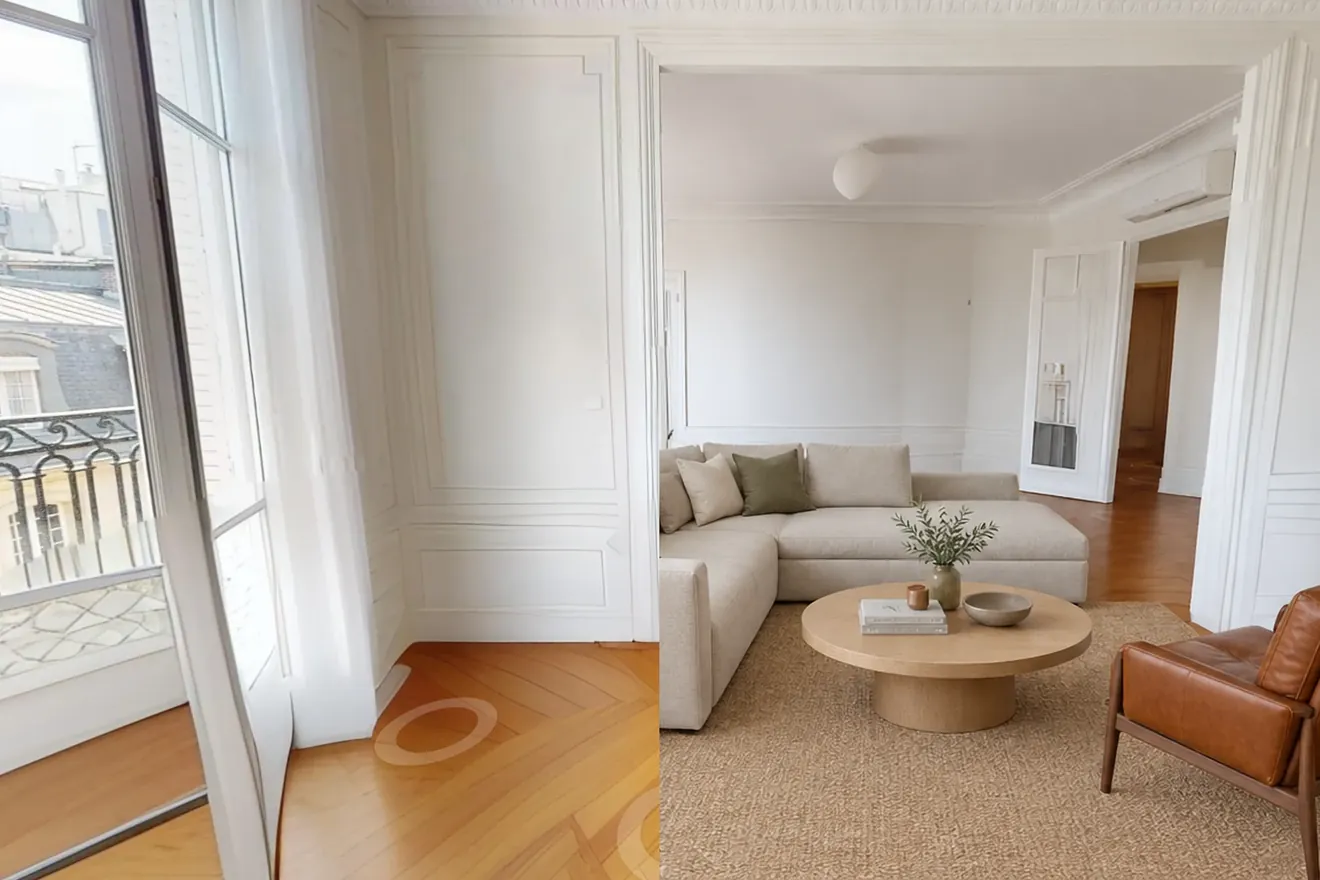
Help buyers picture their future home with AI virtual staging
- Describe the look, the AI furnishes the room
- Show the same room in several styles
- Use your renders in the listing and in the 360° tour
05 / 05
All features Build a tour that fits your goal
Other features
Empty your properties in one click with AI decluttering
- Clear the rooms without moving anything on site
- Go from furnished to empty in one click
- Get decluttered photos for your listings
Enrich your virtual tour with points of interest
- Add your photos, videos, text and PDFs
- Place each answer where the question comes up
- Insert call-to-action buttons to get in touch, book or discover an offer
Open your venue to the world with a narrated tour in several languages
- Create a story that follows the visitor through each space
- Add as many languages as you like
- Generate the voices with AI or upload your own
Collect your prospects' details with built-in forms
- Collect contact requests during the tour
- Choose when the form appears
- Ask for details before the tour opens
Help buyers picture their future home with AI virtual staging
- Describe the look, the AI furnishes the room
- Show the same room in several styles
- Use your renders in the listing and in the 360° tour
Discover everything that's possible
17 features, one single capture. Some come with the tour, others are added depending on what you want to show.



Still have questions about the navigation menu?
Price, menu content, sub-levels and changes: here is what to plan before adding a menu to your tour.
-
How much does a navigation menu cost?
Every menu is made to measure. The price depends on your venue, the number of entries and the structure to create. Tell us about your project and the agency in your area will send you a detailed proposal where the tour, its deliverables and this option are set out clearly. Each agency in the network sets its own prices freely. Everything goes through the tailored proposal.
-
Who chooses the menu entries and their names?
You do. Together we define which areas or spaces to include, their order and the exact label of each entry, in your own words. Our experience with tours helps you decide: which entries, in what order, for which audience.
-
Can the menu have sub-levels?
Yes. An entry can open into sub-entries, for example ‘Rooms’ leading to your room categories. It's useful as soon as an area groups several spaces. The right depth is decided with you, depending on the size of the venue.
-
Can the menu contain anything other than spaces?
Yes. A contact button can sit in the menu, so visitors can write to you without leaving the tour.
-
Does the menu work alongside the automatic guided tour?
Both solve the same problem in two different ways. The guided tour leads visitors; the menu lets them choose. They can be combined in the same tour.
-
Can the menu be changed after delivery?
Yes. Entries, labels and destinations can evolve with your venue. The lead time and any cost depend on the scale of the change and your package.
Got another question?
Talk to an expertLet's arrange your virtual tour
Tell us about your project: the agency in your area will get back to you within 24 business hours and schedule the capture of your 360° tour, delivered within 48 business hours, anywhere in France.


























The navigation menu is covered by a tailored proposal, detailed before any commitment. Each agency in the network sets its own prices freely.