






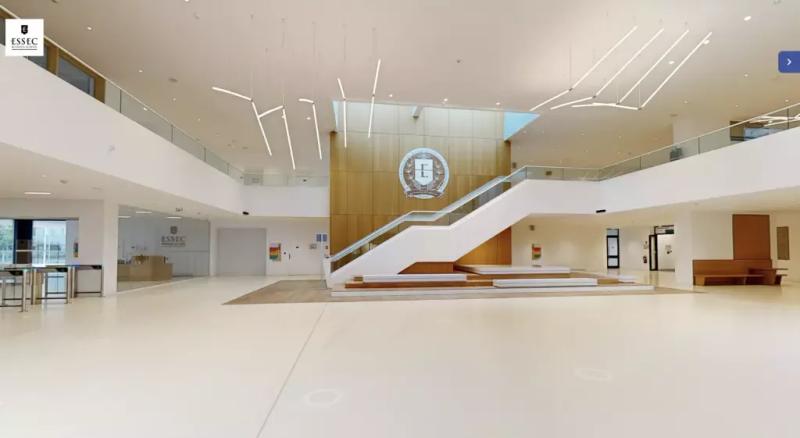
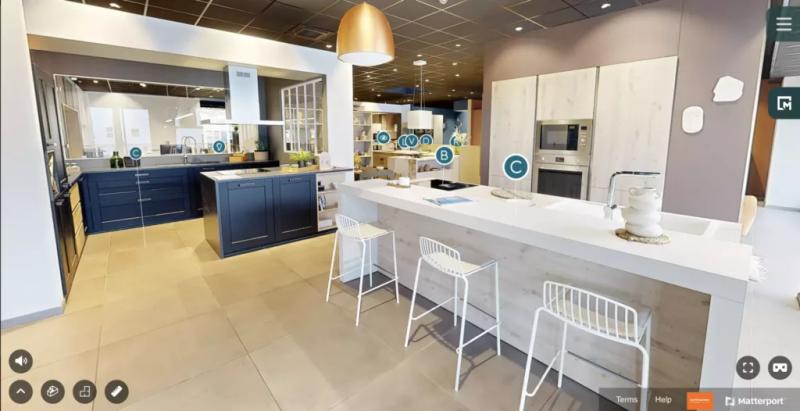
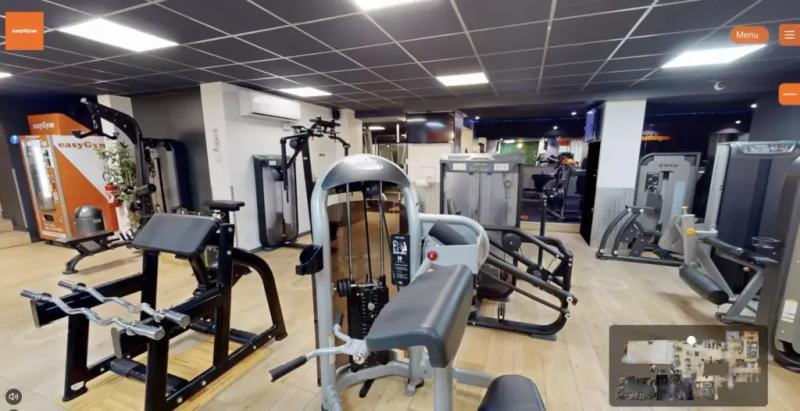
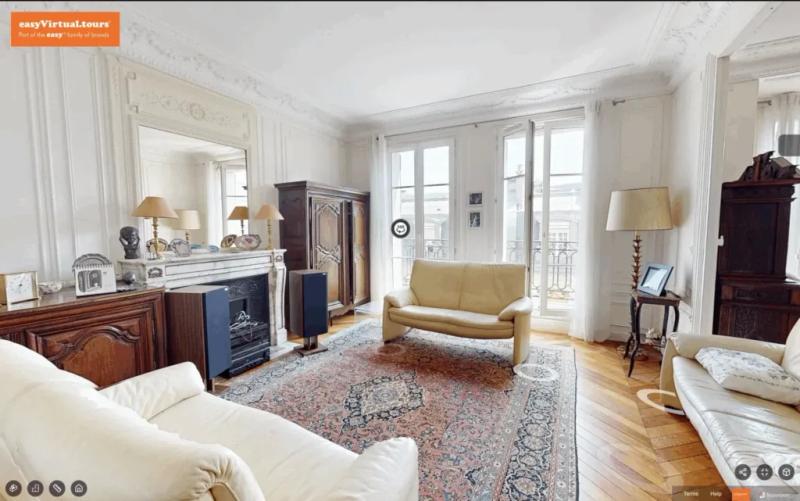




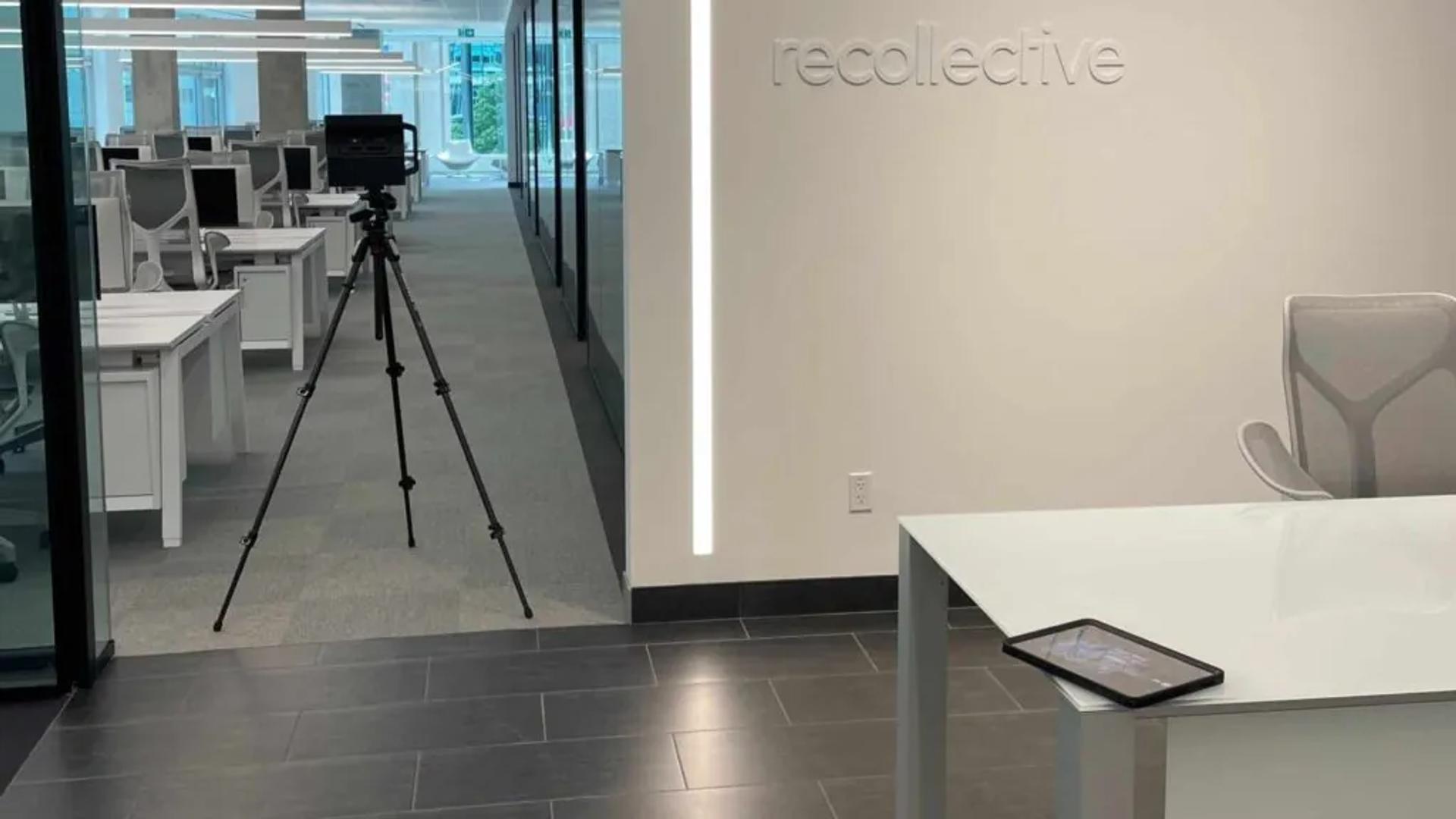
Creating a virtual tour is far more accessible today than it was a few years ago. A smartphone can be enough to experiment, a 360° camera takes you further, and for a professional result the capture and creation of the tour can be handed over entirely to a specialist.
The right choice depends above all on what you want your tour to do. Showing a house to your family does not call for the same standards as selling a flat, presenting a hotel or letting customers discover a shop before they visit.
This guide compares the three main ways to create a virtual tour, how difficult each one is and, above all, how much of your time it takes.
In short
- Smartphone: accessible, fine for testing or for personal use.
- 360° camera: better quality, but it takes equipment and editing time.
- Professional: suited to commercial use, when the quality of the result really matters.
- With a professional: a single visit on site and a tour delivered within 48 business hours.
What you need to create a virtual tour
Before talking about equipment, it helps to understand how a virtual tour works. In its simplest form, it is a series of linked 360° views: when you click to move forward in a room, you are actually jumping from one capture point to the next.
Whatever the technology, creating a tour follows three main steps:
- Capture the place. Shots taken at regular intervals, in every room or area.
- Assemble the tour. The viewpoints are linked so you move naturally from one to the next.
- Publish the tour. A link to share and, depending on the solution, a code to embed it on your website.
What really changes between a smartphone, a 360° camera and a professional solution is the quality of that reconstruction. Are the joins clean? Can you see the whole building at once with a 3D dollhouse view? Can you take measurements? How much time goes into the capture, then into editing? These are the criteria on which the three methods differ.
New to the subject? Start with our article What is a virtual tour?, which explains how it works and what it is mainly used for.
Method 1: creating a virtual tour with a smartphone
This is the simplest way in. An app guides you as you shoot: you stand in a room, turn the phone following the markers on the screen, and the app stitches together a panoramic image. You repeat this at different points in the building before linking the views.
How do you do it?
- stand in the centre of the area you want to capture;
- keep your smartphone at a constant height;
- follow the app's instructions precisely;
- complete the full 360° capture;
- move a few metres and start again;
- then assemble the different points in the tool you have chosen.
In a small space, you can get the hang of it quickly. As soon as the rooms and viewpoints multiply, the job takes much longer.
A few tips that already make a difference
- Turn the lights on. A smartphone soon reaches its limits in dark areas.
- Open the doors. The route becomes more intuitive, and the way the rooms connect is clear at a glance.
- Always keep the same height. A big difference between two shots makes the transitions jarring.
- Get everyone out of shot. In 360°, there is no real ‘behind the camera’.
And take your time: one mistake on a panorama can mean redoing the whole capture.
The limits of a smartphone
Your expectations need to match the equipment. The joins between images can be visible, dark rooms are harder to render cleanly, and the measurements are not reliable enough for anything that needs precision. As a rule, you do not get the overall 3D view of the building either, the famous dollhouse of professional solutions.
A smartphone makes most sense for discovering the technology, creating a tour for personal use or testing an idea before investing further. To present a place commercially, look at the next two methods.
Method 2: creating a virtual tour with a 360° camera
The second option is to buy your own 360° camera. Where a smartphone builds a panorama from several images, the camera photographs its surroundings in every direction in a single shot. Capturing becomes much quicker.
What equipment do you need?
- a 360° camera;
- a suitable tripod;
- software to assemble the tour and put it online.
The camera is only part of the equation. You set it up at your first point, trigger the shot while staying out of frame, move the tripod and start again until you have covered the whole place. The images are then imported into the software: you still have to create the links, check the direction of the route and, if you wish, add information or points of interest.
The real cost is your time too
The result can be noticeably better than with a smartphone, and capturing is more comfortable. On the other hand, you become the operator and then the editor: positioning the camera correctly, choosing enough viewpoints without adding pointless ones, organising the files, building the tour and checking every transition. Depending on the software, advanced features such as the dollhouse or measurements will be missing or limited.
Can you create a virtual tour for free?
Yes, up to a point. Some solutions let you try creating a tour without a subscription, or offer a limited free plan: the number of tours, the number of images, how long the tour stays online, the publisher's logo or access to advanced features may all be capped. These offers change often: check the terms when you create your tour, rather than choosing a tool on the ‘free’ promise alone.
Above all, free does not mean without cost. Even if the software costs nothing, you still have to prepare the place, take the shots, redo the failed ones, assemble the tour and publish it. And a camera is an investment if you do not already own one.
So the right question is less ‘can I make a virtual tour for free?’ than: what does this tour need to achieve? To show a place with nothing commercial at stake, a free solution may be more than enough. If the tour has to help sell a property, win bookings, let a home or make people want to visit an establishment, the quality of the result is part of the outcome.
Method 3: having your virtual tour created by a professional
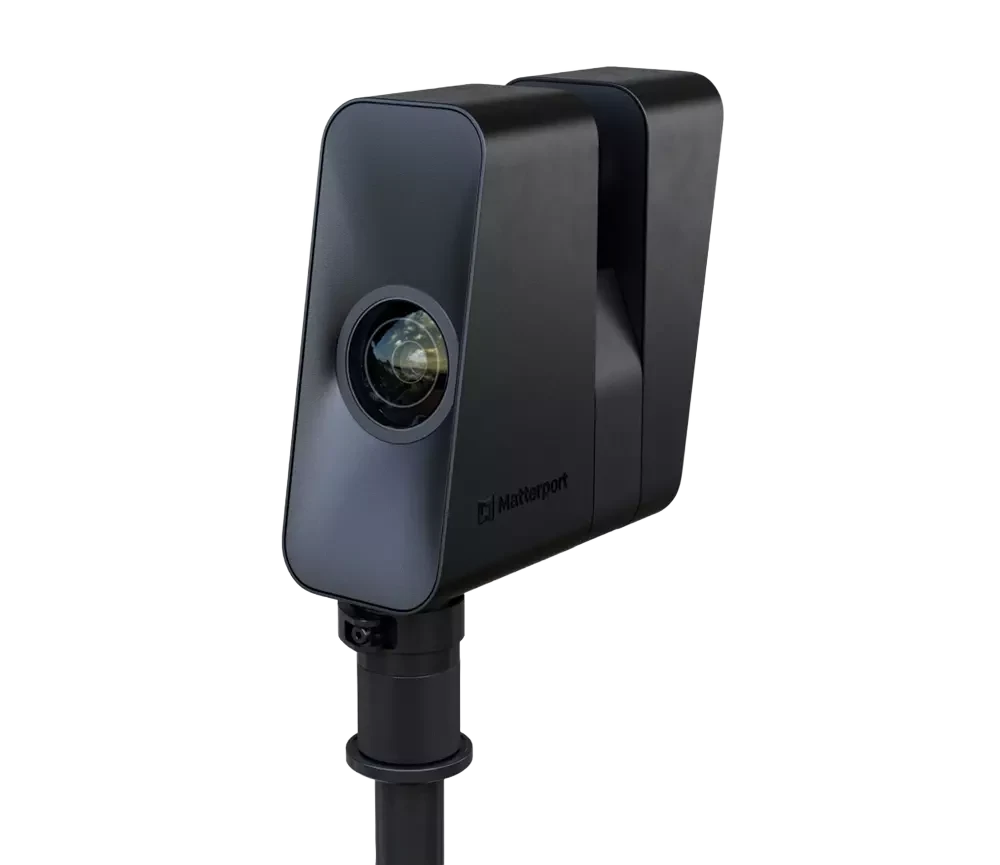
The third option is not to create it yourself. A professional comes on site with a dedicated camera and handles the whole capture. easyVirtual.tours agencies work with a Matterport 360° camera fitted with a LiDAR sensor, which records both the images and the distances needed to reconstruct the place, with centimetre-level accuracy.
So the point is not just ‘better 360° photos’: it is a different level of representation. The tour includes a 3D dollhouse view, which shows the whole building, makes its layout clear at a glance and then lets you move from one room to another.
With easyVirtual.tours, the work is done in a single visit on site. The duration is confirmed before we come: it depends on the floor area and the number of spaces to capture. The service always includes:
- on-site 360° capture and creation of the tour;
- a 3D dollhouse view;
- HD photos taken from the same capture, with no separate photo shoot;
- delivery within 48 business hours.
What if you need to go further?
The same capture is the basis for other deliverables, added as à la carte options depending on your project: a dimensioned 2D floor plan, points of interest and documents right inside the tour, a narrated guided tour, AI virtual staging or publication on Google. Every possibility is gathered in our features catalogue.
Above all, you avoid the whole technical side: choosing equipment, learning to capture, assembling the tour and checking the route. That is what makes this option relevant as soon as a place has a commercial purpose. An apartment has to find a buyer, a hotel has to generate bookings, a restaurant has to make people want to come, a showroom has to help visitors picture themselves there. The tour is no longer a fun thing to make: it becomes a sales and communication tool.
A professional tour is particularly suitable if:
- you are selling or letting a property;
- your establishment is open to the public;
- you need measurements or a floor plan;
- you want a 3D view of the place;
- you do not want to spend several hours editing.
Smartphone, 360° camera or professional: which method should you choose?
| Criterion | Smartphone | 360° camera | Professional |
|---|---|---|---|
| Cost | Free to low | Equipment + software or subscription | Tailored quote, see our pricing |
| Time on site | Fairly long | Moderate | A single visit |
| Editing left to you | A lot | A lot to moderate | None |
| Quality of the joins | Variable | Good, depending on the tool and your skill | Professional |
| 3D dollhouse | Usually not | Depends on the solution | Yes, included |
| Measurements | Unreliable | Variable, depending on the solution | Accurate measurements, as an à la carte option |
| Best for | Personal use, testing | Regular production of simple tours | Selling, letting, welcoming the public |
The logic is simple: for personal use, start with your smartphone; for commercial use, where the result contributes to the outcome, a professional capture is the better fit. In between, a 360° camera makes sense if you genuinely want to bring production in-house and have enough tours to make to justify the learning curve and the equipment.
Creating a virtual tour with easyVirtual.tours in 5 steps
The easyVirtual.tours network has already delivered 2,000+ tours all over France, with an average rating of 4.9/5 on Google. The process is designed to take all the complexity off your hands.
1. We define what you need
Before we come, we talk about the place, its floor area, the spaces to capture and, above all, what the tour is for. A flat for sale, an establishment open to the public and a business site do not need the same features.
2. An operator carries out the capture
The easyVirtual.tours agency in your area arrives at the agreed time and scans the different spaces. You know in advance how long it will take: a single visit is enough.
3. We assemble and check the tour
The viewpoints are linked to rebuild a smooth route, then the navigation and consistency of the tour are checked before delivery.
4. We add the options you ordered
Dimensioned 2D floor plan, points of interest, documents, AI virtual staging, guided tour: the features you chose are added according to your project.
5. You receive your tour
The tour is delivered within 48 business hours, as a link ready to share or embed on your website.
The work stays local: 36 easyVirtual.tours agencies cover France. Find the one in your area.
Key takeaway: no need to buy a camera, master software or learn to stitch panoramas. You get your place ready, and the agency takes care of the capture and production.
How do you publish and embed a virtual tour?
Once created, your tour can be shared in three ways: through a link in a listing, an email or on social media; with an embed code directly on your website; or, as an à la carte option, through publication on Google.
To go further, read the article Where to publish your virtual tour and our page on publication on Google.
FAQ: creating a virtual tour
How long does it take to create a virtual tour?
It depends on the floor area and the method. With a smartphone or a 360° camera, allow time for the capture, but also for assembly and corrections. With easyVirtual.tours, a single visit on site is enough, and the tour is delivered within 48 business hours.
Do I need to tidy or empty the rooms?
Tidy, yes; empty, no. The Matterport 360° camera records what it sees: a tidy space gives a much clearer result, without having to move the furniture out. To present an empty room, AI decluttering can clear it virtually, as an à la carte option.
How much does a virtual tour cost?
The price depends mainly on the area to capture and the options you choose. Rather than a price that may not fit your project, you will find the benchmarks on our pricing page.
Does a virtual tour work on a smartphone?
Yes. A virtual tour opens directly in a smartphone's browser: visitors do not need to install an app to move around the place.
So, how will you create your virtual tour?
The technique is simple to grasp: capture, assemble, publish. The method you choose depends mainly on what is at stake behind the tour.
To discover the principle or share a place now and then, start with a smartphone. If you plan to produce your own tours regularly, a 360° camera may become worthwhile. And when a place has to convince, sell, let or welcome the public, calling in a professional turns a 360° experience into a real sales tool, without leaving the technical side to you. To get a feel for the result, browse our portfolio.
Got a place to digitise?
Tell us about your project: the agency in your area will recommend the right service, how long the visit will take and the options that are genuinely useful.