

Hotels & restaurants
— Get guests to book what they have already toured, with no surprises on arrival.
Tourism
— Stay on the shortlist of organisers who compare venues online.
Property
— Pre-qualify your viewers. Buyers explore the property before asking for a viewing.Retail and services
— Open your door to people who are hesitating, even after closing time.Culture & heritage
— Make people want to come and see the real thing, and reach far beyond your walls.Education
— Open days that last all year, not just one day.Health & wellbeing
— Reassure families before their first visit, from a distance.Offices & businesses
— Be chosen from the online search onwards, by prospects and candidates alike.Renovation
— Survey the existing building before the works, then keep a record of it.Local authorities
— Open the town hall and public facilities to every resident, before they even set foot inside.
Lead generation
— Enquiries from people who have seen it all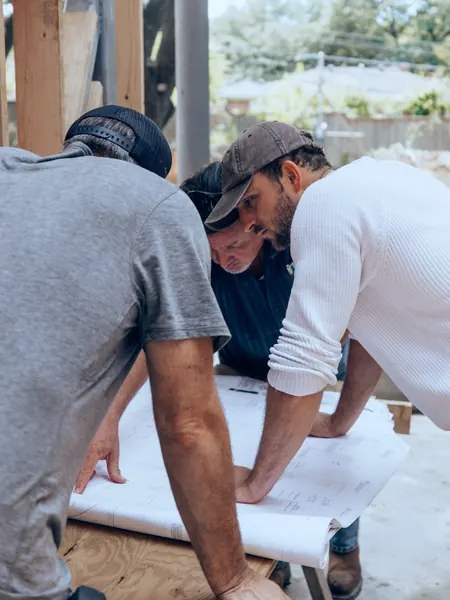
Building renovation
— Survey of the existing building before works
Building management
— 3D survey, BIM model and estate dataFewer wasted viewings
— Only show properties to serious prospectsEmployer branding
— Show candidates your workplaceCSR and accessibility
— Fewer journeys, access for everyoneTraining
— Train people without tying up the siteFire safety
— Exits, shut-offs and evacuation routes mapped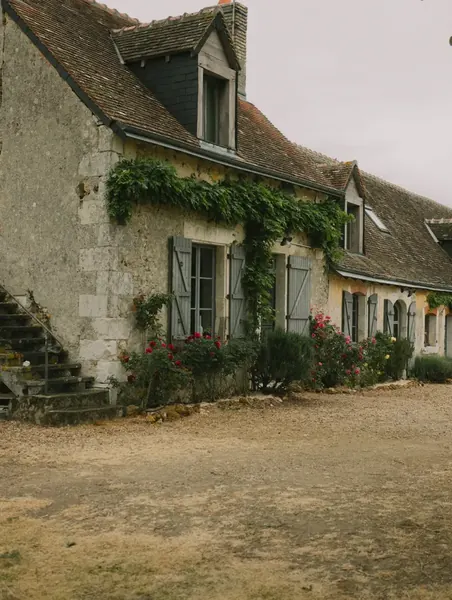

How an IAD agent sold a house stuck for 9 months in under three months
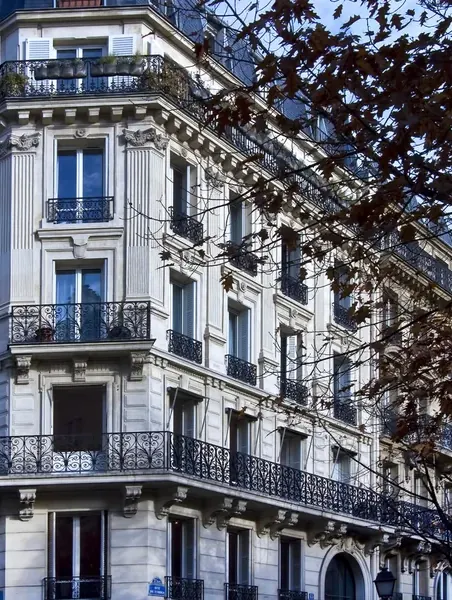

How Office notarial 1661 made its sales smoother and safer with a tour of every property
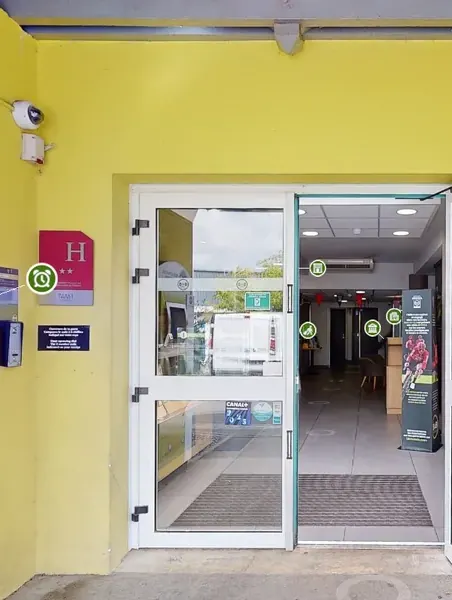

How three B&B hotels made transparency their strongest reason to book
 How an all-you-can-eat buffet won 76 booking intentions from its virtual tour
 How Pigier Dijon built a recruitment channel viewed more than 79,000 times in three months
 How the Ville de Labège catalogued more than 80% of its estate in one year
 How Groupe Fournier cut the design of a store from 10 to 4 days
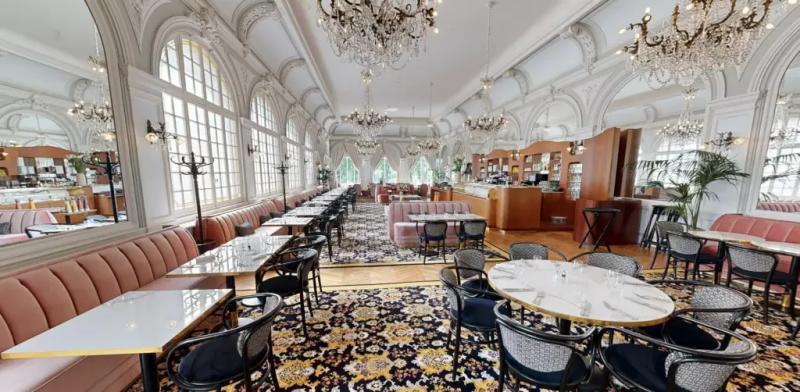 Hôtel Les LumièresHotels & restaurants
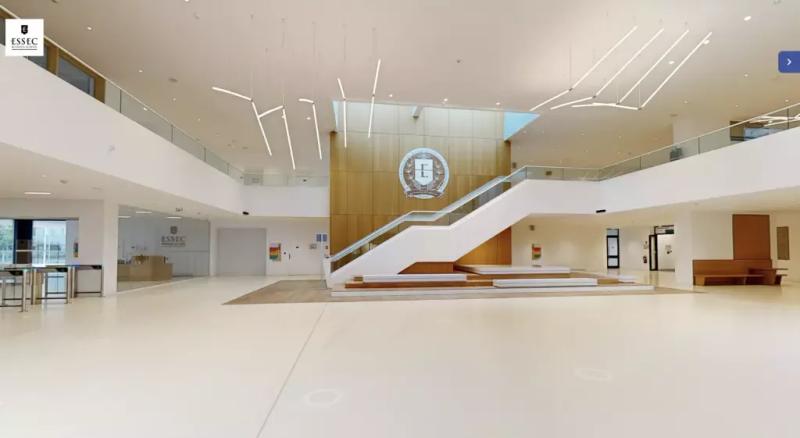 ESSECEducation
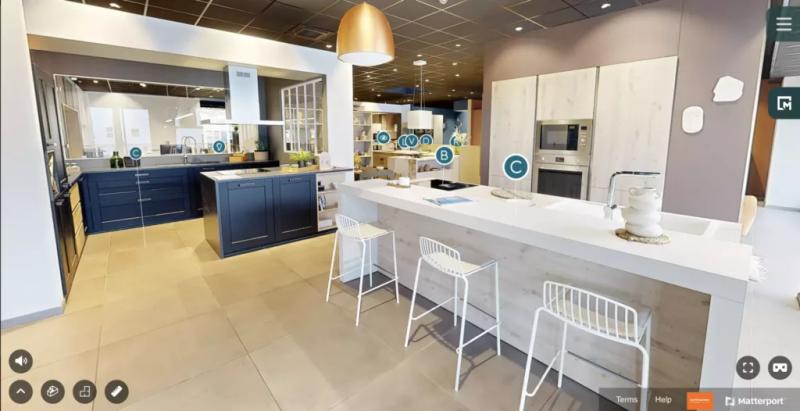 MobalpaRetail and services
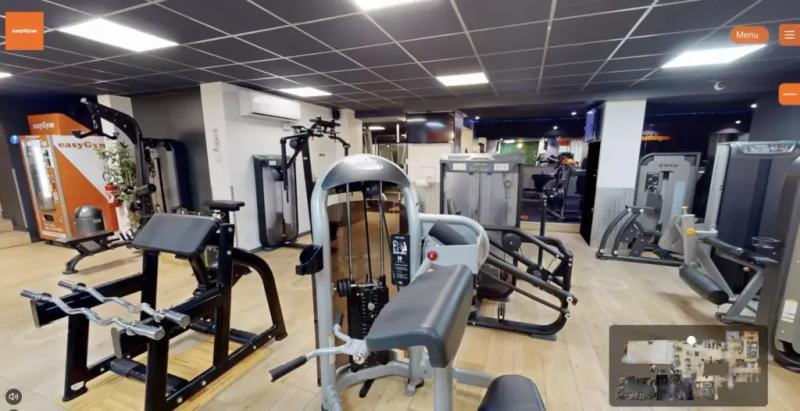 easyGymHealth & wellbeing
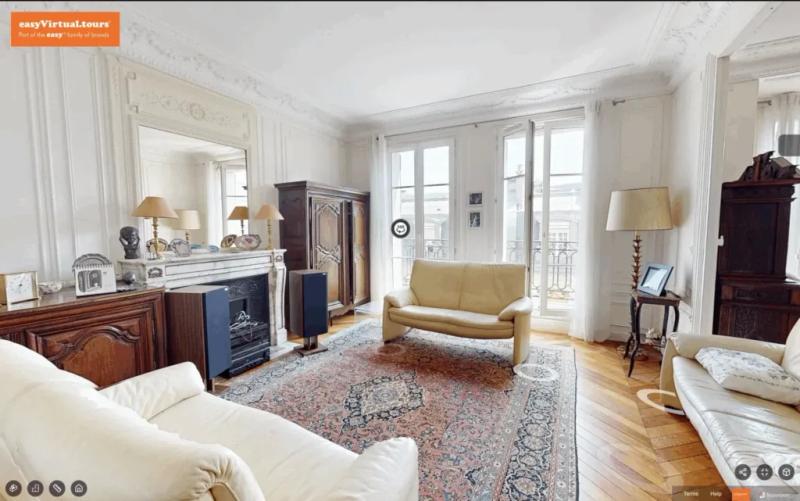 Haussmann-style apartmentProperty



Like them, 1,000+ clients have put their trust in us.
4.9/5 · 188 reviews


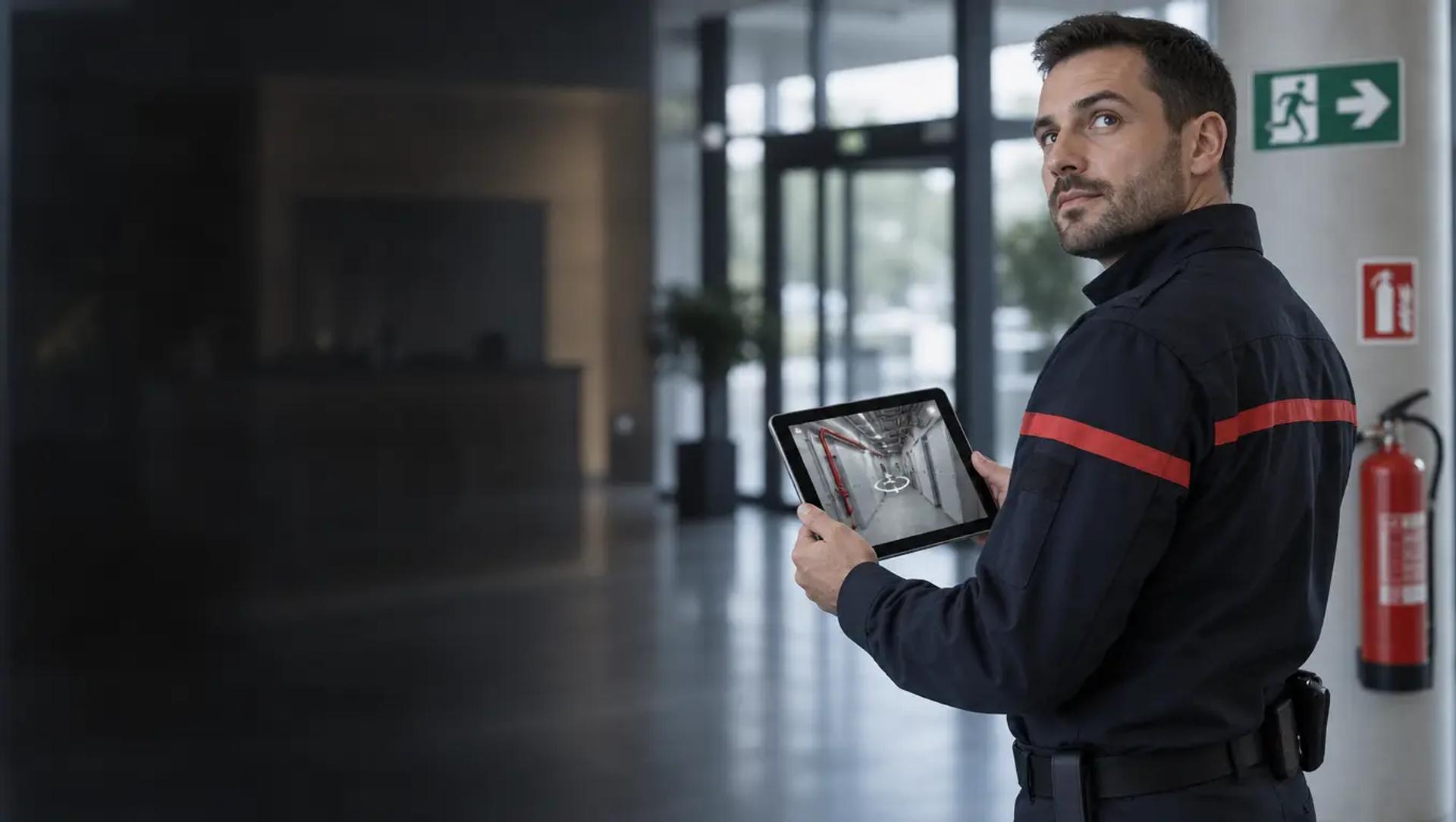
Prepare your response and your evacuations before the alarm goes off.
Your safety teams, the fire service and your fire wardens locate the exits, shut-off points and firefighting equipment in the 360° tour. Remotely, at any time, with a simple link.
- Protected access included
- No app needed
- Within 48 business hours
Locate every exit and every valve before you need them.
Open the tour and put yourself in the shoes of a firefighter discovering the site. They find the alarm panel, the gas and power shut-offs and the evacuation routes without ever having been there.
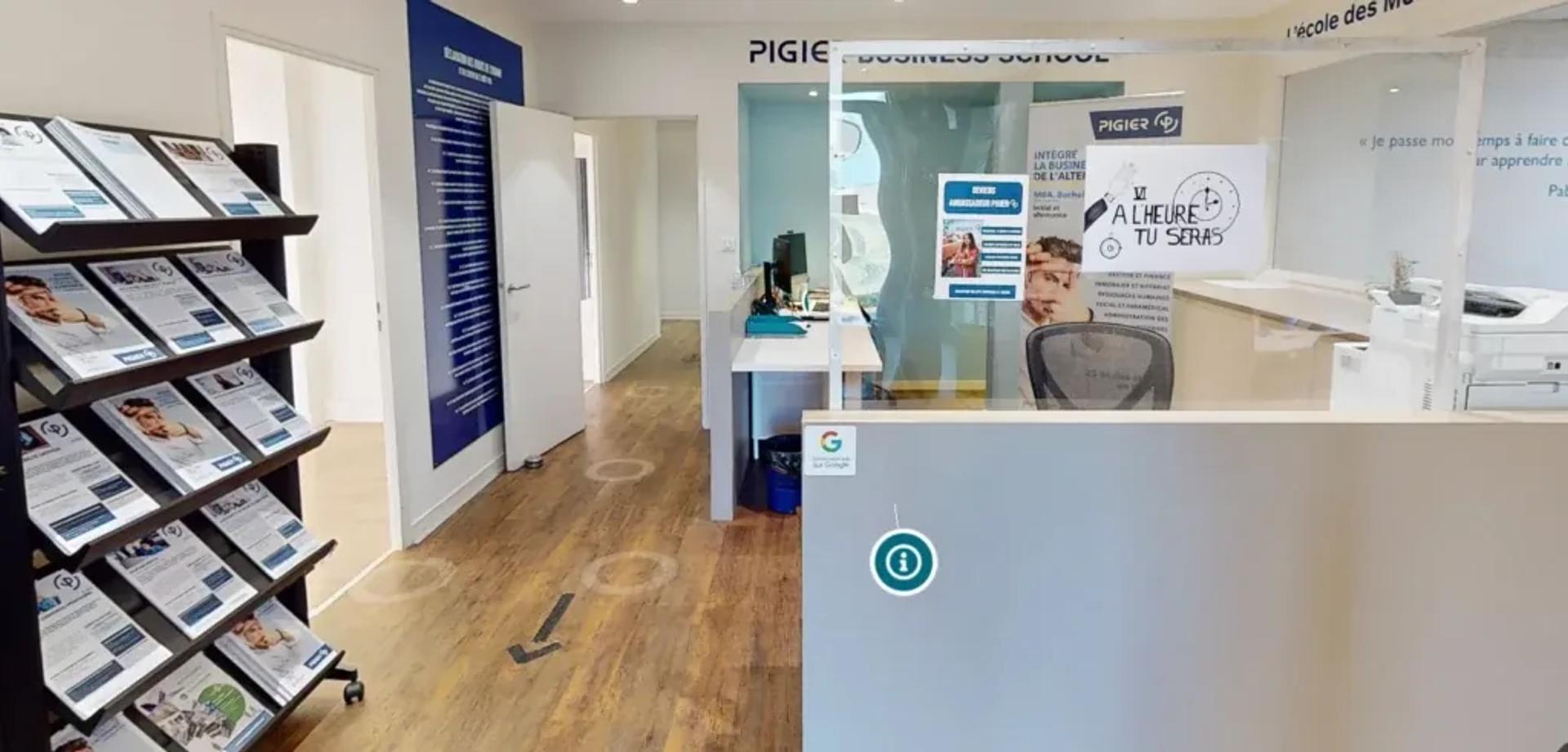 École Pigier Dijon
 Tap to open the tour full screen.
Each point of interest puts the information in the right place: the quick-reference sheet for a shut-off, the location of an extinguisher, the evacuation plan for the floor.
See our portfolioPrepare for safety from the real building.
The tour shows the building as it is today. You choose what each person who has to act should find there: an access point, a shut-off, a piece of equipment or a route.
- 01
Capture the building as it is, plant rooms included.
Boiler room, main switchboard, high-risk storage: first responders discover the premises and their hazards before they arrive on site.
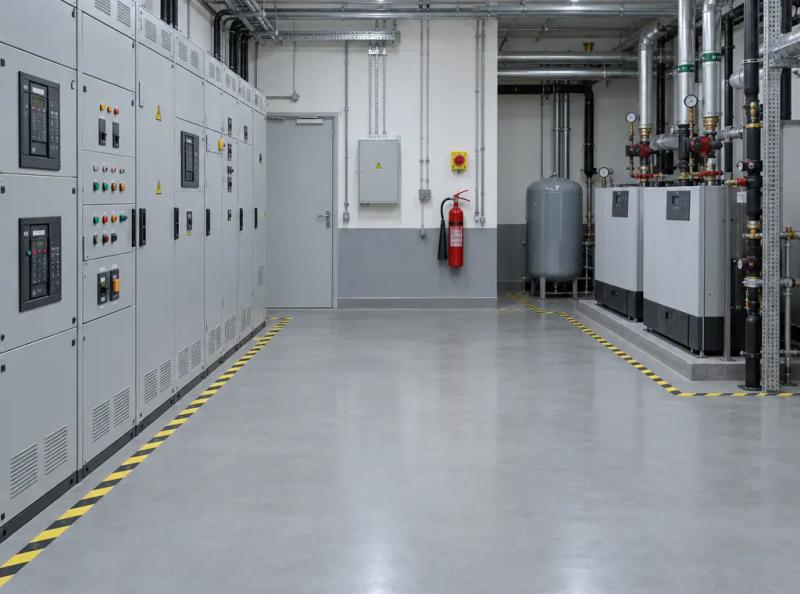 INCIDENT PLAN · ACCESS 1 / 4YOU ARE HERE Main switchboard · power cut-off
 -
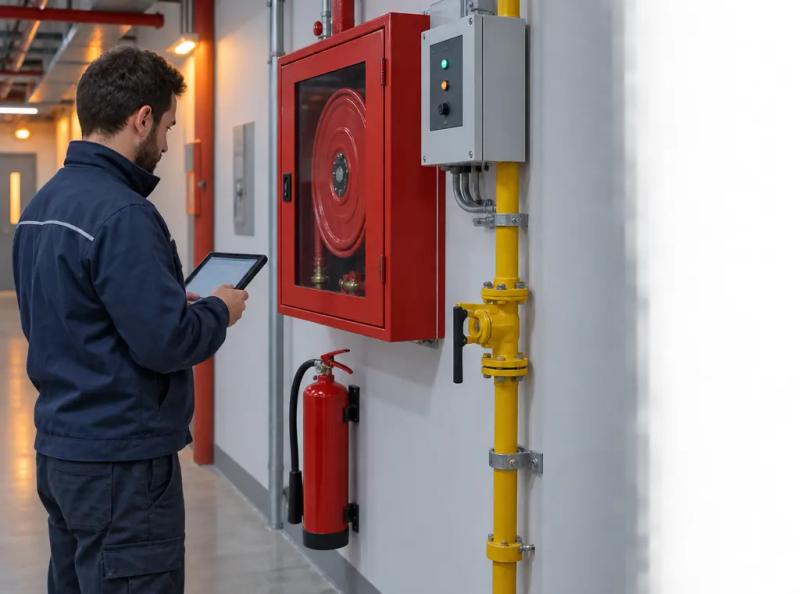 EQUIPMENT3:40Gas shut-off · Level -1Shut-off quick-reference sheetLast inspection02
Place the sheets for extinguishers, fire hose reels, smoke extraction, shut-offs and dry risers in the tour.
Photo, location, inspection date: your fire safety logbook comes to life in the space itself.
-
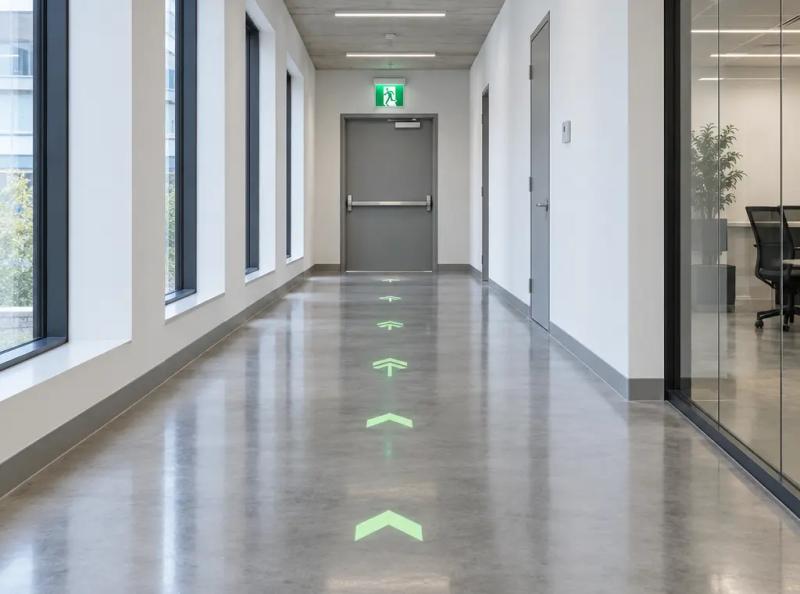 EVACUATION FIRE WARDENS FIRE SERVICE1 2 3 Assembly point03
Trace the route from each area to the assembly point.
Fire wardens, sweepers and new starters get to grips with their role before the drill.
The features that prepare the response
What your agency adds to the tour so everyone who has to act knows the site before they enter it.
-
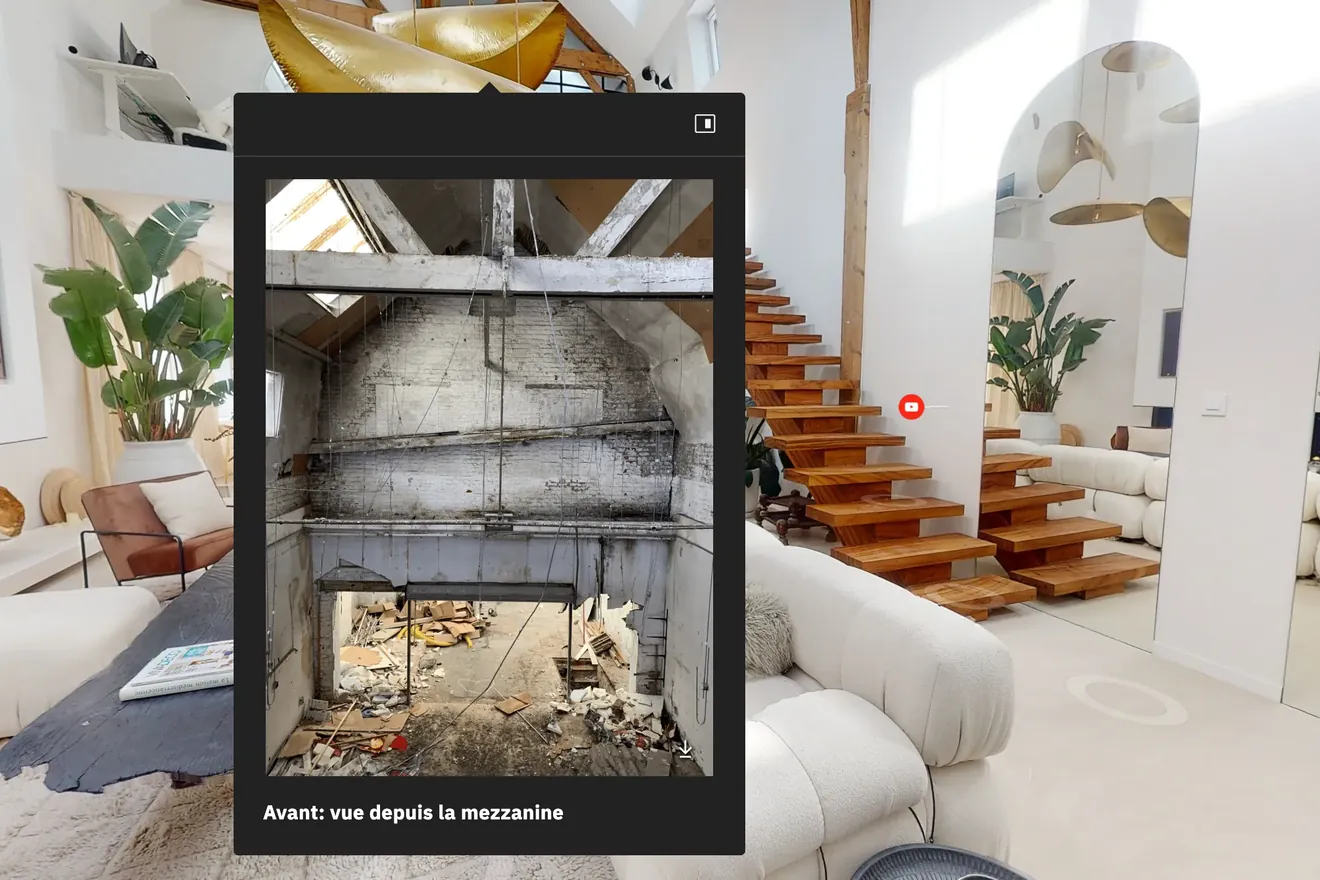
Points of interest
À la carte optionSafety instructions, inside the tour
- Quick-reference sheets on every piece of equipment
- The fire service sees the site remotely
- Protected access for sensitive plans
-
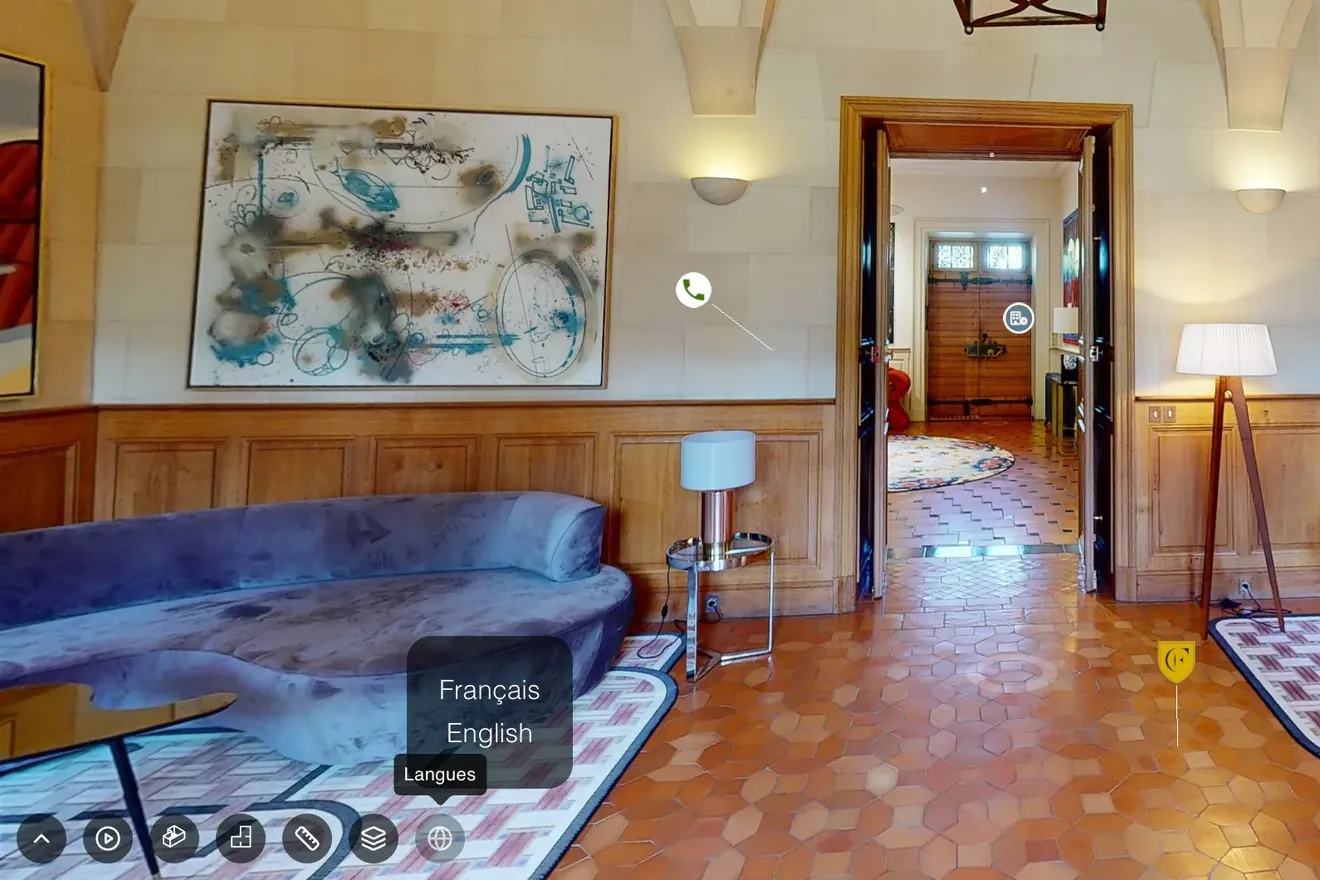
Narrated tour
Open your venue to the world with a narrated, multilingual tour
- Create a story that follows the visitor through each space
- Add as many languages as you like
- Generate the voices with AI or upload your own
-
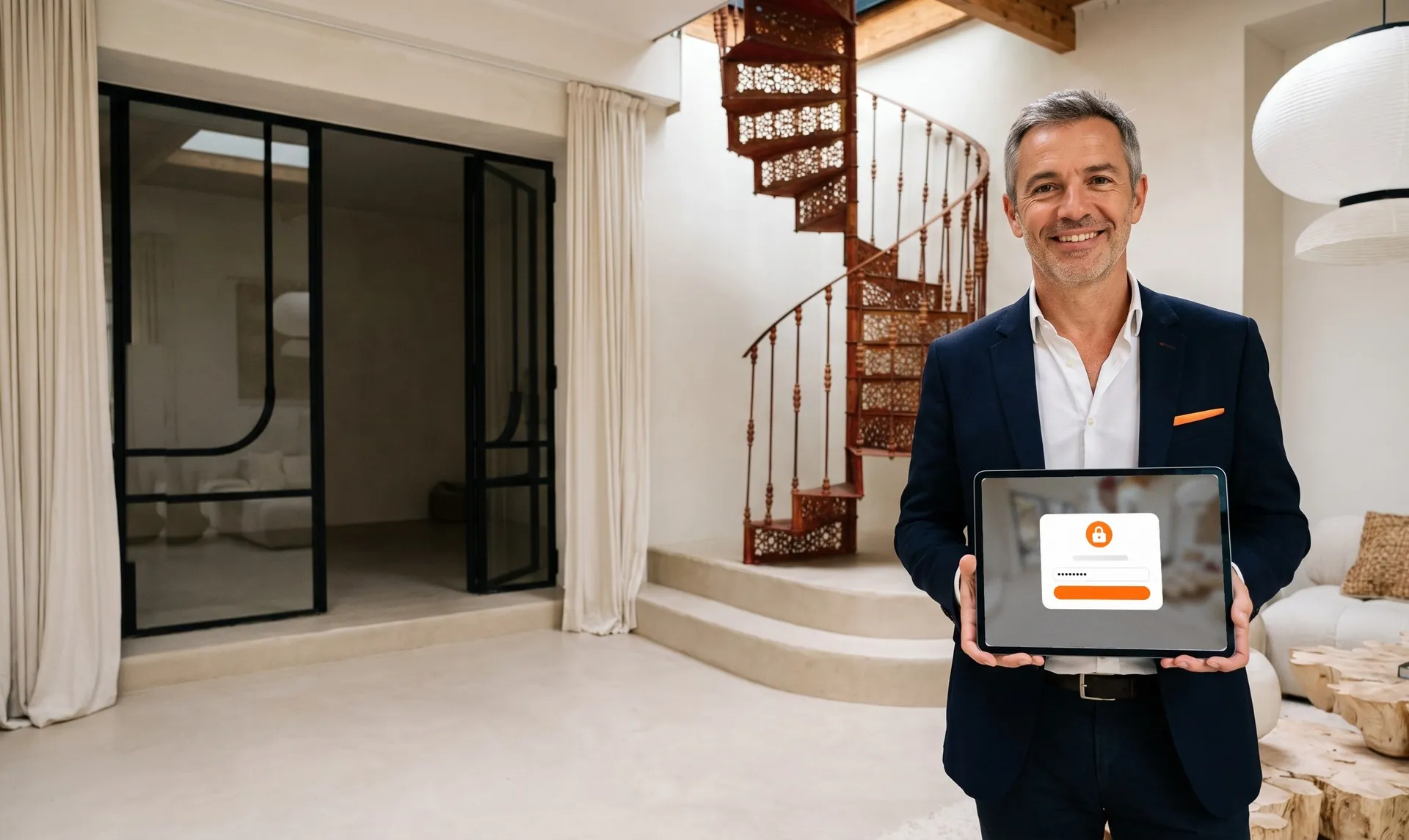
Password-protected access
Share your virtual tour privately with password-protected access
- Keep the tour for the people you choose
- Share a link and a password
- Protect your confidential spaces
-
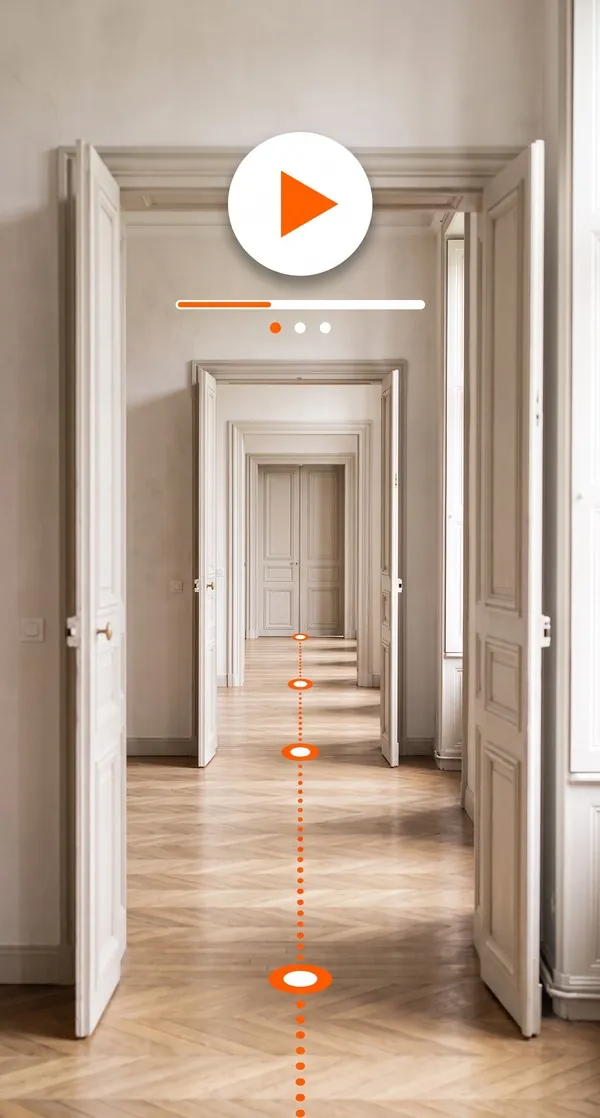
Automatic guided tour
Set your own tour route with guided tours
- Set the order, angles and speed of the route
- Let visitors take back control at any time
- Play it on a loop on a reception screen or a stand
-
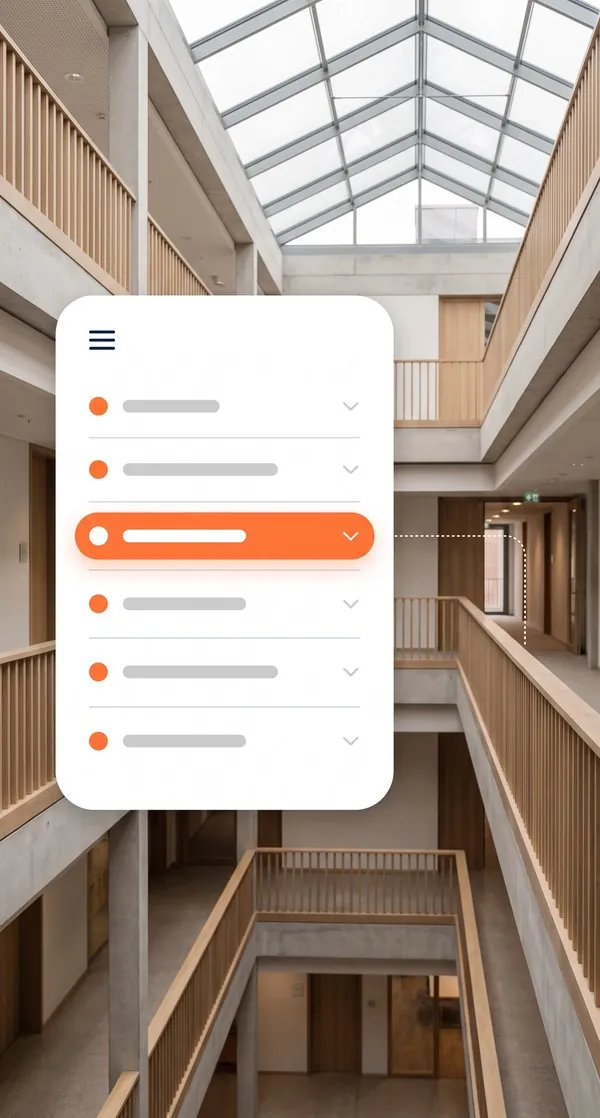
Navigation menu
The buildings that prepare their fire safety online
The same approach from one building to the next. What changes is what responders need to find quickly.
-
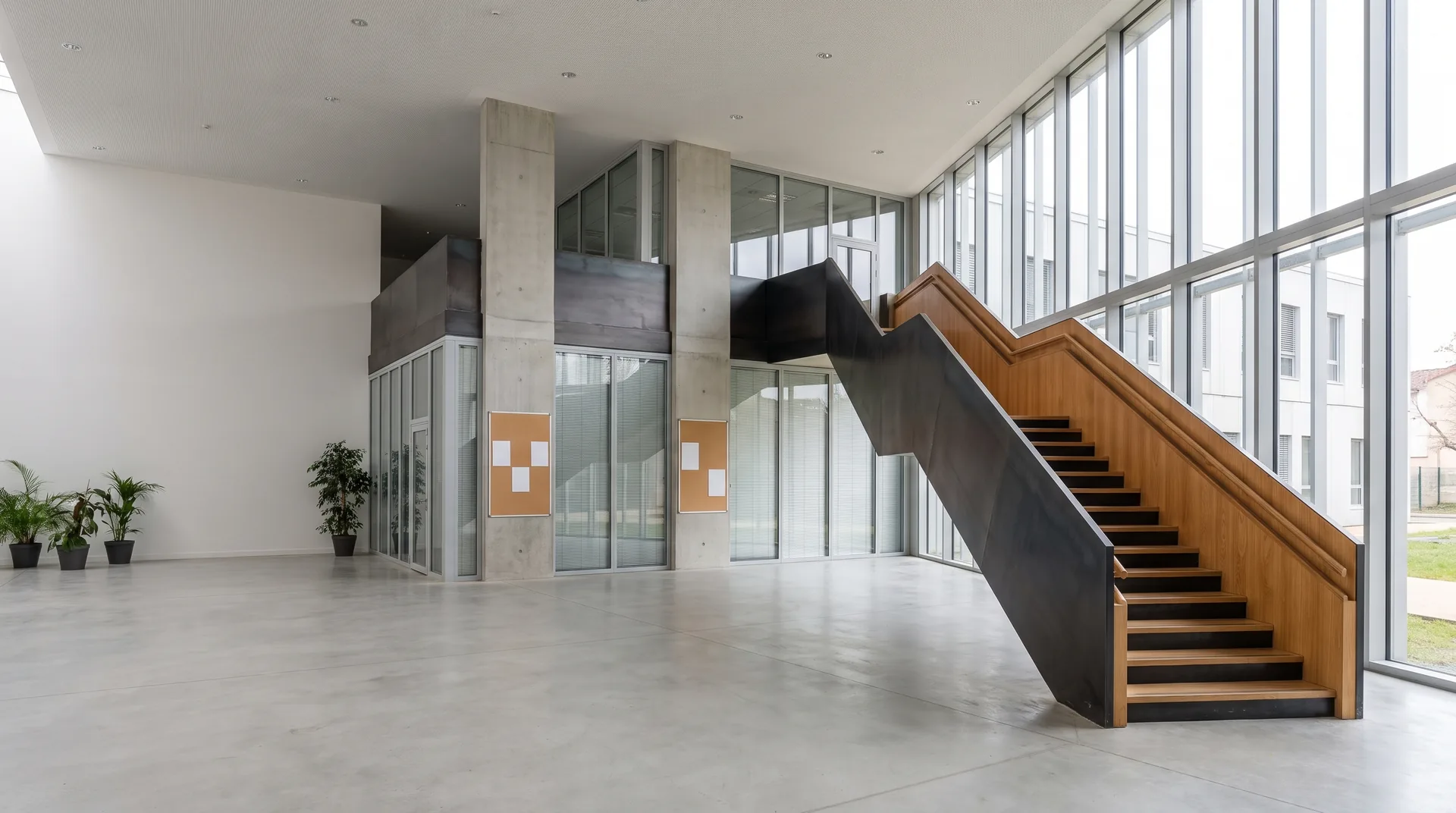 Education Teachers locate the exits and the assembly point for each building before the drill.
 -
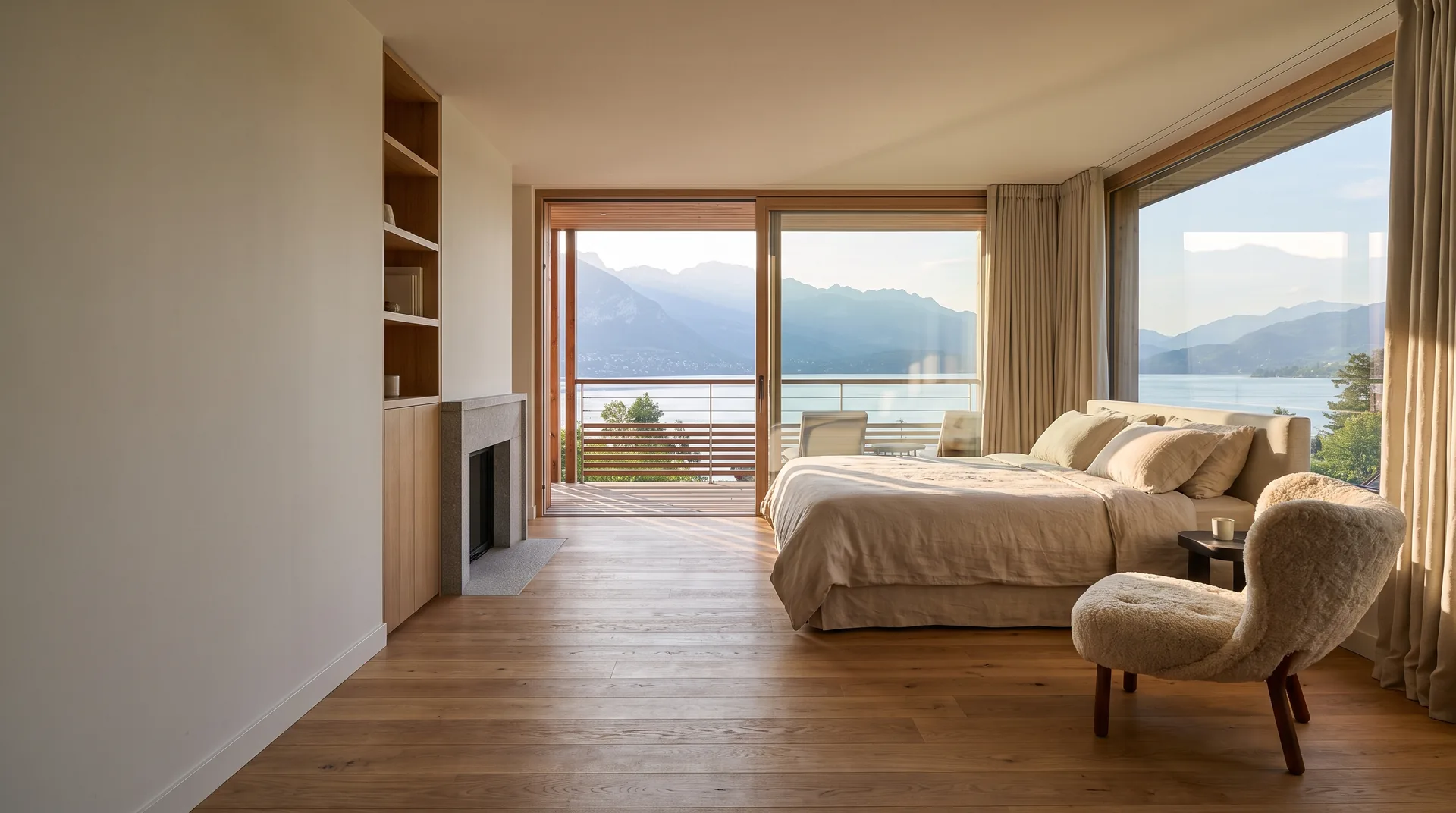 Hotels & restaurants The night porter knows the shut-offs and stairwells on every floor before their first shift.
 -
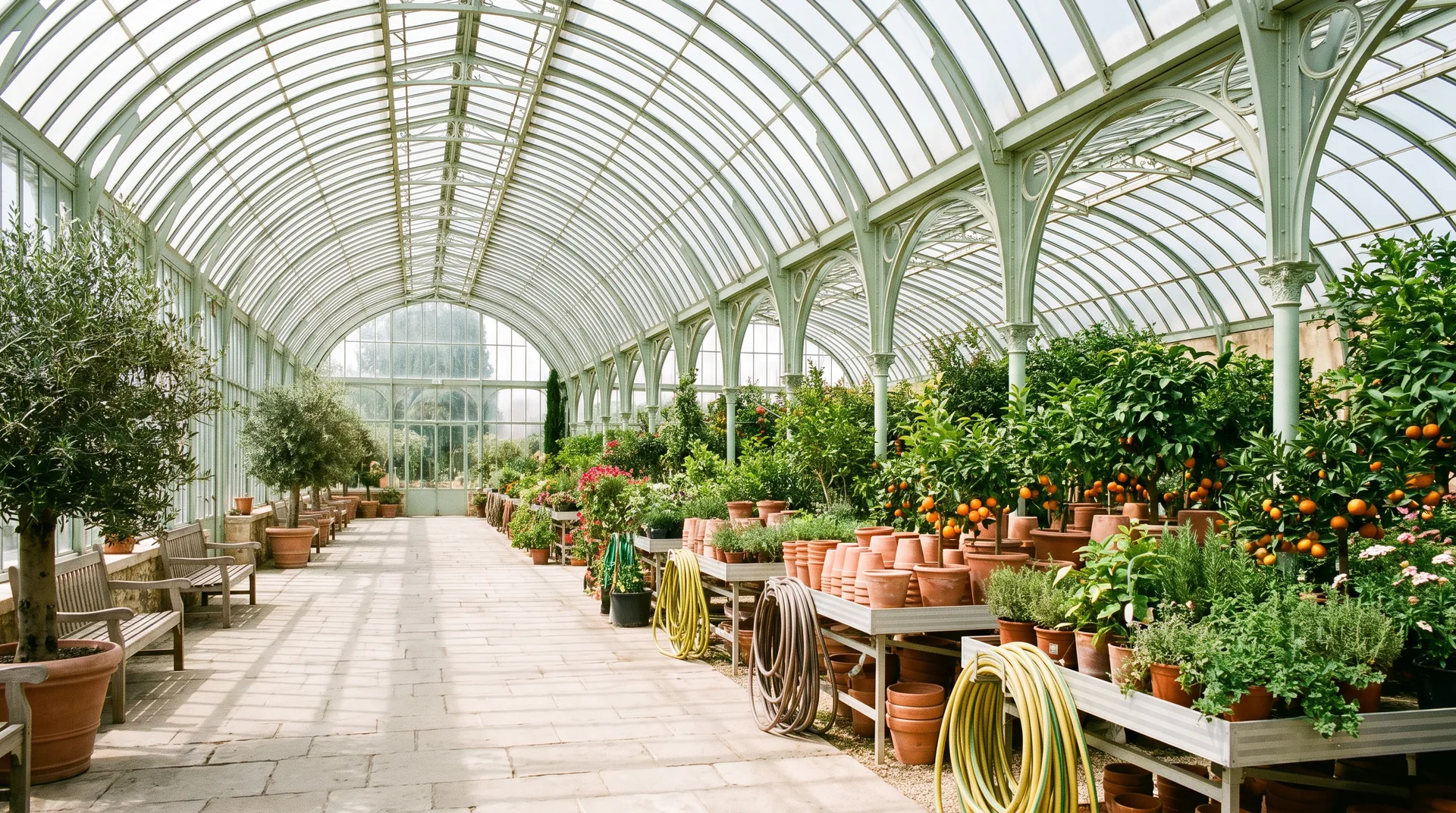 Retail and services Shop floor teams know where to guide the public towards the emergency exits.
 -
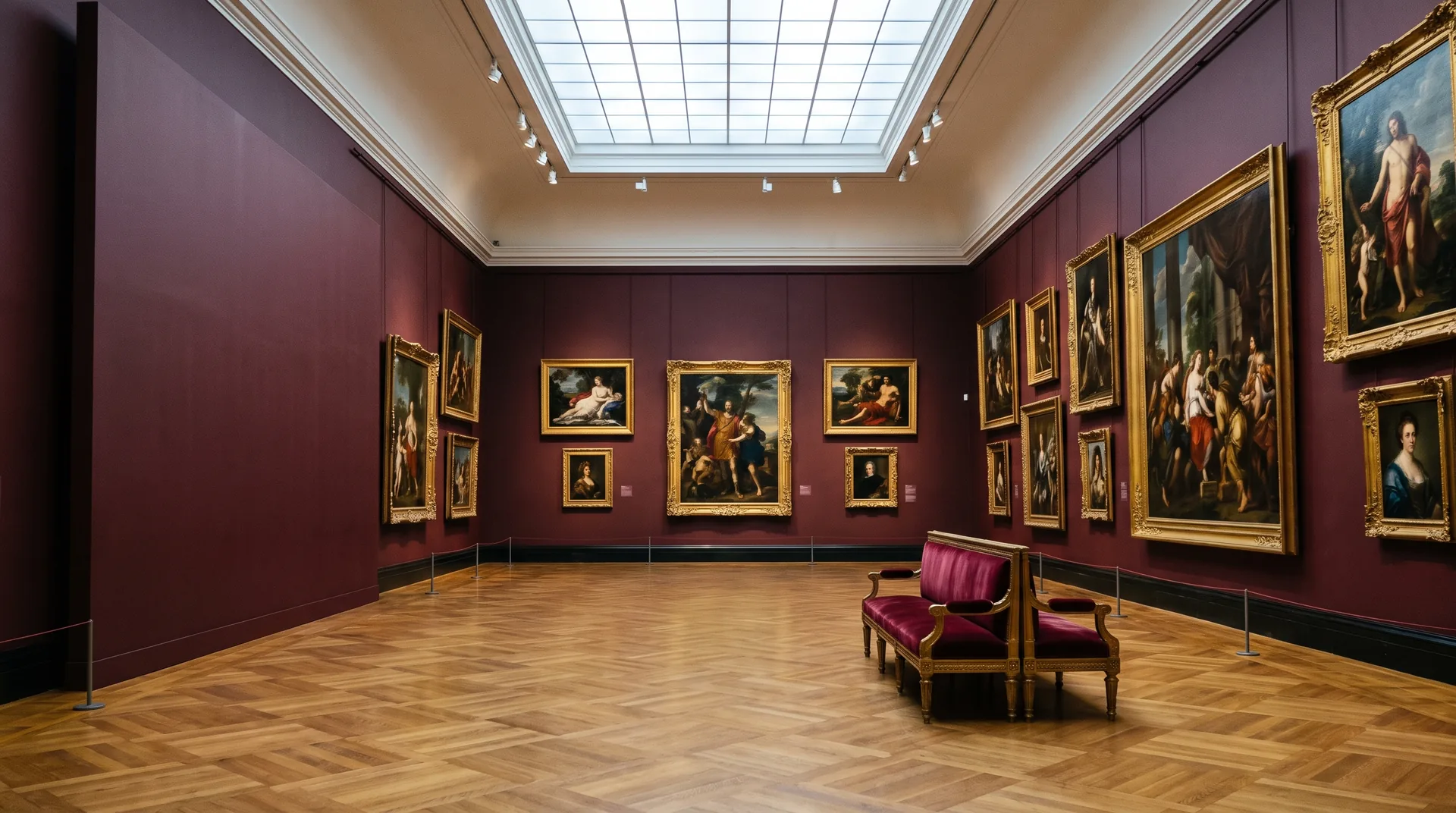 Culture & heritage The emergency services discover the routes and stores of a historic building before they go in.
 -
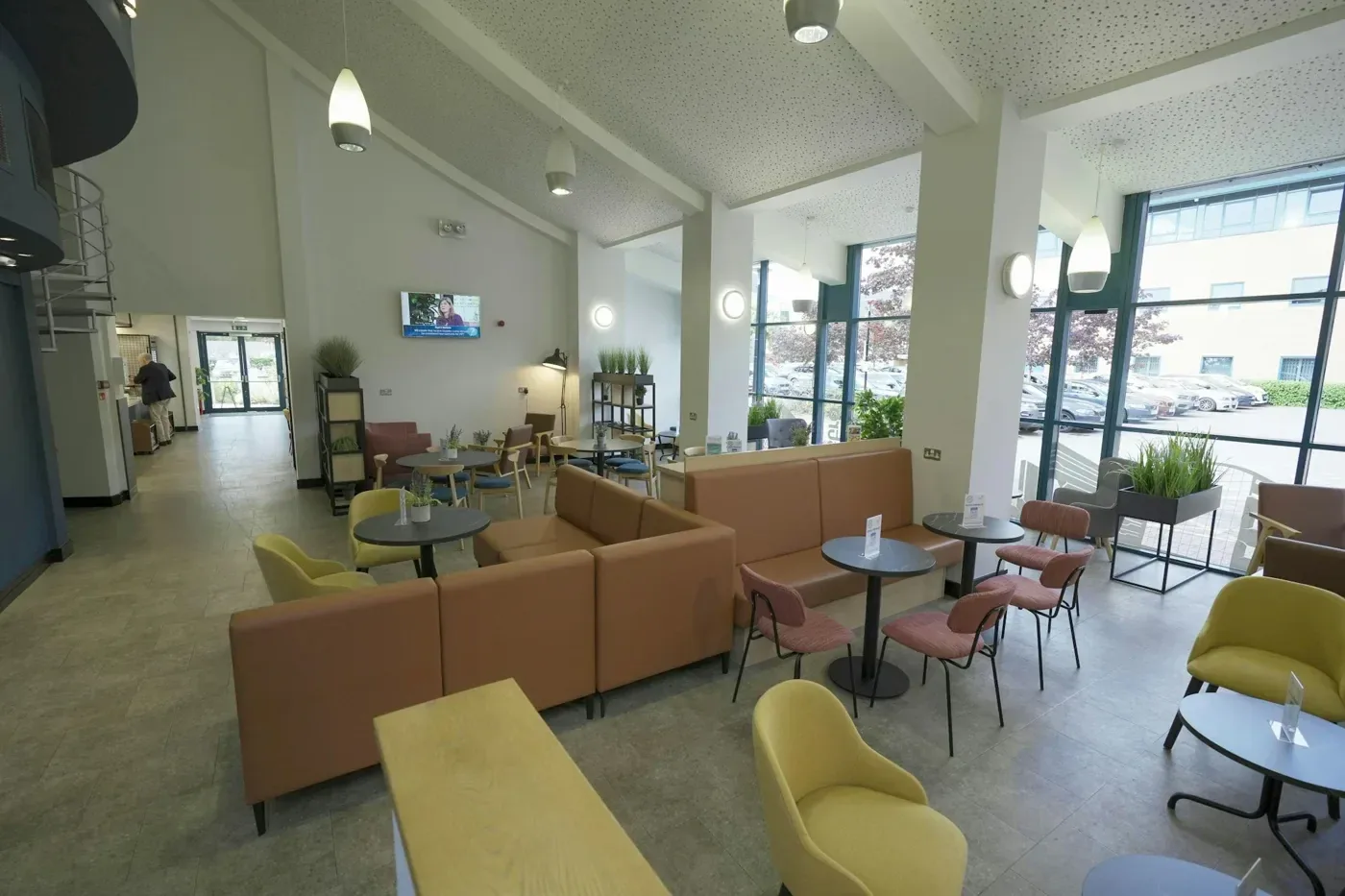 Health & wellbeing Night staff locate the fire compartments and escape routes before they ever have to evacuate.
 -
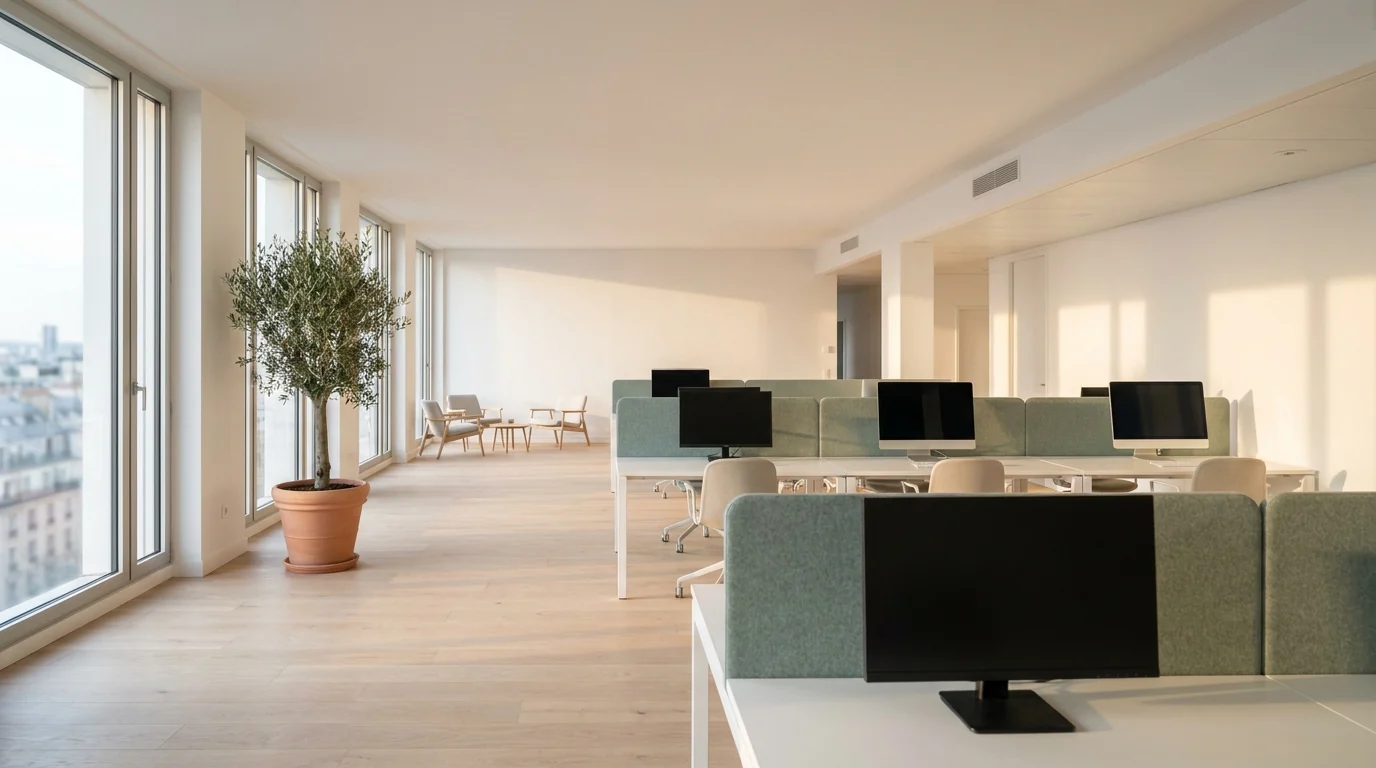 Offices & businesses Fire wardens and sweepers go over their route, floor by floor, before the drill.
8 Industries covered by the network, all over France
Explore tours by industryAn easyVirtual.tours agency does the capture, your teams keep the link
You open up the building, the agency captures it, you receive the link. Your teams and the emergency services can then find their way around it at any time.
- 01
Your easyVirtual.tours agency comes to you
It captures the circulation routes, plant rooms and exits. The visit is scheduled around the way your building operates.
- 02
48 business hours between capture and link
A firm lead time, stated in the quote: the tour is delivered within 48 business hours.
- 03
A tour that keeps up with your building
Add an instruction or move a point of interest when the layout changes. Everyone opens the latest version.





Other use cases

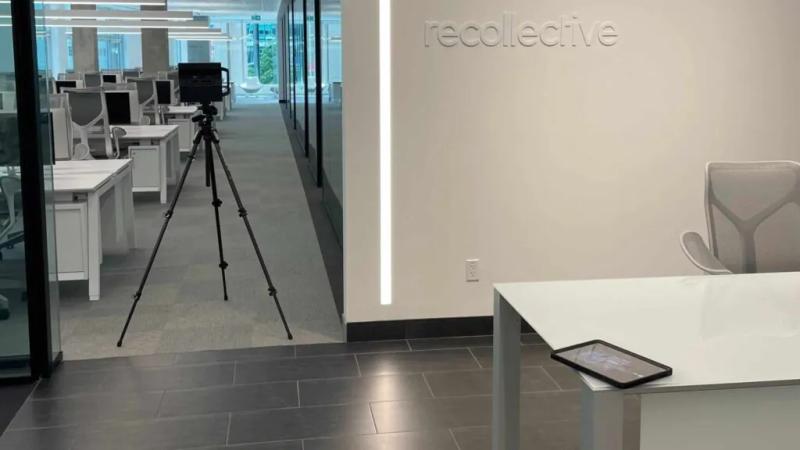
Turn your virtual tour into a real asset for your employer brand.
- No app to install
- One link for every channel
- Viewing statistics as an option

Make your virtual tour the filter that comes before the on-site viewing.
- Dimensioned 2D floor plan as an option
- Open 24/7
- Statistics as an option
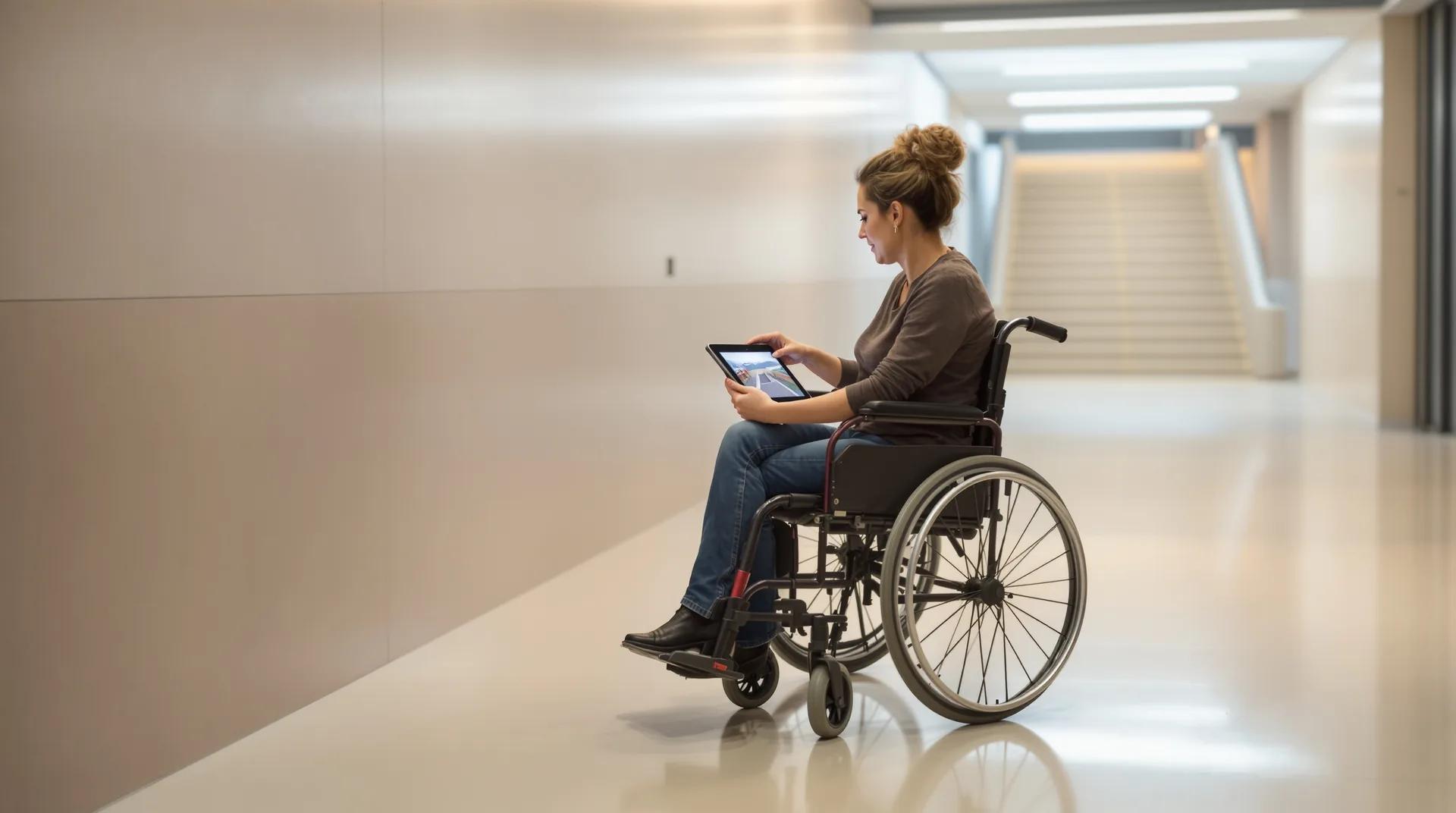
Make your virtual tour a practical lever for your CSR policy.
- No app needed
- Available remotely, at any time
- One reusable link for all your channels

Get enquiries from people who have already made up their minds.
- Open around the clock
- Documents attached
- Contact form
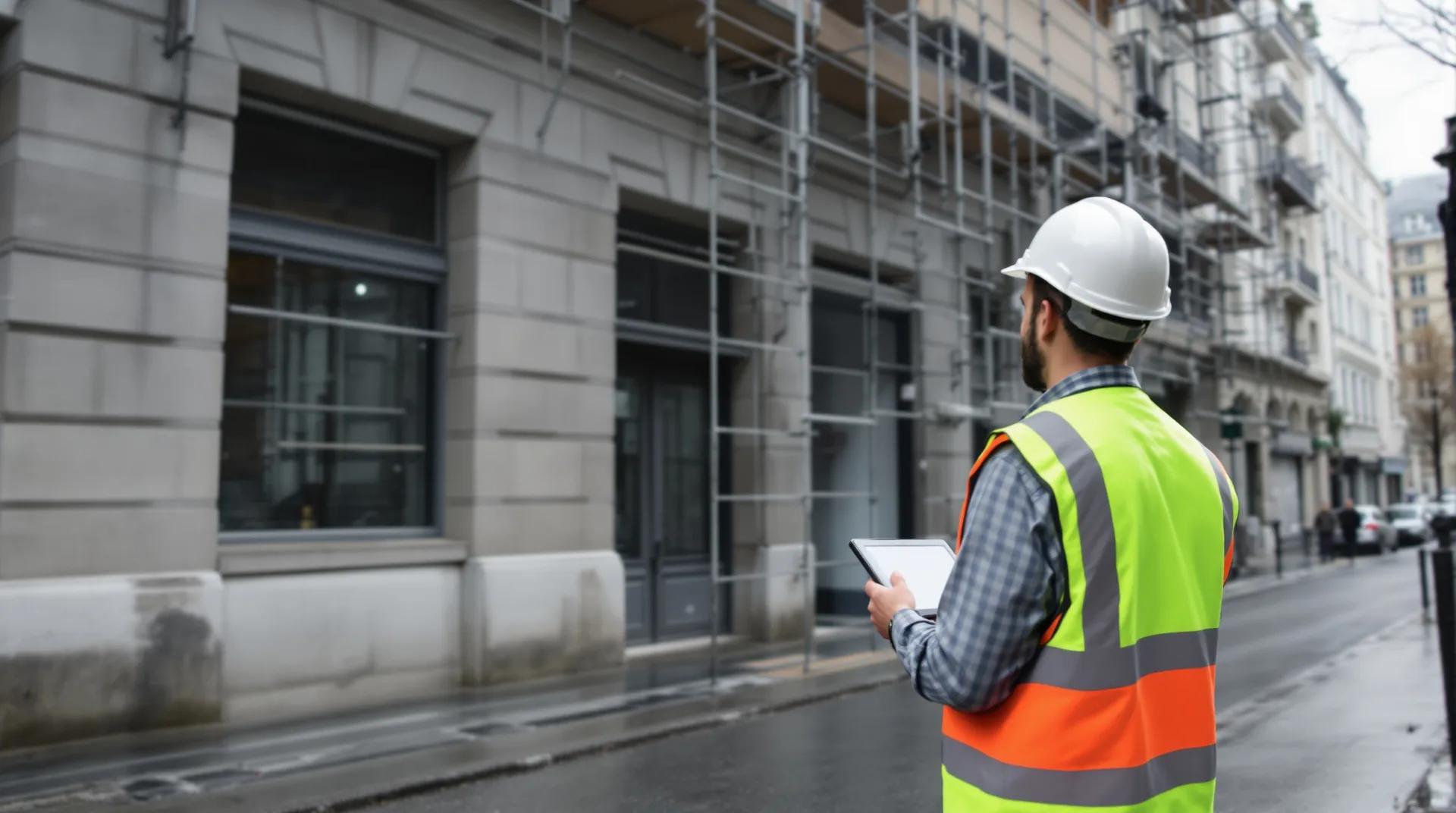
Run every building with precision using a digital twin
- Centimetre-level survey
- BIM model LOD 200 to 350
- Building health record (subscription)

Train people on site before their first day.
- Same version for everyone
- Password access
- Unlimited revision
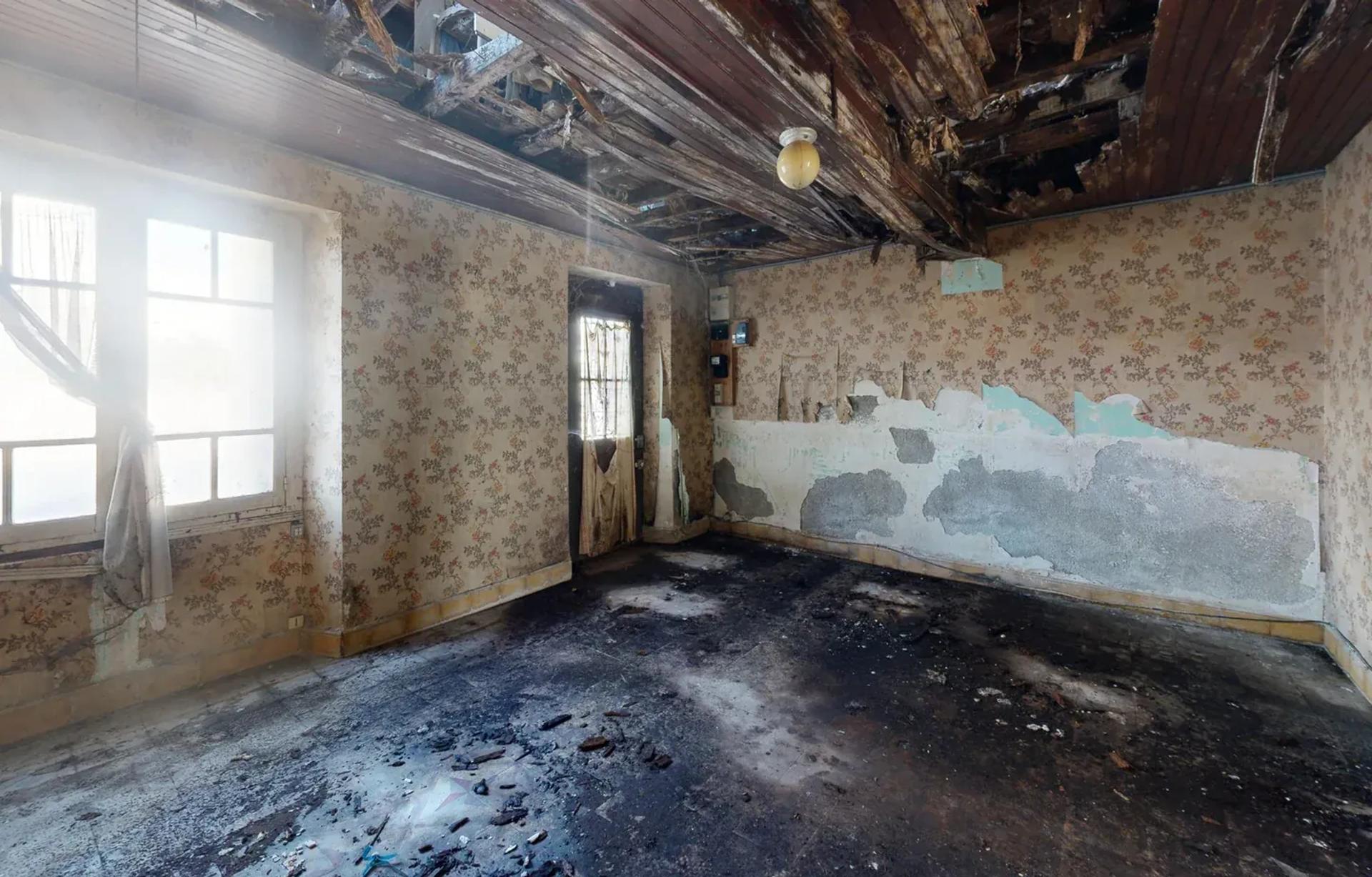
Cost your works on the building as it really is.
- Centimetre-level survey
- DWG and PDF plans
- IFC and RVT model
What else a virtual tour can do for you
Other use cases
See allTurn your virtual tour into a real asset for your employer brand.
- No app to install
- One link for every channel
- Viewing statistics as an option
Make your virtual tour the filter that comes before the on-site viewing.
- Dimensioned 2D floor plan as an option
- Open 24/7
- Statistics as an option
Make your virtual tour a practical lever for your CSR policy.
- No app needed
- Available remotely, at any time
- One reusable link for all your channels
Get enquiries from people who have already made up their minds.
- Open around the clock
- Documents attached
- Contact form
Run every building with precision using a digital twin
- Centimetre-level survey
- BIM model LOD 200 to 350
- Building health record (subscription)
Train people on site before their first day.
- Same version for everyone
- Password access
- Unlimited revision
Cost your works on the building as it really is.
- Centimetre-level survey
- DWG and PDF plans
- IFC and RVT model
Your questions about fire safety
What people ask us most often when the tour is used for safety.
-
Who does the tour help with fire safety?
Safety teams, firefighters preparing a response, fire wardens, new starters and contractors. Everyone locates the premises, the exits and the equipment before they need them.
-
Does the tour replace evacuation drills?
No. It prepares for them: everyone knows their route and their role before the drill. Drills, inspections and any obligations that require people on site are still organised as they are today.
-
Can we share the tour with the fire service?
Yes. The tour opens from a simple link, in a browser, with no app to install. You send it to whoever you choose, along with the password for the protected access, which is included.
-
How do we protect the sensitive areas of the building?
Password-protected access, included, keeps the tour for the people you choose. As an option, blurring makes screens, documents and faces unreadable before the tour goes online.
-
Can we link our evacuation plans and our fire safety logbook to it?
Yes, with the points of interest & documents option. The evacuation plan, a quick-reference sheet or a document from your fire safety logbook opens at the exact spot it relates to in the tour.
-
What happens if the building is reorganised?
Points of interest can be moved or added to when an instruction changes. If the premises themselves change, a new capture of the spaces concerned is costed separately in your agency's proposal.
Do you have another question?
Talk to an expertReady to prepare a safety plan based on the real building?
Tell us which building your teams and the emergency services need to know. The agency in your area will get back to you with a tailored proposal.
Your quote in 2 minutes
Describe your building (type, floor area and town) and what the people who have to act need to find there. You receive a costed proposal within 24 business hours.
Contact usEach agency in the network sets its own prices freely and sends you a tailored proposal.
Ready to prepare a safety plan based on the real building?
Tell us which building your teams and the emergency services need to know. The agency in your area will get back to you with a tailored proposal.
Each agency in the network sets its own prices freely and sends you a tailored proposal.