














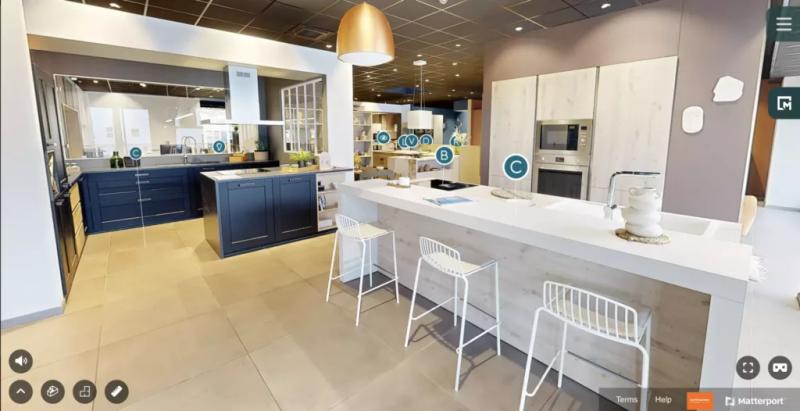
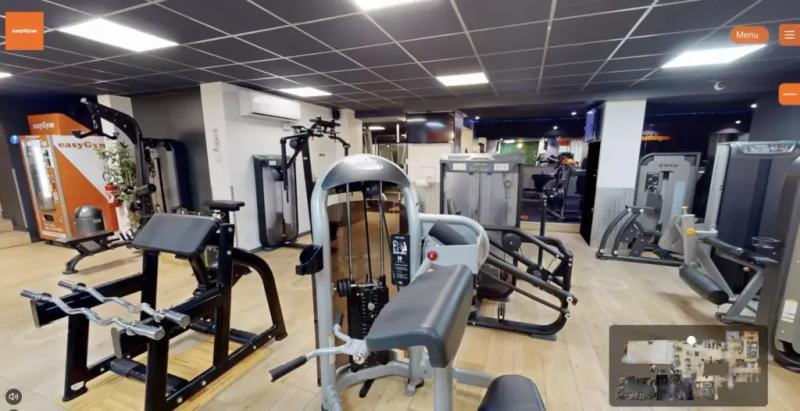
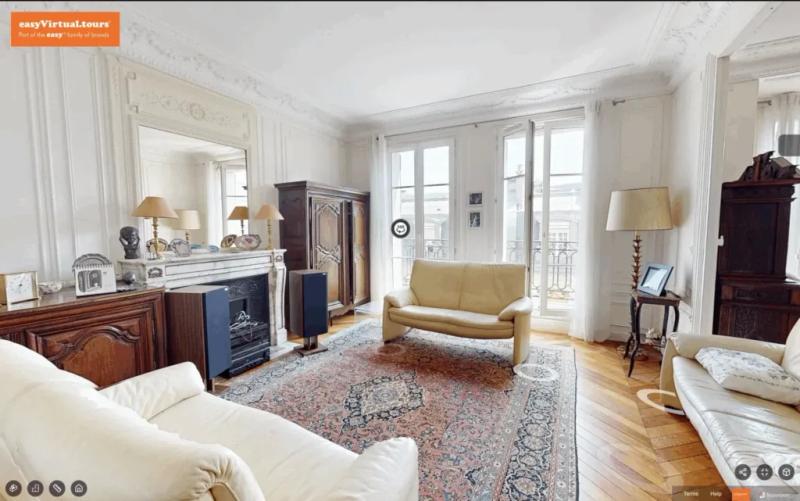









We have created an immersive virtual tour for your business, and now you are wondering how to get as many people as possible to see it. The answer is simple: publish it on several online channels to raise your visibility. In this article, we explain how to get the most exposure for your virtual tour by publishing it on your website, on social media, on Google Street View and on your Google Business Profile (formerly Google My Business), and by using QR codes.
On your website, as a link or an embedded iframe
Adding your virtual tour to your website is an effective way to bring your business to life. You can either embed it with an iframe or share it as a link. With an iframe, the virtual tour is displayed directly on your web page; with a link, visitors are taken to the virtual tour. To add an iframe, copy the HTML code generated by Matterport and paste it into your website. For a link, simply copy the URL generated by Matterport and make it clickable on your site.
On social media, to be seen by more people
Social media is an excellent way to promote your virtual tour to a wider audience and raise your online profile. You can share it on platforms such as Facebook, Instagram, X (formerly Twitter) and LinkedIn, using a link or a video of the tour. Adding a description with relevant hashtags also helps improve your visibility and reach a more targeted audience. Social media gives you a unique opportunity to promote your virtual tour and get your audience engaging with it.
Publish your virtual tour on Google Street View
Google Street View is a Google Maps feature that lets people view 360° images of streets and places all over the world. Users can move virtually through streets and towns to get a feel for buildings, shops and points of interest. By adding your virtual tour to Google Street View, you can take advantage of the visibility Google Maps offers to reach a wider audience and get more engagement from your customers.
Get more visibility with your Google Business Profile
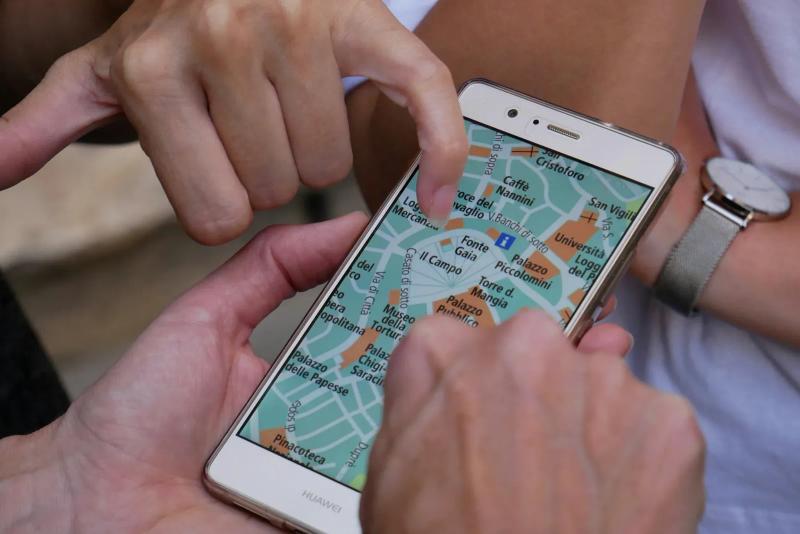
Google Business Profile is a free tool for managing how your business appears on Google. You can add your virtual tour to your profile to give people a better idea of what your business offers, so potential customers can discover it before they even visit your website. Make sure the information on your Google Business Profile is up to date to get the best results.
With a QR code that opens your virtual tour
You can add a QR code to any printed material, such as business cards, flyers or billboards, to send people straight to your virtual tour. QR codes are handy for anyone who wants to explore your business virtually before visiting in person. By adding QR codes, you make it quick and easy for people to discover your virtual tour.
To sum up, publishing your virtual tour on several online channels can help you raise your visibility and catch the attention of new customers. As well as your website and social media, you can use Google Street View, your Google Business Profile and QR codes to help more people discover your business online.