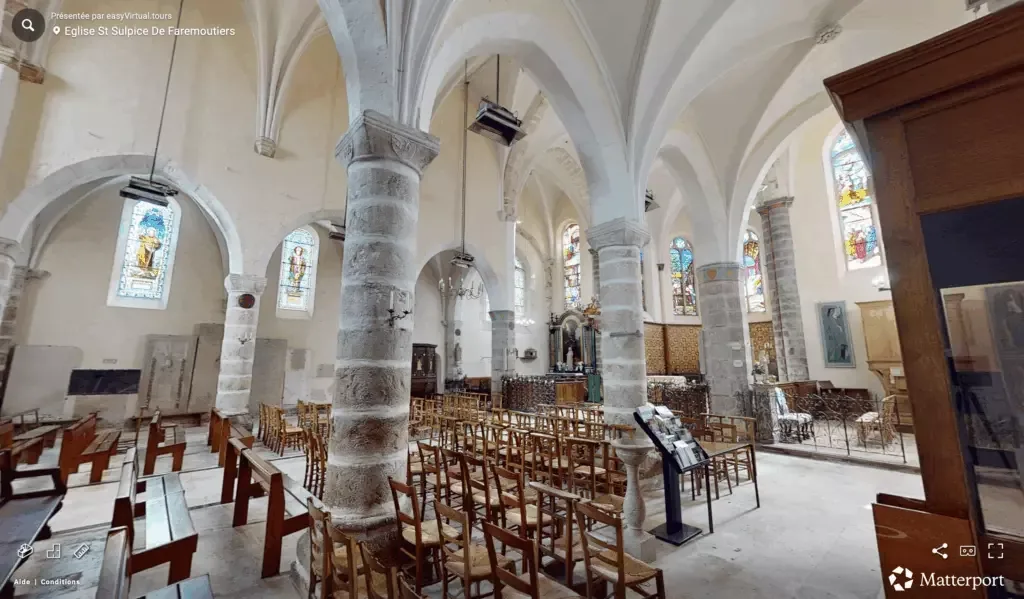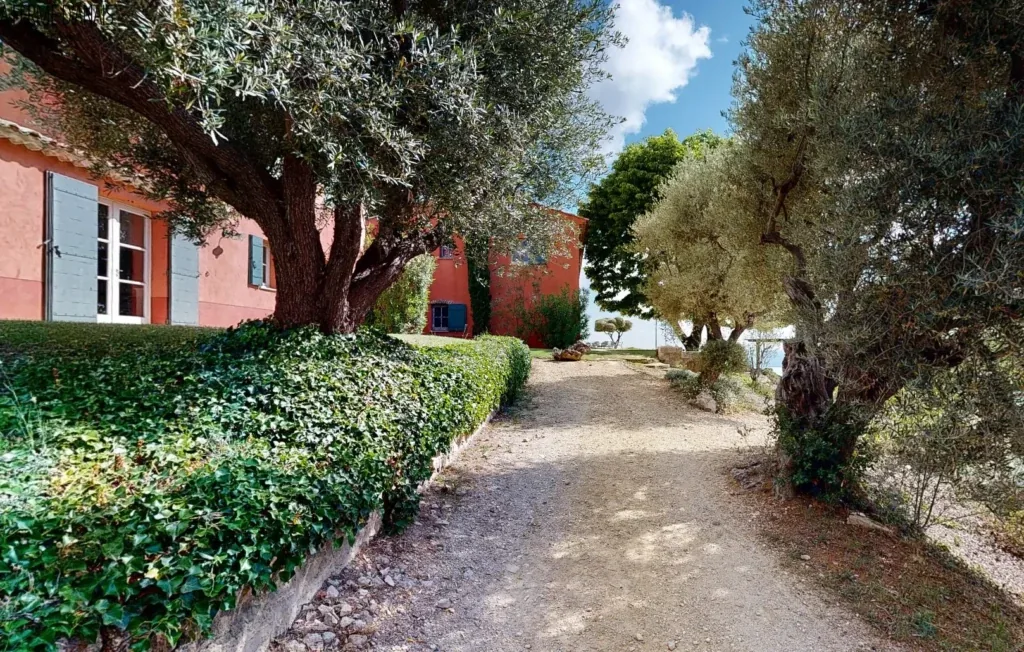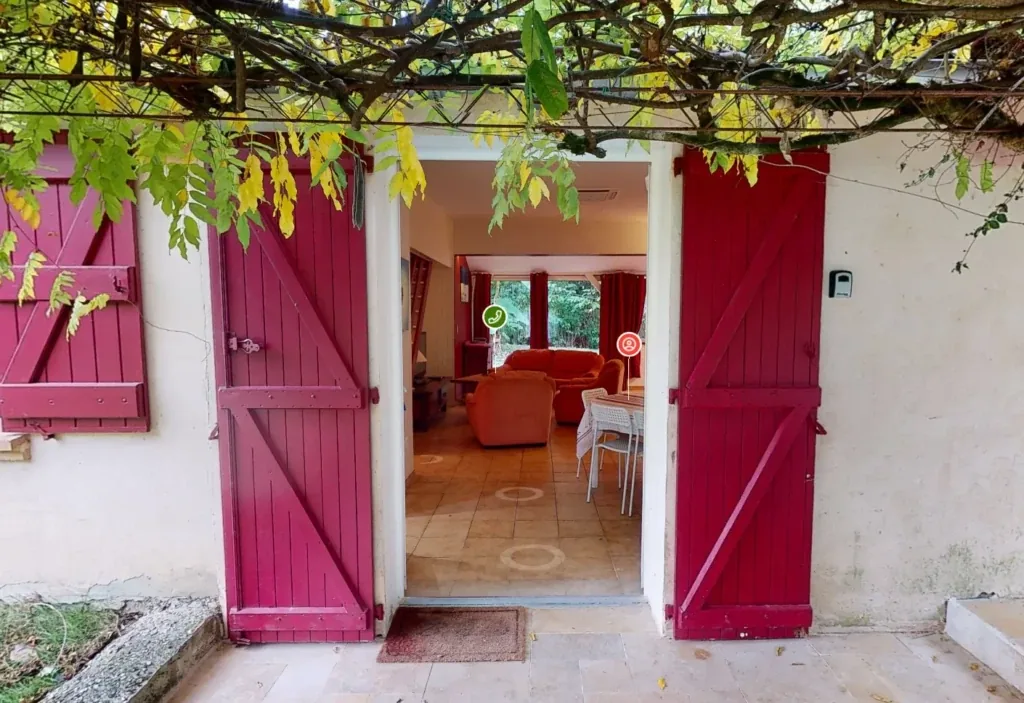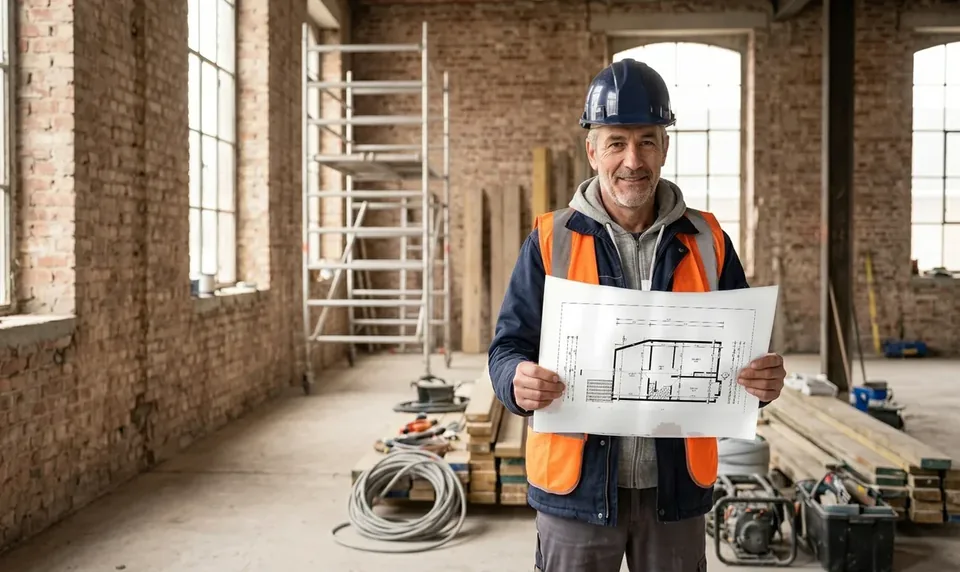











New DWG plans and BIM files across France

easyVirtual.tours
Language
FrançaisEnglish
Coming soonContact us
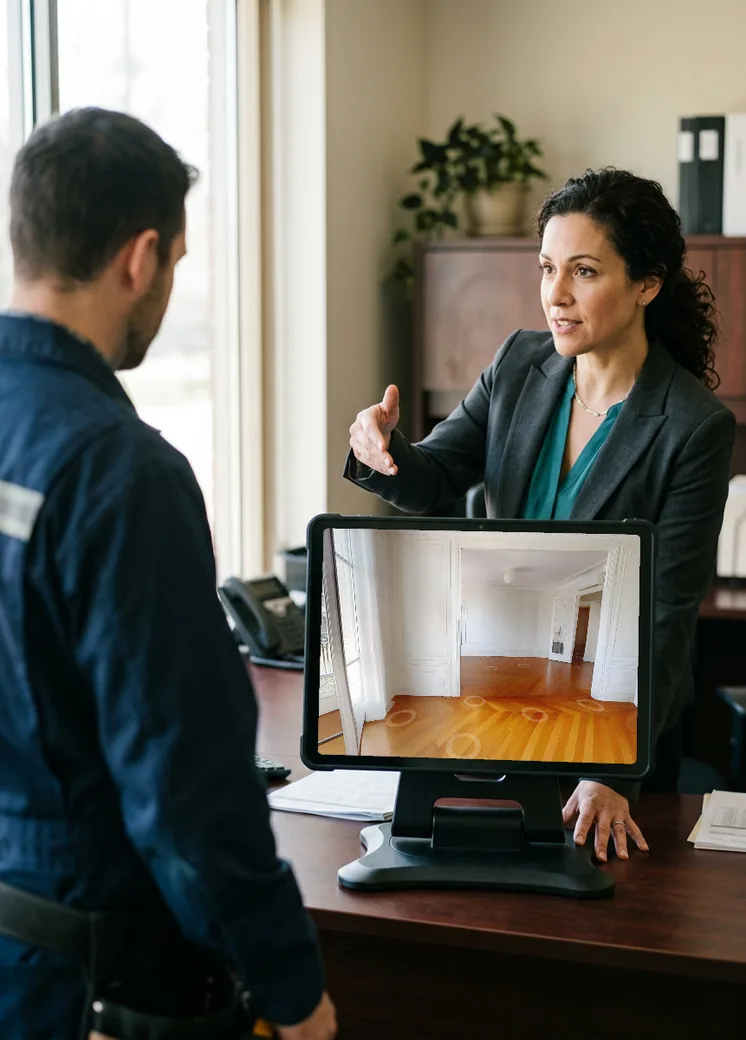
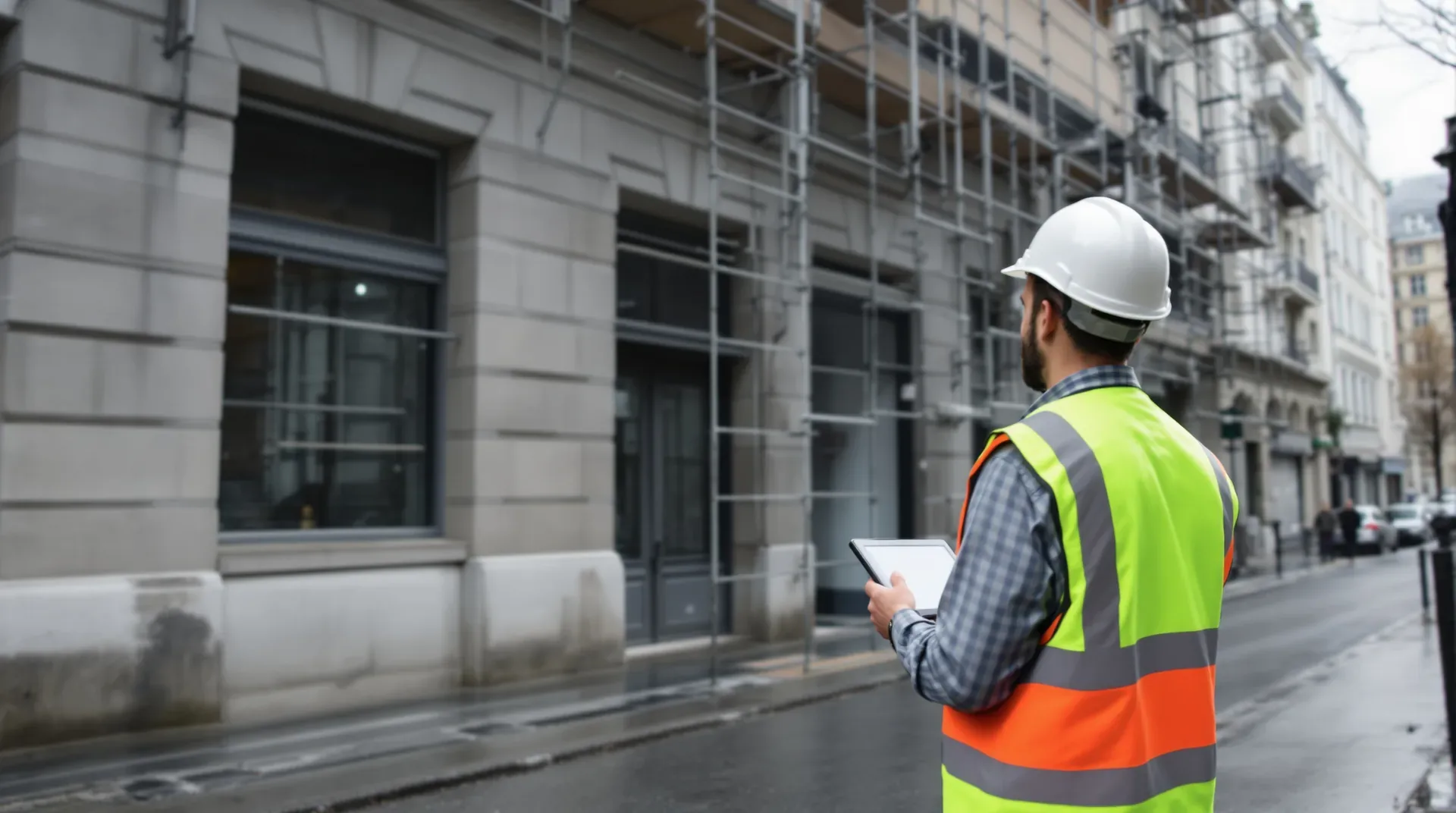
Estate manager viewing their building on a tablet in front of the facade

Run your building projects as the client with a digital twin of every building

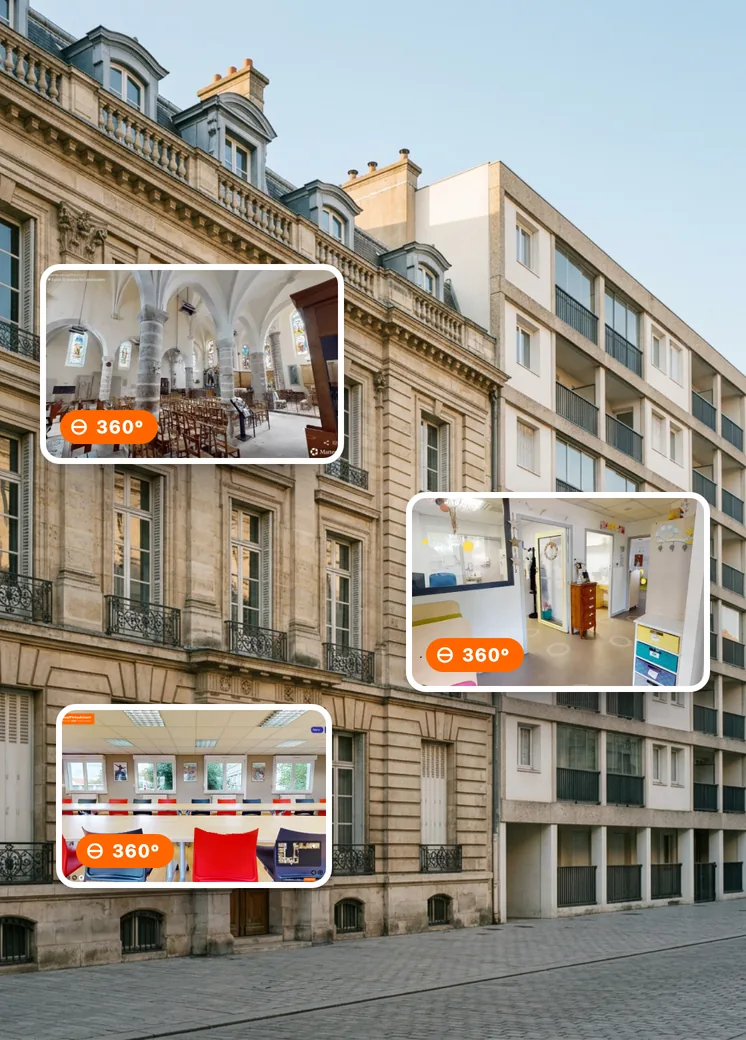
When the plans have gone missing and documents are scattered between emails and binders, you decide on works blind, and pay the price for it. The digital twin brings the 360° tour, the plans, the model and the data for each building together in one place. Your teams and contractors finally share the same basis. Your quotes are compared on solid ground.

Per building, nothing needs moving
1 visit
business hours to put the tour online
48 h
Reply from your agency
Within 24 h

What is a digital twin for building owners?

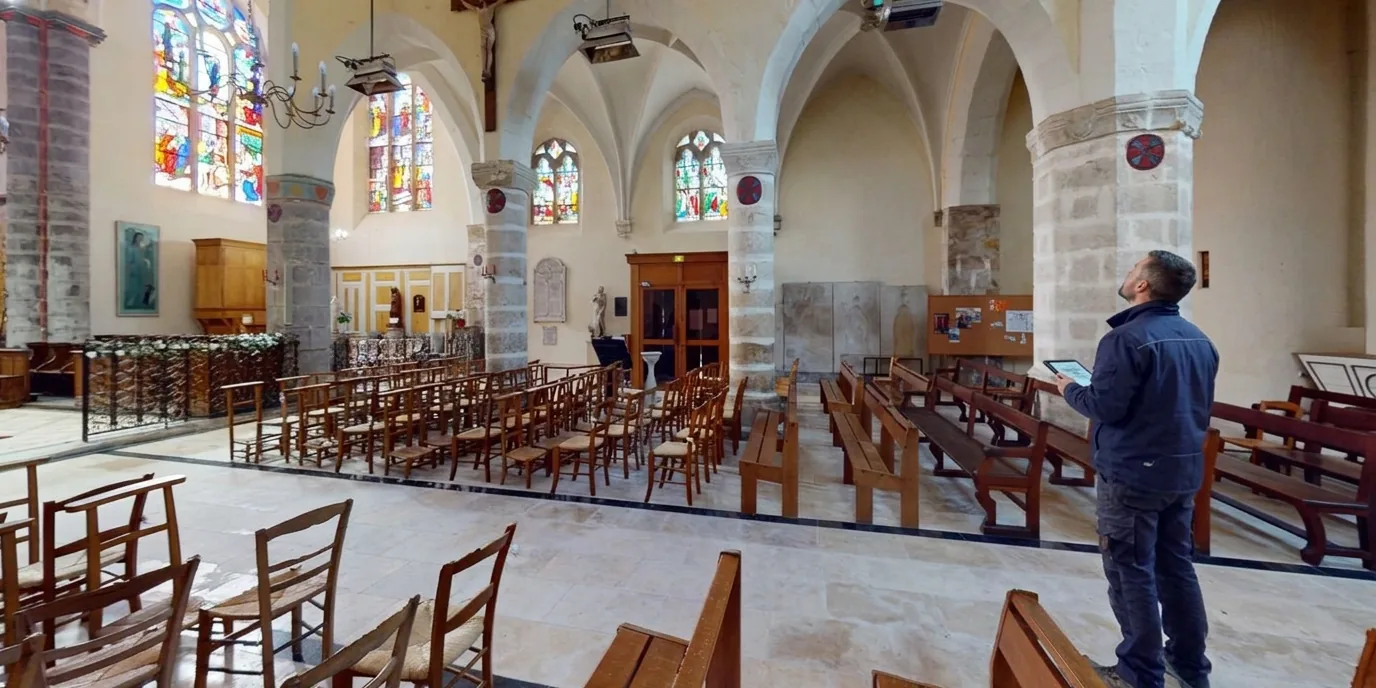
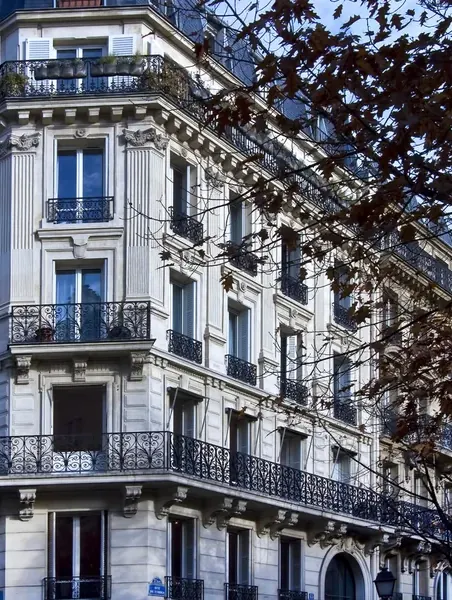
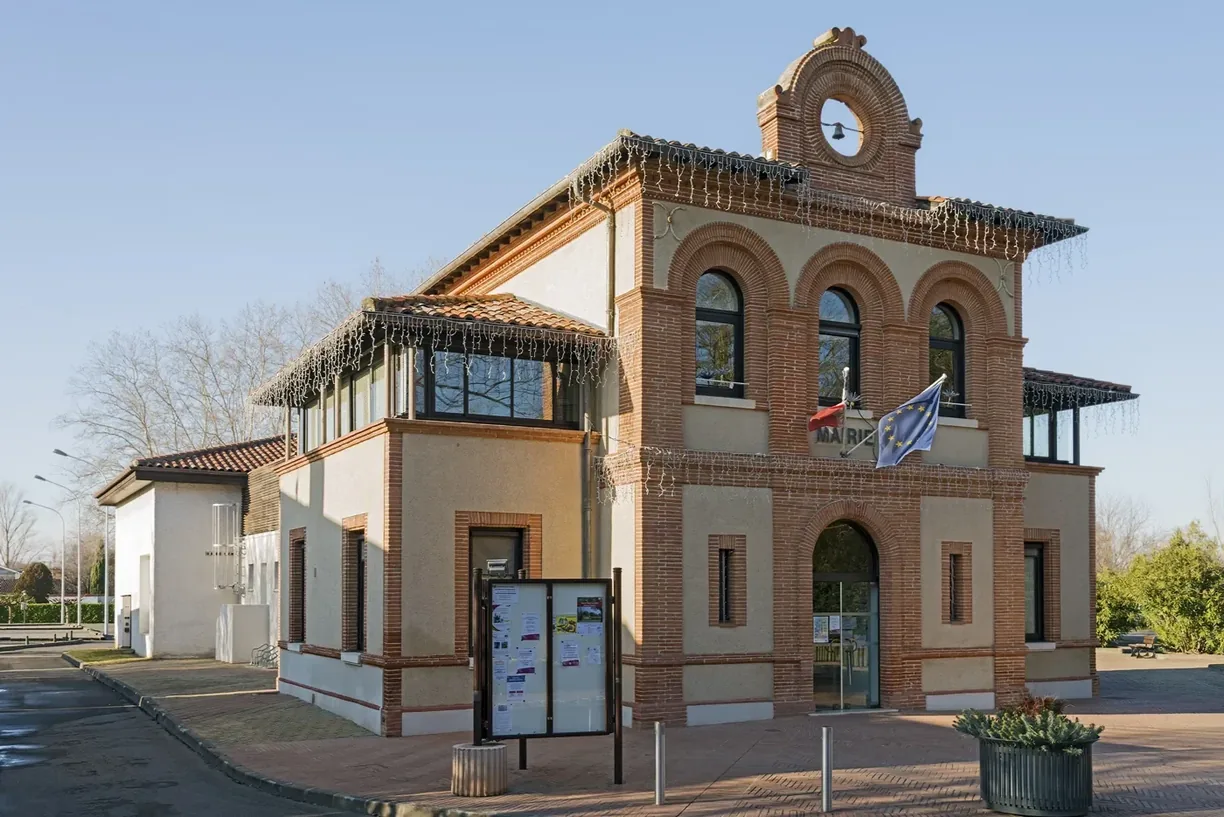
Photo: Ville de Labège
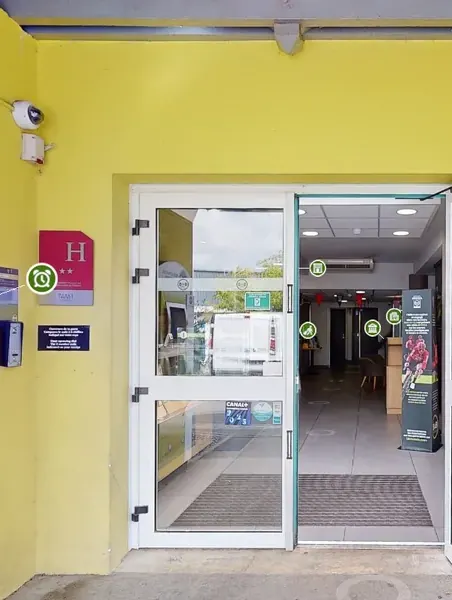
Photo: Didier Descouens, CC BY-SA 4.0, via Wikimedia Commons Ville de Labège

“How can we manage our buildings efficiently when we know neither our plans nor our equipment?”

Read the case study
Ville de Labège Built heritage department, Labège (31)
  • +80% of the building stock referenced in one year
  • 28 buildings owned by the town
  • Source: Ville de Labège. Full figures in the case study.
  1. You know the real condition of every building

    Volumes, floor areas, equipment, condition of the fabric: the 360° tour shows the building as it is today, available at any time and from anywhere.

  2. You find every document in the right place

    Survey report, equipment manual, maintenance contract, photo of a defect: each piece of information is pinned in the digital twin, right where it applies.

  3. You keep your plans up to date

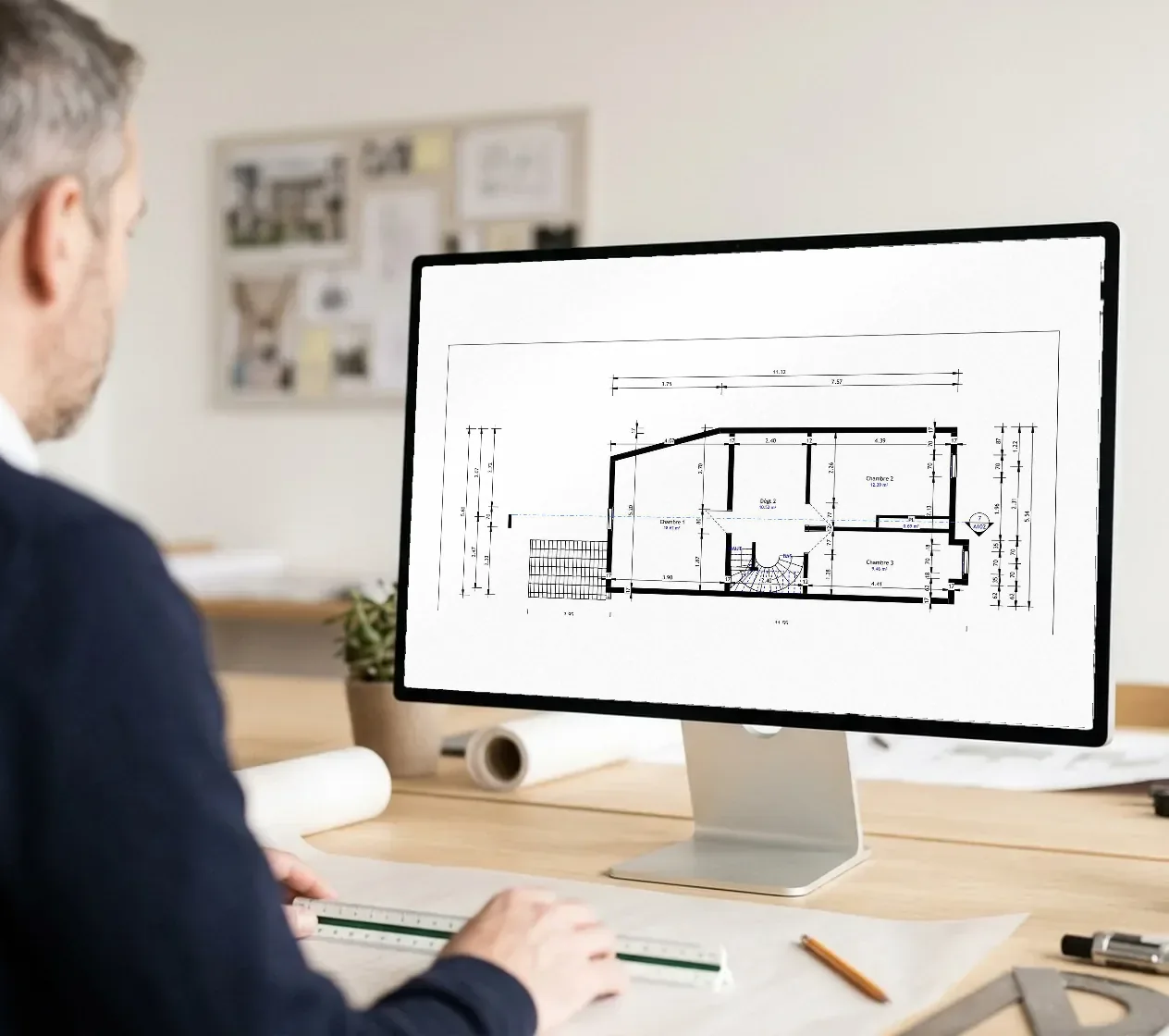
    2D plans, sections, elevations and the BIM model are produced from the same capture. They serve the next project as well as day-to-day management.

Why choose a digital twin for your building stock?

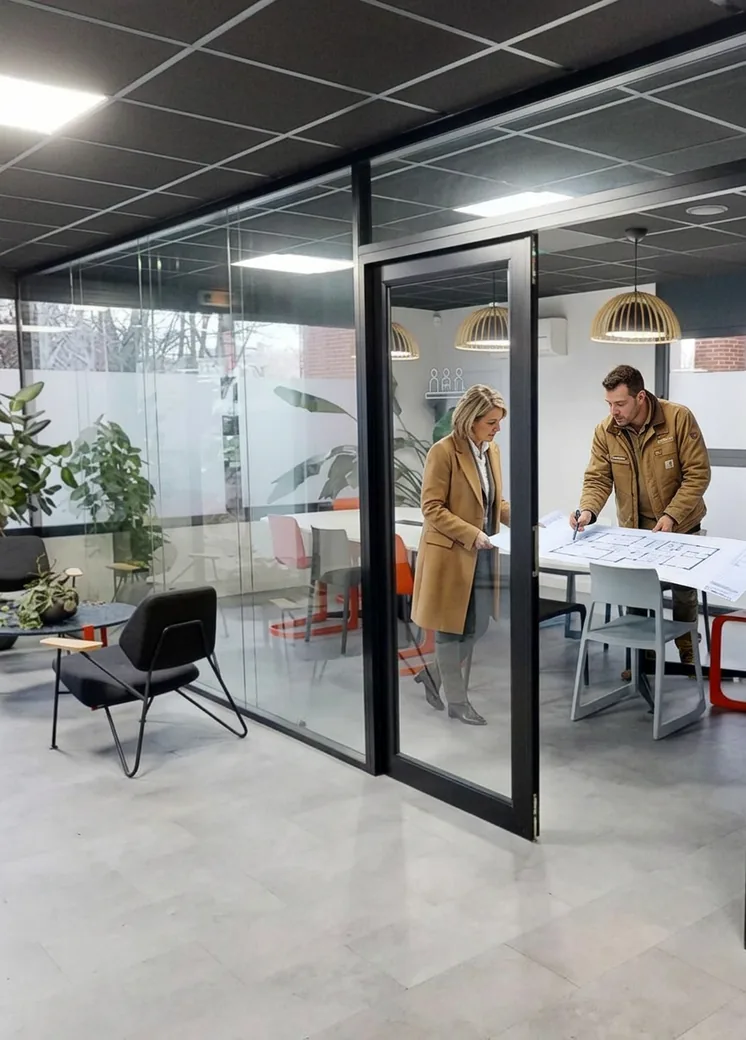
Compare quotes drawn up on the same plans

When each contractor prices from its own survey, quotes differ on quantities before they differ on price. So you end up comparing bids that describe different jobs. With the digital twin shared with everyone, plans included, bids become comparable. Surprises on site become rarer too.
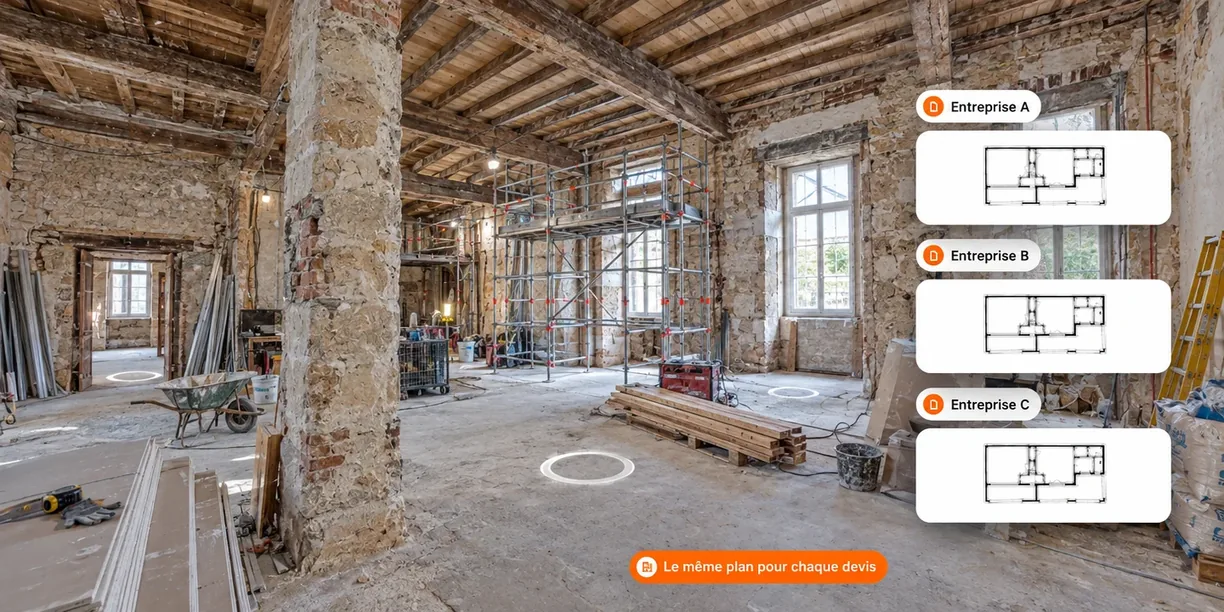
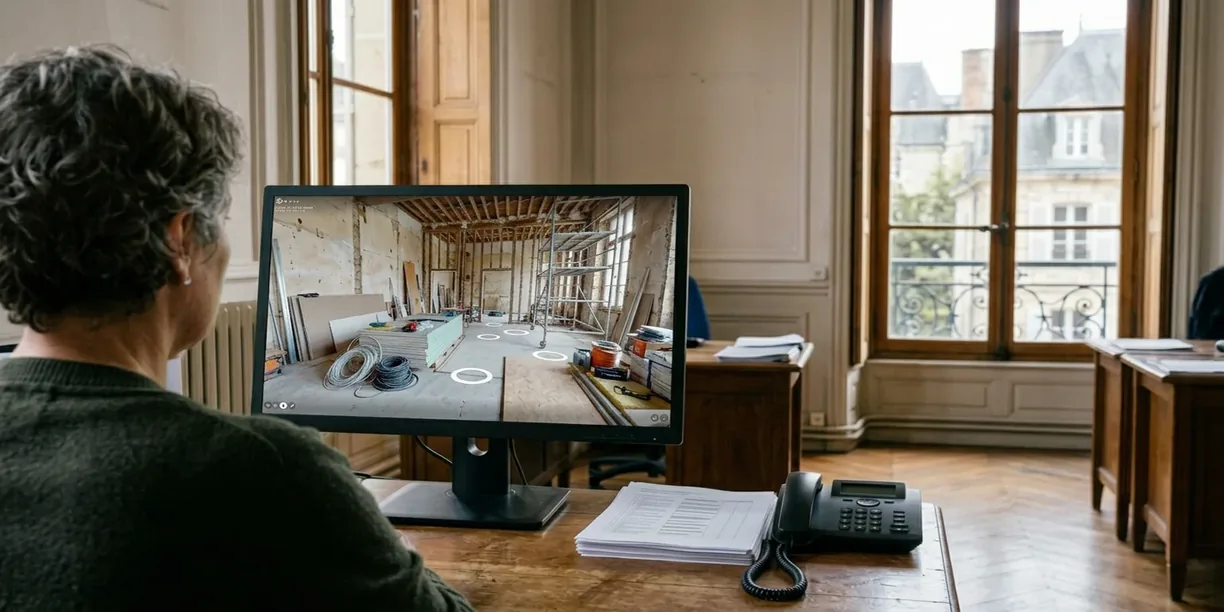
Photo illustrating ‘Compare quotes drawn up on the same plans’

Track progress without endless site trips

Signing off a stage of the works often means going to site, sometimes a long way. So the trips pile up, for meetings that could have been held remotely. With a new capture at the stage that matters, you compare before and after from your desk and keep site visits for the meetings that need them.

Photo illustrating ‘Track progress without endless site trips’

Keep a record of every building

Plans, measurements and the history of works get scattered across contractors and managers. Information is lost at every handover, and every job starts from scratch. With the digital twin, everything stays together in one place. Your maintenance is planned on up-to-date data.

Photo illustrating ‘Keep a record of every building’

The digital twin at the service of your portfolio

  • Photo illustrating the profile ‘You are an owner or investor’

    You are an owner or investor

    • Launch your works on reliable plans
    • Compare quotes drawn up on the same basis
    • Keep a complete record of your building
  • Photo illustrating the profile ‘You manage residential blocks or commercial property’

    You manage residential blocks or commercial property

    • Monitor your works without travelling
    • View plant rooms remotely
    • Base every job on the existing building
  • Photo illustrating the profile ‘You manage a public or social housing estate’

    You manage a public or social housing estate

    • Find the data for every building
    • Prepare your multi-year programmes
    • Share access with your contractors

Ready to save time?

Describe your building stock in two minutes. The nearest agency in the network will reply with a price and a date for the visit.

Each agency in the network sets its own prices freely.

Turn your digital twin into a real performance tool!

These options add to the digital twin depending on your buildings and how you use them. Your contact helps you choose the ones that serve your management.

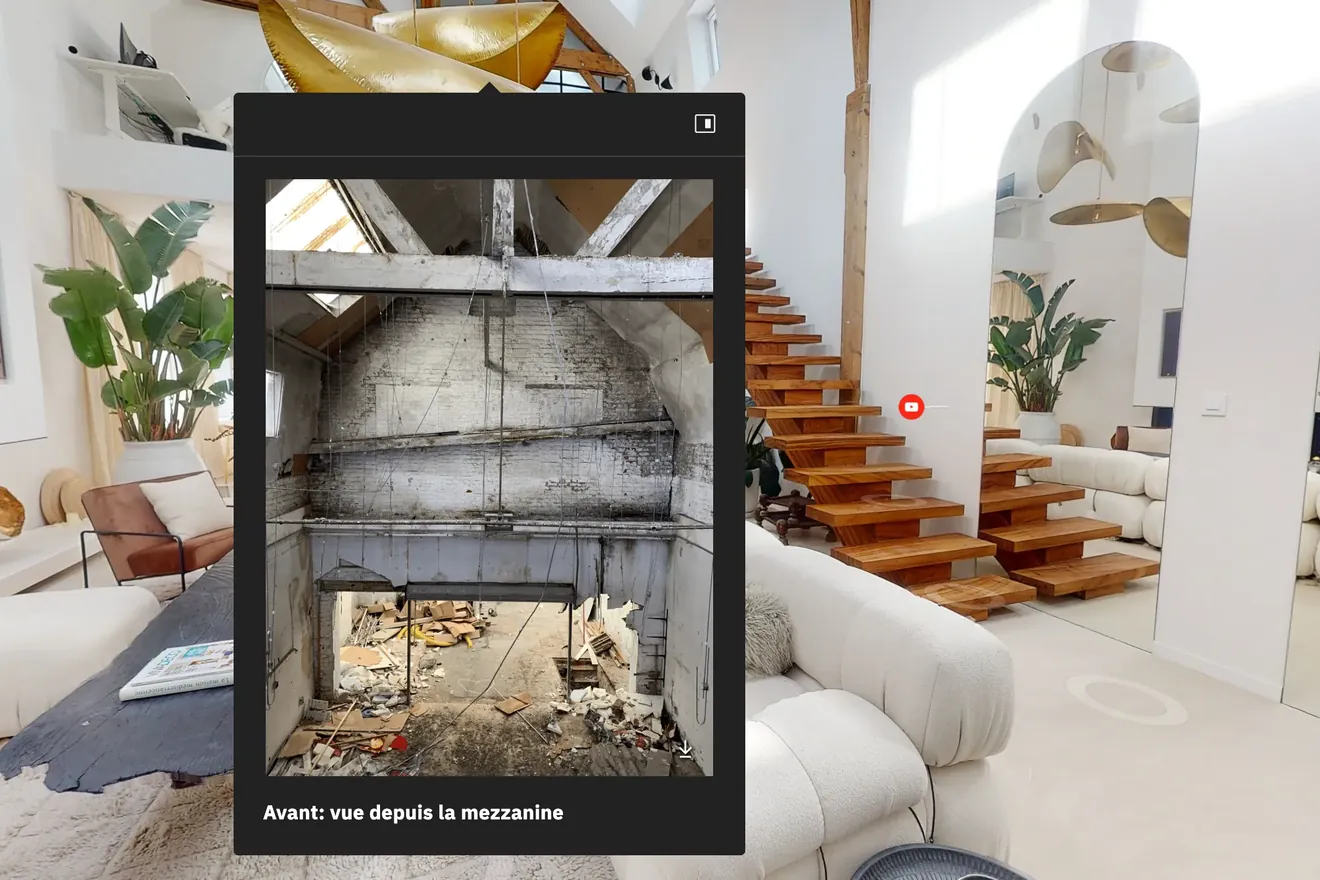
  • Point of interest open in a virtual tour, over a photo taken before the works

    Points of interest

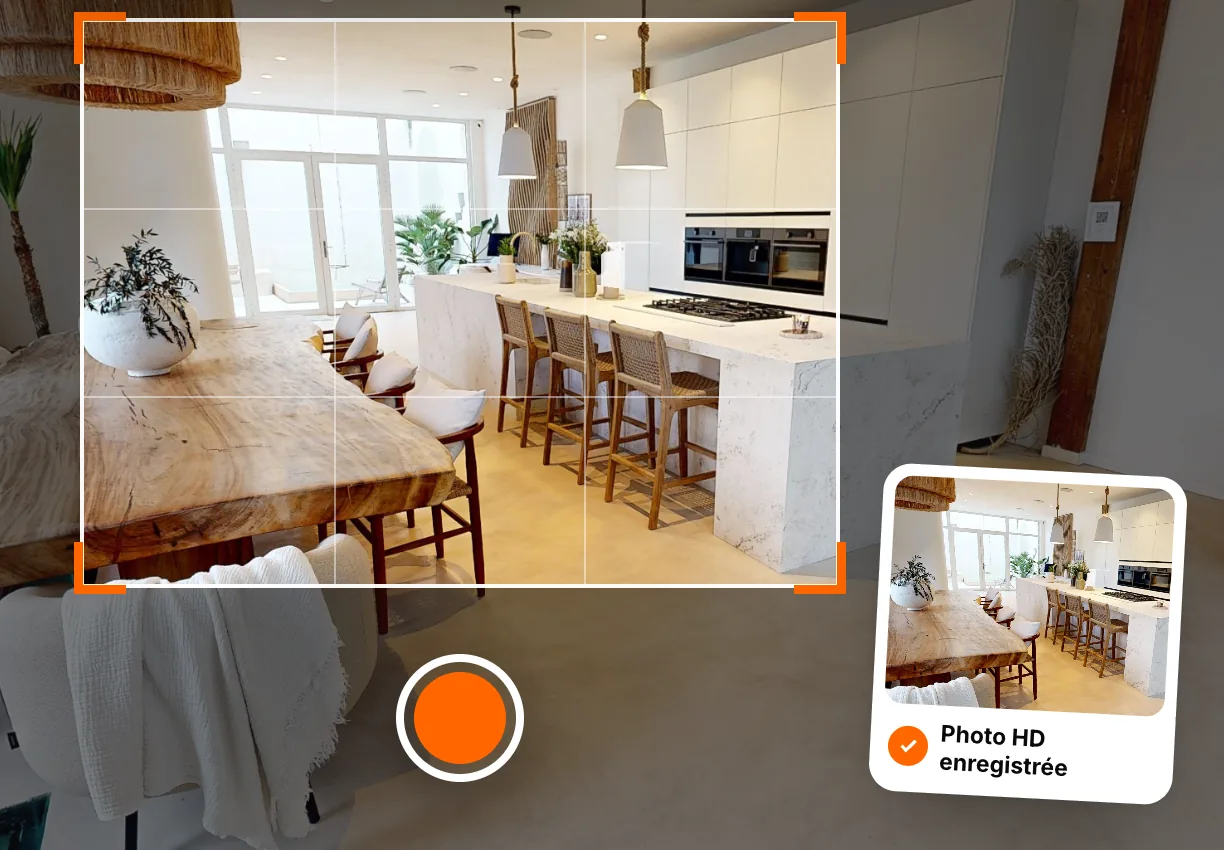
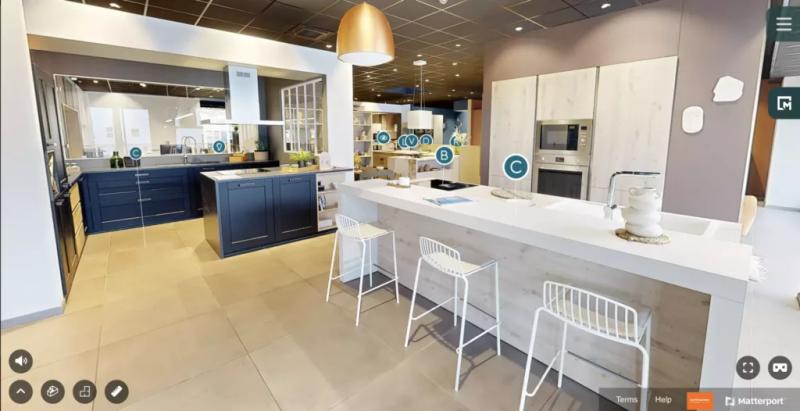
  • HD photo framed in the 360° tour of a kitchen, then saved

    HD photos

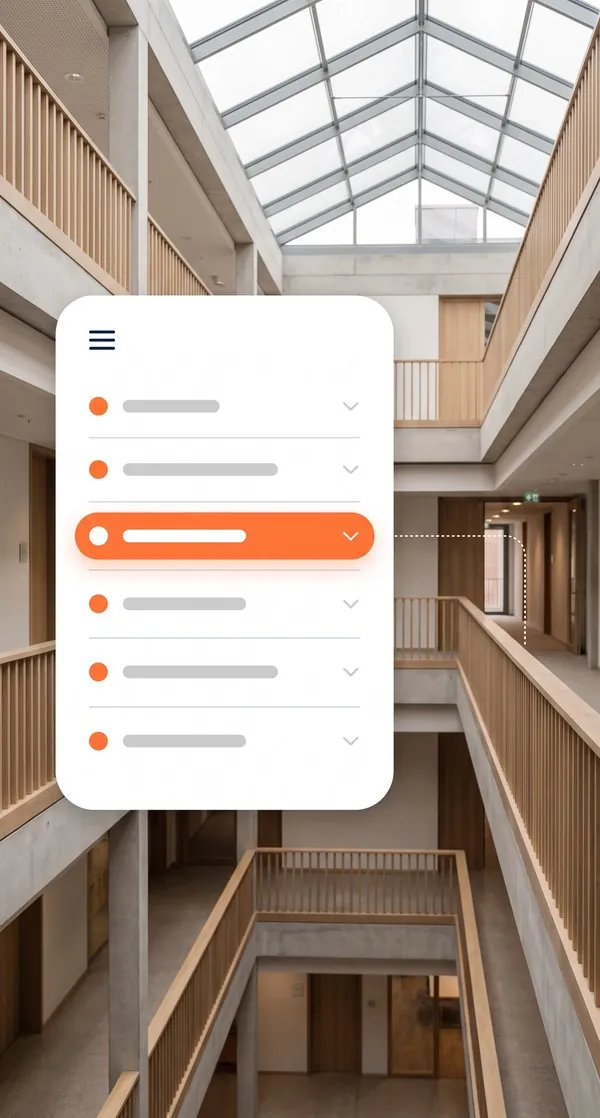
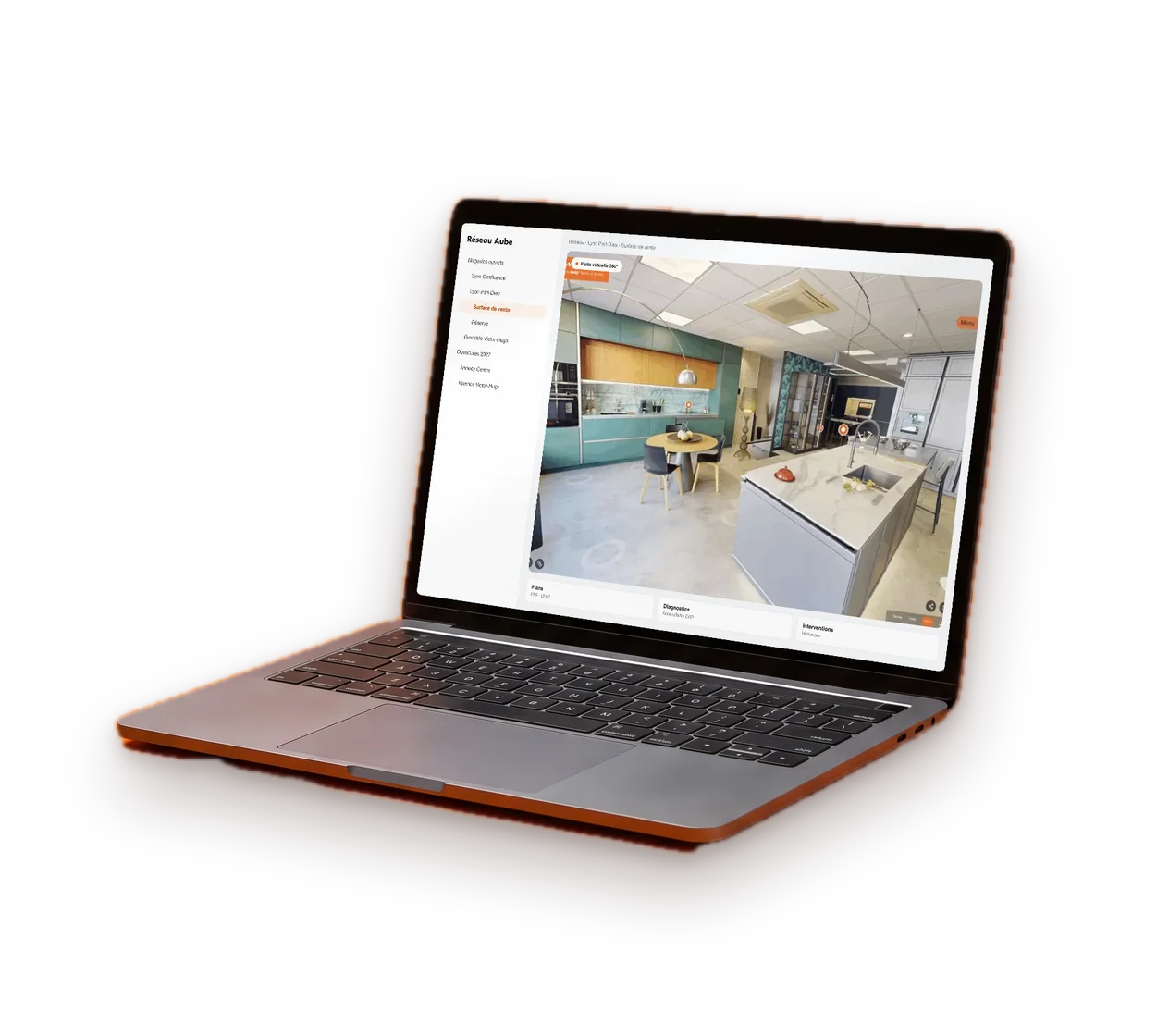
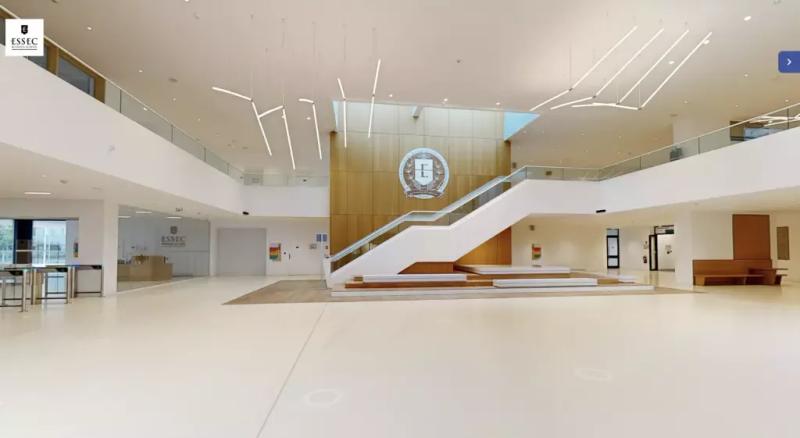
  • Virtual tour navigation menu in front of an atrium

    Navigation menu

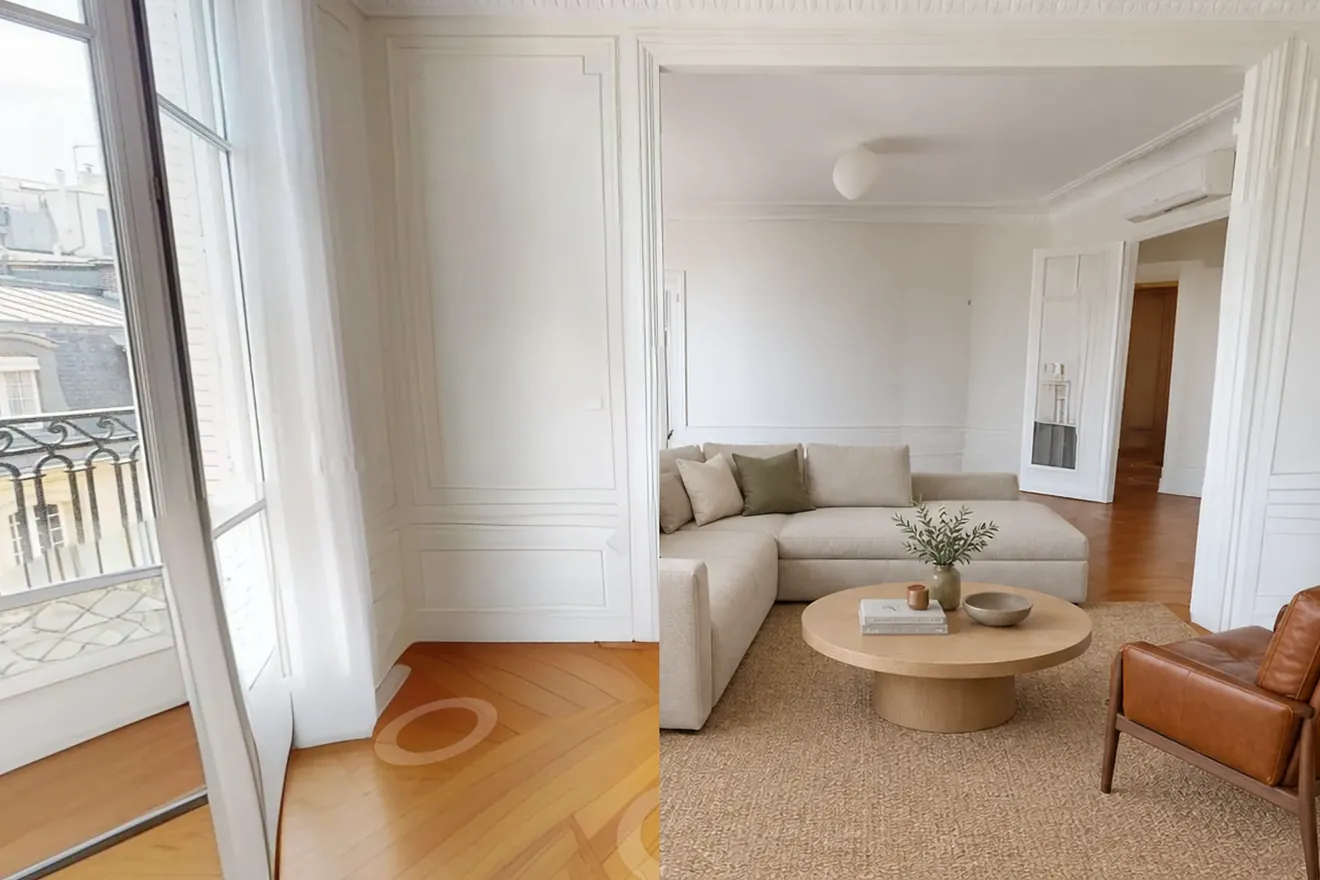
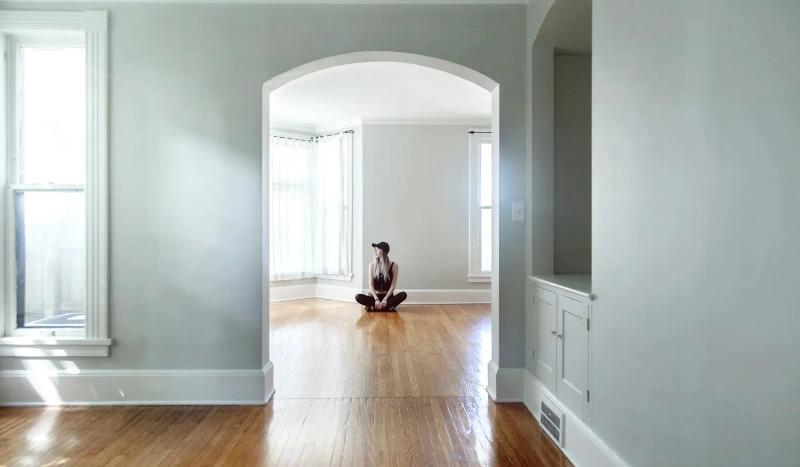
  • Empty living room furnished virtually with AI staging

    AI virtual staging

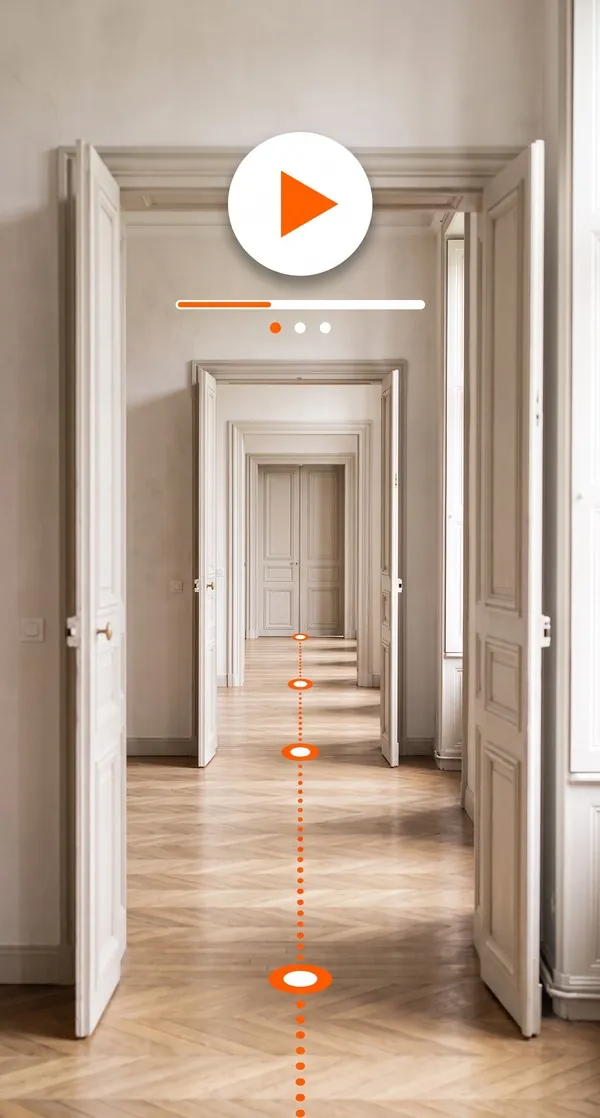
  • Suite of rooms travelled through by an automatic guided tour

    Automatic guided tour

Other options
  • Accurate measurements
  • Point cloud & BIM model
All platform features

How to use your digital twin?

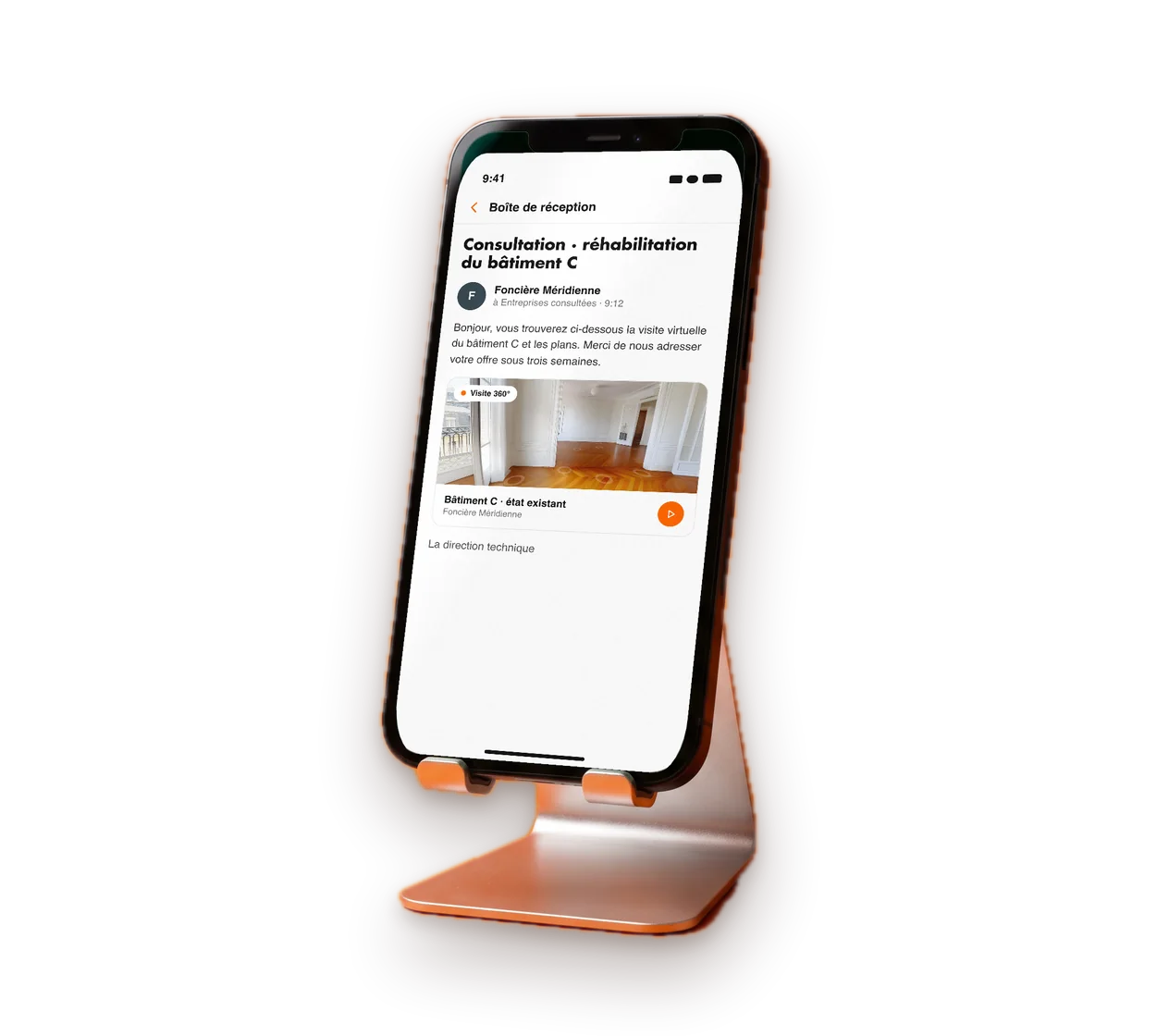
Smartphone showing an email containing the virtual tour link

Plan your works from a shared basis

Send the digital twin link to your project manager and the contractors being consulted. Each of them discovers the building before pricing. Your quotes can be compared on the same quantities.

  • Link sent to every contractor
  • Quotes drawn up from the same plans
  • Fewer site visits to organise

All our virtual tours can be embedded

  • QR code On a shop window, flyer or sign
  • Link By email, text message or in your listings
  • Iframe Straight into your website

How do you order your first virtual tour?

Step 01

You get in touch with our team

We point you to the agency that covers your area.

Step 02

We draw up a brief together

A video call or an on-site meeting sets the scope of the project and your proposal.

Step 03

Your local contact comes to you

Your local agency captures your space on site with a Matterport 360° camera with a built-in LiDAR sensor, then handles the editing.

Step 04

You receive your virtual tour

The link and its documentation arrive within 48 business hours of the capture.

Find the agency nearest to you

36 agencies cover France. The one in your area comes to you.

See how the digital twin adapts to your project

Can’t see your type of project here?

Let’s talk about your project

Your questions about the digital twin for building owners

Getting started, portfolios of several buildings, access, duration: the answers you need before having your estate captured.

  • How much does a digital twin of a building cost?

    The amount depends on the floor area, the number of buildings, the number of floors and the deliverables chosen: 360° tour, dimensioned 2D floor plan, attached documents, BIM model. The agency in your area draws up a free, no-obligation tailored proposal.

  • Do you need technical skills to use the digital twin?

    None at all. The digital twin opens in a web browser, on a computer, tablet or phone. Plans and documents open in one click from the space they relate to.

  • Can several buildings or a whole estate be captured?

    Yes. Each building is captured, then organised by site, building and floor. For an estate, scoping sets the order of captures, the level of detail and how the data is organised.

  • Who can view the digital twin of our buildings?

    Anyone you send the link to. Password-protected access keeps it for your teams and your contractors.

  • Is the digital twin still useful after the works?

    Yes. A new capture shows the post-works condition. The building file keeps growing with documents, works and scheduled maintenance. It becomes the basis for day-to-day management.

  • How long does the digital twin stay online?

    The plans and the BIM model are delivered to you as files, which you keep on your side.

Got another question?

Talk to an expert

Your buildings deserve a reliable record

Describe your buildings: number, floor areas, floors, planned works or management needs. The agency in your area will get back to you with a scope, the useful deliverables and a date for the visit.

  • Reply within 24 business hours
  • Free proposal, no obligation
  • Delivery times stated in the proposal

Each agency in the network sets its own prices freely and sends you a tailored proposal.

Contact us