


















New DWG plans and BIM files across France

easyVirtual.tours
Language
FrançaisEnglish
Coming soonContact us
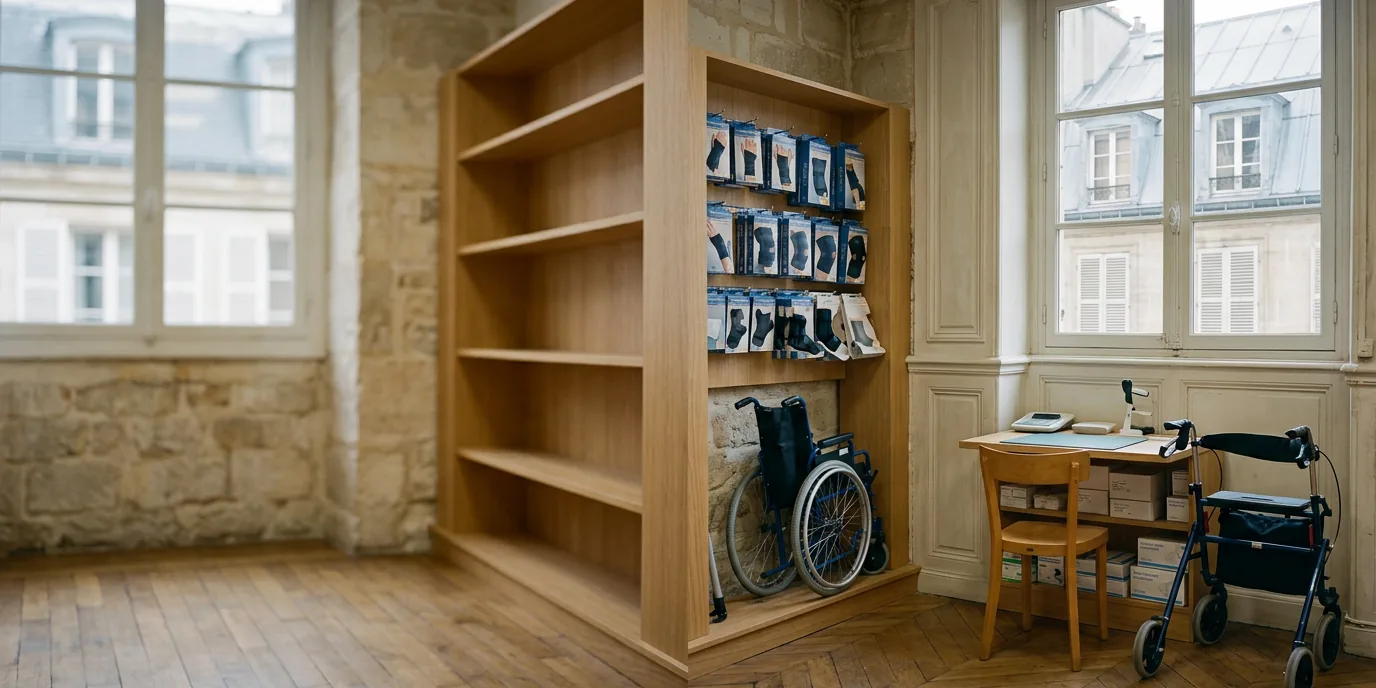
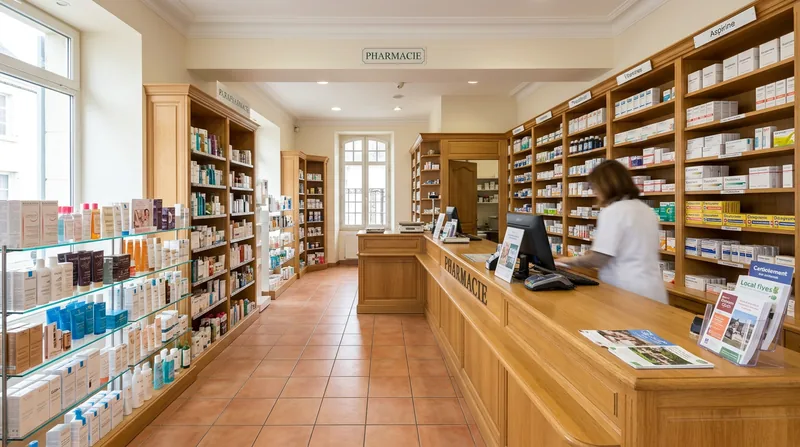
Reception area of a healthcare shop captured in a 360° virtual tour

Tell patients about your pharmacy's services before they come in with a virtual tour

Beyond the counter, a pharmacy offers a private consultation area, orthopaedics, medical equipment or health and beauty products. Patients often don't know. A virtual tour shows them your pharmacy from your website or Google Business Profile. Everyone arrives knowing what they'll find and how to get in.

Your pharmacy can be visited even when closed
24/7
business hours to go live
48 h
Reply from your agency
Within 24 h

What does a virtual tour of a pharmacy look like?

“Working with easyVirtual.tours was quick, simple and effective. I recommend it to make businesses and shops known, whatever the company.”

Read the case study
Charles Co-manager, Surplus Hector Saint-Orens
  • 300,000 views and tours
  • +30% in sales after going live
  • Source: Surplus Hector. Full figures in the case study.
  1. Patients find out about your services

    Orthopaedics, medical equipment, health and beauty products or the consultation area can be discovered before they come.

  2. They plan how to get in

    People with reduced mobility see the entrance, the steps or ramp and the space at the counter. They know what to expect.

  3. They find you where they are looking

    The tour is published on your website and Google Business Profile, alongside your opening hours and on-call rota.

Why choose a virtual tour for your pharmacy?

Show your consultation and private areas

A patient with a sensitive question hesitates to ask it at the counter, in front of the queue. They often don't know a private area exists. Discovering it in the tour, they know they can talk in confidence and are more willing to come.
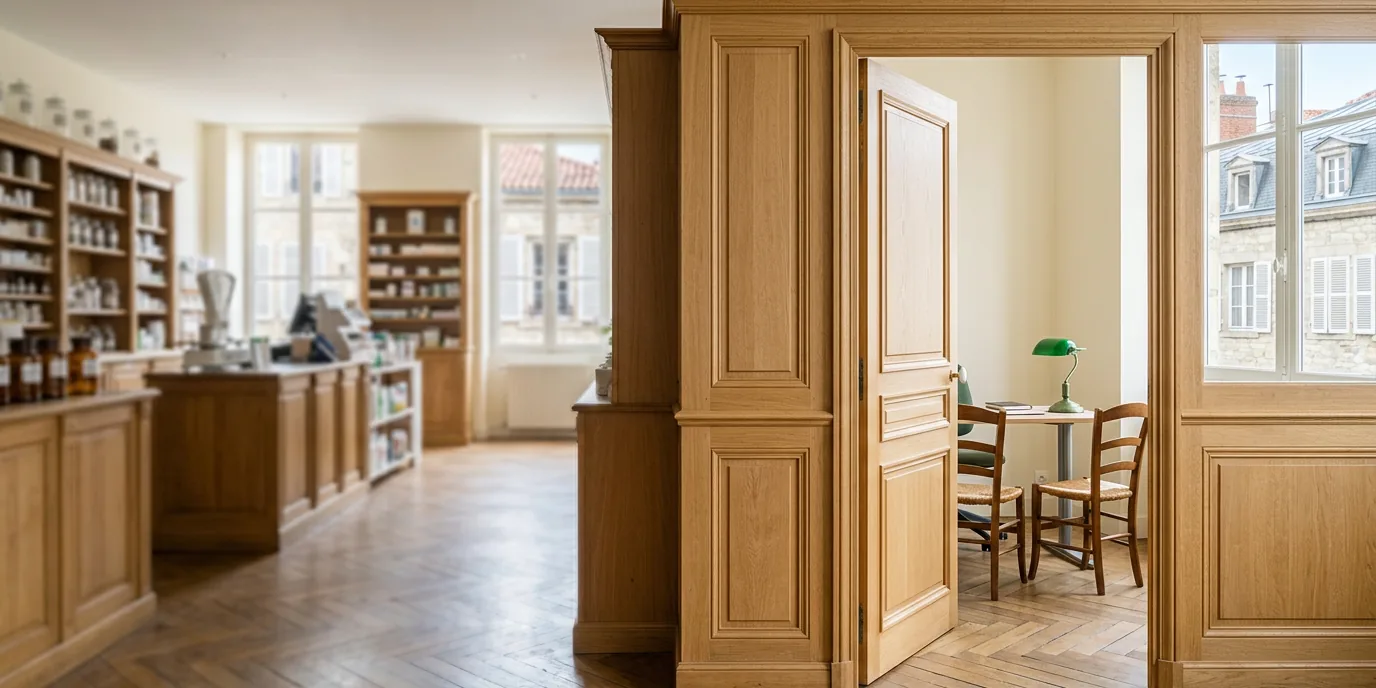
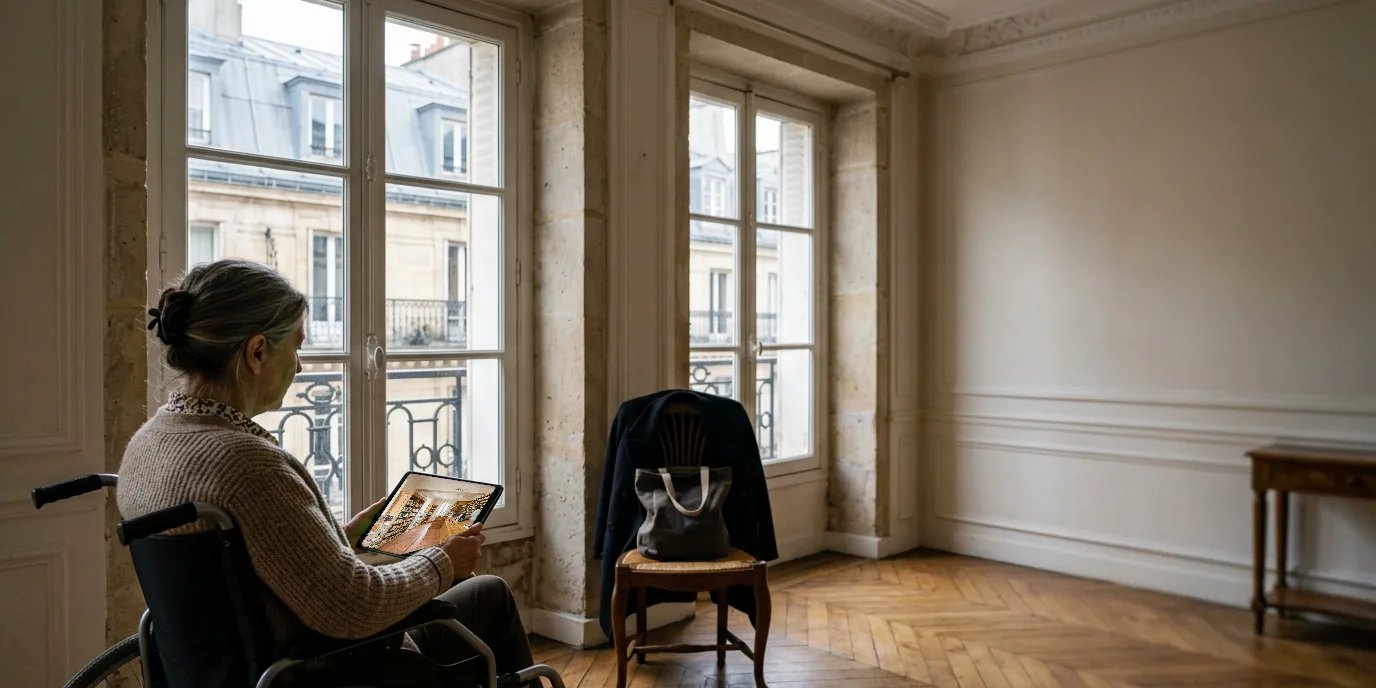
Photo illustrating ‘Show your consultation and private areas’

Help patients plan their visit

For a wheelchair user or a parent with a pushchair, every step counts. Without information, they go to the pharmacy they already know. With the tour, they see the entrance, the space to move around and the counter. They come with confidence.

Photo illustrating ‘Help patients plan their visit’

Promote your services beyond the counter

Families who need them know little about your medical equipment hire, orthopaedics or home-care support services. So they look elsewhere. With the tour and its points of interest, available as an option, they discover what your pharmacy offers.

Photo illustrating ‘Promote your services beyond the counter’

In which situations are easyVirtual.tours tours right for you?

  • Photo illustrating the profile ‘You own a pharmacy’

    You own a pharmacy

    • Show your consultation areas
    • Explain how accessible the pharmacy is
    • Promote your services
  • Photo illustrating the profile ‘You are relocating or refitting your pharmacy’

    You are relocating or refitting your pharmacy

    • Introduce the new premises
    • Guide patients around the new spaces
    • Keep a record of the pharmacy on opening day
  • Photo illustrating the profile ‘You run a pharmacy group’

    You run a pharmacy group

    • The same result in every pharmacy
    • A local contact for each address
    • Capture scheduled around your opening hours

Ready to save time?

Describe your pharmacy in two minutes. The nearest agency in the network will reply with a price and a date for the visit.

Each agency in the network sets its own prices freely.

Turn your virtual tour into a real performance tool!

These options add to the tour to present your services, help you stand out on Google and receive your patients' questions.

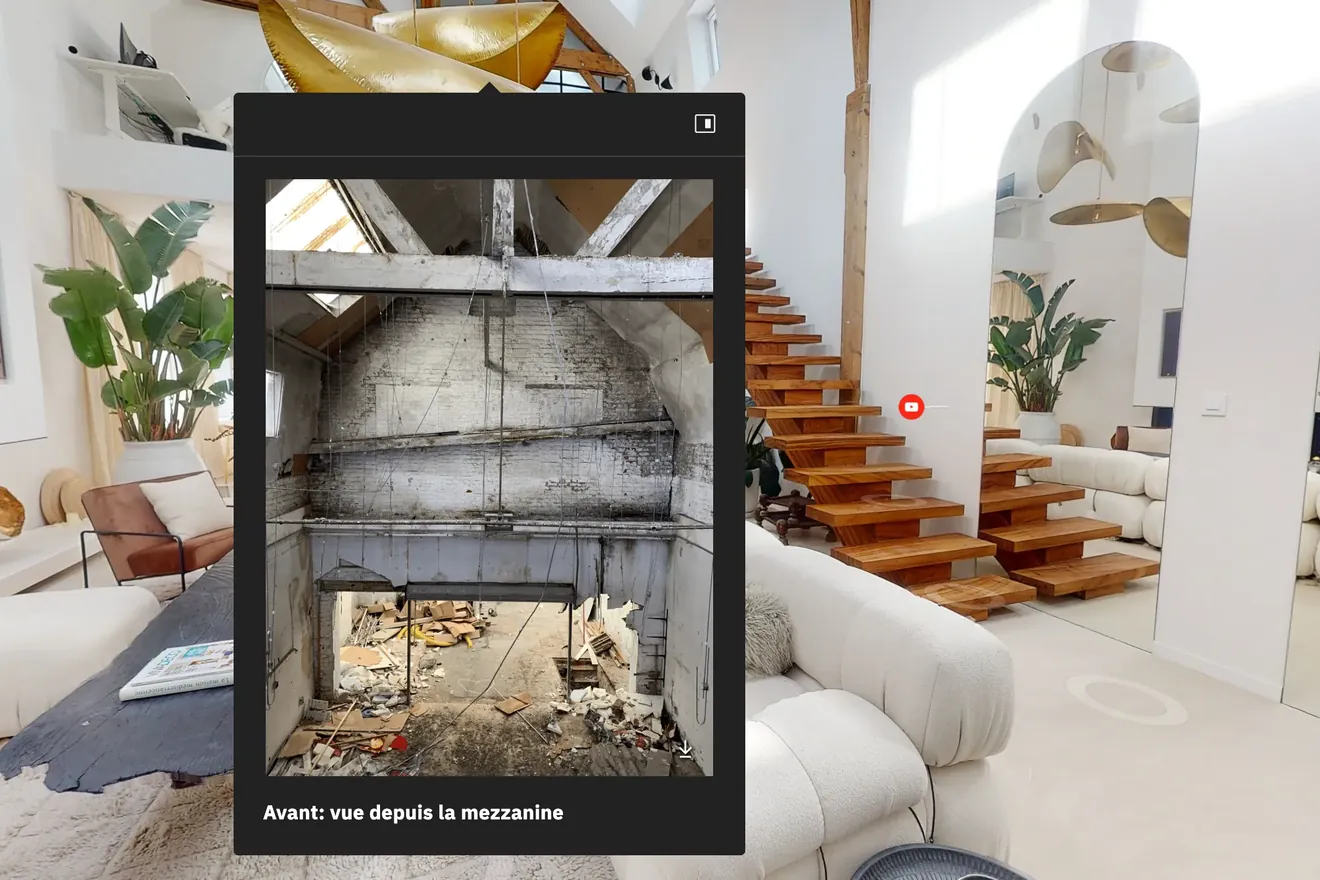
  • Point of interest open in a virtual tour, over a photo taken before the works

    Points of interest

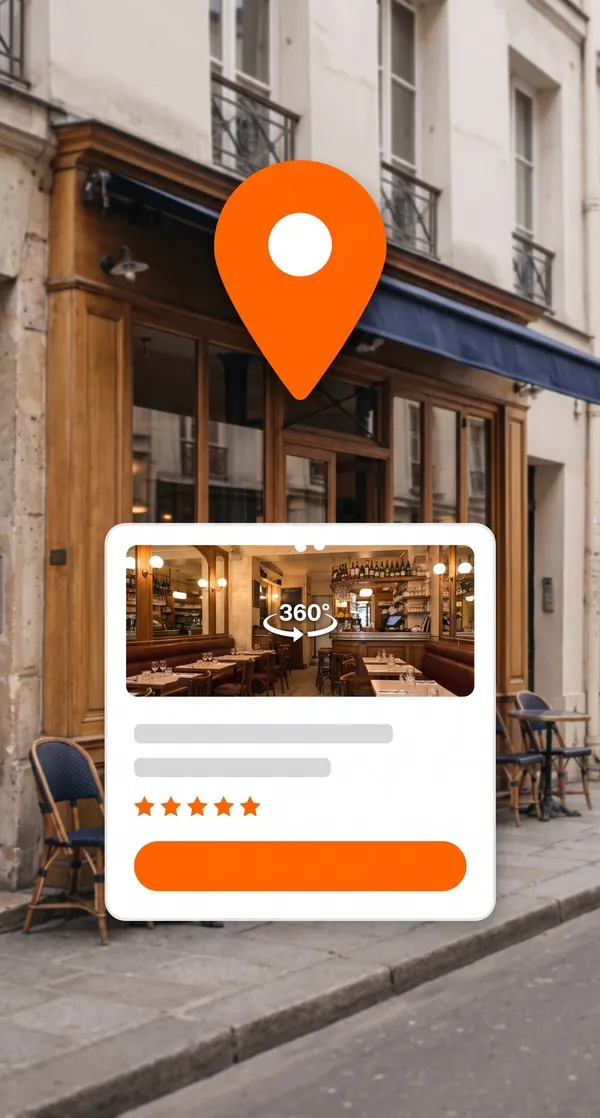
  • Google Maps pin in front of a restaurant, with its listing and 360° tour

    Google publication

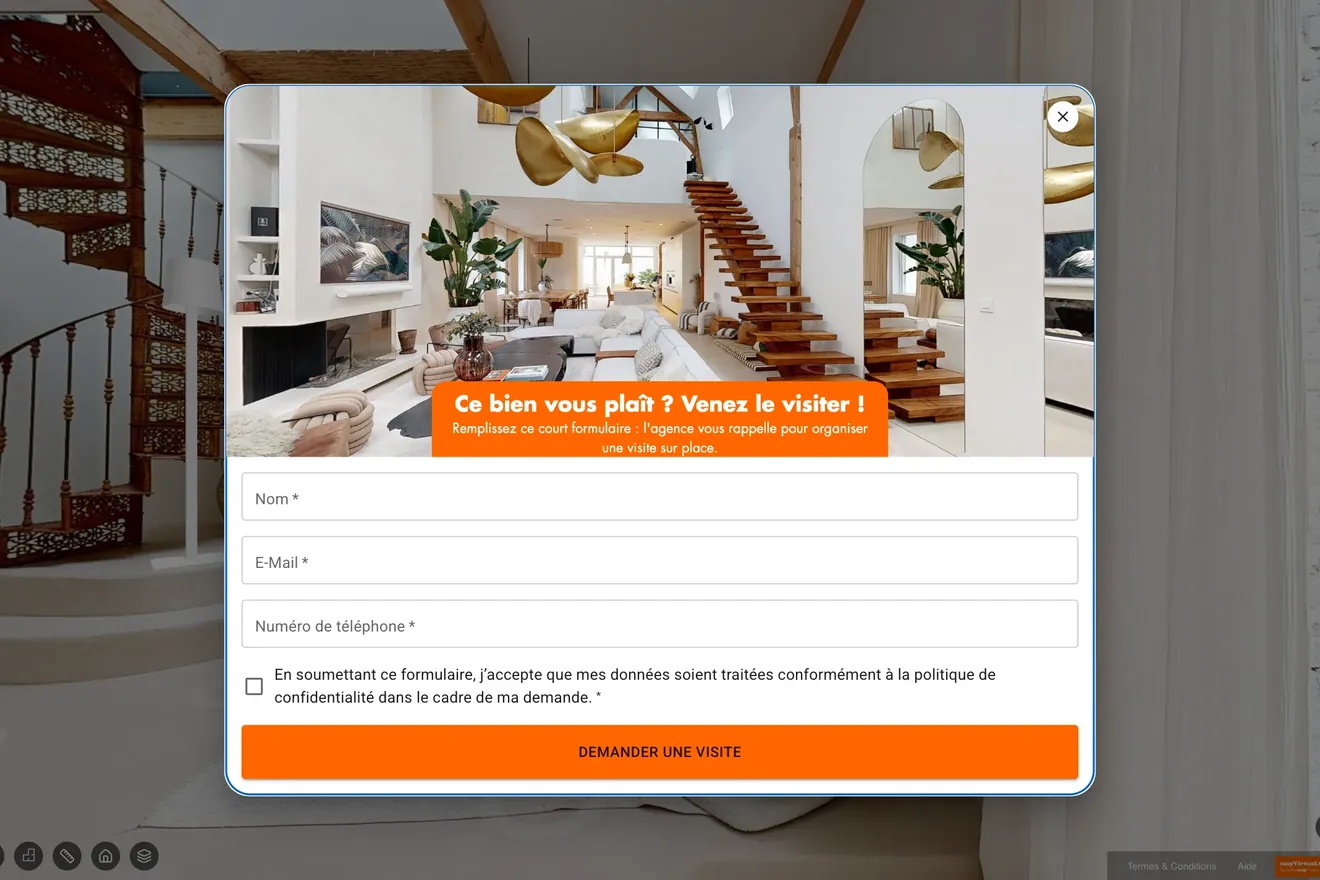
  • Contact form open over a virtual tour

    Contact form

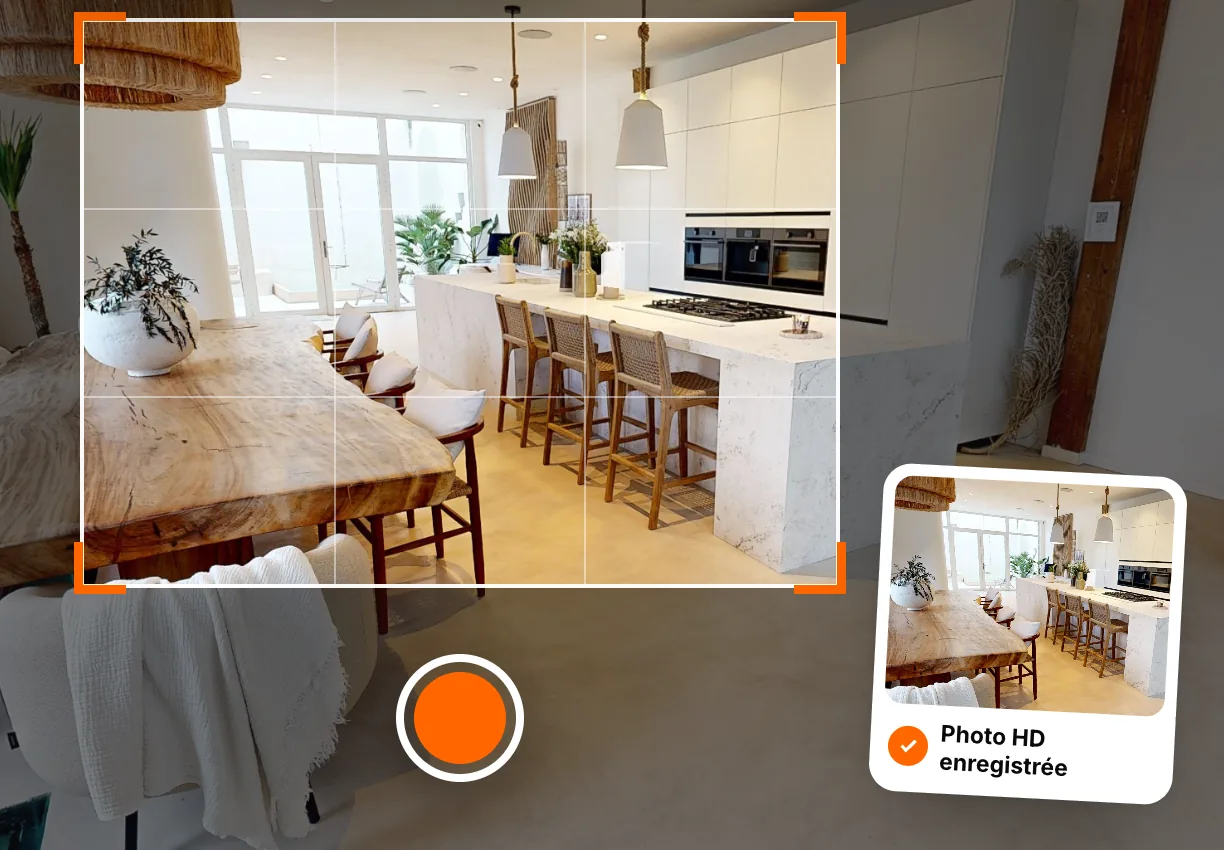
  • HD photo framed in the 360° tour of a kitchen, then saved

    HD photos

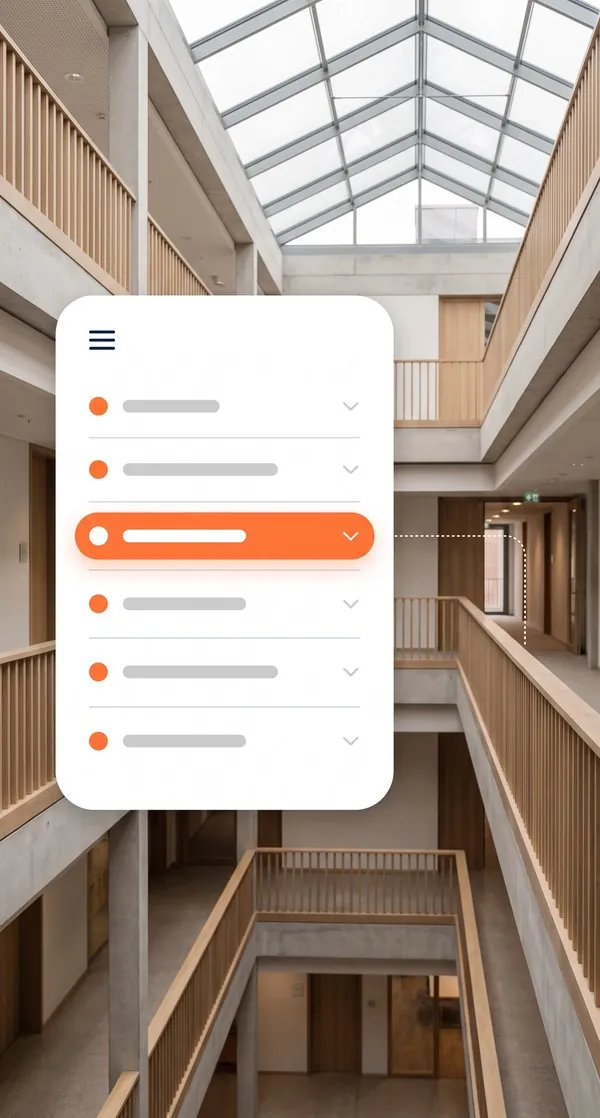
  • Virtual tour navigation menu in front of an atrium

    Navigation menu

Other options
  • Dimensioned 2D floor plan
All platform features

How to use your virtual tour?

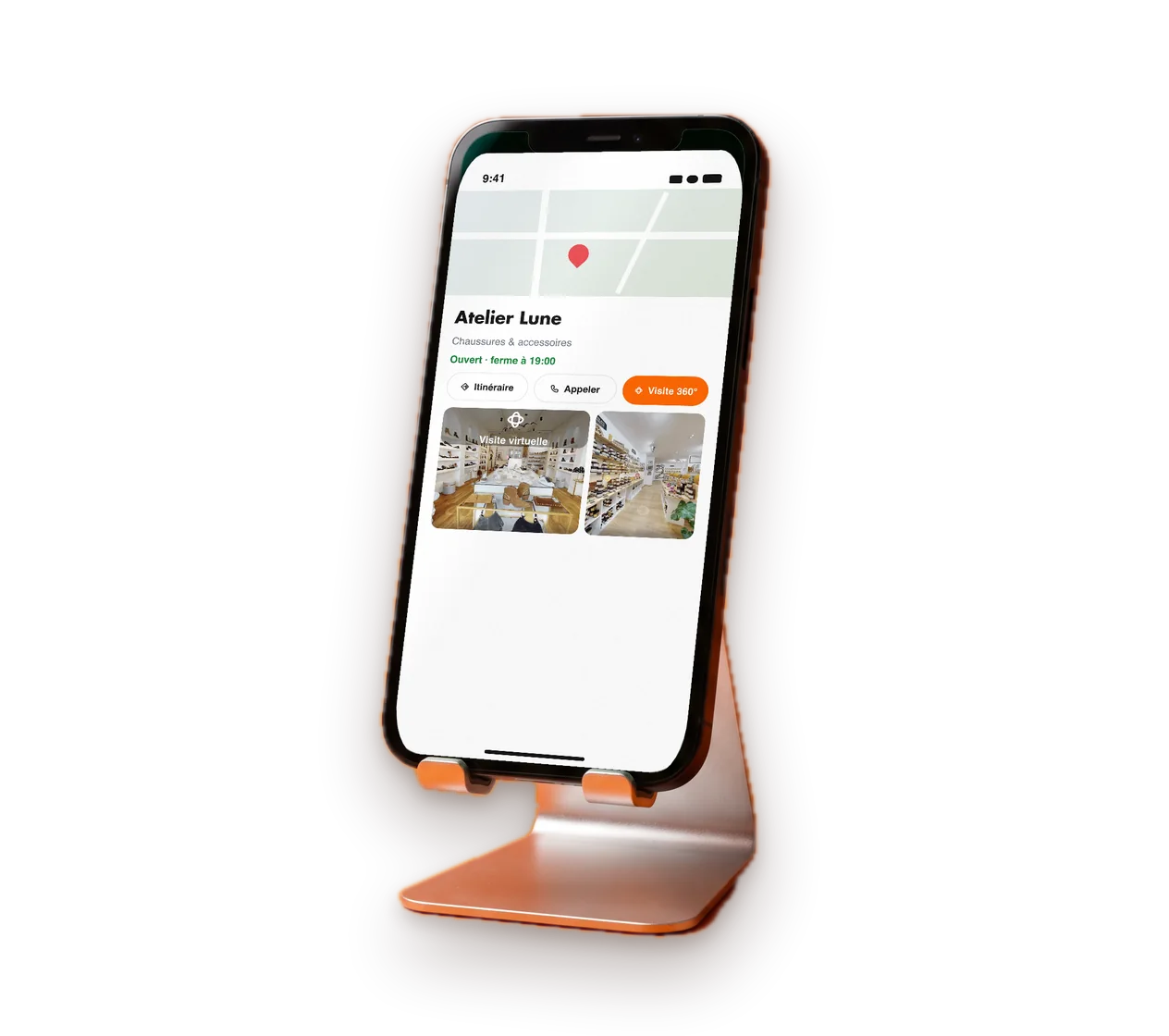
Smartphone showing a business listing with its 360° tour

Add it to your Google profile

A patient looking for a pharmacy checks the Google listing first, with its opening hours and duty rota. With the tour link, they also see your services and how to get into the pharmacy.

  • On your Google Business Profile
  • On your website, on the services page
  • On your order collection page

All our virtual tours can be embedded

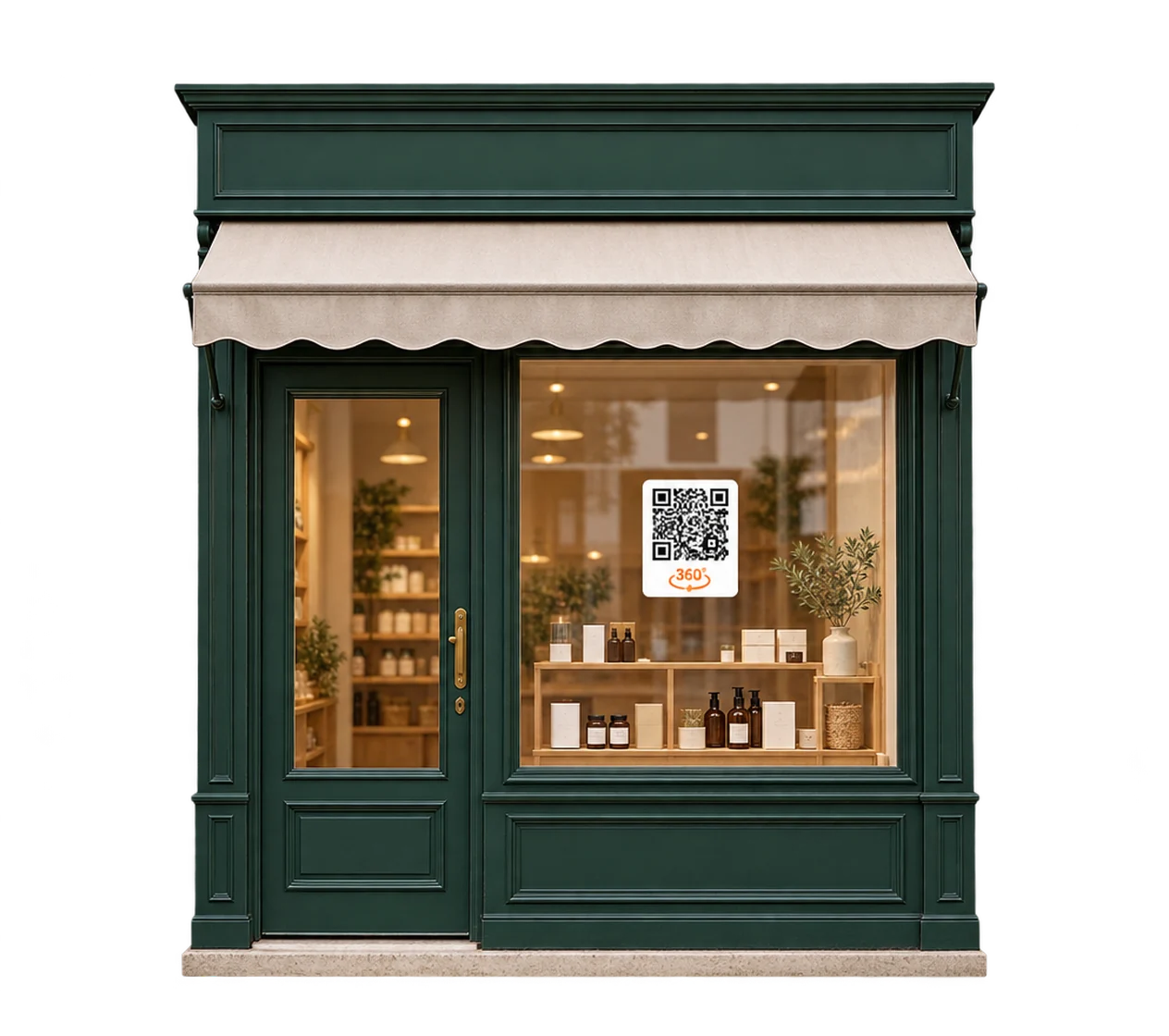
  • QR code On a shop window, flyer or sign
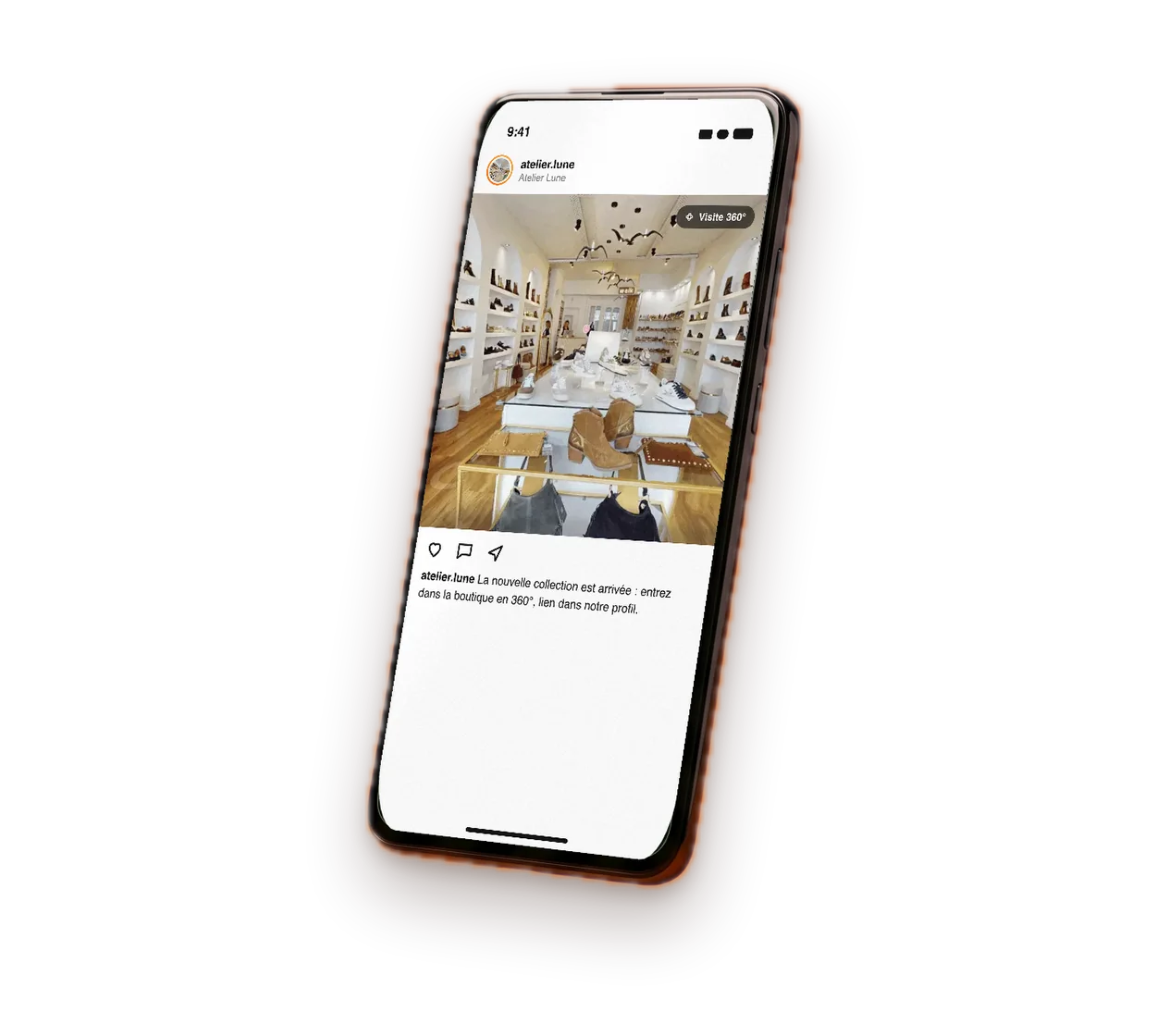
  • Link By email, text message or in your listings
  • Iframe Straight into your website

How do you order your first virtual tour?

Step 01

You get in touch with our team

We point you to the agency that covers your area.

Step 02

We draw up a brief together

A video call or an on-site meeting sets the scope of the project and your proposal.

Step 03

Your local contact comes to you

Your local agency captures your space on site with a Matterport 360° camera with a built-in LiDAR sensor, then handles the editing.

Step 04

You receive your virtual tour

The link and its documentation arrive within 48 business hours of the capture.

Find the agency nearest to you

36 agencies cover France. The one in your area comes to you.

See how our virtual tours adapt to your business

Can’t see your type of business here?

Let’s talk about your project

Your questions about pharmacy virtual tours

The answers you need before having your pharmacy captured.

  • How much does a pharmacy virtual tour cost?

    The amount depends on the floor area of the pharmacy, the spaces to capture and the options chosen. The agency in your area draws up a tailored proposal after an initial discussion.

  • Does the tour comply with the rules on pharmacy advertising?

    The tour shows your premises and your services. You approve every piece of published content, points of interest included, in light of the advertising rules that apply to your pharmacy.

  • Do patients appear in the tour?

    Capture takes place while the pharmacy is closed, with no patients in shot. Sensitive areas, such as the back room or documents, stay off the route.

  • Is a 3D floor plan of the pharmacy provided?

    Yes. The dollhouse view, which shows the pharmacy as a 3D model, is produced from the same capture. The dimensioned 2D floor plan, on the other hand, is an option.

  • Where can the tour be published?

    On your website, on your Google Business Profile with the Google publication option, on your social media, in your email signature, at trade shows and via a QR code in the window.

Got another question?

Talk to an expert

Ready to show your pharmacy to your patients?

Describe your pharmacy, its floor area and the spaces to show. The agency in your area will get back to you with a tailored proposal and a date for the visit, while the pharmacy is closed.

  • Reply within 24 business hours
  • Free proposal, no obligation
  • Delivery time stated in the proposal

Each agency in the network sets its own prices freely and sends you a tailored proposal.

Contact us