



















New DWG plans and BIM files across France

easyVirtual.tours
Language
FrançaisEnglish
Coming soonContact us
Training centre technical platform captured as a 360° virtual tour

Fill the courses at your training centre with a virtual tour

No one signs up for a trade they have never seen. Your easyVirtual.tours agency captures your workshops, technical platforms and classrooms on site. Applicants, their families, your funders and your partner employers can then explore them from your website, at any time of year.

Your workshops are always open to visitors
24/7
business hours to go live
48 h
Reply from your agency
Within 24 h

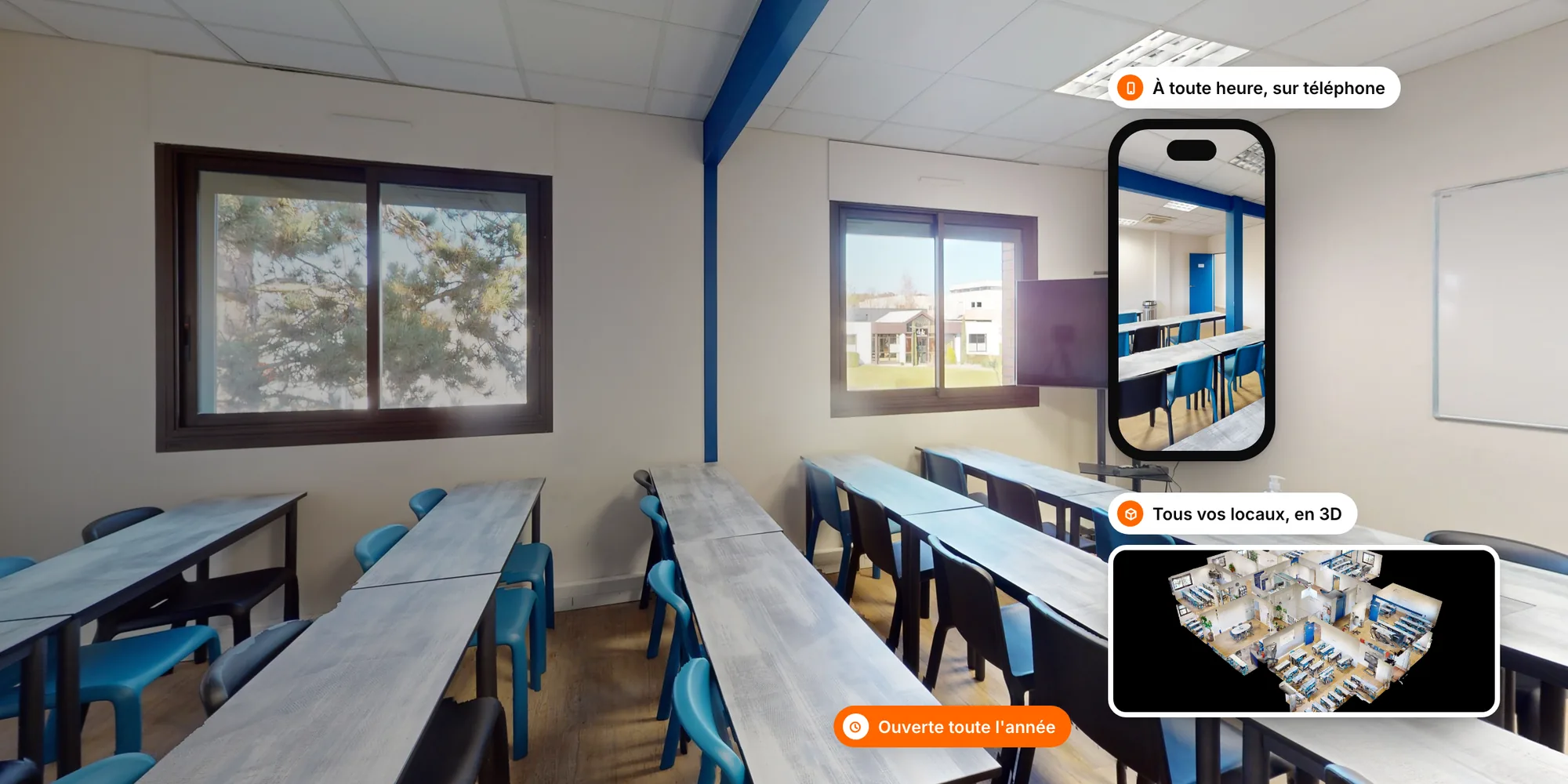
What does a virtual tour of a training centre look like?

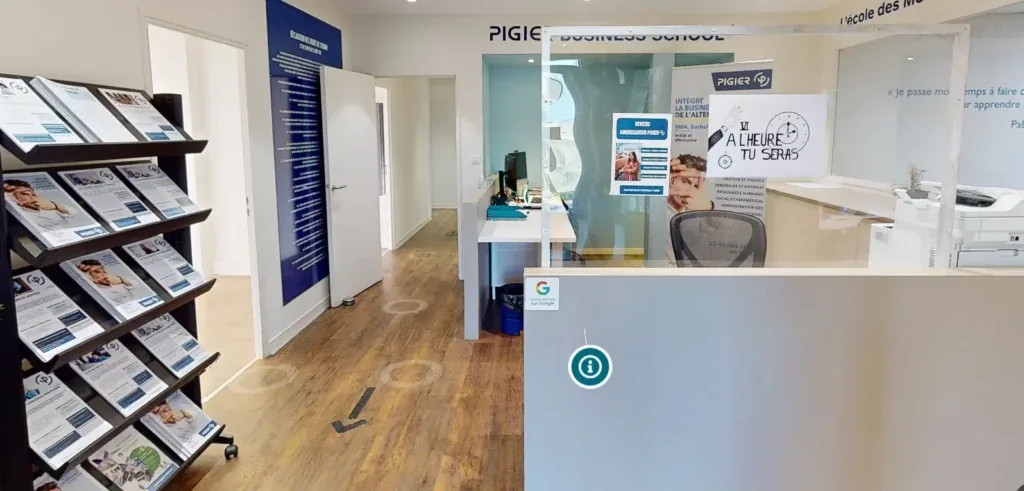
Screenshot of the virtual tour: Campus Pigier · Dijon
Campus Pigier · Dijon

10% of tours come from a direct link, shared between students, parents and friends. In other words, the tour spreads by itself.

Read the case study
Pigier Dijon Work-study business school Pigier Dijon
  • +79,000 views in total
  • +25 information requests
  • Source: Pigier Dijon. Full figures in the case study.
  1. Your applicants step into the workshops

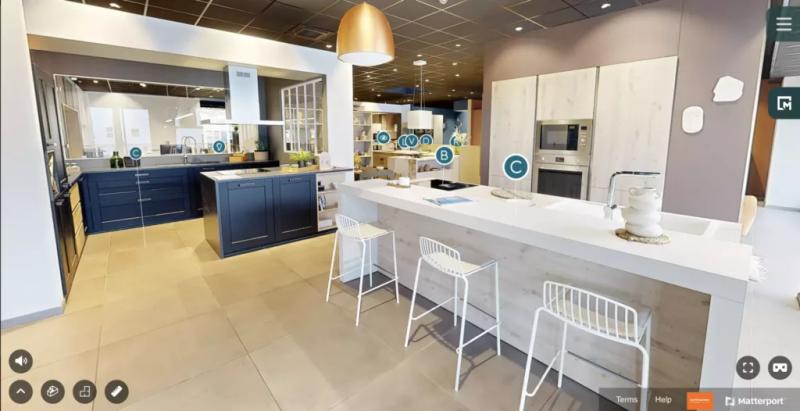
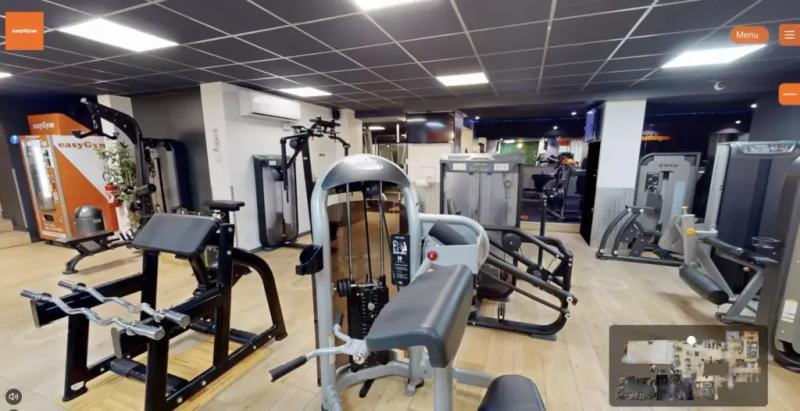
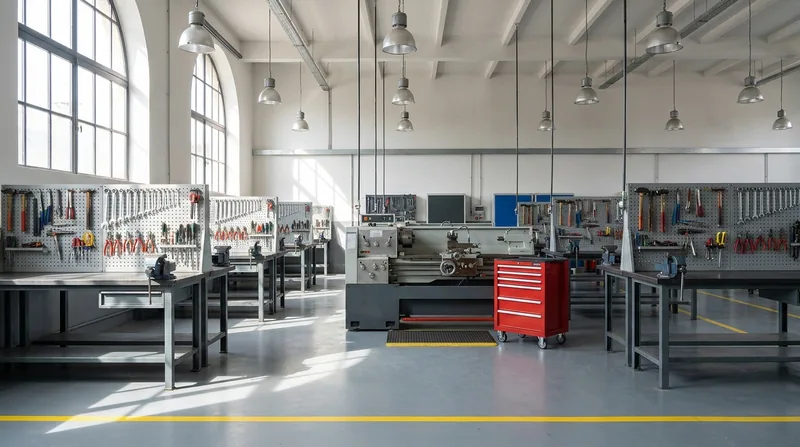
    Training garage, laboratory, training kitchen, construction bay: applicants see the machines and the real working environment of the trade.

  2. They link each space to a course

    With points of interest, every room tells the story of its programme: the qualification it leads to, the equipment used, the career prospects.

  3. Your partners see the centre as a whole

    The 3D dollhouse view shows the platforms, their size and their layout, like a scale model.

Why choose a virtual tour for your training centre?

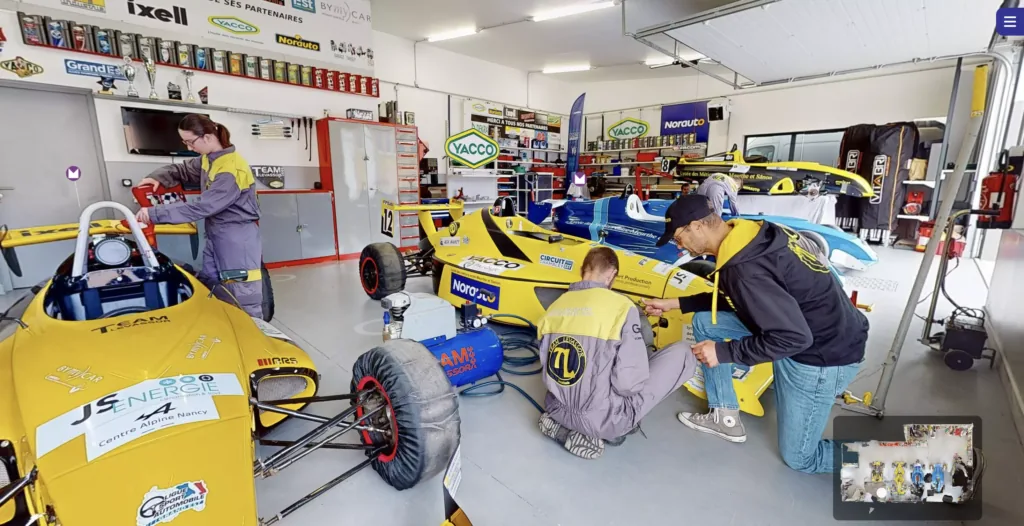
Help applicants picture themselves in their future trade

A young person torn between two paths needs to see the workshop, which the prospectus never really shows. So they sign up without knowing what they are getting into, or they give up. With a tour of your technical platforms, they can picture themselves at their workstation. The applications you receive are better motivated.
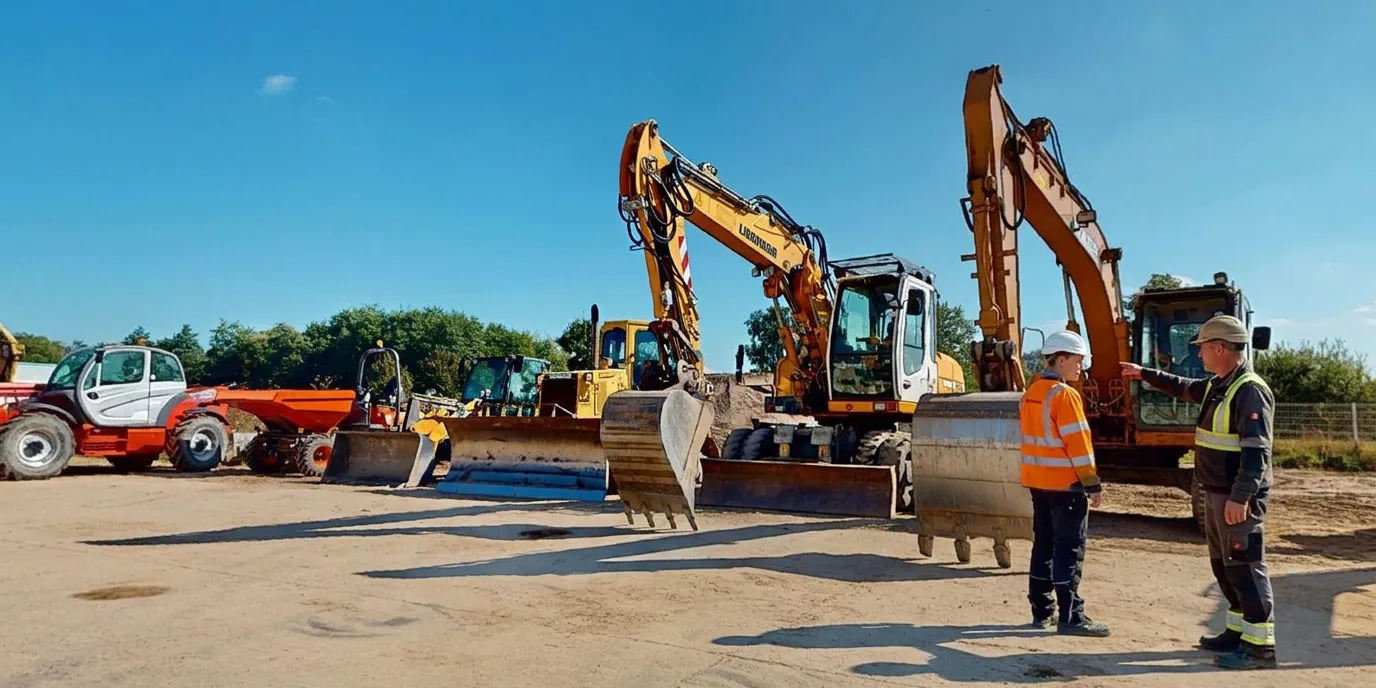
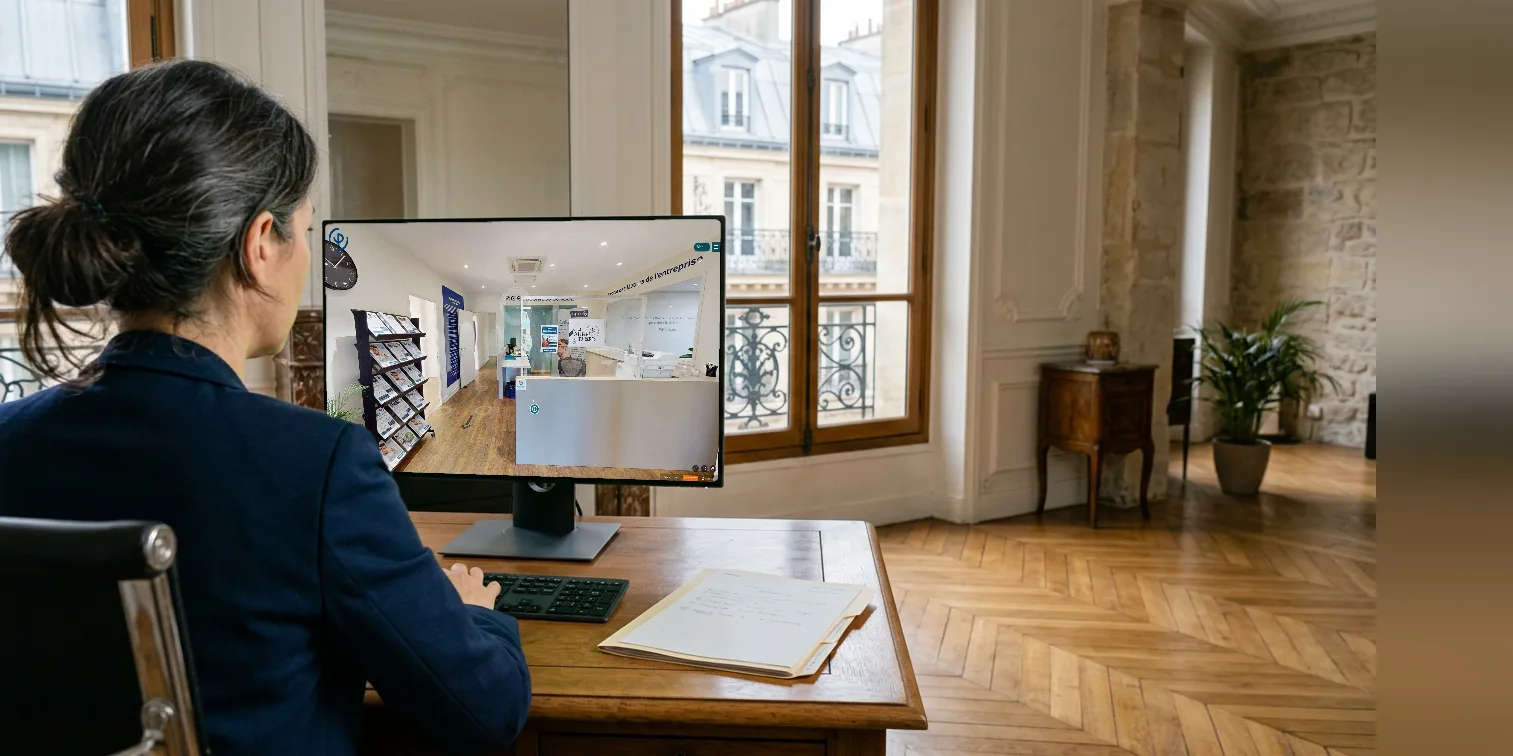
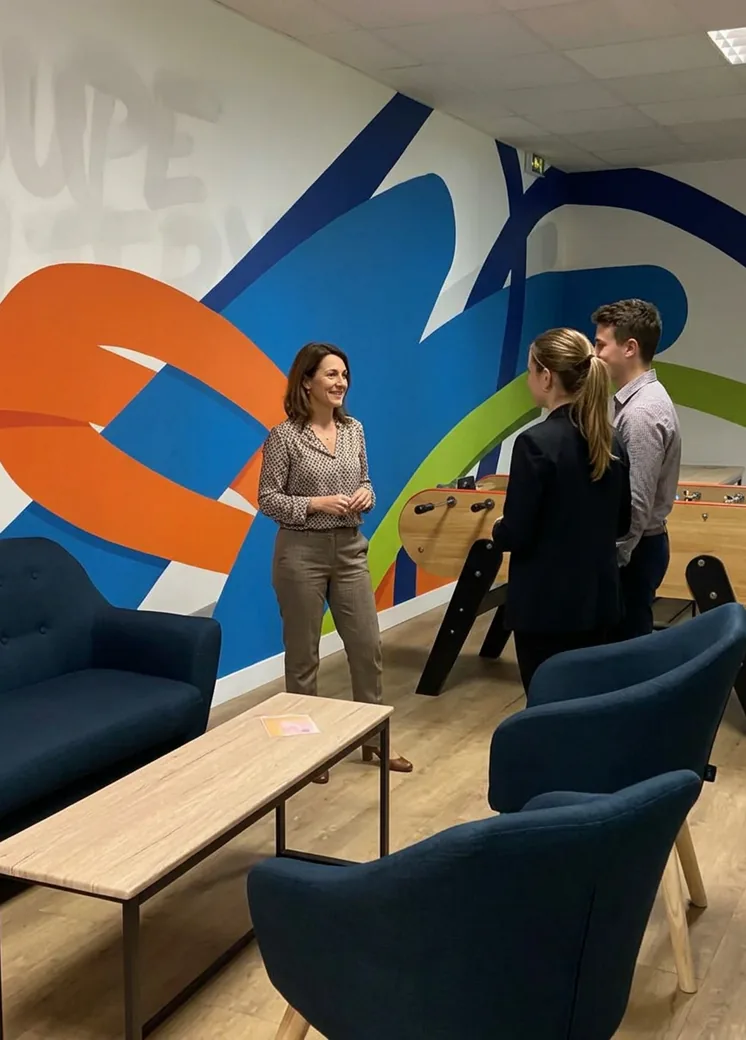
Photo illustrating ‘Help applicants picture themselves in their future trade’

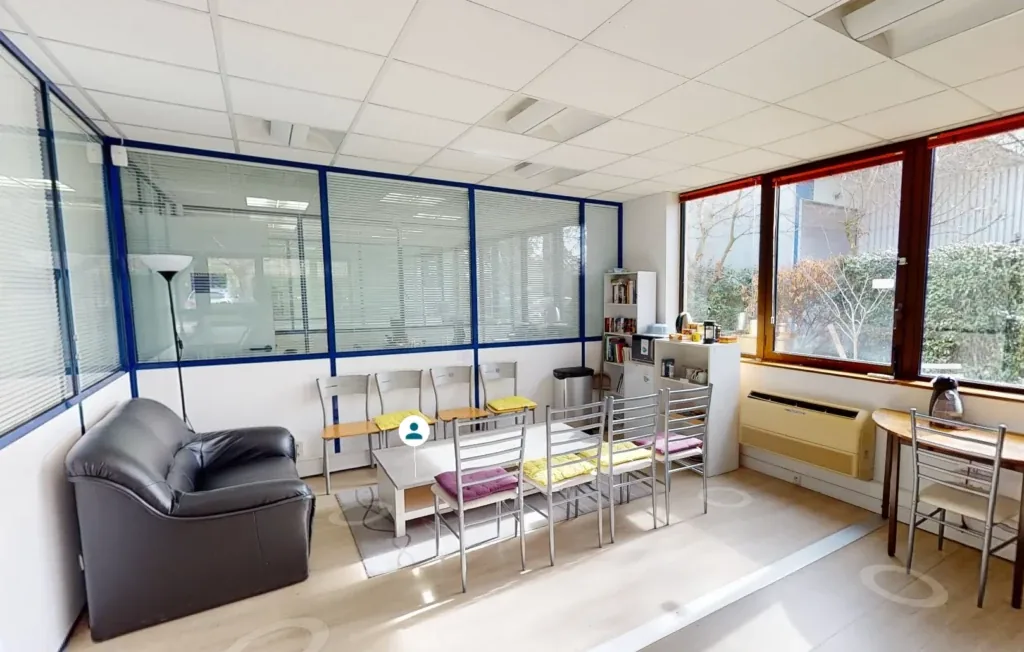
Win over funders and partner employers

An employer placing apprentices or a funder assessing a bid wants to judge your facilities. They rarely make the trip, so your equipment remains a line in a document. With the tour attached to your proposals, your technical platforms speak for you. Your bids carry more weight.

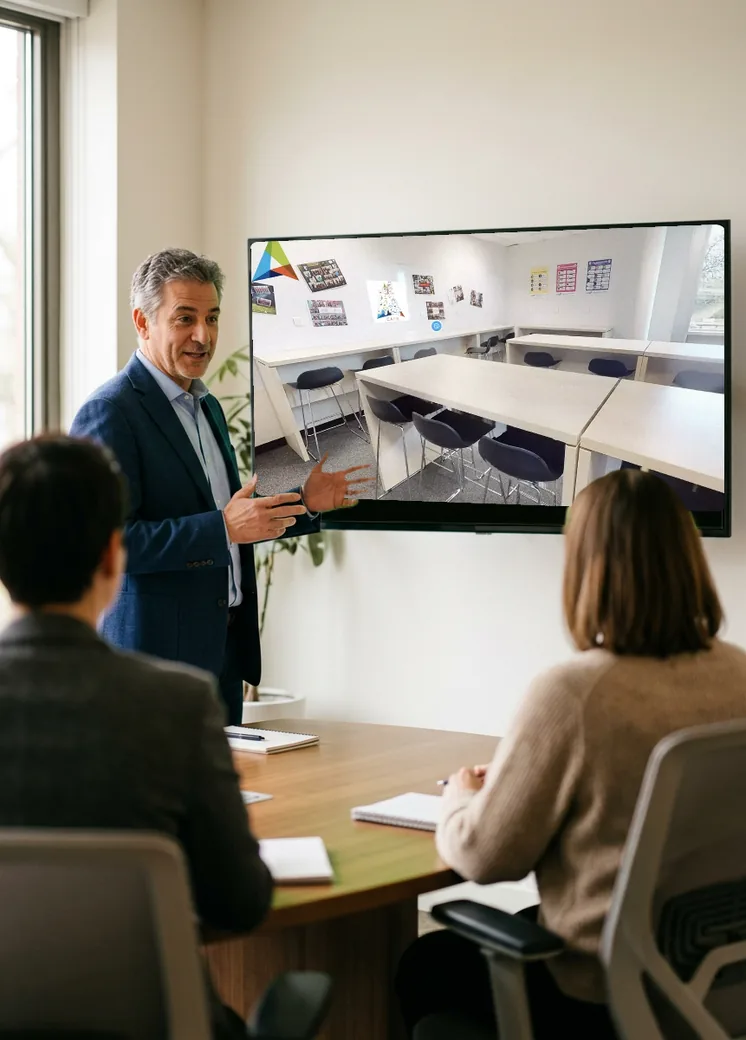
Photo illustrating ‘Win over funders and partner employers’

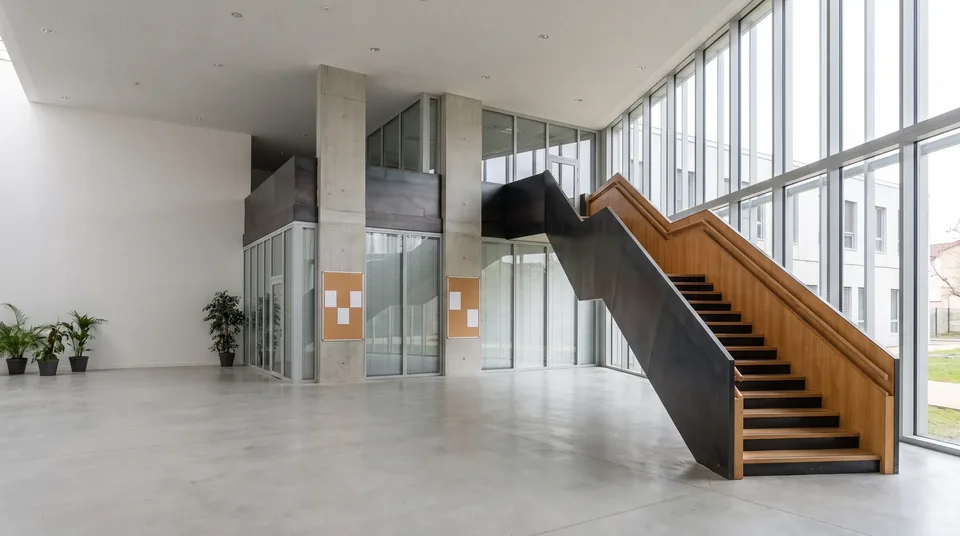
Keep your doors open all year round

Your open days tie up your teams for just a few Saturdays. The undecided Year 10 pupil in November or the family who live far away miss out. With the tour online, they discover your premises when the question comes up. Your teams can focus on interviews.

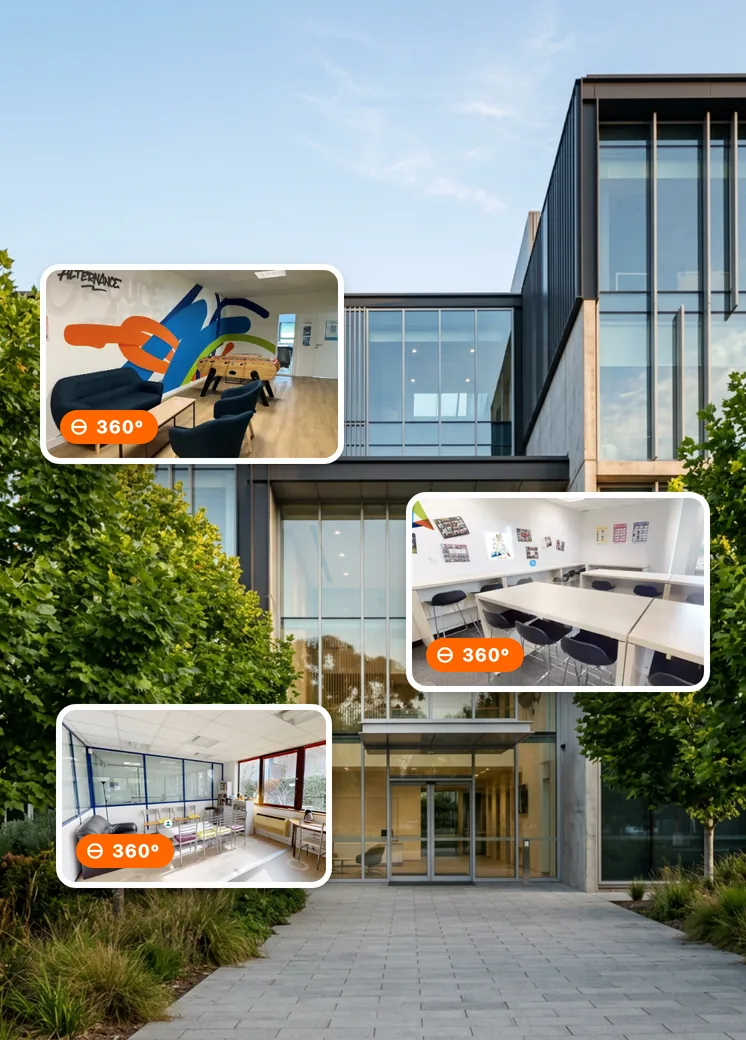
Photo illustrating ‘Keep your doors open all year round’

In which situations are easyVirtual.tours tours right for you?

  • Photo illustrating the profile ‘You run a training centre’

    You run a training centre

    • Help applicants picture themselves there
    • Keep your doors open all year round
    • Show your technical platforms online
  • Photo illustrating the profile ‘You respond to calls for proposals’

    You respond to calls for proposals

    • Win over funders and partners
    • Give assessors an accurate picture
    • Show your premises without anyone travelling
  • Photo illustrating the profile ‘You run a network of centres’

    You run a network of centres

    • Fill your courses on every site
    • Work with one single provider
    • Roll out the same result across every campus

Ready to save time?

Describe your training centre in two minutes. The nearest agency in the network will reply with a price and a date for the visit.

Each agency in the network sets its own prices freely.

Turn your virtual tour into a real performance tool!

These options add to the tour according to your priorities: presenting your programmes, guiding discovery or measuring what interests your applicants.

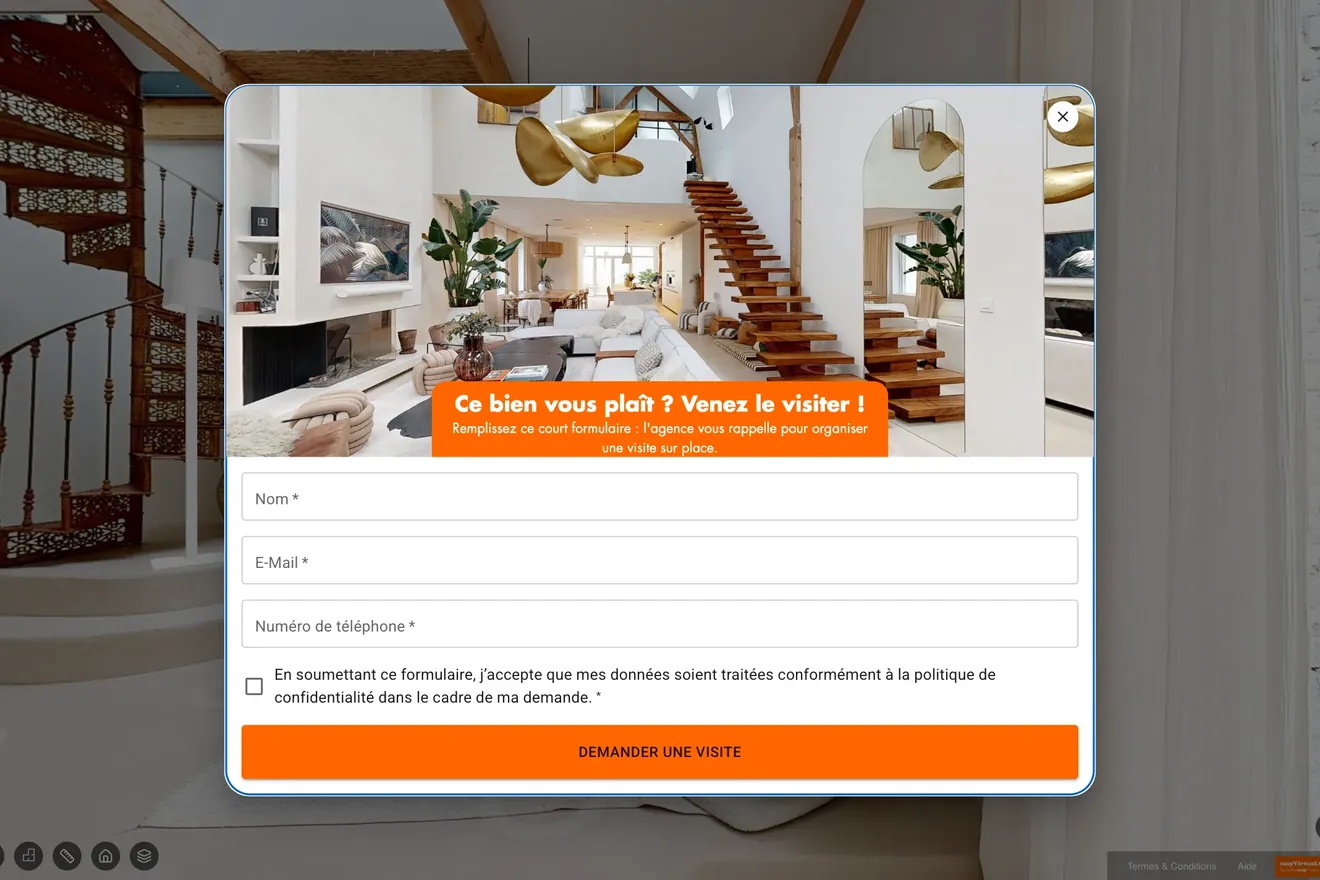
  • Contact form open over a virtual tour

    Contact form

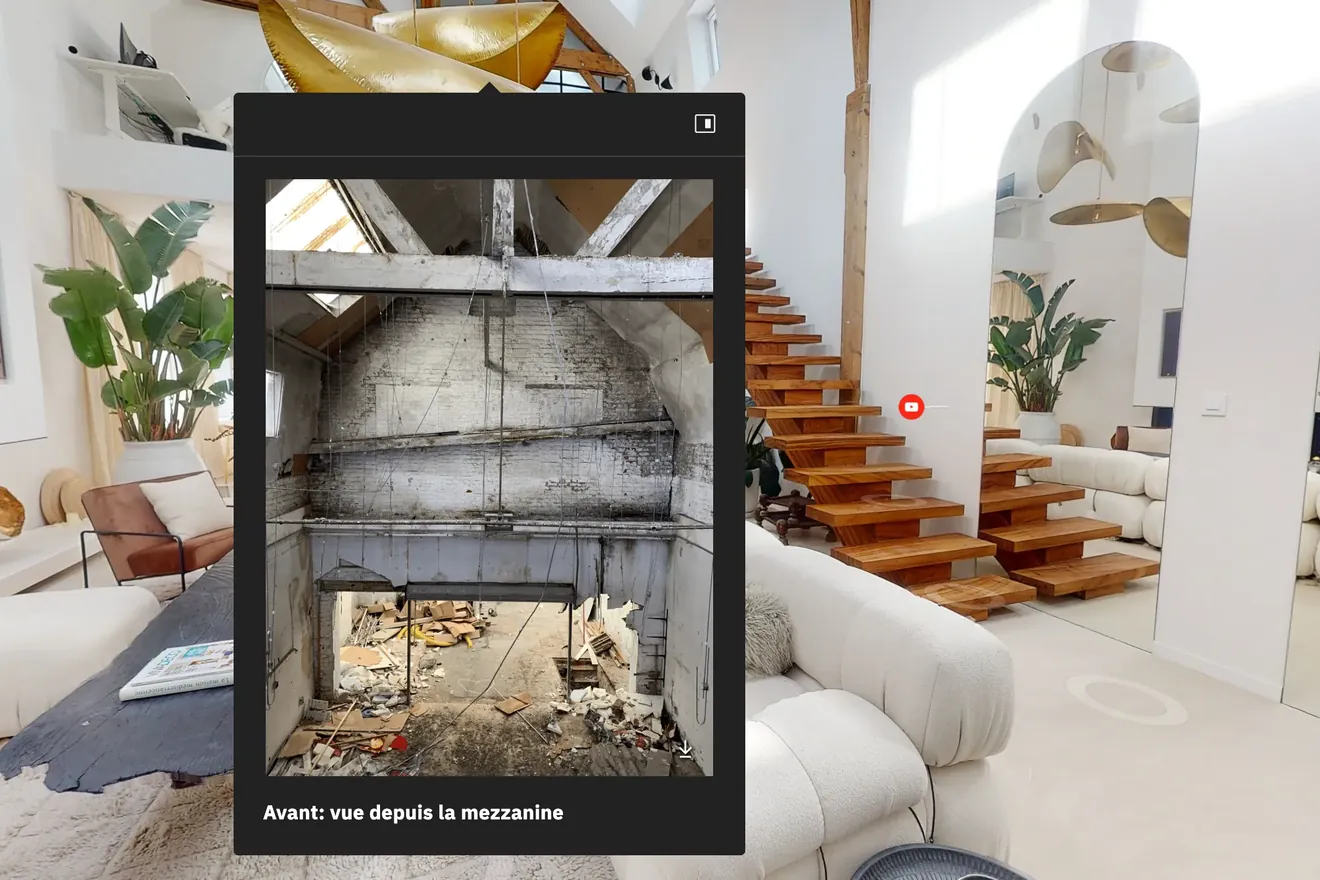
  • Point of interest open in a virtual tour, over a photo taken before the works

    Points of interest

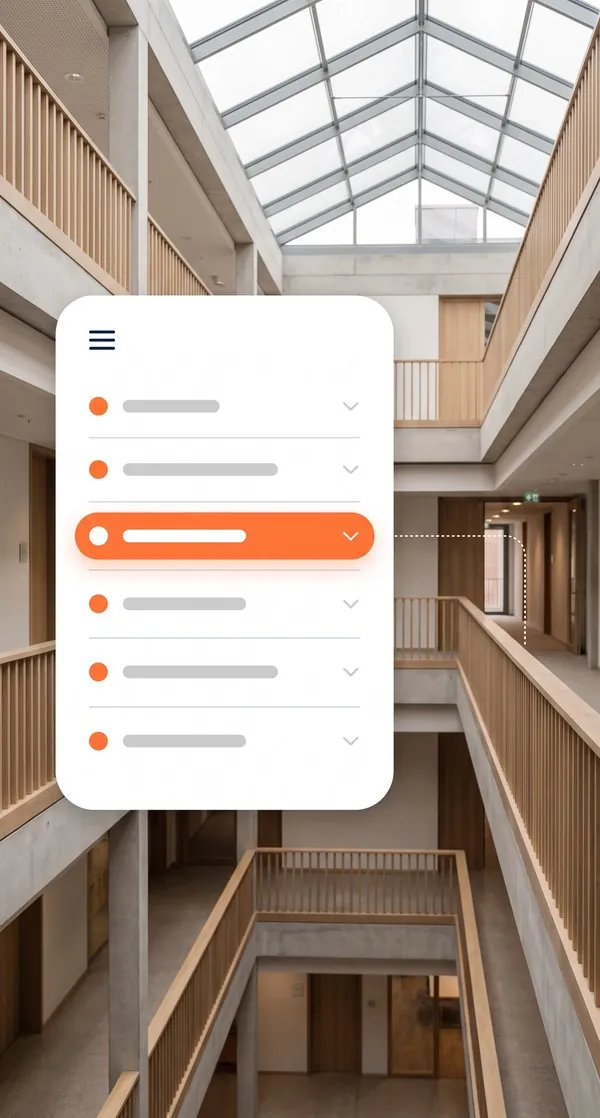
  • Virtual tour navigation menu in front of an atrium

    Navigation menu

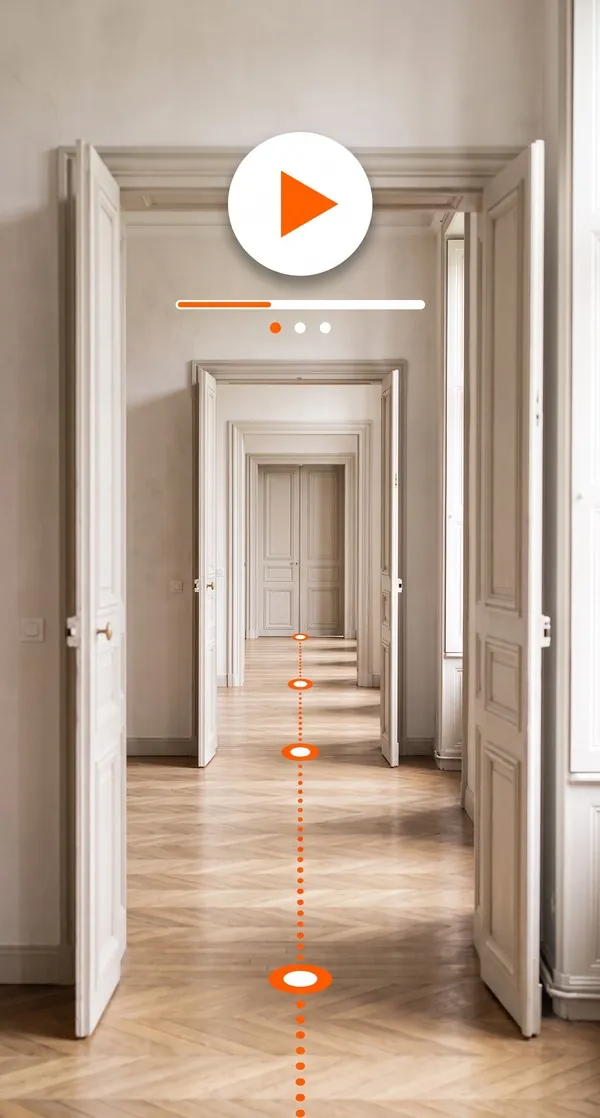
  • Suite of rooms travelled through by an automatic guided tour

    Automatic guided tour

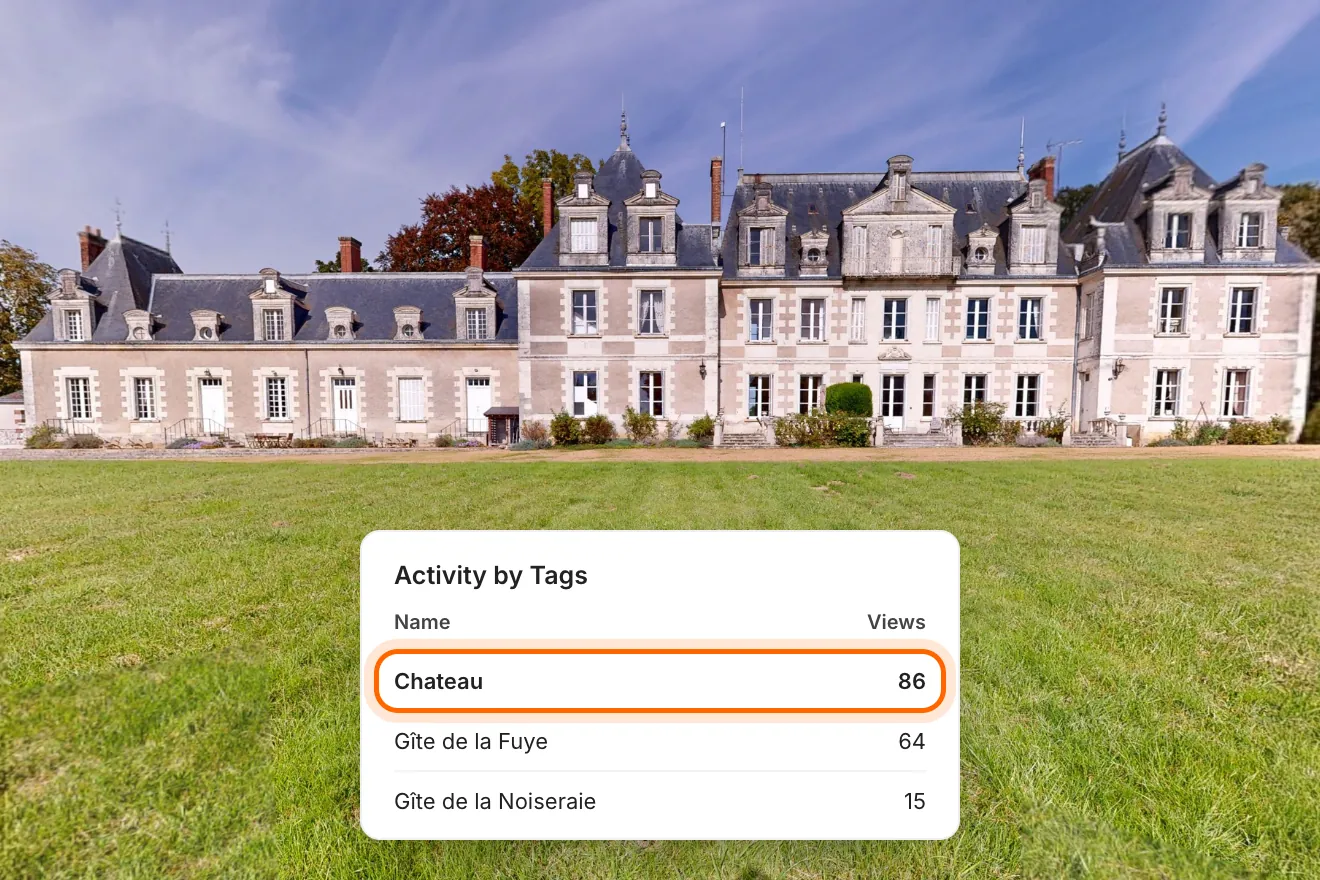
  • A château's façade and the table of its most opened points of interest, the château leading with 86 opens

    Viewing statistics

Other options
  • Vertical video for social media
All platform features

How to use your virtual tour?

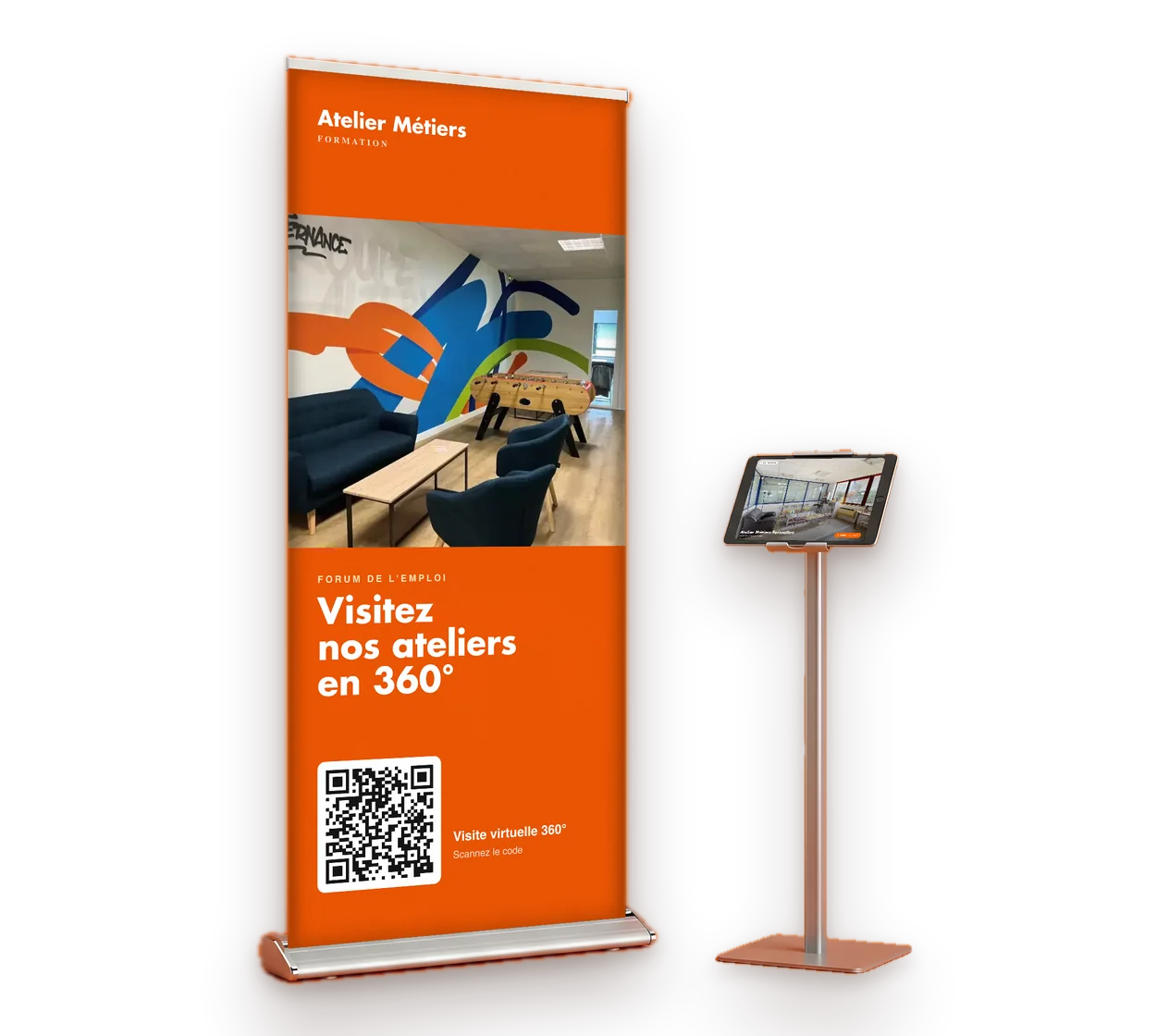
Trade show roll-up banner with a QR code, next to a tablet on a stand showing the tour

Show it at your fairs

At a jobs fair or an information session, take applicants into your workshops and training facilities from a tablet. They leave with the link to show whoever is funding their course.

  • On a tablet, on your stand
  • During your information sessions
  • At meetings with partner employers

All our virtual tours can be embedded

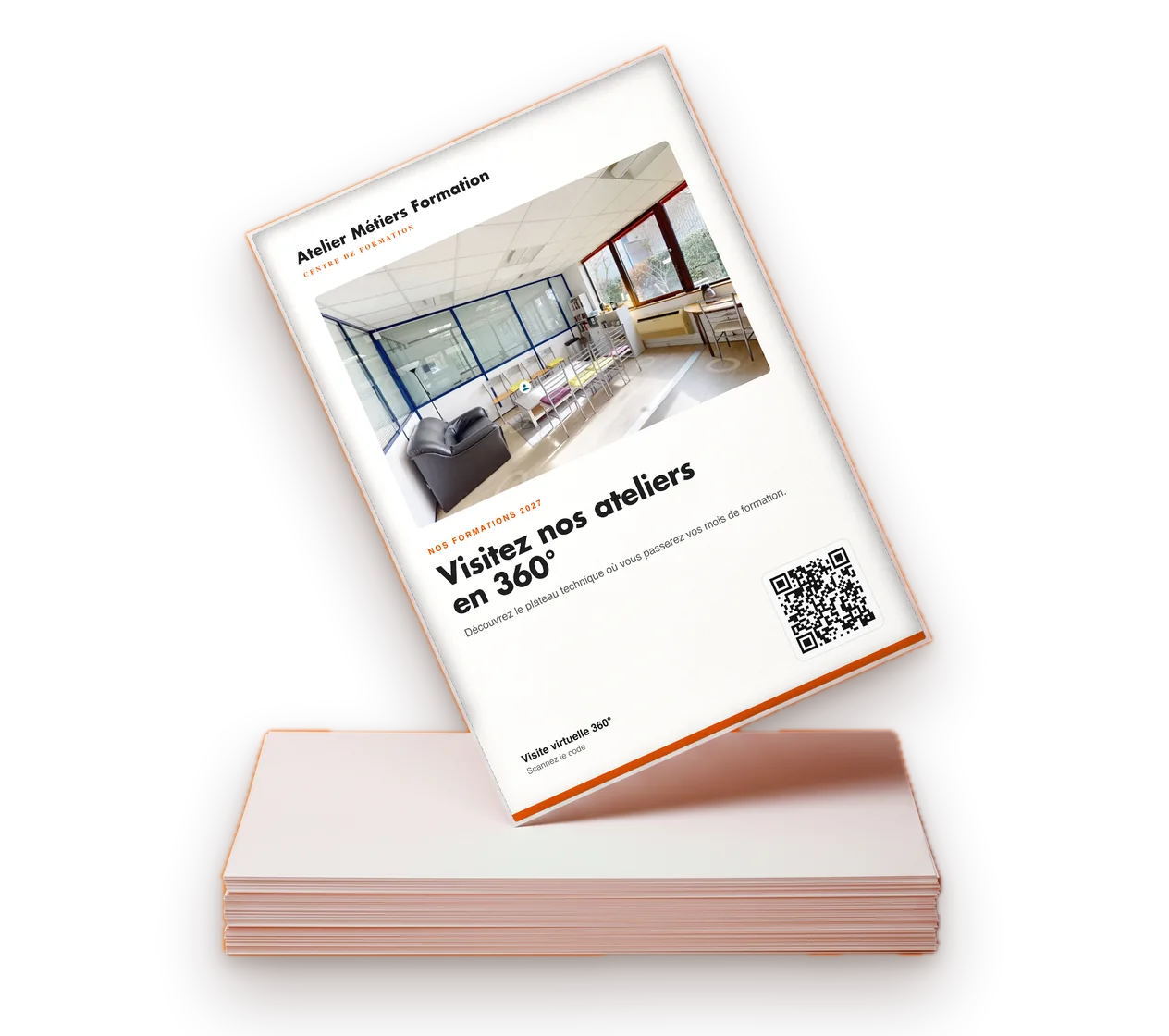
  • QR code On a shop window, flyer or sign
  • Link By email, text message or in your listings
  • Iframe Straight into your website

How do you order your first virtual tour?

Step 01

You get in touch with our team

We point you to the agency that covers your area.

Step 02

We draw up a brief together

A video call or an on-site meeting sets the scope of the project and your proposal.

Step 03

Your local contact comes to you

Your local agency captures your space on site with a Matterport 360° camera with a built-in LiDAR sensor, then handles the editing.

Step 04

You receive your virtual tour

The link and its documentation arrive within 48 business hours of the capture.

Find the agency nearest to you

36 agencies cover France. The one in your area comes to you.

See how our virtual tours adapt to your establishment

Can’t see your type of establishment here?

Let’s talk about your project

Your questions about the training centre virtual tour

Lead times, preparing the workshops, use in careers guidance and partnerships: the answers you need before arranging the capture of your centre.

  • How much does a training centre virtual tour cost?

    The amount depends on the floor area, the number of platforms and the options chosen. After a first conversation, the agency in your area draws up a tailored proposal. Each agency in the network sets its own prices freely.

  • Can workshops be captured with machines running?

    Capture takes place in prepared spaces with no activity, for safety and image quality. The machines stay in place and clearly visible, because that is what applicants want to see.

  • How long does the capture take?

    The duration depends on the number of platforms, the floor area and the layout of the site. Your contact estimates it at the scoping stage and states it in the proposal.

  • Can learners appear in the tour?

    No. Capture is scheduled with no learners present, and sensitive areas are approved with you before the tour goes live.

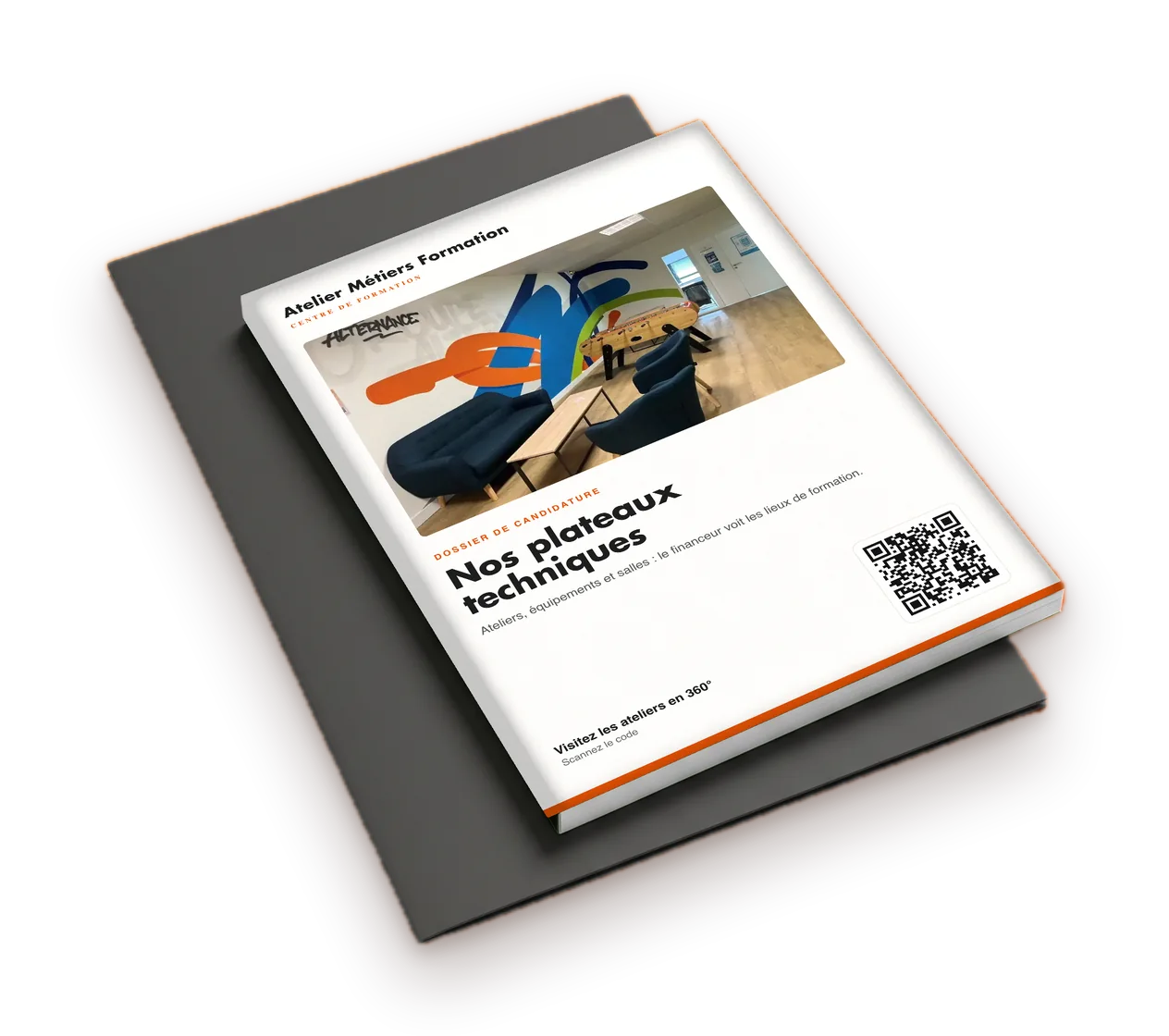
  • Can the tour include our programmes and our application pack?

    Yes. Points of interest, downloadable documents and videos are placed in the relevant rooms. On one campus in the network, the application pack became the most-viewed content in the tour.

  • Does the tour replace open days?

    It extends them. Applicants discover the centre beforehand and come to the open day with specific questions. Those who cannot travel can still visit.

Got another question?

Talk to an expert

Ready to open up your technical platforms?

Tell us about your centre, your courses and the spaces to showcase. The agency in your area gets back to you with a scope and a proposed date.

  • Reply within 24 business hours
  • Free proposal, no commitment
  • Delivery time stated in the proposal

Each agency in the network sets its own prices freely and sends you a tailored proposal.

Contact us